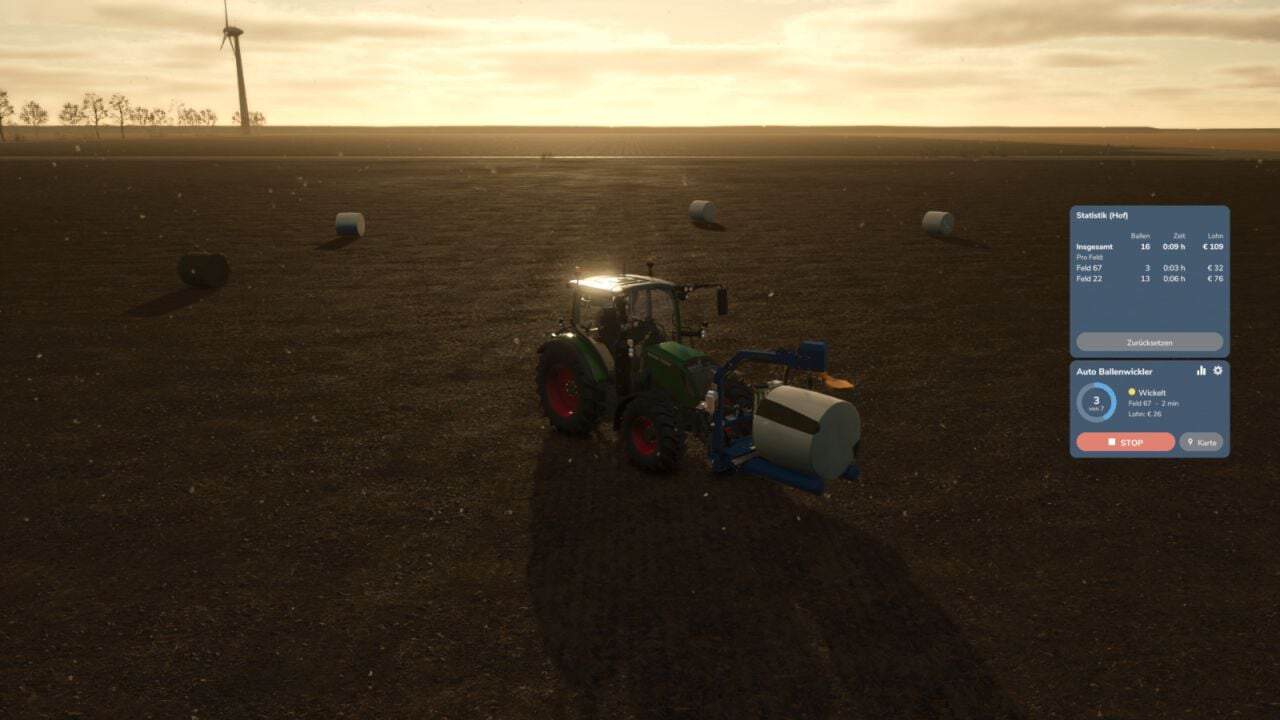
FS25 Auto Bale Wrapper V1.2.0.0
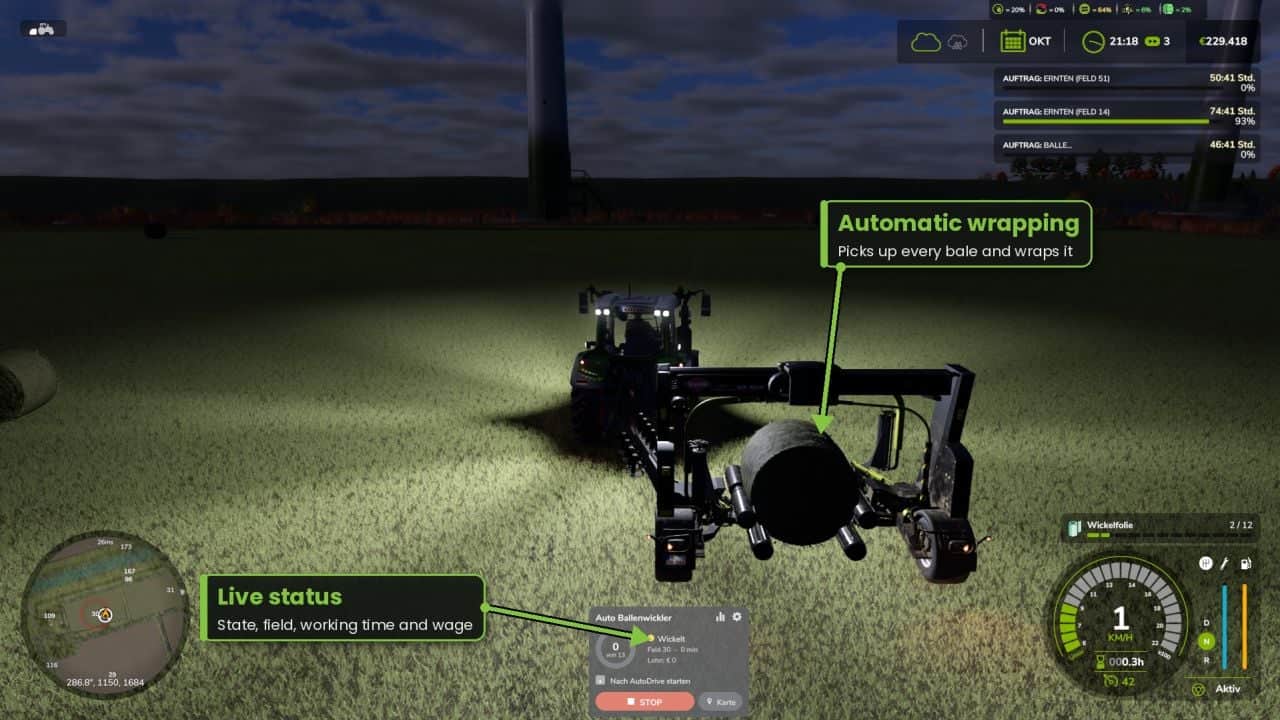
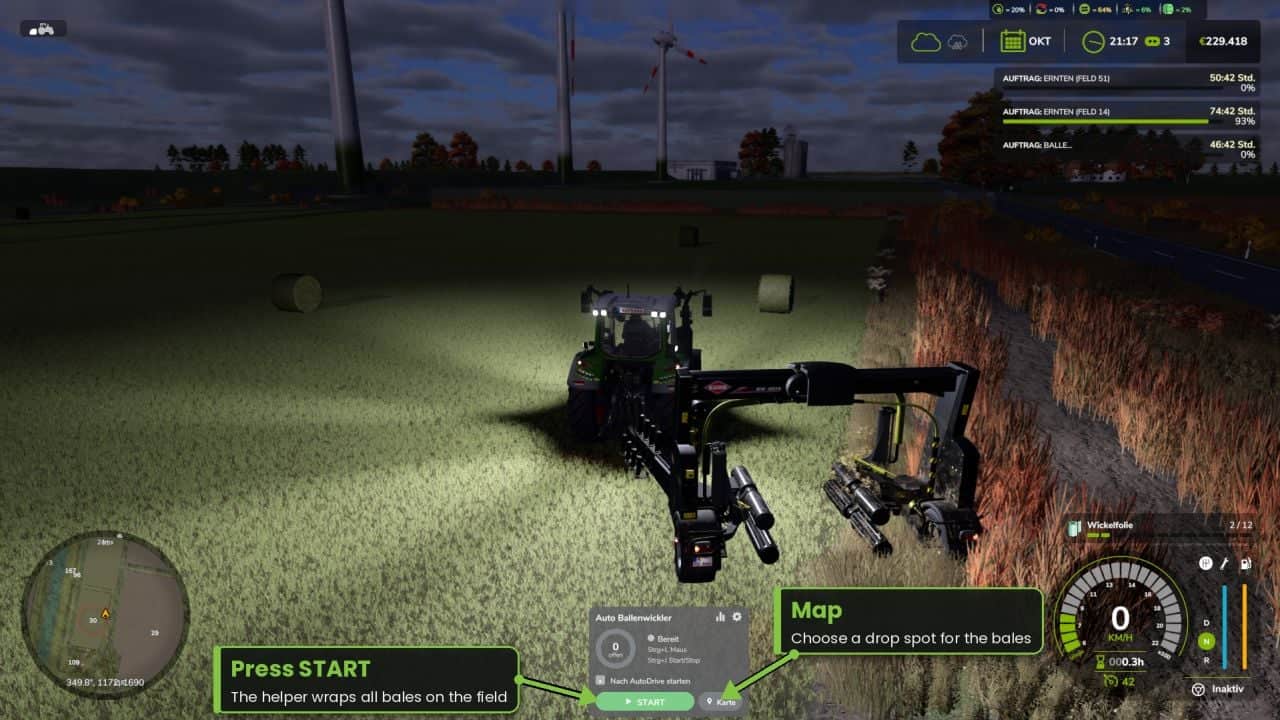
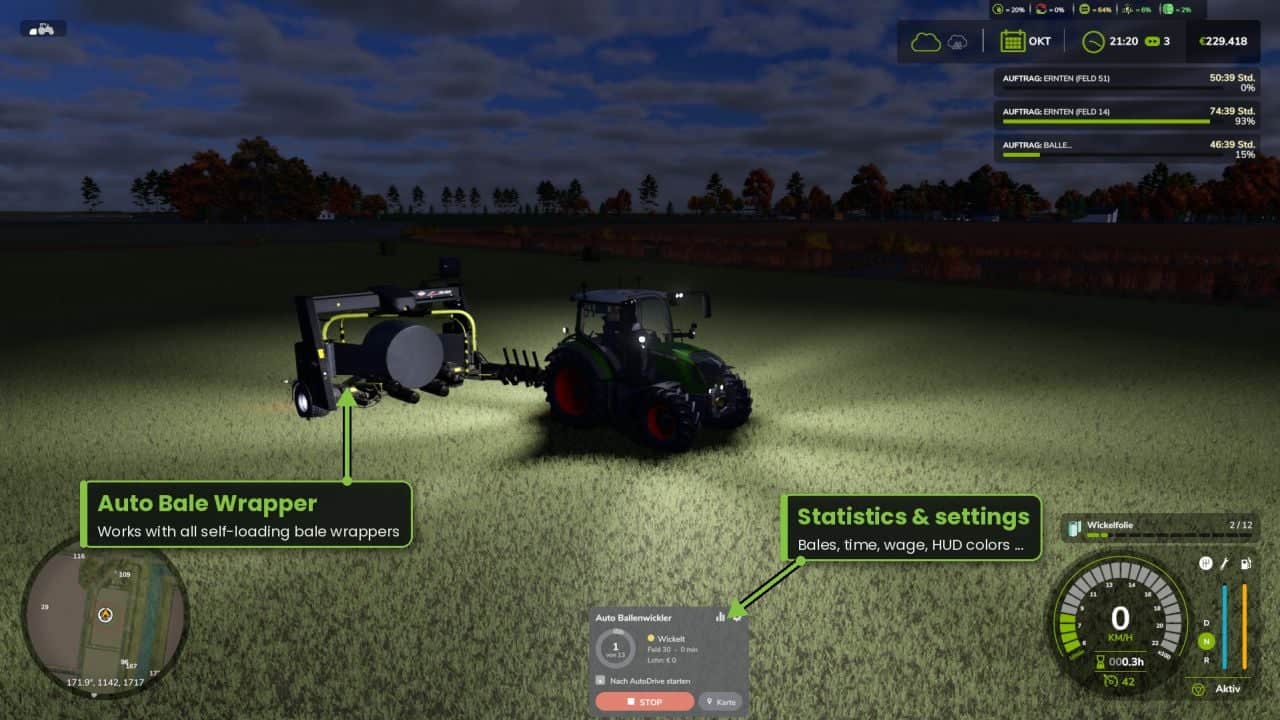
This assistant operates trailed, self-loading wrappers for round bales. Connect the wrapper, press Start, and it searches the field for unwrapped bales before wrapping them.
Features
- Searches the field for every unwrapped bale, whether round or square, while ignoring bales that are already wrapped
- Creates its own routes around bales, trees and other obstacles without leaving the field
- Uses variable speed: higher speed on straight sections, reduced speed in curves and late braking before reaching the bale
- Detects vehicles, players and objects with an obstacle sensor
- When several assistants work on the same field, they distribute the bales between them automatically
- Map unloading point: choose a position and direction so the bales are set down in an orderly row
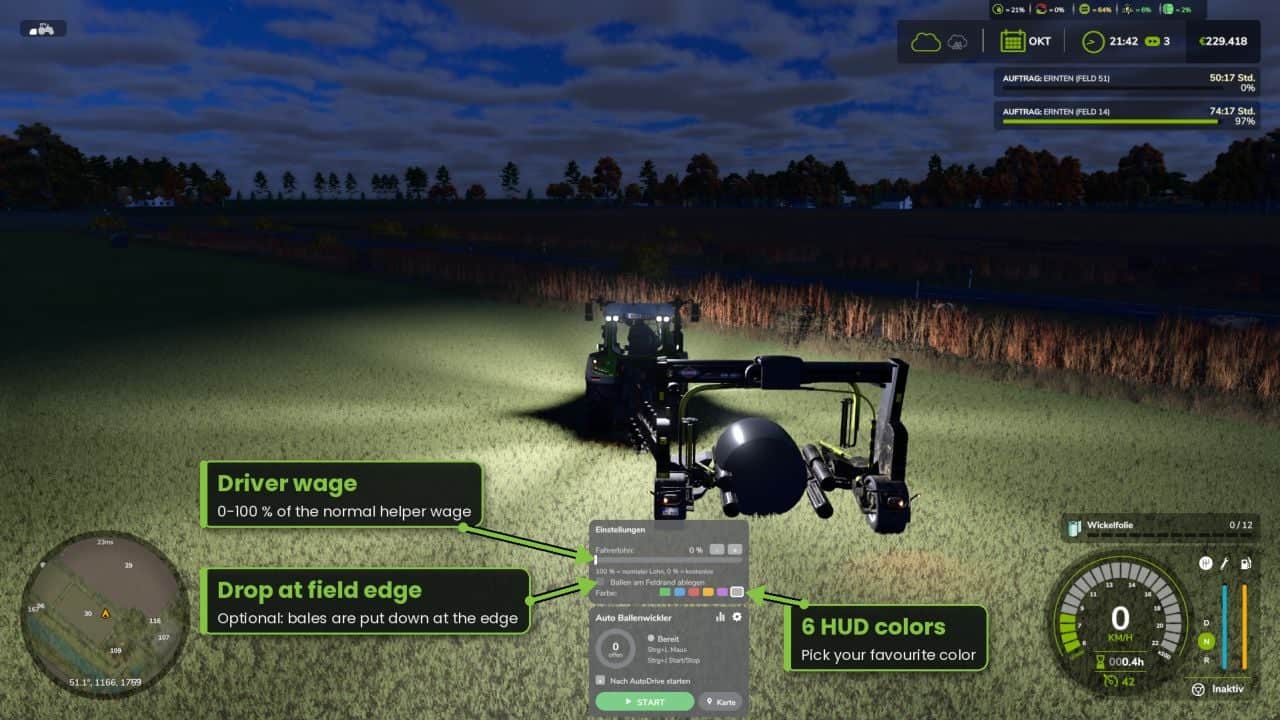
- Optional: set the bales down at the field edge
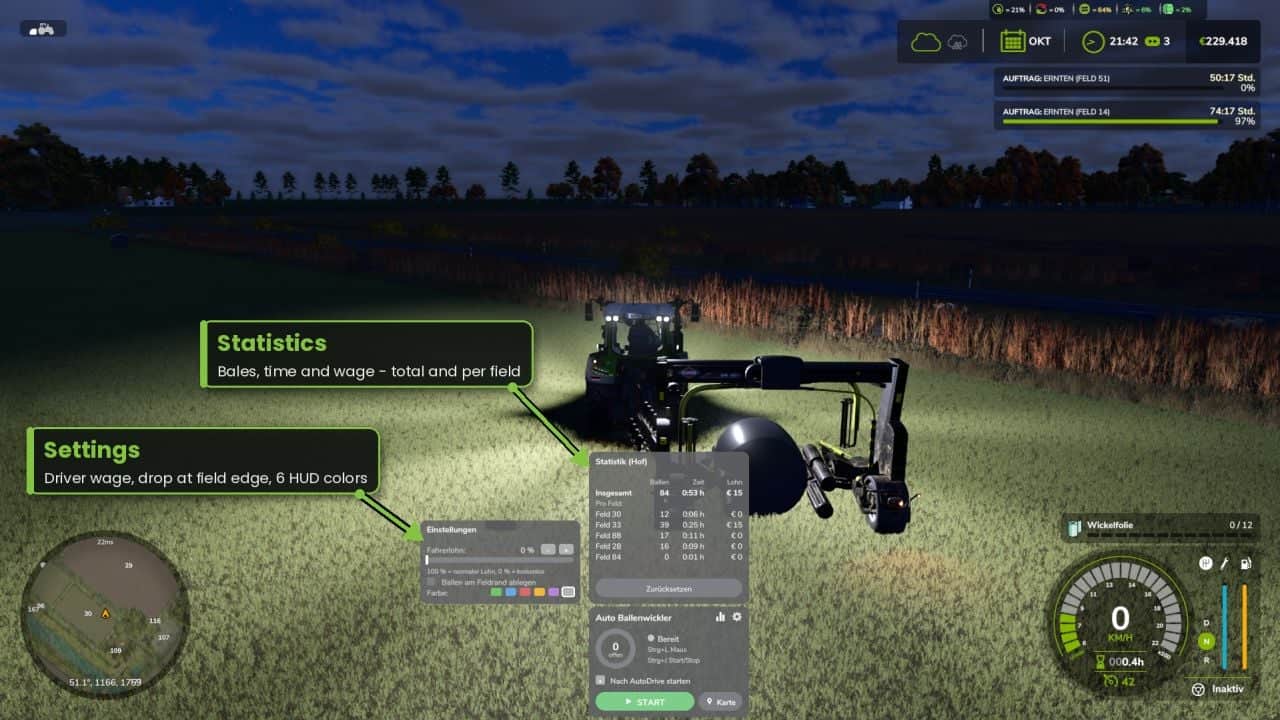
- Provides statistics for bale count, working time and driver wage, both overall and for each field
- AutoDrive handover: operation begins automatically once AutoDrive arrives at the field
- Driver wage adjustable from 0-100%, with 6 HUD colors and automatic lighting
- Movable modern HUD featuring a progress ring
- Suitable for multiplayer and dedicated servers
Controls:Ctrl+J start/stop | Ctrl+L mouse cursor | Ctrl+K show/hide HUD
(changeable in the controls menu)
Requirements:
No additional mods required. AutoDrive is optional. In multiplayer, all players need the mod.
Changelog
- V1.2.0.0
- NEW: Front mounted bale wrappers, e.g. Göweil G1015, can now be used
- The helper identifies automatically whether the wrapper is towed or front mounted
- At startup, the front wrapper lowers automatically like key V, then lifts again when the work ends
- After wrapping, the front wrapper reverses quickly at 10 km/h and chooses the nearest bales first
- The front wrapper now makes a shorter and smoother approach to each bale
- Title and description now include a French translation
- New mod icon added
- Cleanup for the GIANTS ModHub, TestRunner fixes, no change in driving
- V1.1.8.0
- New: Detour: when a bale is reachable only by taking the long route, for example around a pond, ditch or group of trees, the helper finds that route and continues driving without stopping
- Water and ditches beside the field are recognized and are never crossed
- The curve speed can be changed in the settings, with 14 km/h as the default instead of 11 km/h
- Optional: Autodrive von @Iwan1803 https://www.fs25modhub.com/autodrive-v1-0-0-0/
- Improved: The helper now consistently chooses the nearest bale and no longer drives across the field unnecessarily
- When multiple helpers are active, each one favors the bales nearest to its own position
- When reversing space is unavailable, the helper moves forward slightly and searches once more
- Braking before curves is smoother
- Fixed: On large fields, bales more than 400 m away were not detected and remained behind
- Following a detour, bales were incorrectly marked as unreachable
- V1.1.2.0
- 1.0.12.0 – New: The rig stays locked during reversing, preventing the wrapper from jackknifing
- New: The helper countersteers against jackknifing and aligns the rig before it reverses
- New: If starting beside the field, e.g. after AutoDrive hand-over, the helper can cross the field boundary to enter the field