

FS25 Farm Assistent V3.1.0.0
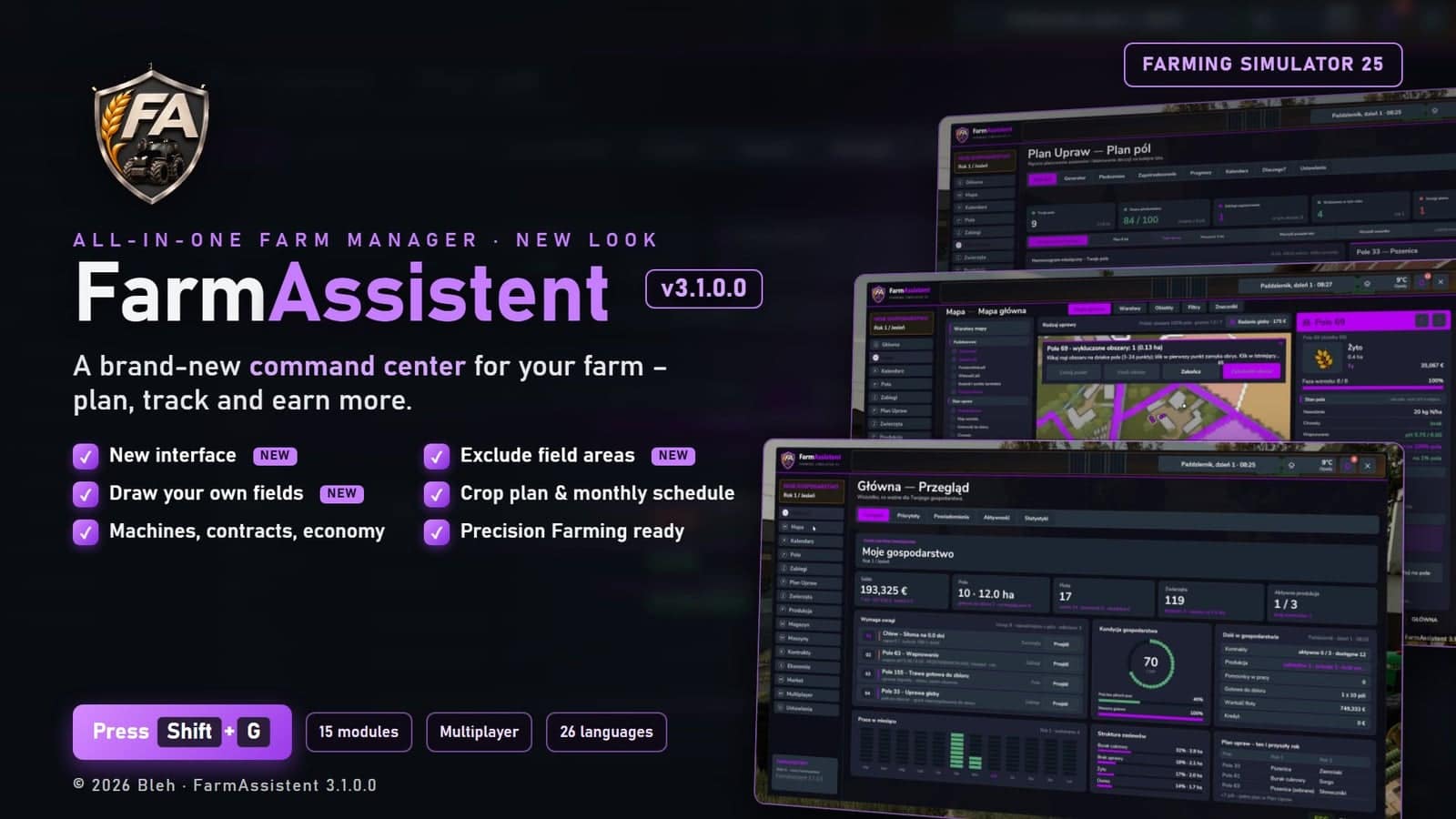
FarmAssistent supports farm management in Farming Simulator 25. Open its single menu with Shift+G and use the live HUD for fields, crop plans, field work, animals, production, storage, machines, contracts, economy and the market.
Features
- The assistant contains 15 modules with 90 tabs.
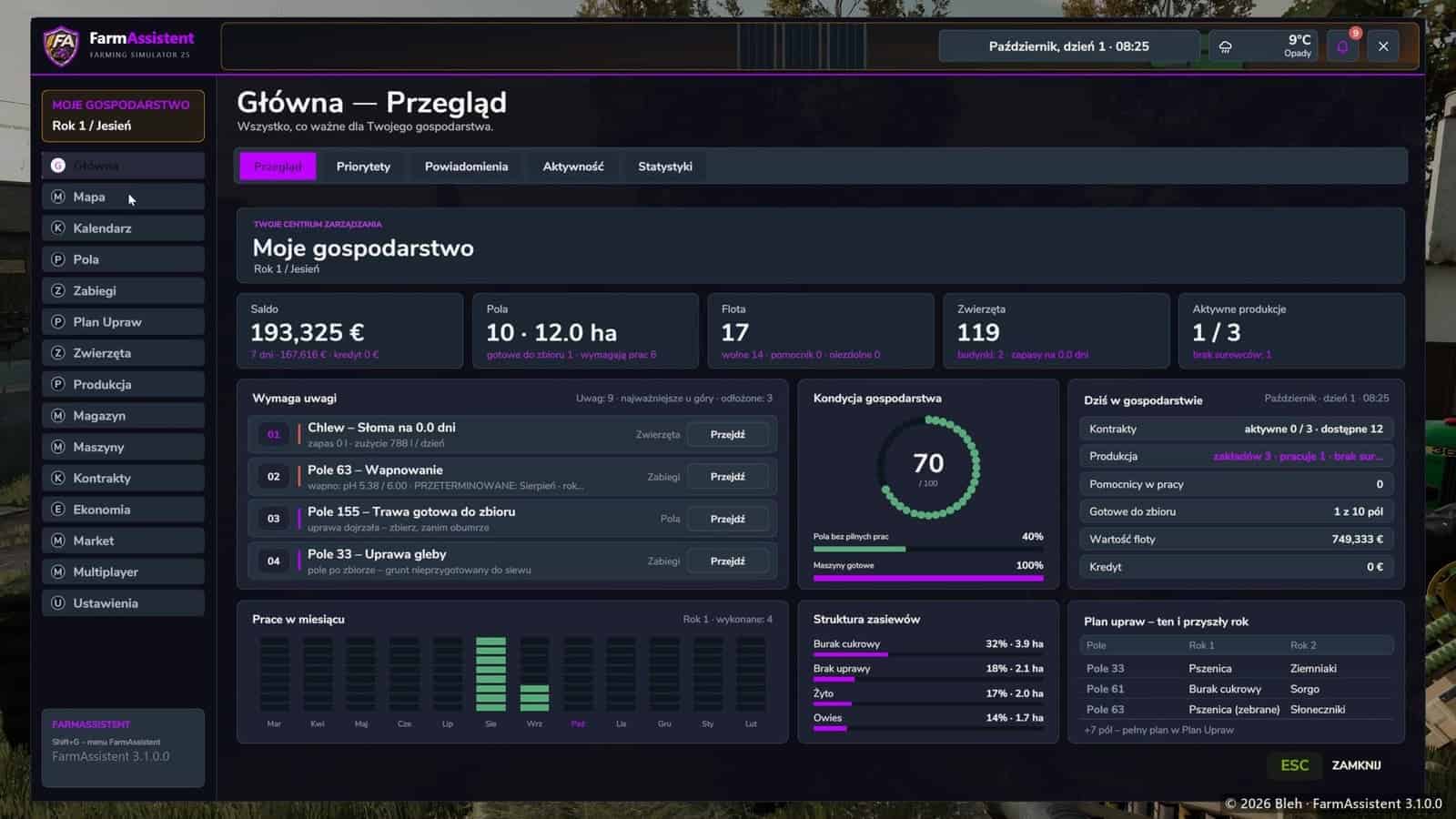
- Home provides a farm overview, priorities, a notification centre, activity and statistics.
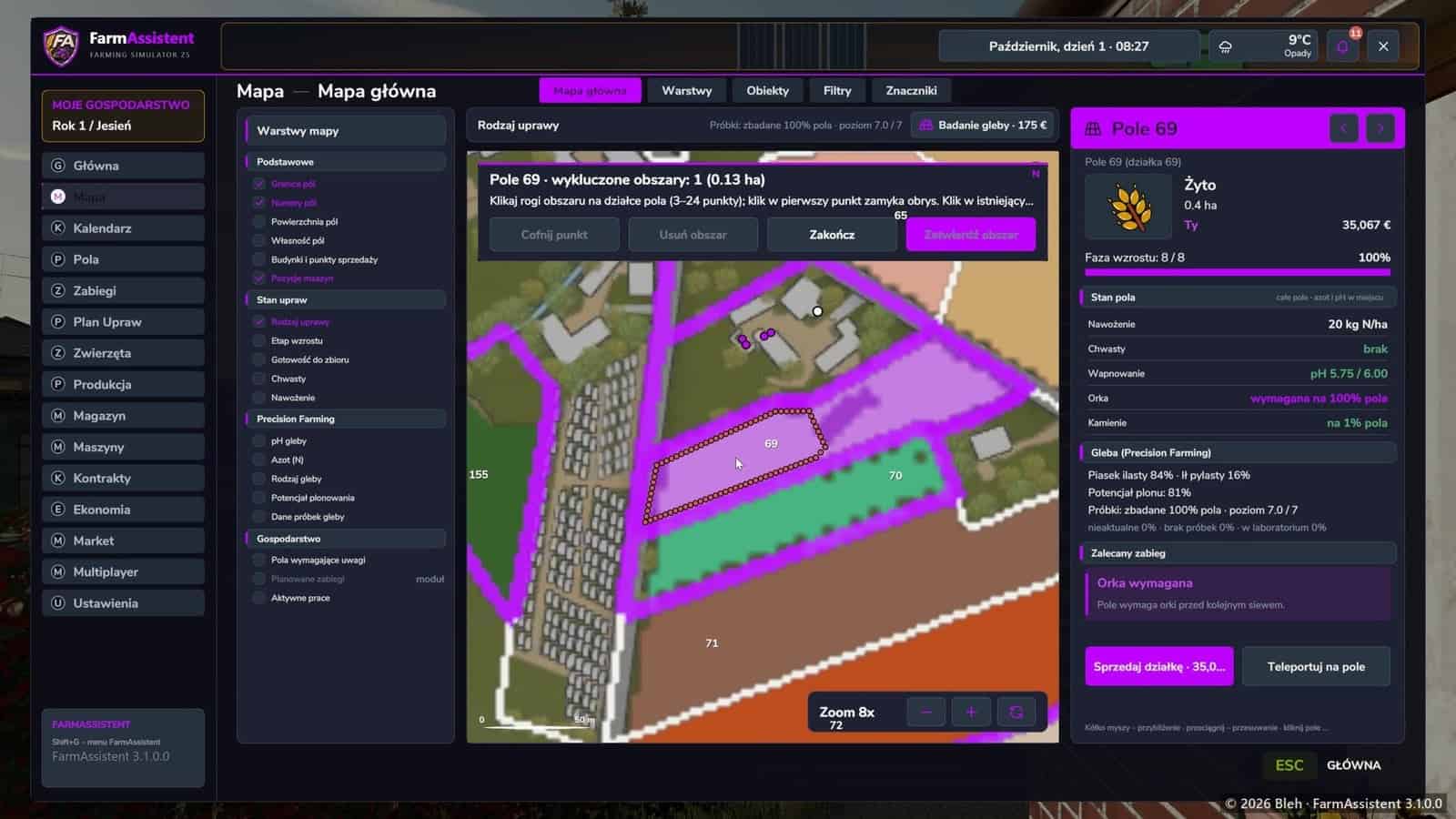
- Map offers layers for crop type, growth stage, harvest readiness, weeds, fertilising, field ownership and vehicle positions. It also includes objects, filters and custom markers.
- Calendar displays 12 months for sowing and harvest windows, work, contracts and sales.
- Fields covers fertilising, weeds, liming, plowing and stones, together with history, analysis and soil state.
- Field work contains treatment plans, work orders, schedules, history and explanations of why work is required.
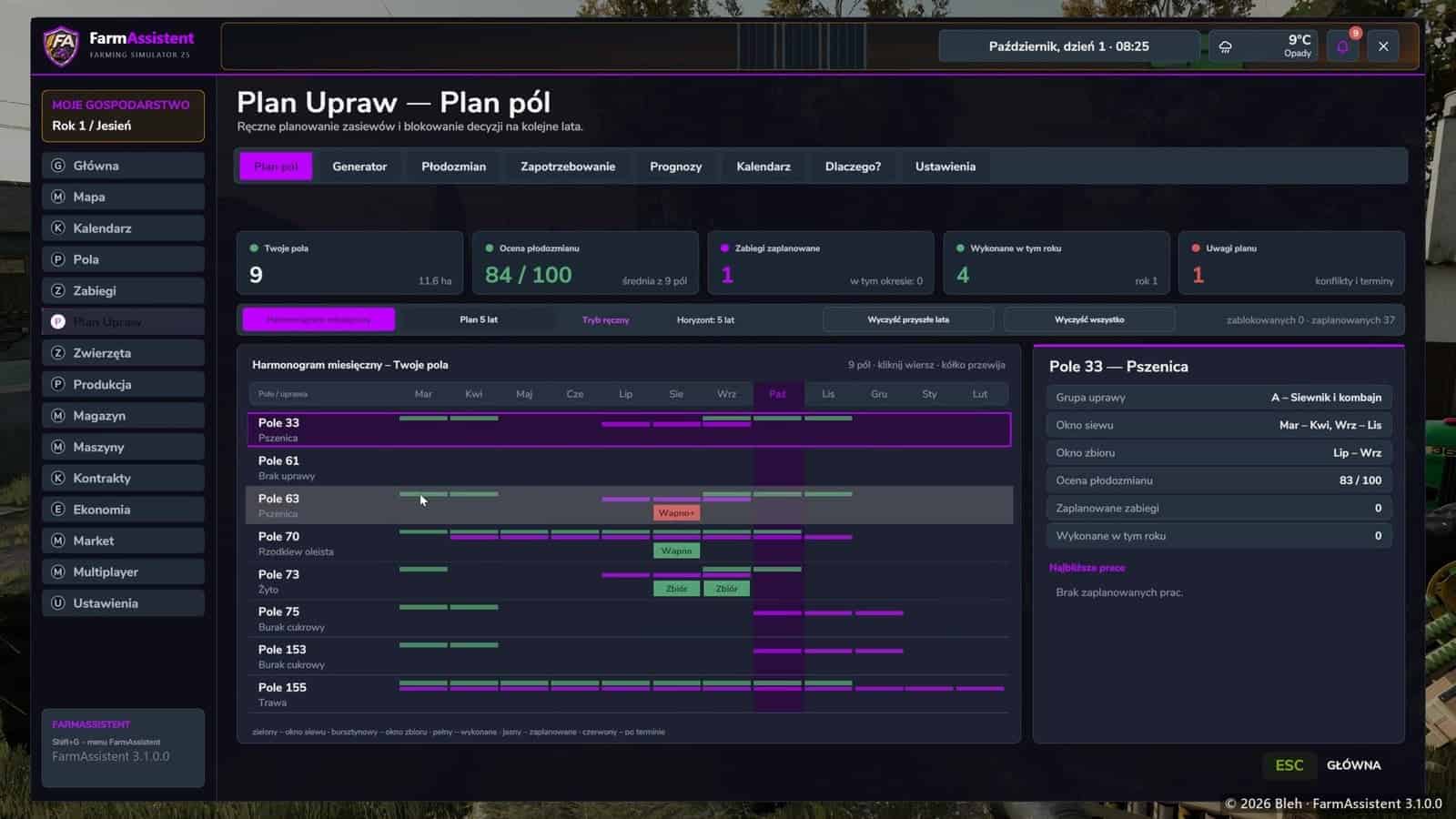
- Crop plan supports planning for 5 years, crop rotation, a plan generator, animal and production demand, and forecasts.
- Animals shows buildings, herds, feed, productivity, breeding and history.
- Production includes production plants, recipes, inputs and products, production chains and analysis.
- Storage brings together silos, silage, pallets, bales, object storages, tanks and history.
- Machines shows fleet images and condition, availability, service, location, tasks and history.
- Contracts lists available missions, rewards, equipment lease costs, net results, active and finished contracts, and profitability.
- Economy tracks income, expenses, budget and farm profitability.
- Market displays current prices, selling points, price history, comparison, an advisor and demand.
- Multiplayer includes players, farms, roles, a shared task board and activity.
- Settings offers 11 themes, a custom accent colour, window and text size, HUD layout, menu tabs, notifications, integrations and diagnostics.
- The compact HUD shows time, balance, period, alerts and the field where you are standing, including crop, growth, needed work and Precision Farming soil data.
- On-screen notifications are available together with a notification centre and history.
- When the Precision Farming DLC is active, FarmAssistent displays soil type, pH, nitrogen and soil sample data in the field list, field details, map layers and HUD. Without the DLC, all other functions work normally.
- Singleplayer and multiplayer are supported. Changes pass through the server with permission checks, and planning is limited to fields belonging to your own farm.
- Your team can use a shared task board, roles and admin tools.
- 26 languages are included: Polish, English, German, French, Italian, Spanish (ES + Latin America), Portuguese (PT + Brazil), Dutch, Czech, Danish, Finnish, Swedish, Norwegian, Hungarian, Romanian, Russian, Ukrainian, Turkish, Japanese, Korean, Chinese (Simplified + Traditional), Vietnamese and Indonesian.
- The FarmAssistent language may be different from the game language. Go to Settings → FarmAssistent → Language to switch instantly without restarting.
How to use
- Place
FS25_FarmAssistent.zipinDocumentsMy GamesFarmingSimulator2025mods; keep the archive zipped. - Activate FarmAssistent for your savegame.
- During the game, use
Shift+Gto open FarmAssistent. PressEscto return to Home or close the window.
Compatibility:
- Farming Simulator 25, tested on game version 1.25.1.0.
- Made for any map, reading fields, crops and buildings from the loaded map. Tested on a mod map.
- Optional: Precision Farming DLC.
- The mod does not replace any game files. It only reads game data; actions such as buying soil samples, accepting a contract and repairing a vehicle use the game’s own functions and prices.
Notes:
- Crop, product and month names are taken from the game and displayed in the game language.
- Translations other than Polish and English are machine-assisted.
- When reporting bugs, include your
log.txtfromDocumentsMy GamesFarmingSimulator2025log.txt.
Usage:
- The mod may be downloaded and used for private play, singleplayer and multiplayer.
- Do NOT re-upload, mirror or redistribute the mod or any part of it on other websites or services.
- Do NOT modify, convert, rename or publish edited versions, and do NOT claim the mod as your own.
- Do NOT use the mod or its parts in commercial products or paid content.
- Using the mod in videos and streams is allowed when you name the mod and the author.
All other uses require the author’s prior written permission.
Changelog
- V3.1.0.0
New look, brand-new interface





