

FS25 GPS Extended V1.0.0.0
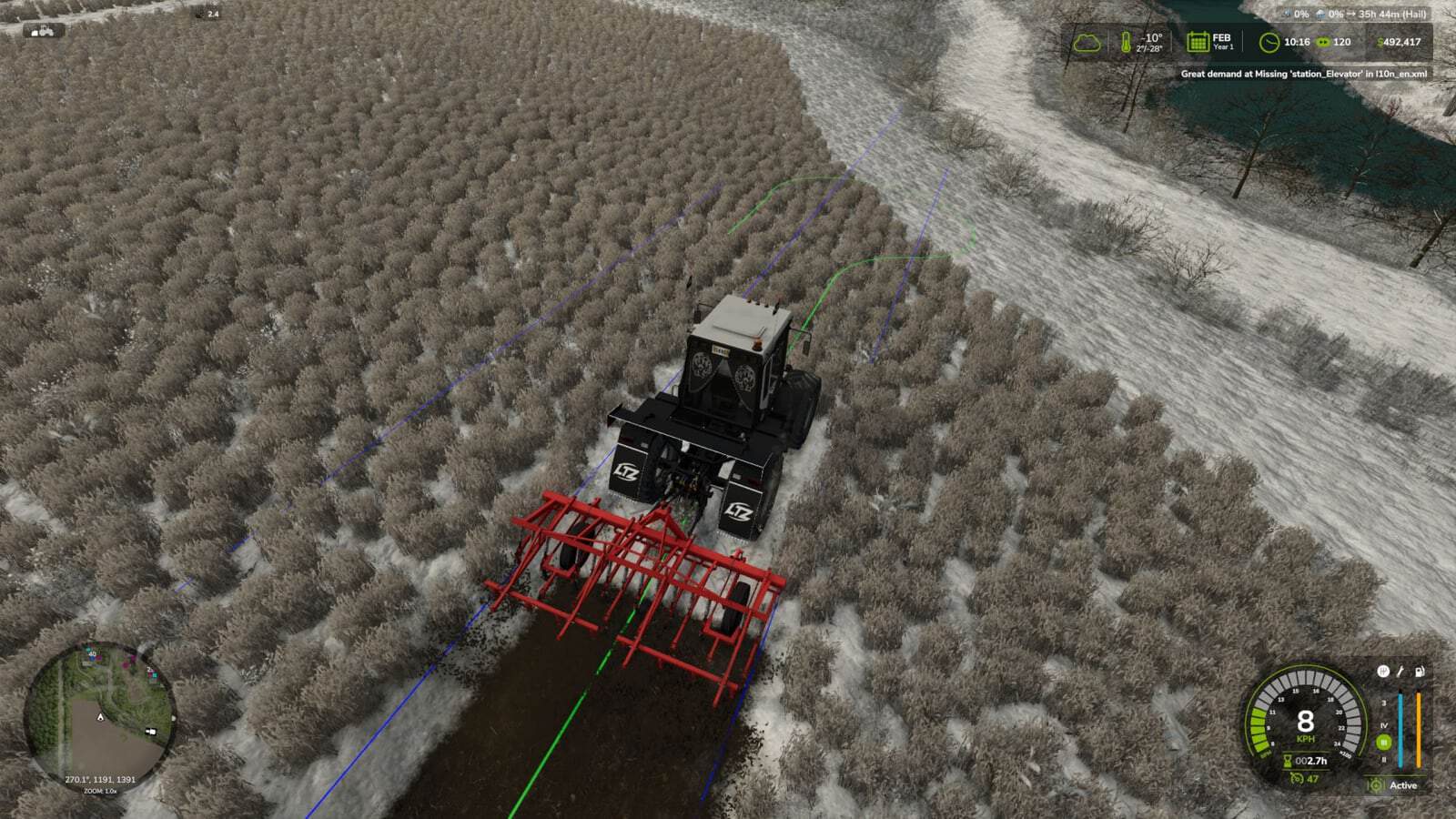
GPS Extended adds more functions to the standard “Steering Assistance”. Once cruise control is active, the vehicle turns automatically at the end of a work pass, drives to the selected row and continues the work. GPS lines show the planned turning trajectory and target row beforehand.
Features
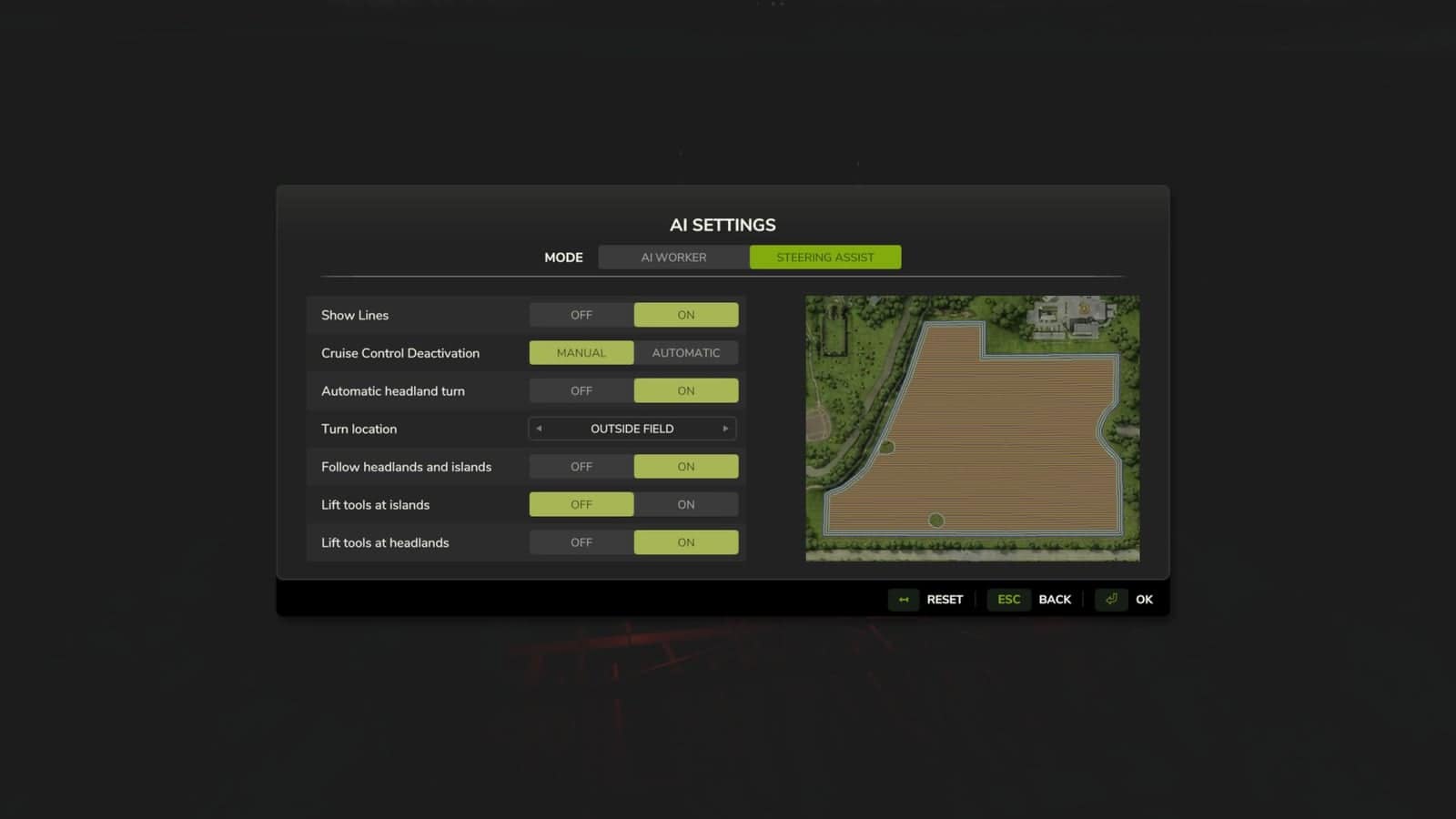
- Automatic headland turn. The settings let you decide whether the vehicle turns inside the field or beyond the field boundary.
- Manual selection of the next row. Use Left Ctrl + Left Alt + ← to choose the row on the left, or Left Ctrl + Left Alt + → for the row on the right. A row can be selected up to ten rows from the current one, including rows that have already been processed.
- Contour guidance. GPS links headland sections and guides the vehicle around islands. When an island blocks a work row, the mod looks for a route back to the continuation of that same row.
- Implement control. During the manoeuvre, the mod lifts the implement and turns off its working mechanisms. After the row is reached, their operating state is restored. Turns and island bypasses have separate settings.
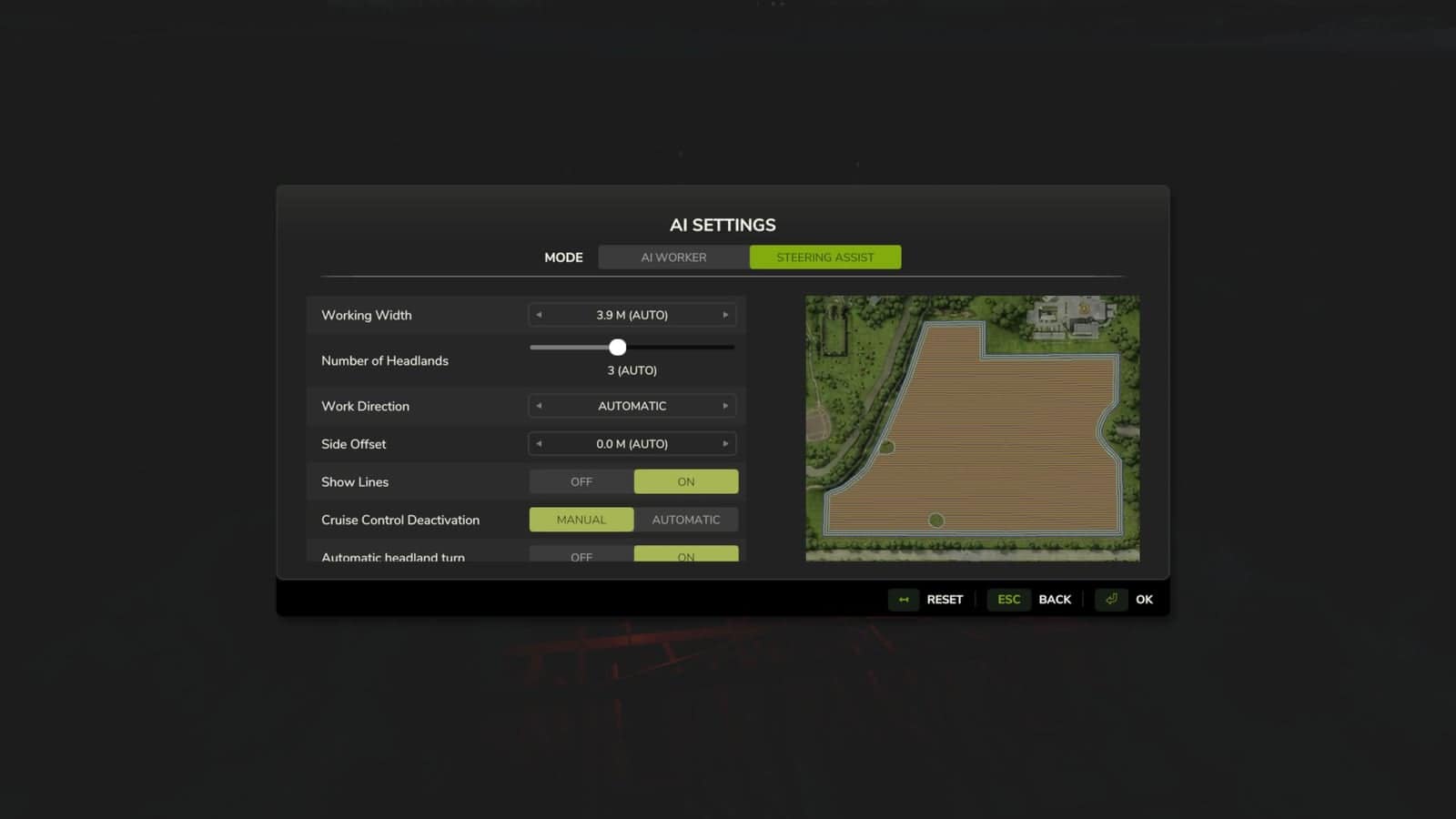
- Course without headlands. Set the number of headlands to zero in the course settings and create a route made up only of the work rows.
How to enable
In the “Steering Assistance” settings, create a field course and switch on “Automatic headland turn”. After that, activate GPS and cruise control. The vehicle stops if no suitable turning trajectory is available.





