
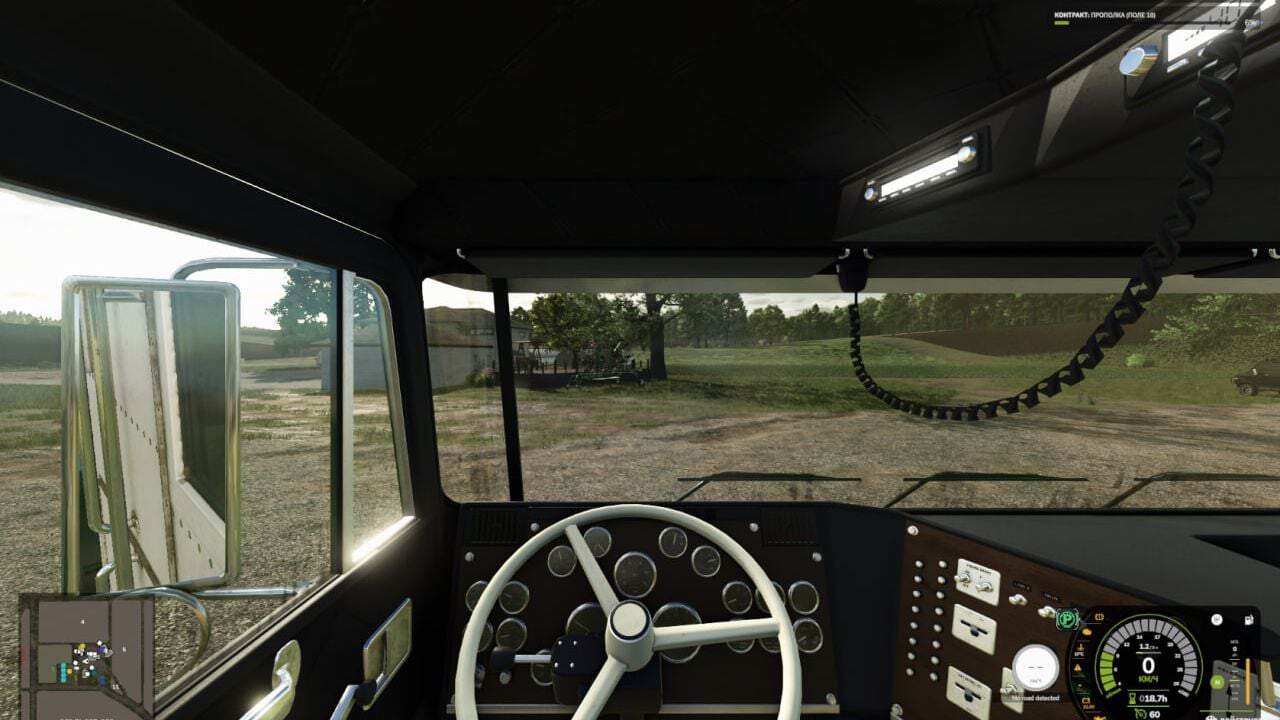

FS25 Better Cruise and Shift V1.0.0.0
Better Cruise and Shift brings together intelligent gear selection and cruise control that holds the vehicle’s current speed.
Features
- Smart Gearbox. The familiar gear up and gear down buttons remain in use. During travel, pressing one button selects the suitable gear in the chosen direction, based on the logic of the game’s standard automatic transmission. When you accelerate or decelerate, unnecessary intermediate gears can be skipped.
- The gearbox stays manual, so every shift is made at your command. Selection takes place inside the current range. If the vehicle is stationary, the usual sequential selection applies: choose a starting gear beforehand, or move through neutral to reverse.
- Clutch behavior considers both the selected control mode and the properties of the supported gearbox. With «manual with clutch» selected, press the clutch whenever necessary. The Lizard 362 PowerShift keeps its standard clutchless shifting. CVTs and fully automatic gearboxes continue to operate normally.
- Cruise at Current Speed. Reach the speed you want, then press the regular cruise control button. The current speed is locked instead of the value set previously. While driving, the standard adjustment buttons can raise or lower the cruise speed.
- Pressing the brake or accelerator cancels cruise control. If the accelerator is held when cruise control is switched on, release it first, because the following press cancels cruise control. Holding the cruise control button does not enable maximum speed. It can be activated from 1 km/h, within the normal speed limits of the particular vehicle.
- Current steering wheel and controller assignments for gears, clutch and cruise control remain functional. In the game’s control settings, neutral and the Smart Shift toggle can also be assigned to different controls.
Default Keyboard Controls
- NumPad + / NumPad -: gear up / gear down.
- Left Shift: clutch, when required by the selected mode.
- Left Ctrl + N: neutral.
- Left Ctrl + Left Alt + G: enable or disable Smart Shift on the current vehicle.
- 3: enable or disable cruise control.
- 2 / 1: increase / decrease cruise speed.
- Accelerator or brake: disengage cruise control.
Single-player, PC only. Languages: Russian and English.





