FS25 Animal Planner V2.0.0.1
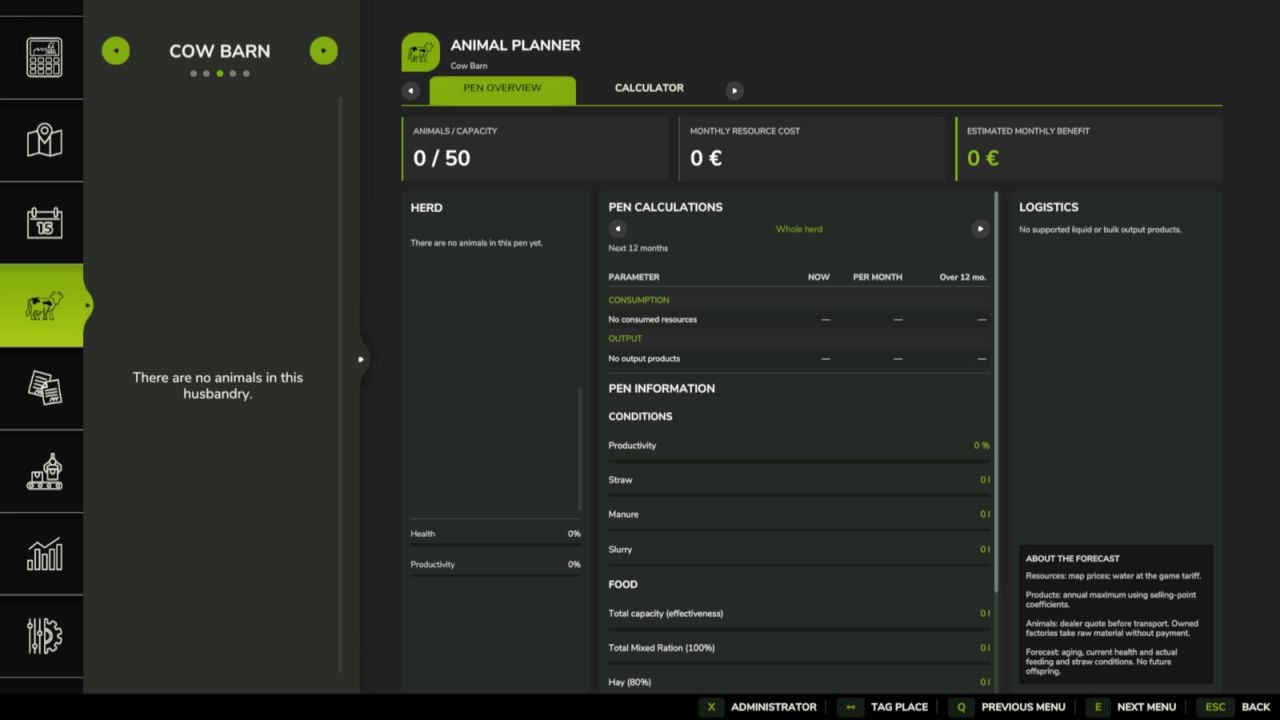
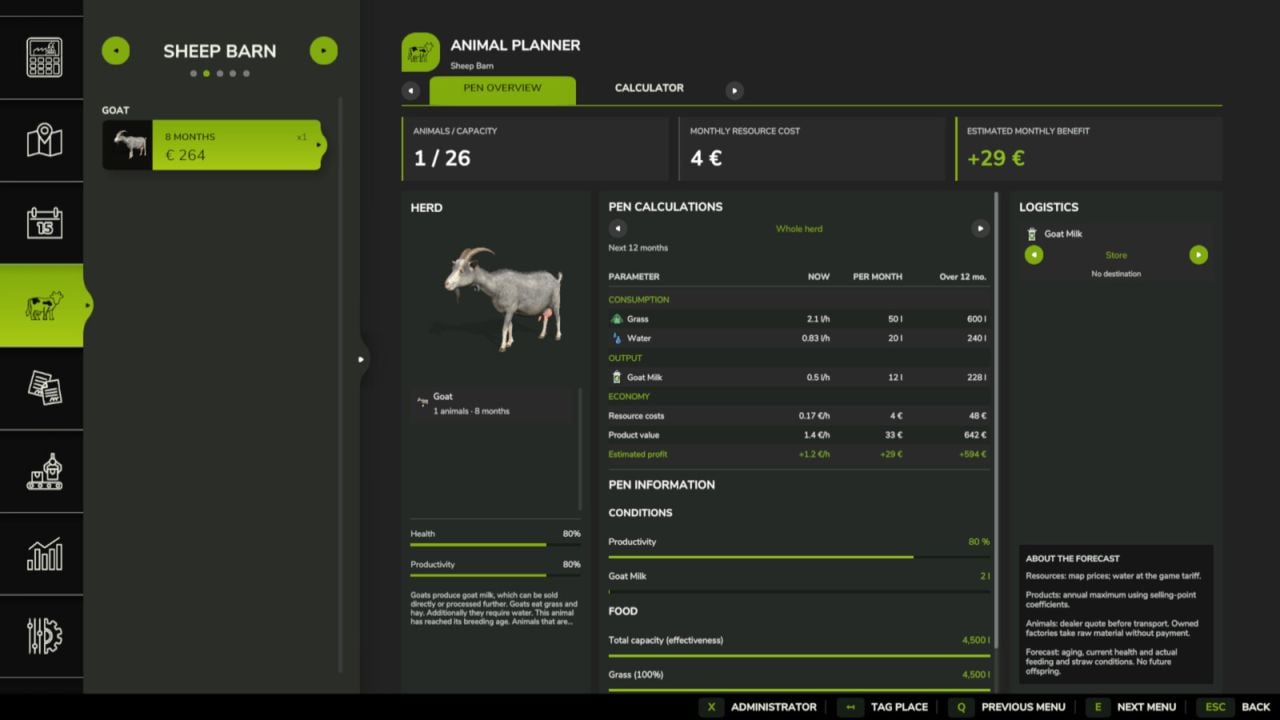
Animal Planner brings detailed husbandry planning into the Animals menu.
Features
- Hourly consumption and production are shown for the current situation and adjusted to the game’s days-per-month setting.
- Check the current herd or a chosen group, including forecasts that take age into account.
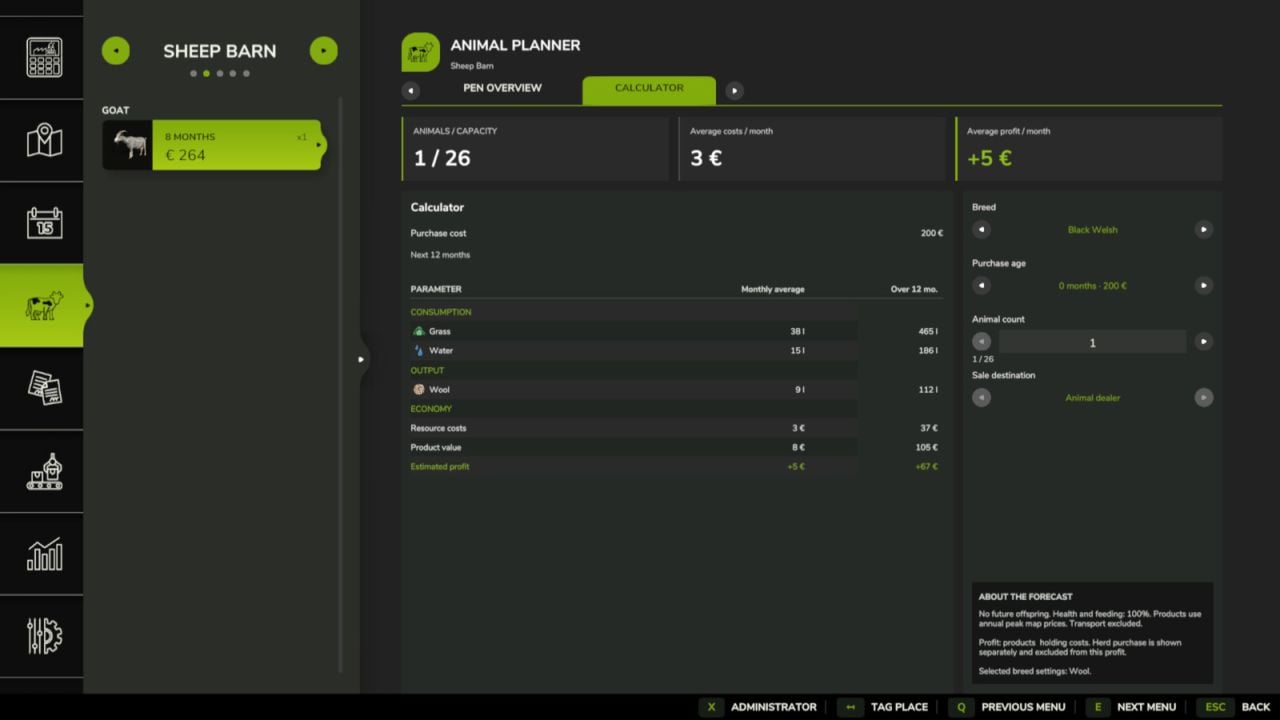
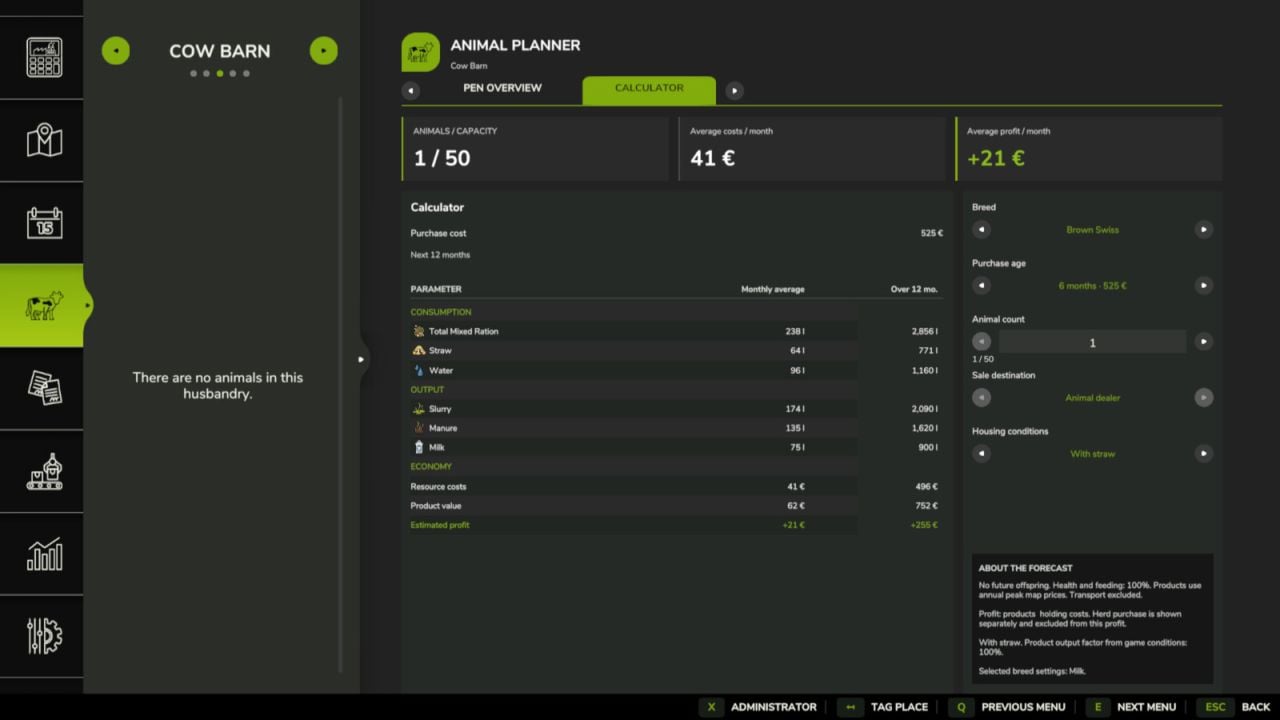
- Calculate results separately by breed, purchase age and animal count, without purchasing animals.
- Review feed costs, product value, herd value growth and expected profit in one economic overview.
- Get recommendations for the sale age of animals mainly raised for sale.
- Manage product logistics through internal storage, pallet unloading, equal automatic distribution to compatible farm-owned productions and automatic selling.
- Storage warnings appear at 10%, 1% and 0% free capacity.
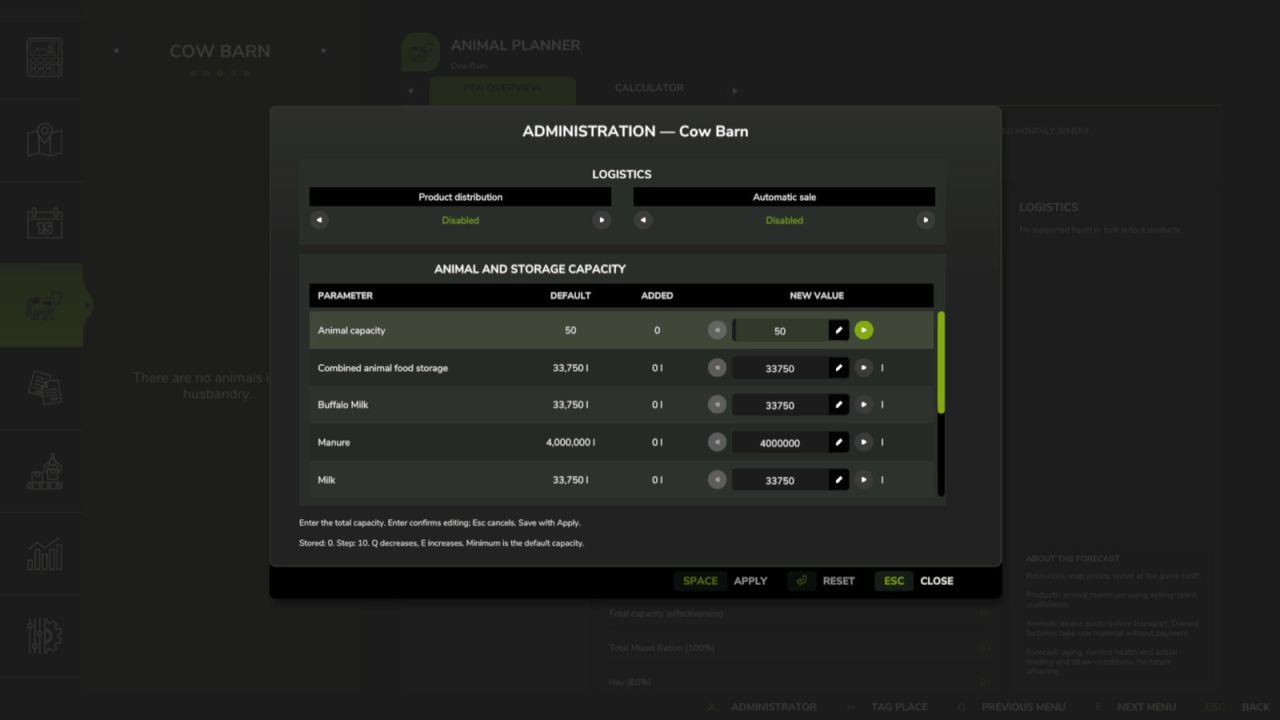
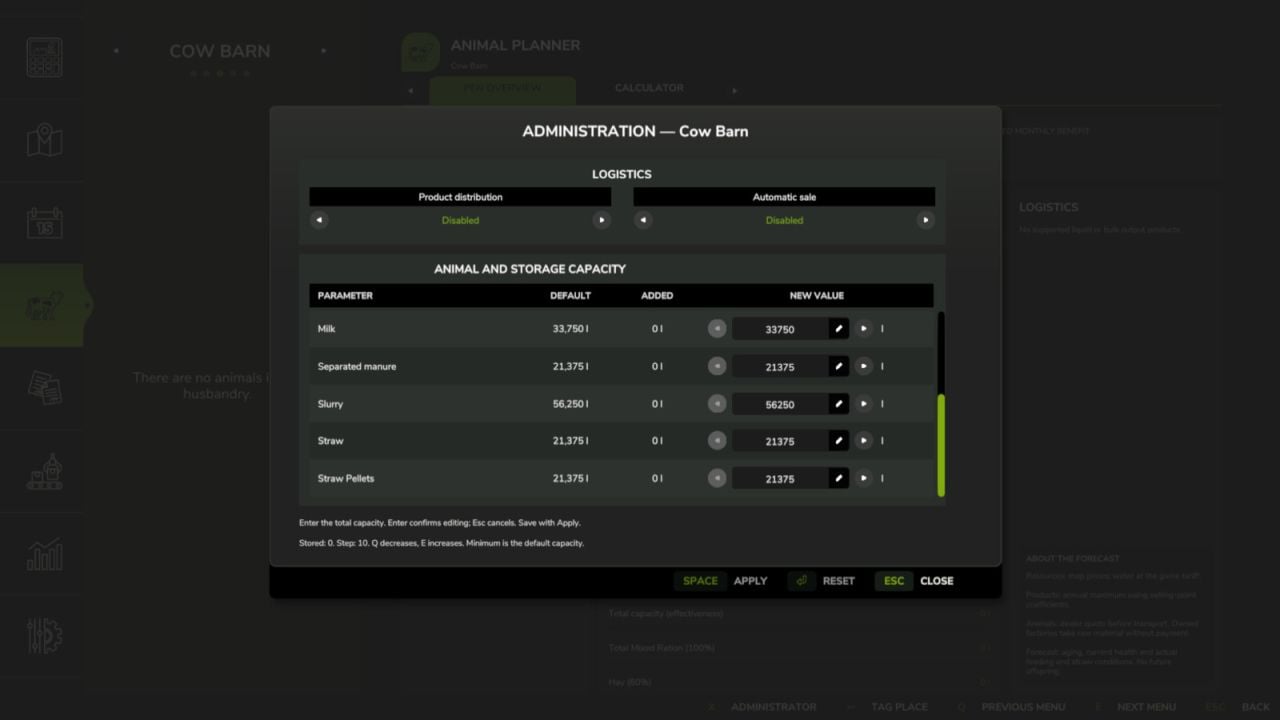
- Administrators can control animal and storage capacities.
- For each husbandry, a server administrator can enable distribution and automatic selling separately. Both are disabled by default.
- Support is included for multiplayer and dedicated servers.
Beside the selected pen, the Animals page displays the planner and logistics. Change the logistics mode for each product with the arrows beside it. The administration popup is visible only to administrators.
Changelog
- V2.0.0.1
A multiplayer problem was fixed. Farm managers can now switch product logistics modes for their own husbandries without server administrator rights. - V2.0.0.0
- The animal planner interface was redesigned with updated visuals, navigation, and calculation displays.
- The animal husbandry calculator was reworked. Forecasts now include animal growth, age-dependent consumption and production curves, and animal settings on the selected map.
- Husbandry conditions can now be selected with or without straw. These conditions change resource consumption, product output, and expected profit calculations.
- Warnings were added for unavailable products and storage facilities that are not connected.
- The administrator panel was updated. Logistics and capacity settings are separated, and now include arrow selectors, manual value entry, and Apply and Reset buttons.