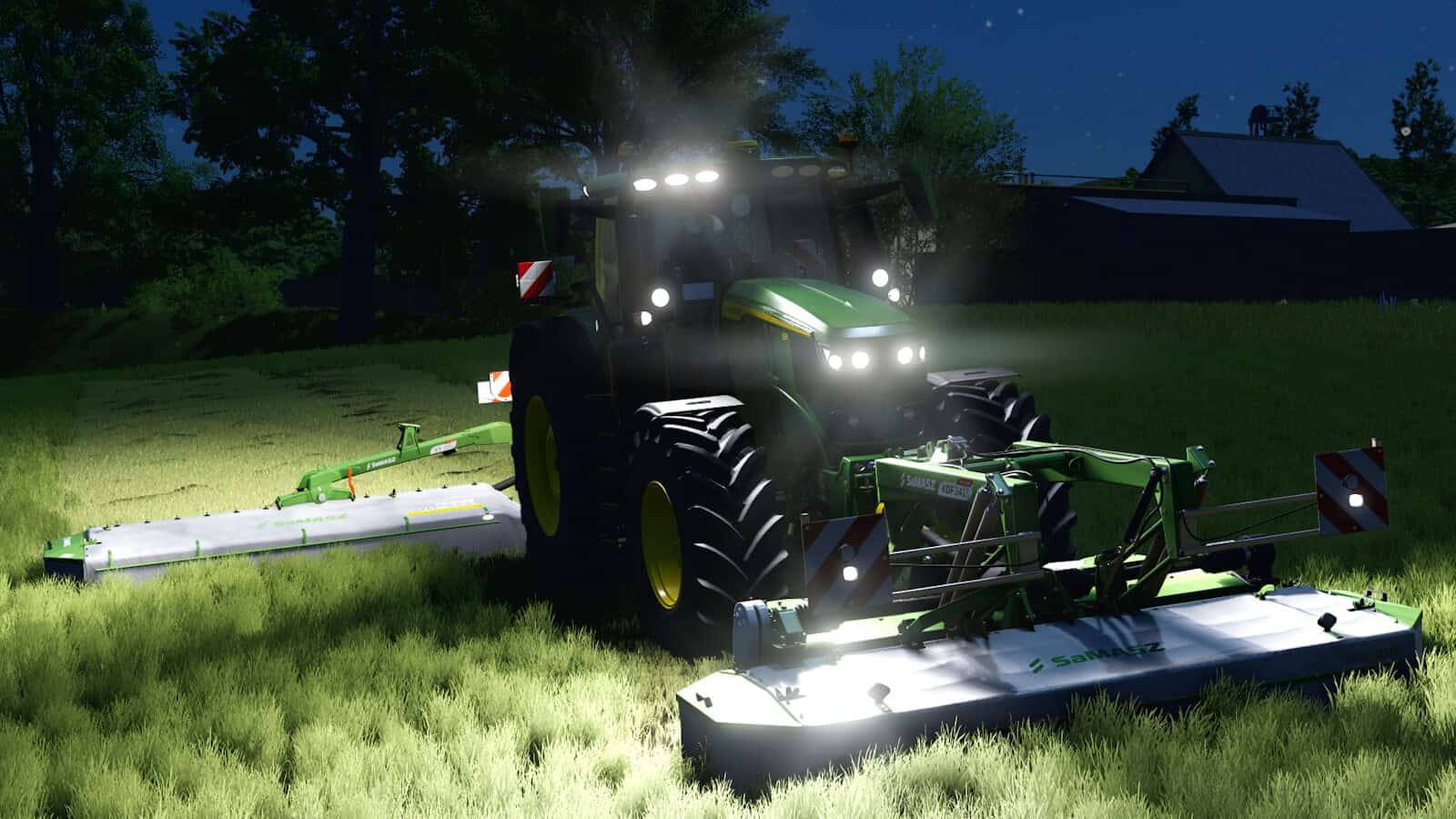


FS25 Work Light Control V1.0.0.0
This lighting control system is made for pre-configured vehicles. It works on vehicles prepared for it, such as the Massey Ferguson 9S by Guner348, but has no effect on vehicles without the required preparation.
Features
- Adjust the brightness of the work lights up or down.
- Create groups for the lighting.
- Mirror individual lighting groups.
- Control assigned groups at the same time.
- Choose between stepless and incremental dimming.
How to use it on the Massey Ferguson 9S by Guner348
- 1. Purchase the MF 9S and choose “Yes” for the terminal (display type) configuration in the shop.
- 2. Set the Dashboard Live terminal to page 4.
- 3. Switch on the work lights and enable Interactive Control.
- 4. Click the points on the terminal to dim individual light groups up or down, dim all groups together, mirror the left and right side, or link both sides.
YOU NEED: Interactive Control