FS25 Sell everything all at once! V1.3.1.0
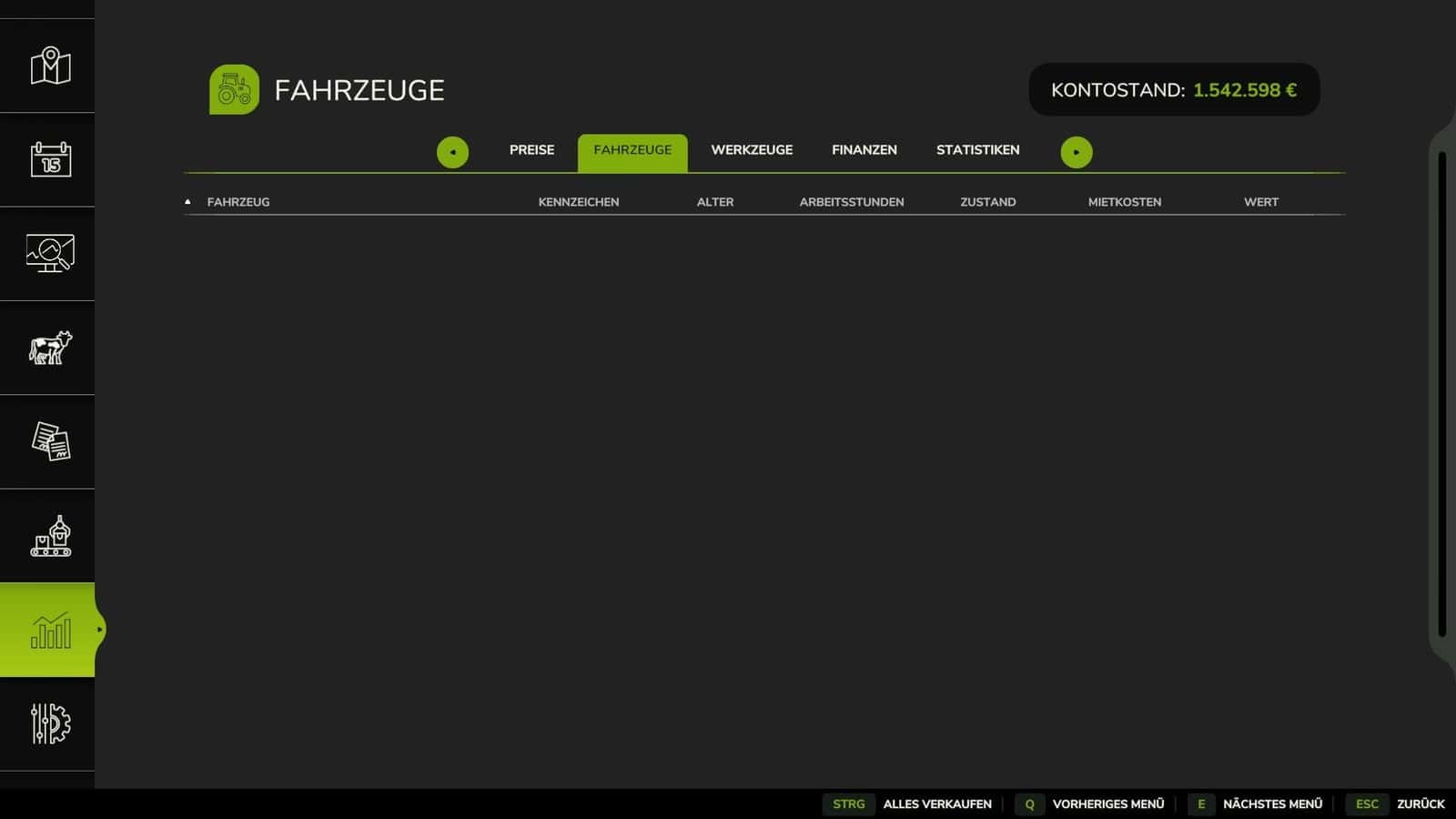
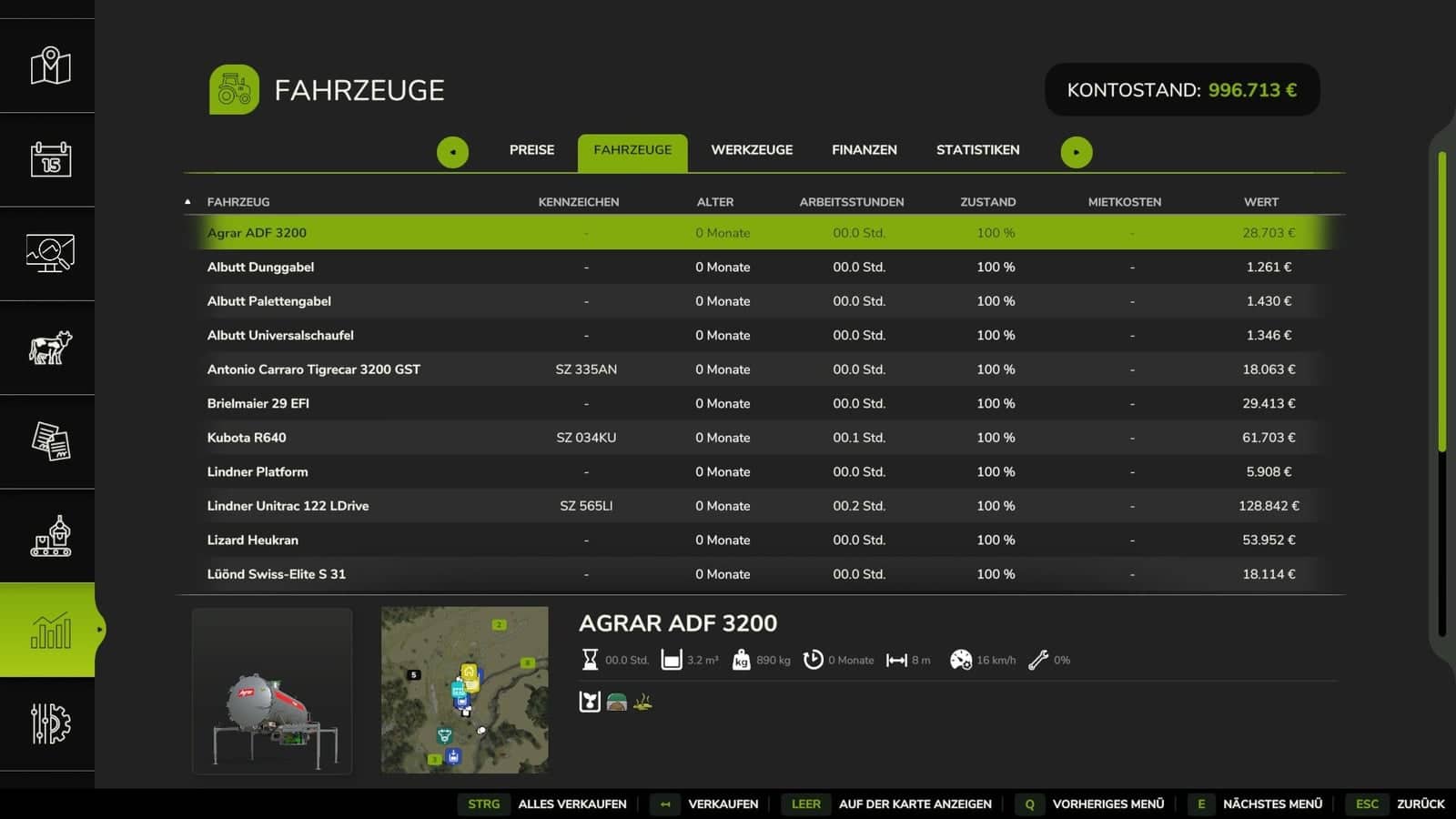
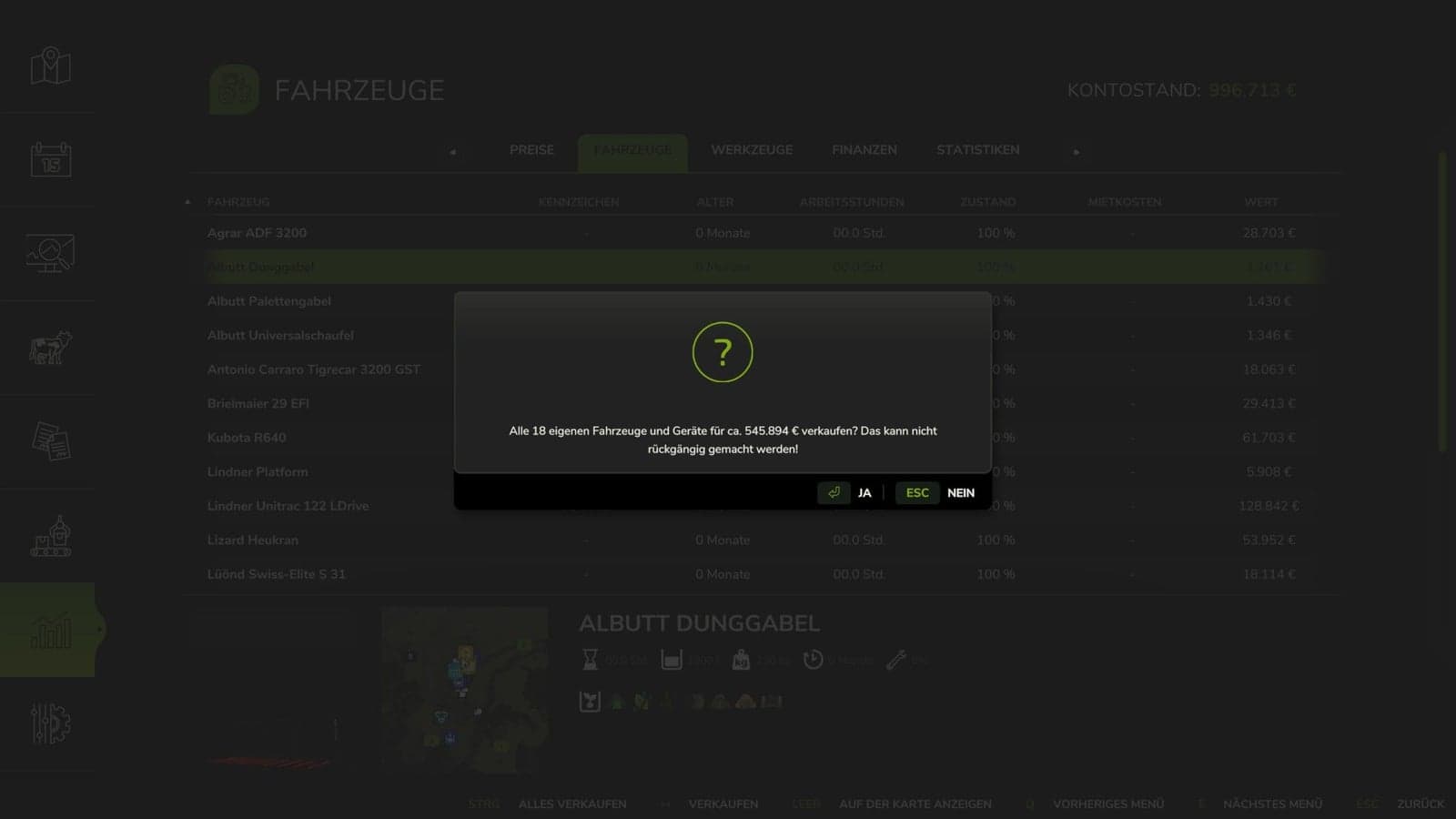
With this mod, the selected farm can sell all of its owned vehicles and equipment together from the statistics menu in the game. Before the sale is confirmed, the menu shows how many vehicles are affected and the estimated proceeds for the complete sale.
Features
- All vehicles and equipment belonging to the selected farm can be sold at once.
- Beforehand, the menu shows the affected item count and the estimated total value.
- Each sale requires confirmation through a prompt.
- The game’s normal built-in sales system handles the process.
- Vehicles that are leased are left untouched.
- Vehicles connected to missions are excluded.
- Pallets are excluded from the sale.
- Vehicles in current use are skipped.
- Vehicles operated by an AI worker remain untouched.
- The individual permissions assigned to each farm are respected.
- Multiplayer is fully compatible.
- Only sales permitted by your current permissions can be made.
How It Works
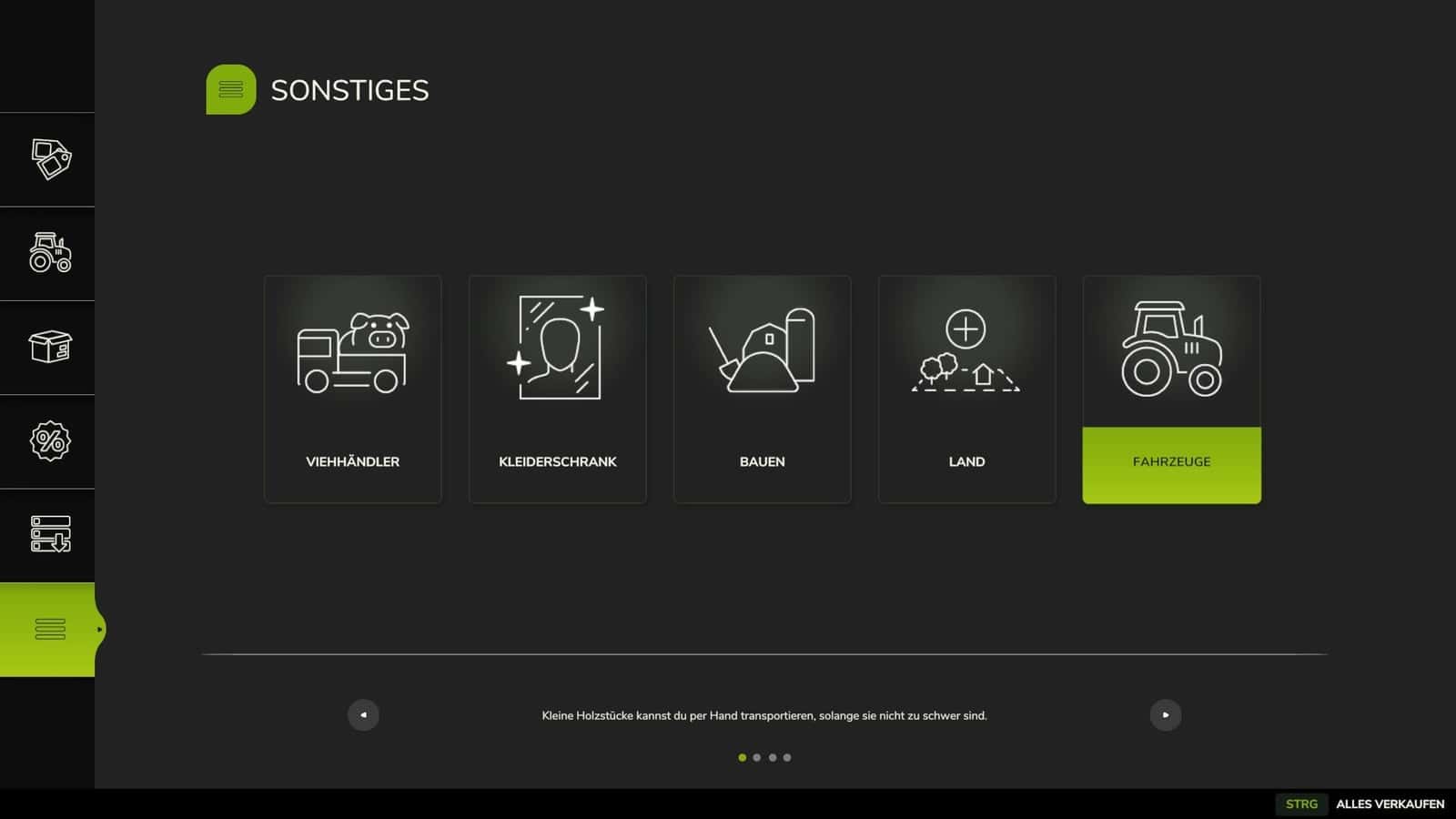
- Start by opening either the shop menu or the pause menu.
- Go to Statistics → Vehicles.
- Choose
Sell All, or press the matching keyboard shortcut. - Check the displayed vehicle count and the estimated proceeds of the sale.
- Confirm that you want to complete the sale.
Controls, default keybindings:
| Device | Shortcut |
|---|---|
| Keyboard | Ctrl + Shift + V |
| Controller | Share/View button (BUTTON_7) |
The controls menu allows all keybindings to be changed at any time.
Changelog
- 1.3.0.0
FIX: An issue that preventedSell Allfrom selling vehicles has been resolved. An incorrect price multiplier had been passed to the game, causing theSellVehicleEventerror.
Vehicles being used by an AI worker are now skipped reliably.
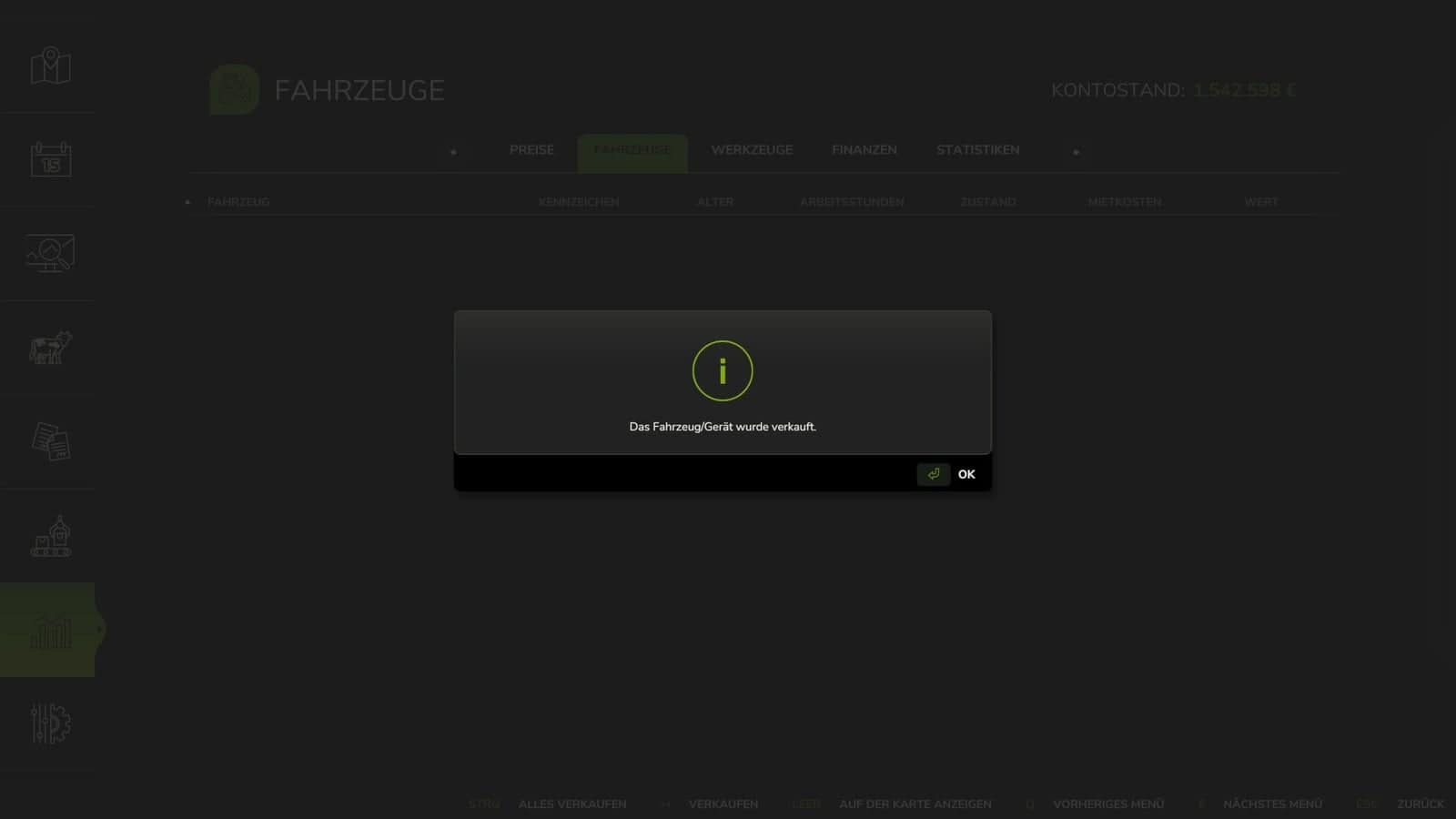
Once every sale is complete, the sale results appear immediately instead of after unnecessary fixed waiting periods.
Tested with game version 1.25.
ThemodDescwas updated to version 115. - V1.3.1.0
The log error is fixed. I forgot the test runner yesterday evening. Everything is clean again now. SORRY.
Important note: A completed sale is final. There is no “undo” button and no automatic recovery option. Before confirming, double-check that selling your entire fleet is really what you intend to do.