FS25 Hydraulic Suspension System V1.1.0.0
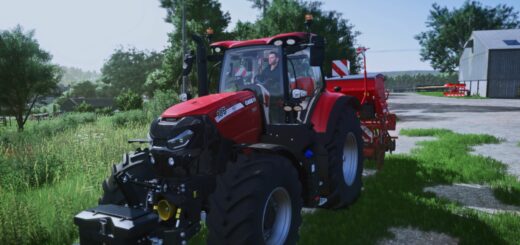
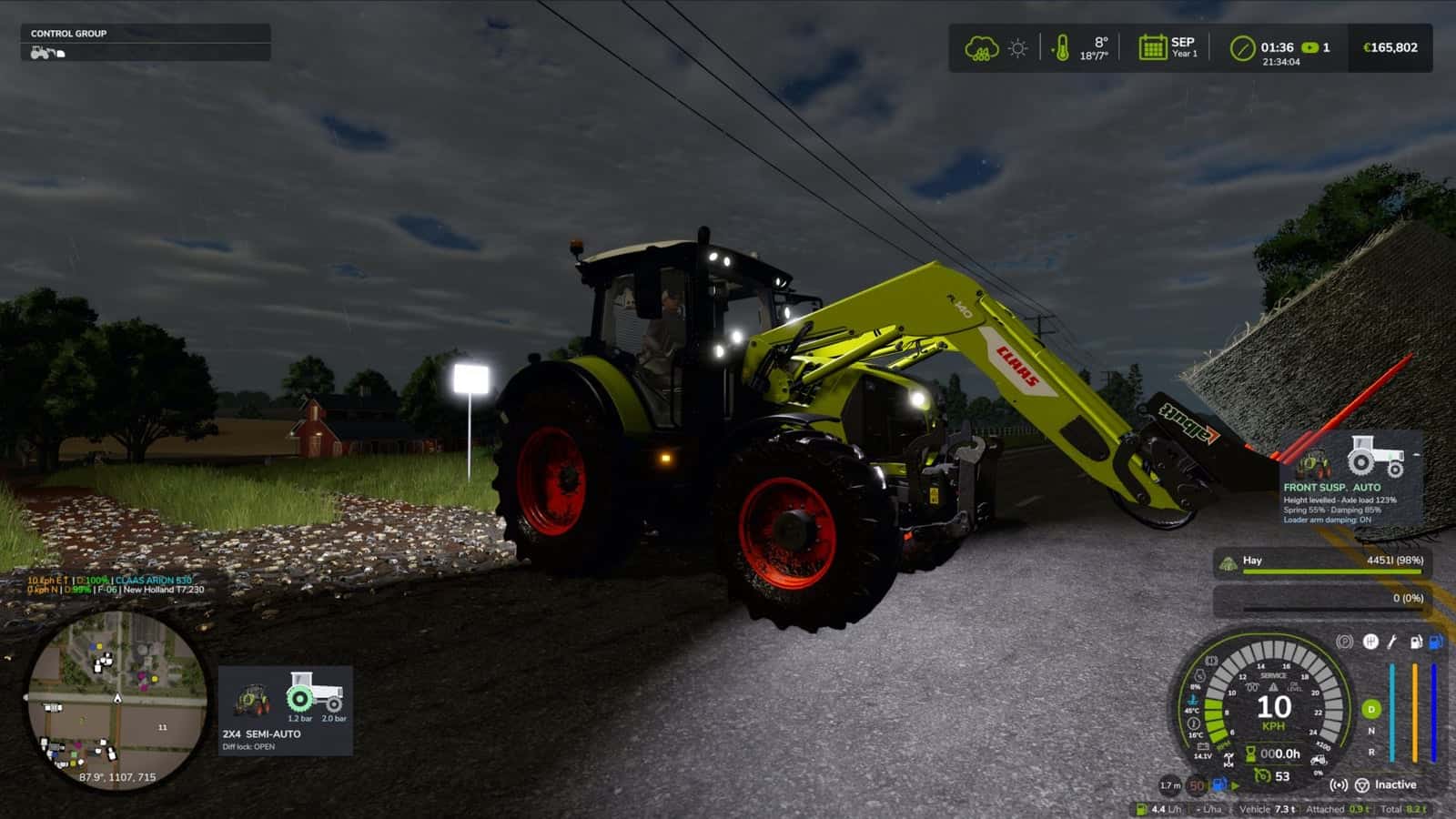
This mod gives tractors hydraulic front suspension, with automatic leveling, different driving modes and system-specific behavior for supported tractor brands.
The beta version is still being tested, especially in multiplayer. If you find a problem, please send the log.txt file. In multiplayer, the log from both the host and the player who joined is required.
Features
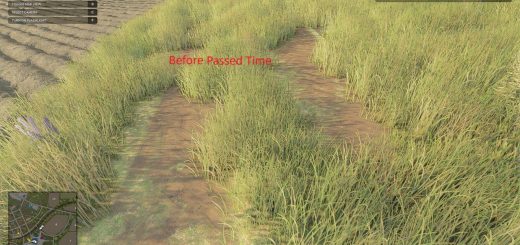
- Working suspension: the wheel moves up and down over bumps and rocks, with the links, cylinders and shaft moving visibly.
- Automatic leveling: adding front weights or a heavy implement returns the front to the correct height by itself in a few seconds.
- Supported systems: John Deere ILS and TLS, Fendt, Claas PROACTIV, Terraglide (Case IH / New Holland / Steyr), MF Quadlink, Valtra, Deutz-Fahr and McCormick. Each system behaves differently, with some softer and some firmer.
- AUTO mode levels by itself.
- WORK mode is firmer when working in the field or when the front starts bouncing.
- LOCKED mode provides a stiff axle for front loader work or heavy transport.
- MANUAL mode lets you raise and lower the front yourself, only on JD ILS and Fendt, like in real life.
- Only works on tractors that have this system in real life: medium and large tractors from the listed brands. Small tractors and crawlers stay as they are.
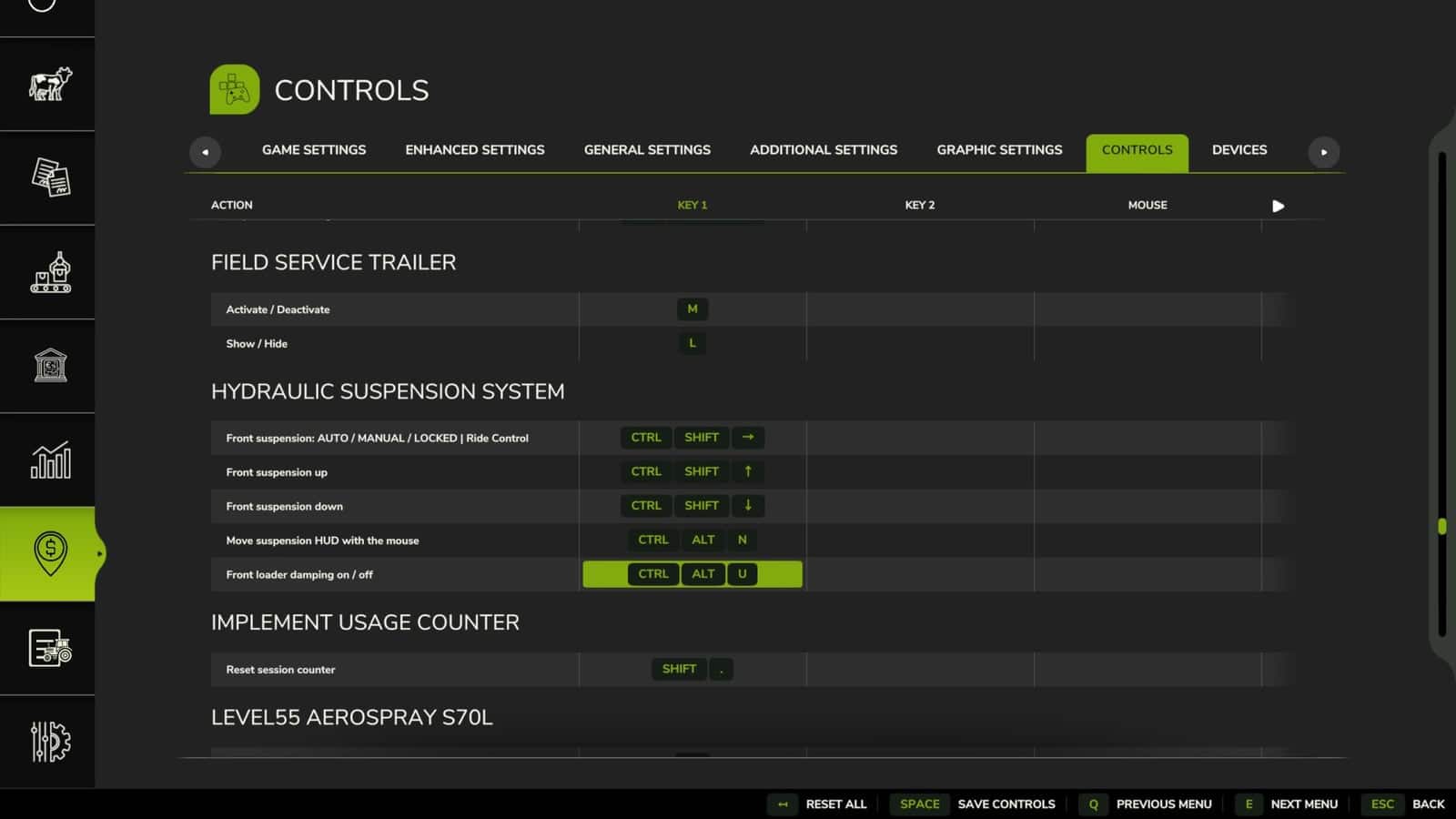
Keys:Ctrl+Alt+U – change modeCtrl+Alt+↑ / ↓ – raise / lower the front in manual mode
The keys can be changed in the control options.
Changelog
- V1.1.0.0
Big update: every machine now behaves almost like the real one.Tractor classes: automatic levelling only on tractors that have it in real life. Small and simple tractors get a pendulum front axle without suspension.
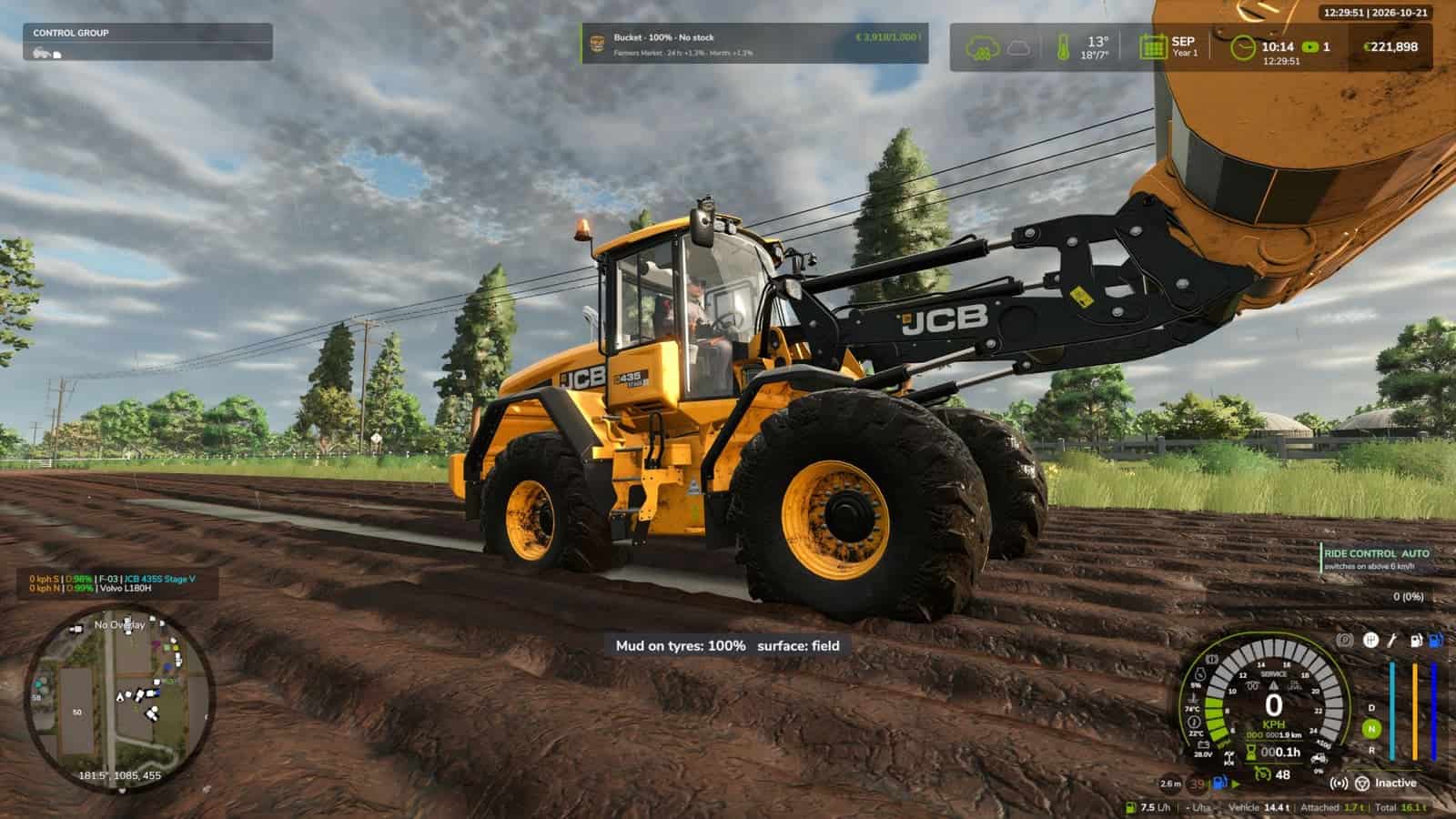
Wheel loaders and telehandlers: Ride Control, with boom suspension. The load floats over bumps above 6 km/h, and the arm is rigid below that.
Ctrl+Alt+Uswitches AUTO / OFF, or you can keybind it yourself.Front loader damping: reacts to the tip of the arm and ignores smooth hills. It has its own switch,
Ctrl+Alt+L.Road damping: firmer above 30 km/h.
JCB Fastrac: self-levelling rear axle.
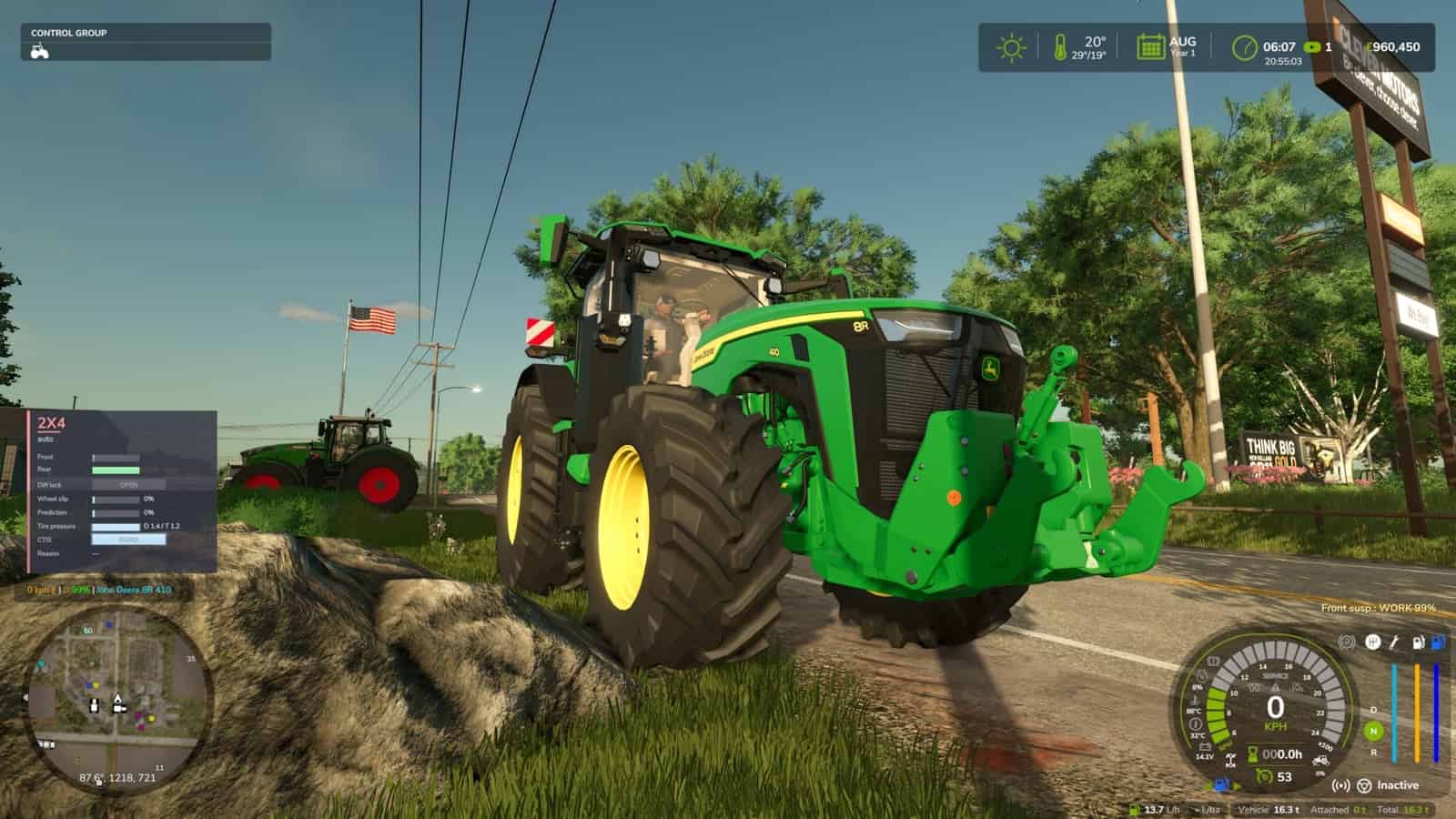
HUD: warnings for the end stop and for a front that is too light, with a reminder to add ballast, plus the name of the tractor’s system.
Sound: hydraulic valve sound when levelling.
Smoother: no shaking on the JD 8R ILS and no hops when switching tractors.
Settings: new options in the controls menu, all in 25 languages.
Tracked tractors are left alone.
- V1.0.0.1
Fixes:
– Ride control is a bit smoother.
– Rigid front axle of the model, with both front wheels hanging from the same axle, for example John Deere 7030 Series: the whole axle now moves up/down and tilts with the wheels. Before, the axle stood still while the hubs moved on their own, as reported by Cris669.
– Performance and bouncing on rough ground, for example a ploughed field: the front wheels were rebuilt by the physics almost every frame. Now they are only rebuilt when the axle moves 2 mm or more, at most every 100 ms.
– HUD textures compressed, with no more “raw format” warnings in the log, as reported by Patrik Vendelberger.
– Faster game start: the settings menu section is now built only the first time you open Settings. It previously froze the start by ~4 s.
– Log: the front loader line no longer lists rear implements by mistake.Behaviour:
– Only the tractor driven by a player has the hydraulic suspension. Parked tractors and AI helpers keep the game’s original suspension. When you leave the tractor or hire a helper, it goes back to the original.Thanks to Cris669 and Patrik Vendelberger for the reports.
- V1.0.0.0
New:
– In-game settings menu: Esc -> Settings -> General -> “Hydraulic Suspension System”. Brands, minimum weight, WORK mode draft, hold height when stopped, wheel camber, HUD, cab suspension, loader stabiliser and diagnostics. Saved inmodSettings, and kept when the mod is updated.
– New icon HUD, which is the default. “Text” brings back the old line. The tractor is seen from the side with the front cylinder.
– Cylinder colour indicates the mode: green AUTO, orange WORK, blue MANUAL, red with padlock LOCKED.
– The front wheel moves down/up with the cylinder height. The bar on the side shows the height, with the centre mark indicating levelled.
– Values: height, levelled / +x.x cm, front axle load, spring and damping of the current mode, shown as a percentage of the game’s original, so you can see what changes between AUTO, WORK, MANUAL and LOCKED.
– Shop picture of the tractor next to the icon, which can be switched off. Three sizes.
– Move the HUD, icon or text, with the mouse:Ctrl+Shift+U, drag, right click / Esc / Enter to finish. The camera stays still while moving.
– Cab suspension, inside view: the bumps of the chassis arrive damped inside the cab, like on a suspended cab, while slow slopes are still followed. It is firmer with the suspension LOCKED and can be switched off in the menu.
– Front loader arm damping, like the MX Shock Eliminator / LDS / ride control: with a front loader attached, above 6 km/h the arm really floats. The load swings on a simulated nitrogen accumulator, ~0.8 Hz with an empty tool and up to ~1.4 Hz with a heavy load, damped by the orifice and driven by the tractor’s bumps. The game moves the arm, cylinders and tool with it. Below 6 km/h the arm is back exactly where you put it for precise work. It is shown on the HUD and can be switched off in the menu.
– All texts translated into the 25 game languages.Known:
– Pendulum angle, ILS articulation travel, cab suspension and loader arm values are estimates, with no published figures. All can be tuned per system inmodSettings/FS25_HydraulicSuspensionSystem.xml.
– The cab model itself does not move, as the game has no separate cab part or I can’t find it. The effect is on the inside view.