FS25 Flock Camera V1.0
Located under the decoration tab in my store category.
Features
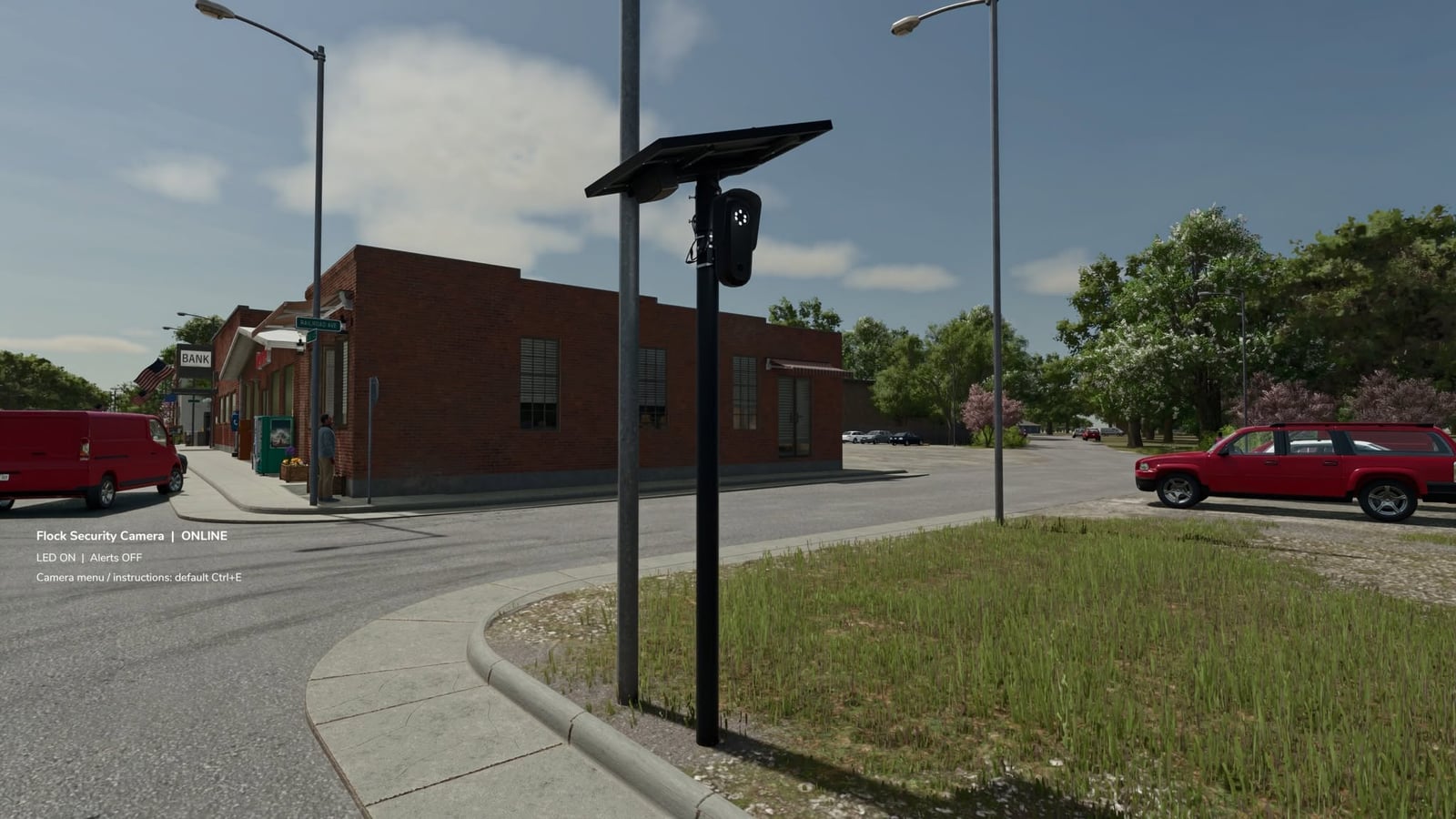
- Fully placeable security camera
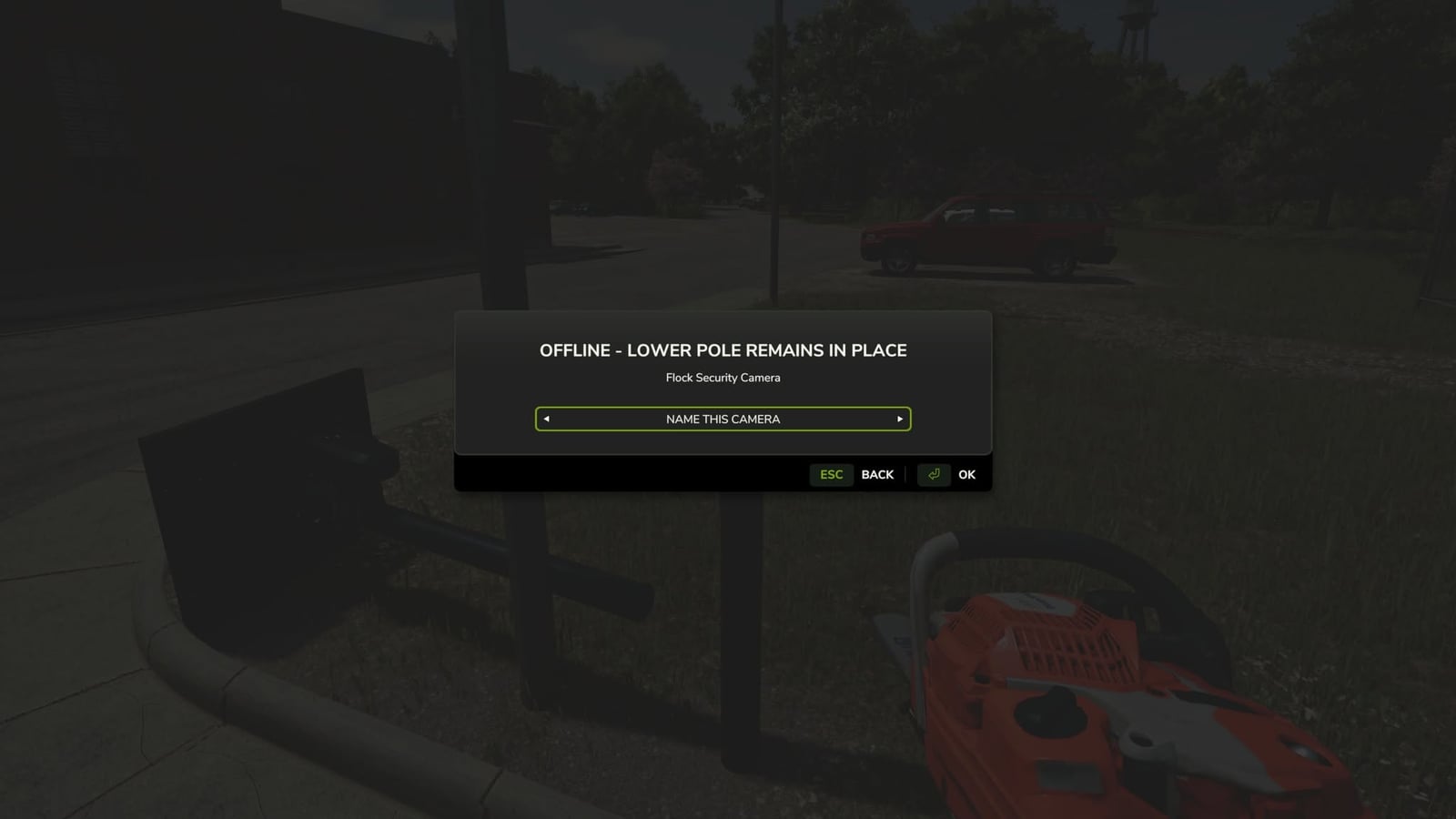
- Custom camera naming up to 40 characters
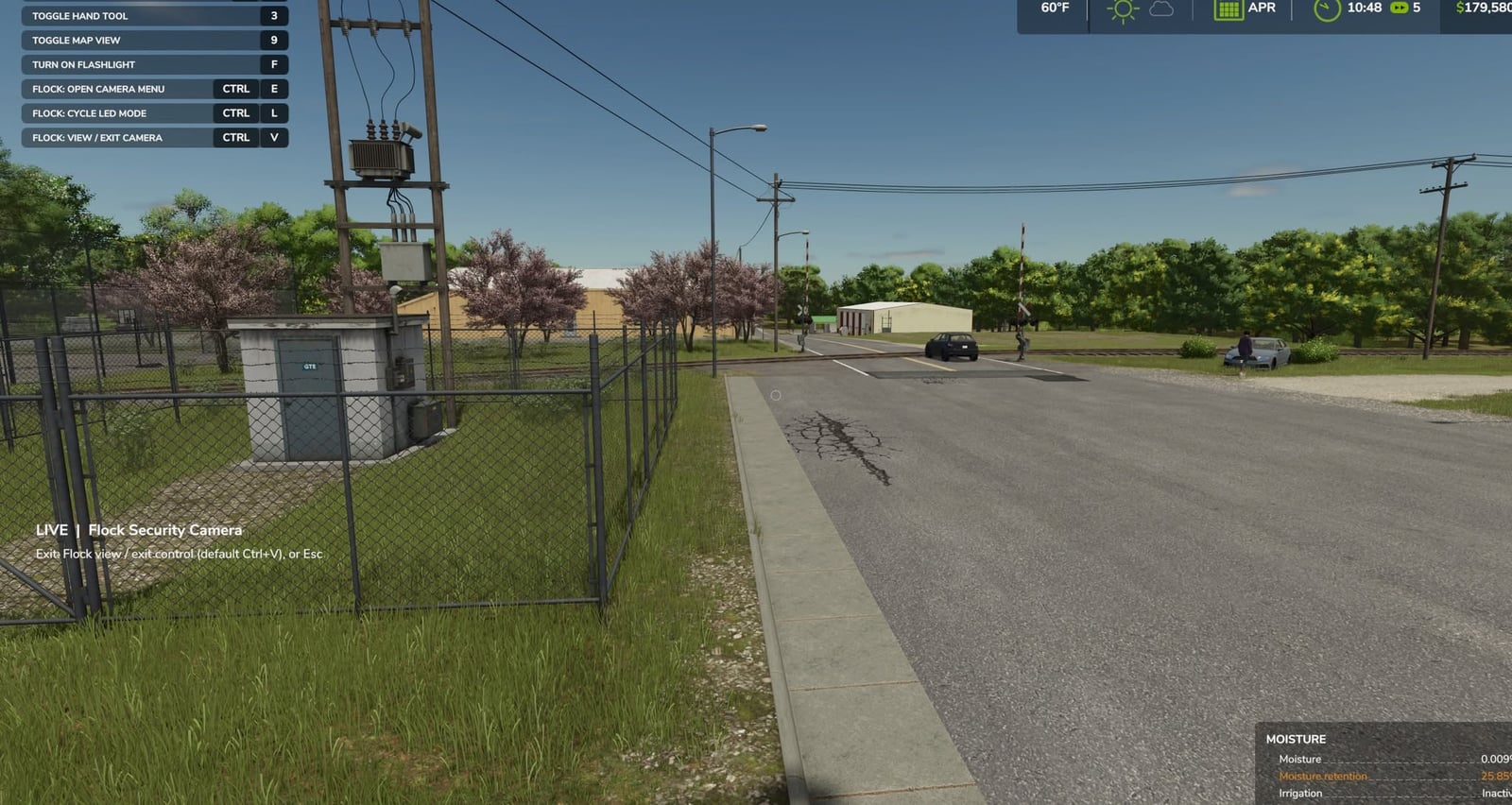
- Working live camera view
- Per-camera alert settings
- Vehicle detection system
- Other-farm vehicle detection option
- Saved event history
- Latest 30 events stored per camera
- Adjustable LED modes
- Activity LED on vehicle detection
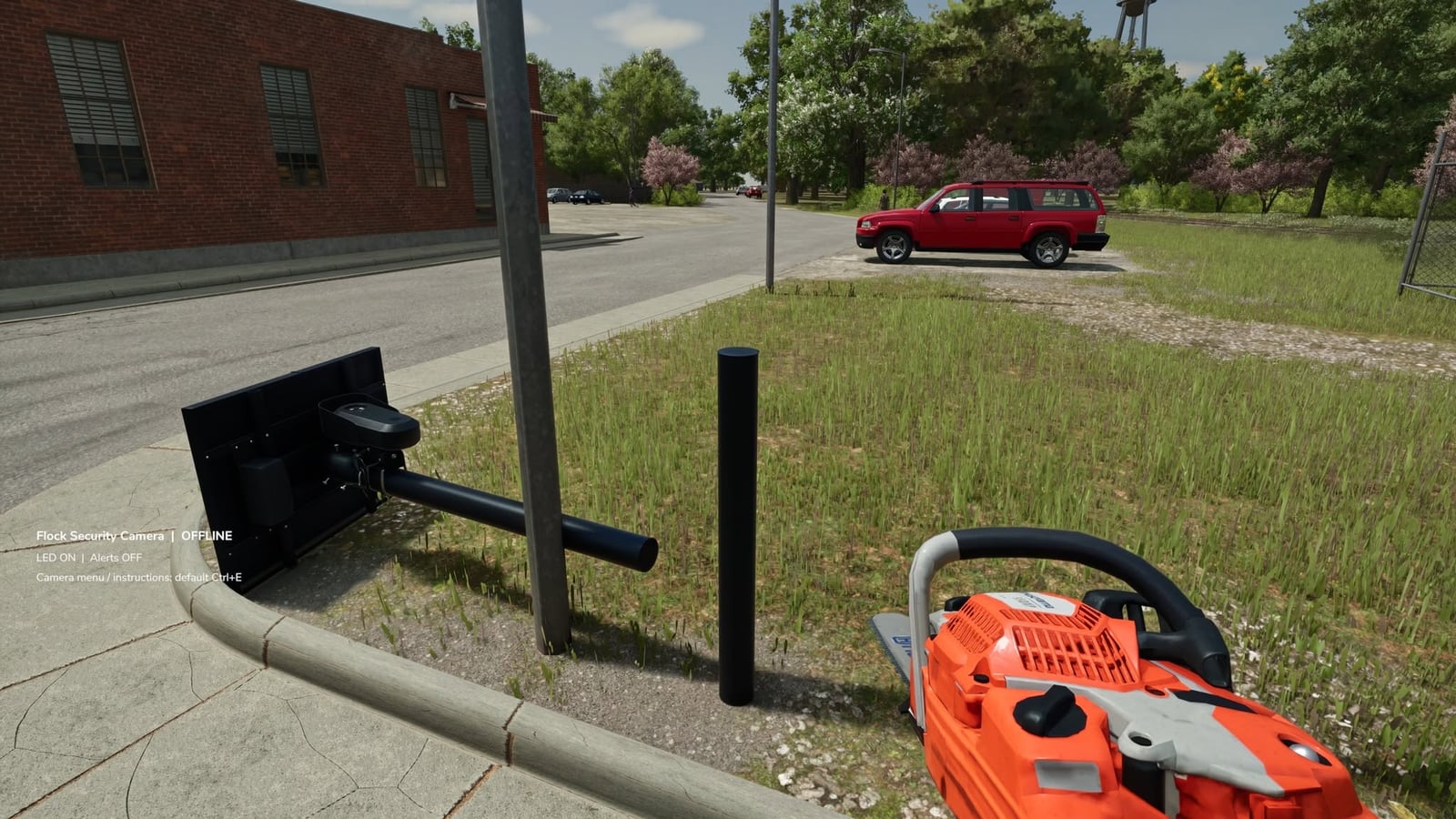
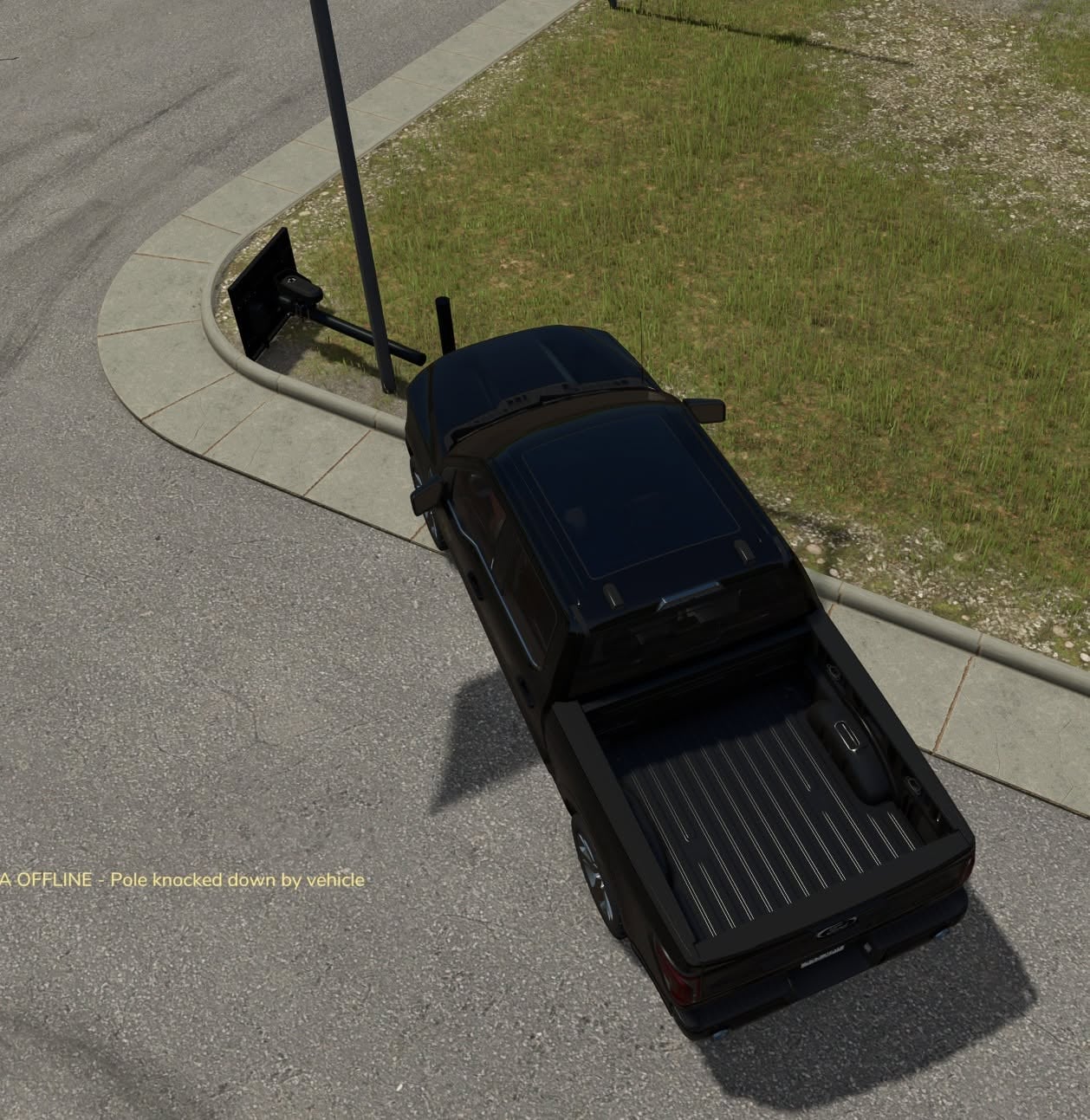
- Breakable / cuttable camera pole
- Scripted chainsaw cutting system
- Repairable after being knocked down
- Camera settings save with your game
- Fallen state saves with your game
- Event history saves with your game
- Multiple cameras can be placed and managed individually
Alert Options
- Off
- All Vehicles
- Other Farms Only
- Damage alerts
- 20-second vehicle detection cooldown
LED Modes
- On
- Activity
- Off
Default Controls
Left Ctrl + E– Camera menuLeft Ctrl + V– Live camera view / return to playerLeft Ctrl + L– Change LED modeLeft Ctrl + R– Repair fallen cameraEsc– Leave live camera view
Controls can be changed through the Farming Simulator controls menu.
Cutting
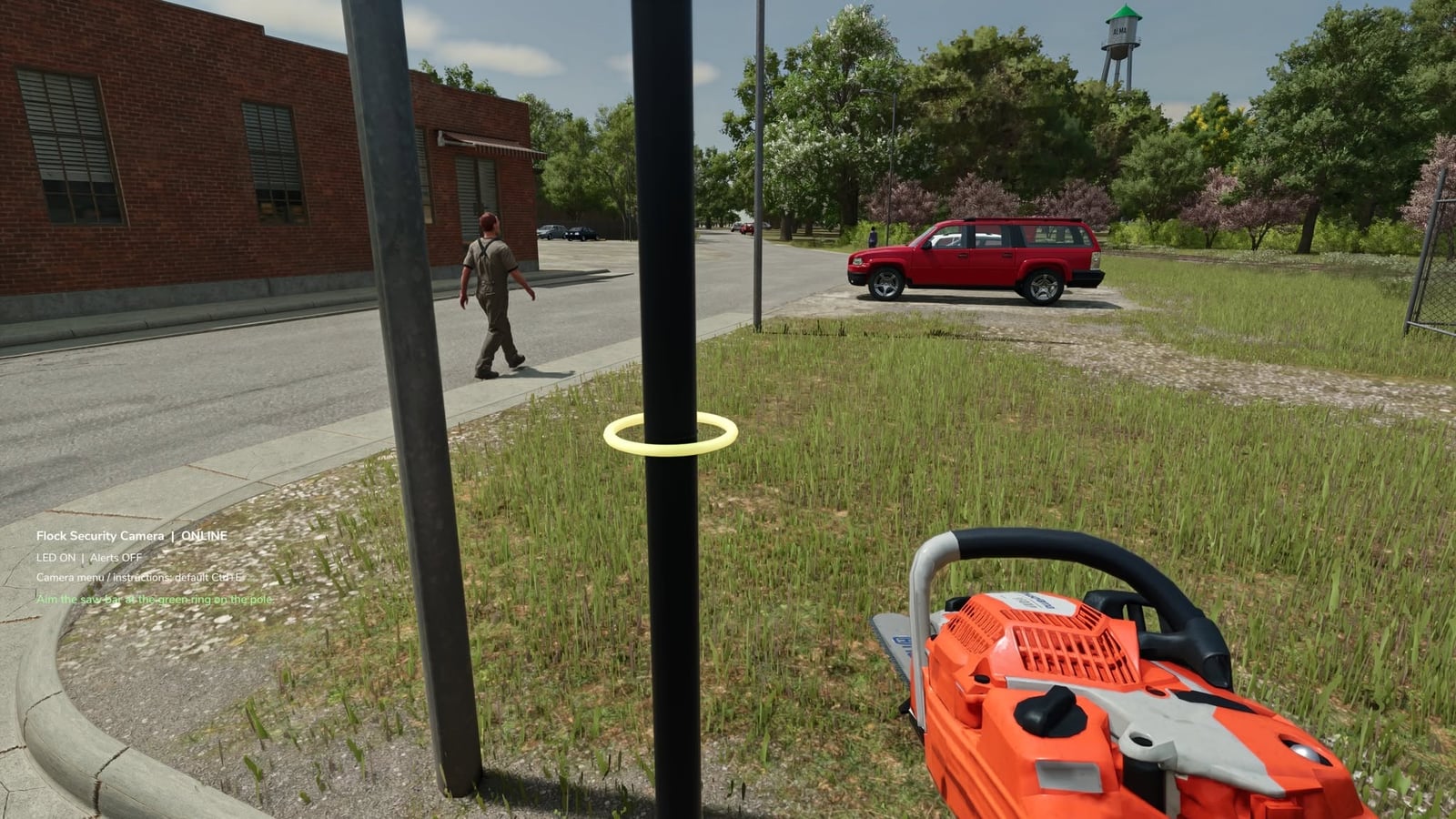
- Equip a chainsaw
- Approach the upright camera pole
- Aim at the green guide ring
- Hold the normal chainsaw cut control for 3 continuous seconds
- The upper pole and camera will fall
- The lower section stays in the ground
- Move nearby vehicles away before repairing
Notes
- PC only
- Alerts start OFF by default
- Alerts are configured separately for each camera
- Live view works while standing near the camera
- Put your hand tool away before entering live view
- Walking is disabled while viewing the camera
- Camera view automatically ends if the pole falls
- Fallen cameras do not detect vehicles or use the LED until repaired
- No video files are recorded
- Best tested on level ground