FS25 Realistic Lighting V1
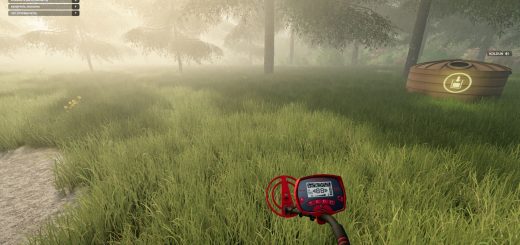
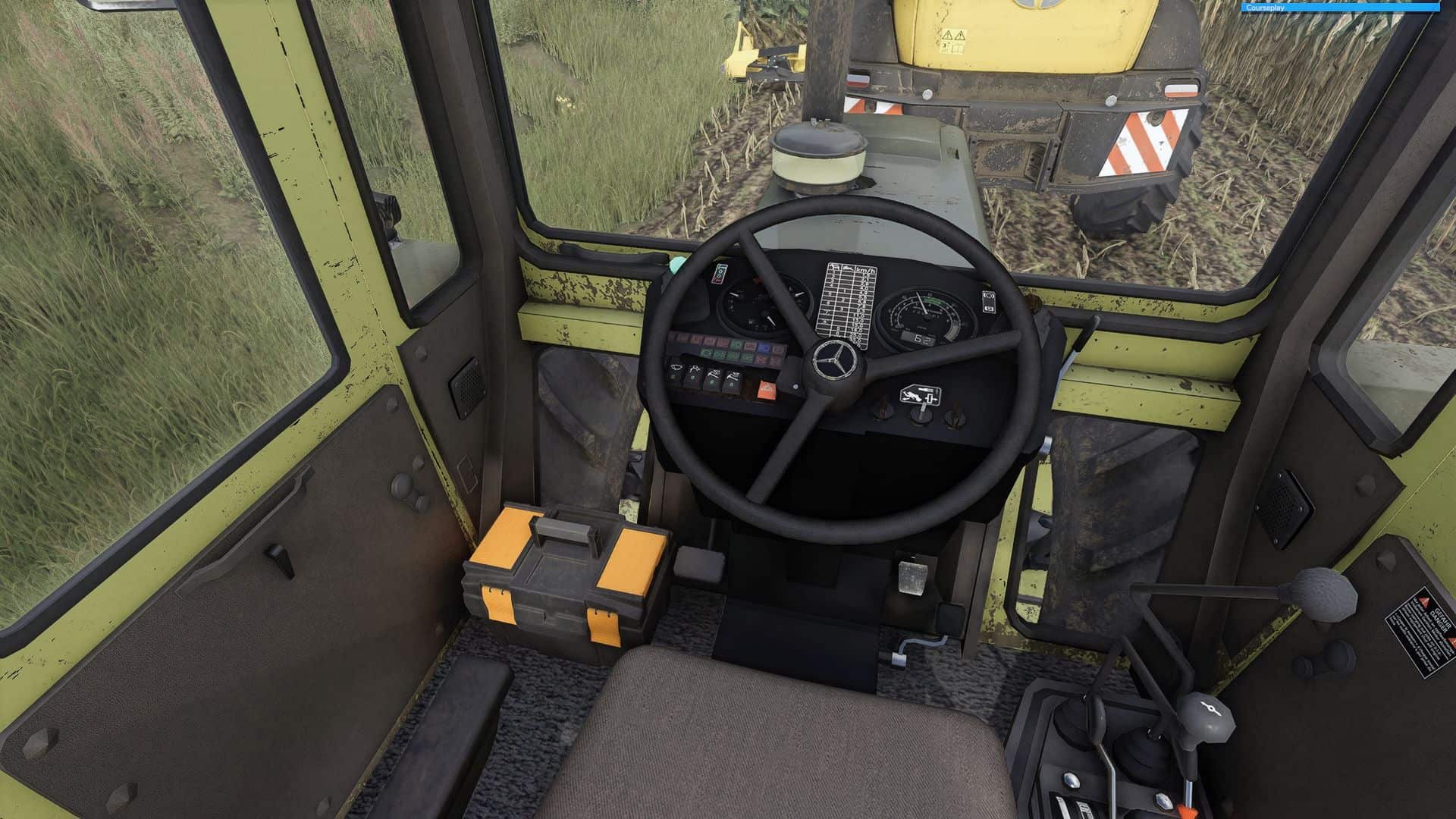
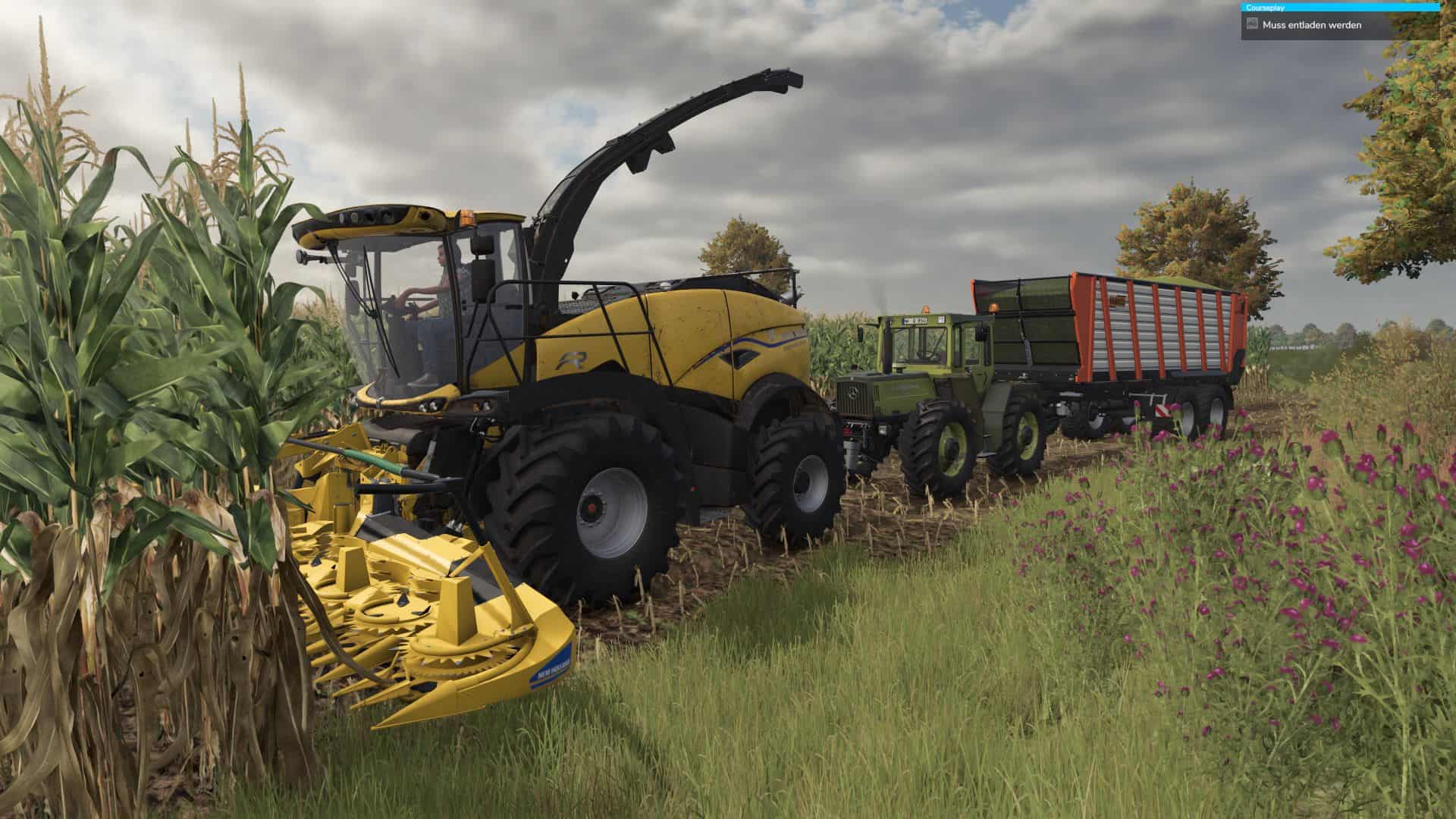
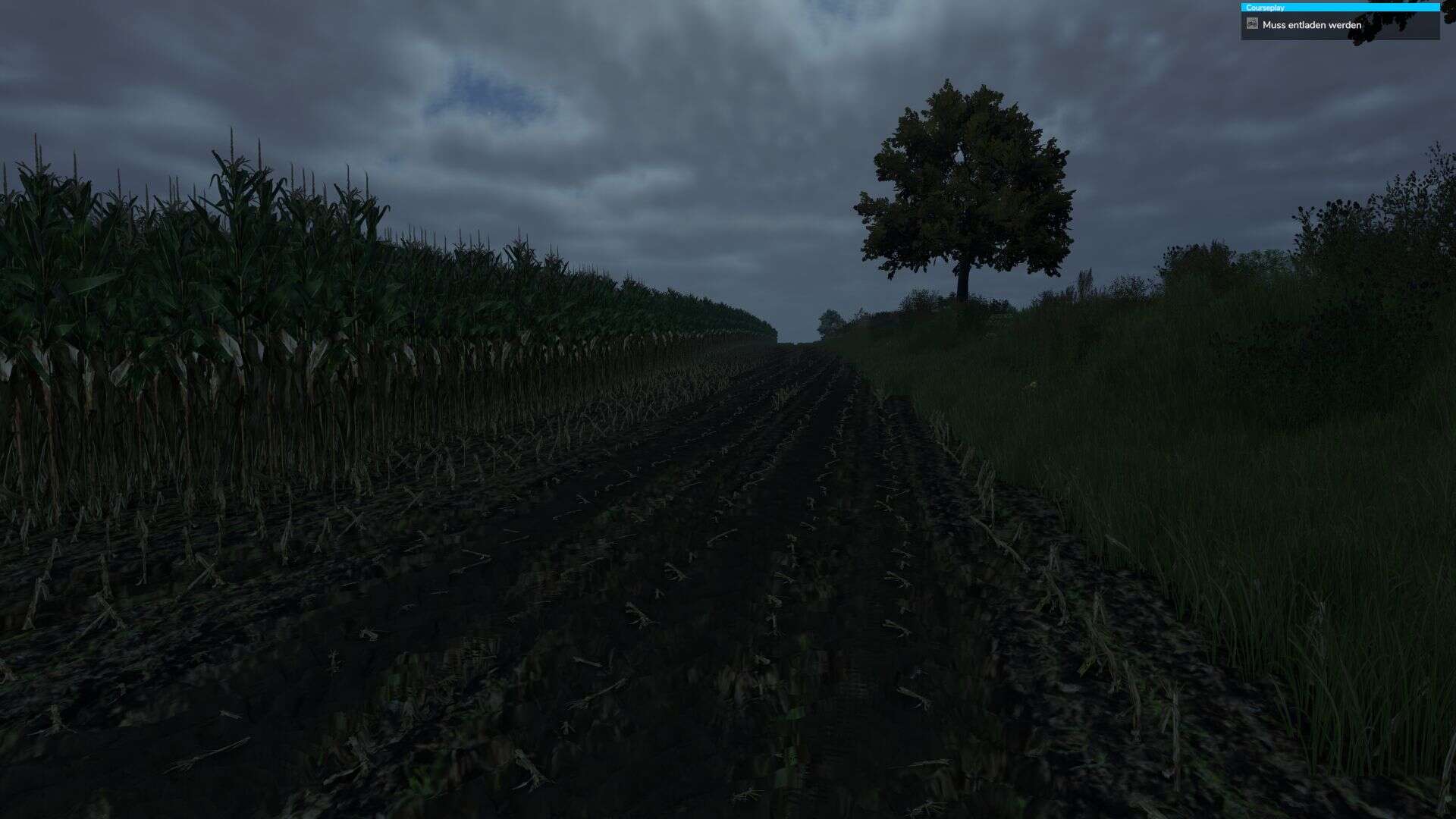
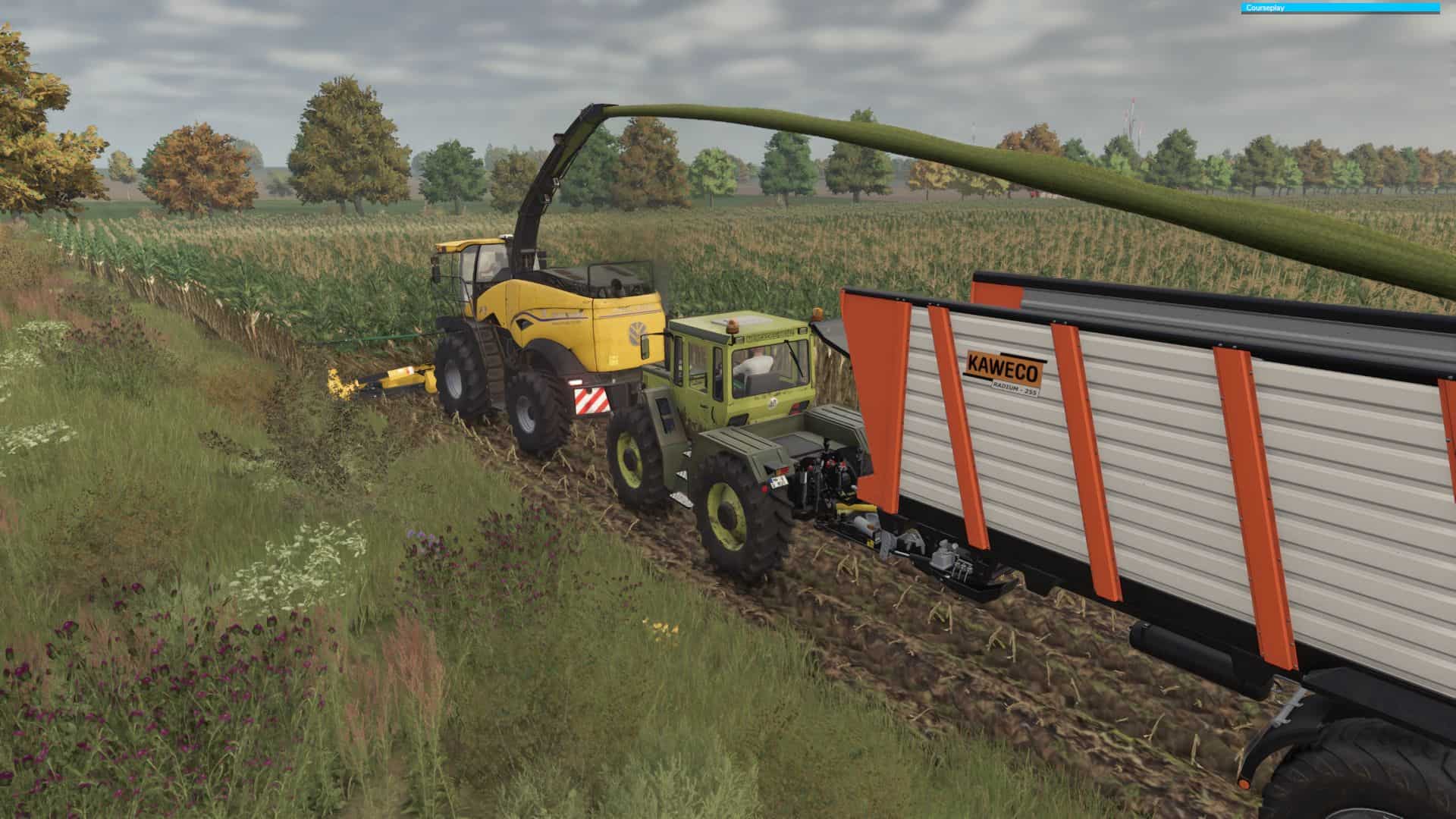
I’m sharing my shader with you here. The goal is to make the game look more realistic in terms of color.
First of all, a warning: My monitor has a strong yellow tint by default. You may need to reduce the blue tone and possibly the brightness in the shader. To do this, edit the Contrast and Brightness filter, then adjust “Tint” and, if necessary, “Exposure” and “Brightness.” No two monitors are the same, so you always have to adjust accordingly. Consider this a good starting point.
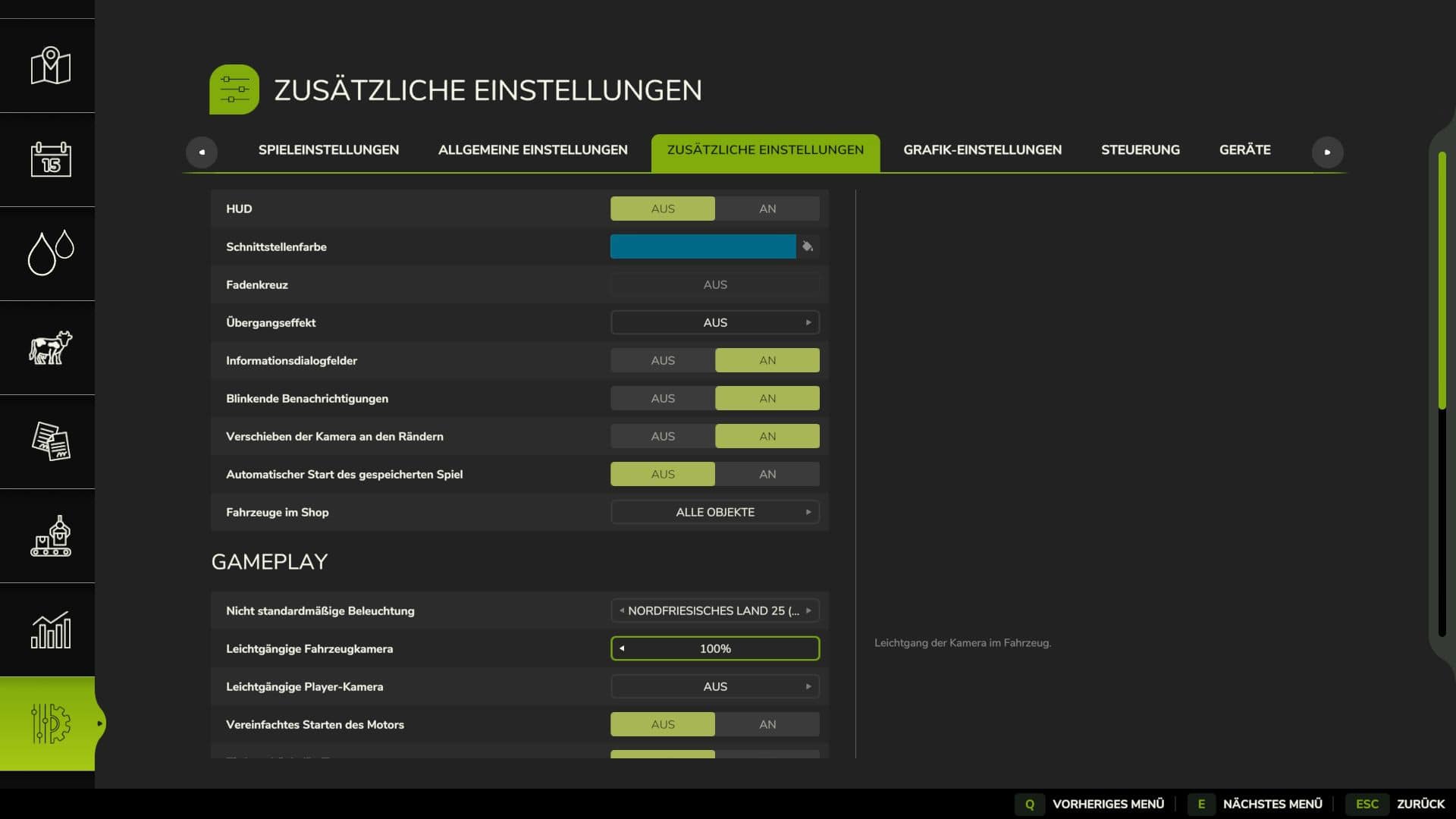
The map shown is Schwesig Bahnhof with the North Frisian Land lighting. So I recommend Additional Game Settings.
Reshade version 6.5.1 with add-on support or higher is recommended. Install all shaders during installation!
Warning: The shader is very performance-intensive! DLSS can be used, but you’ll have to live with slight flickering and artifacts, as the depth shader doesn’t work properly with DLSS, and DLSS creates artifacts anyway.
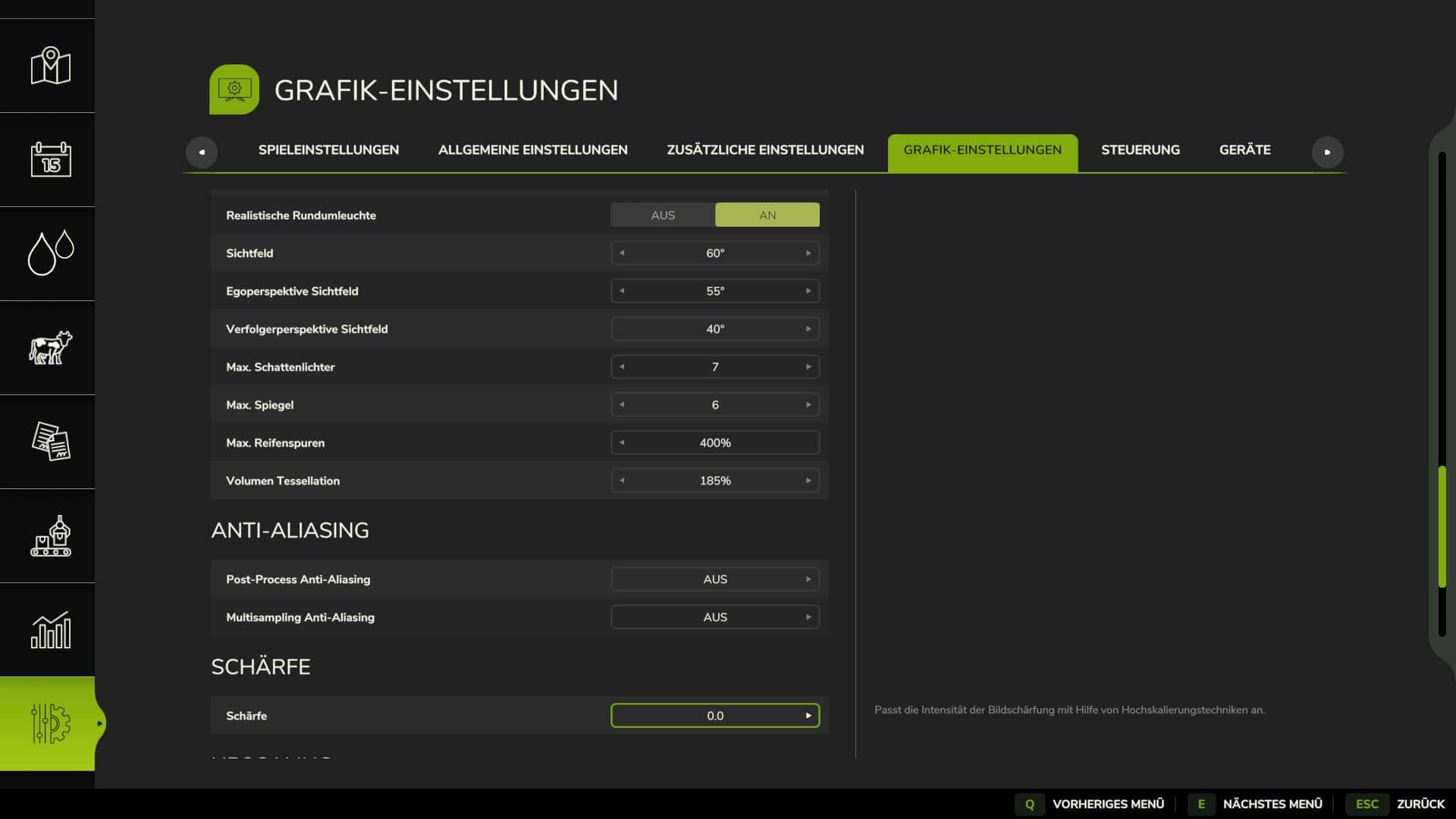
In the graphics settings, set the sharpness to 0!
Required mods:
– Reshade
– Additional Game Settings