
FS25 Image To Field Generator v1.0
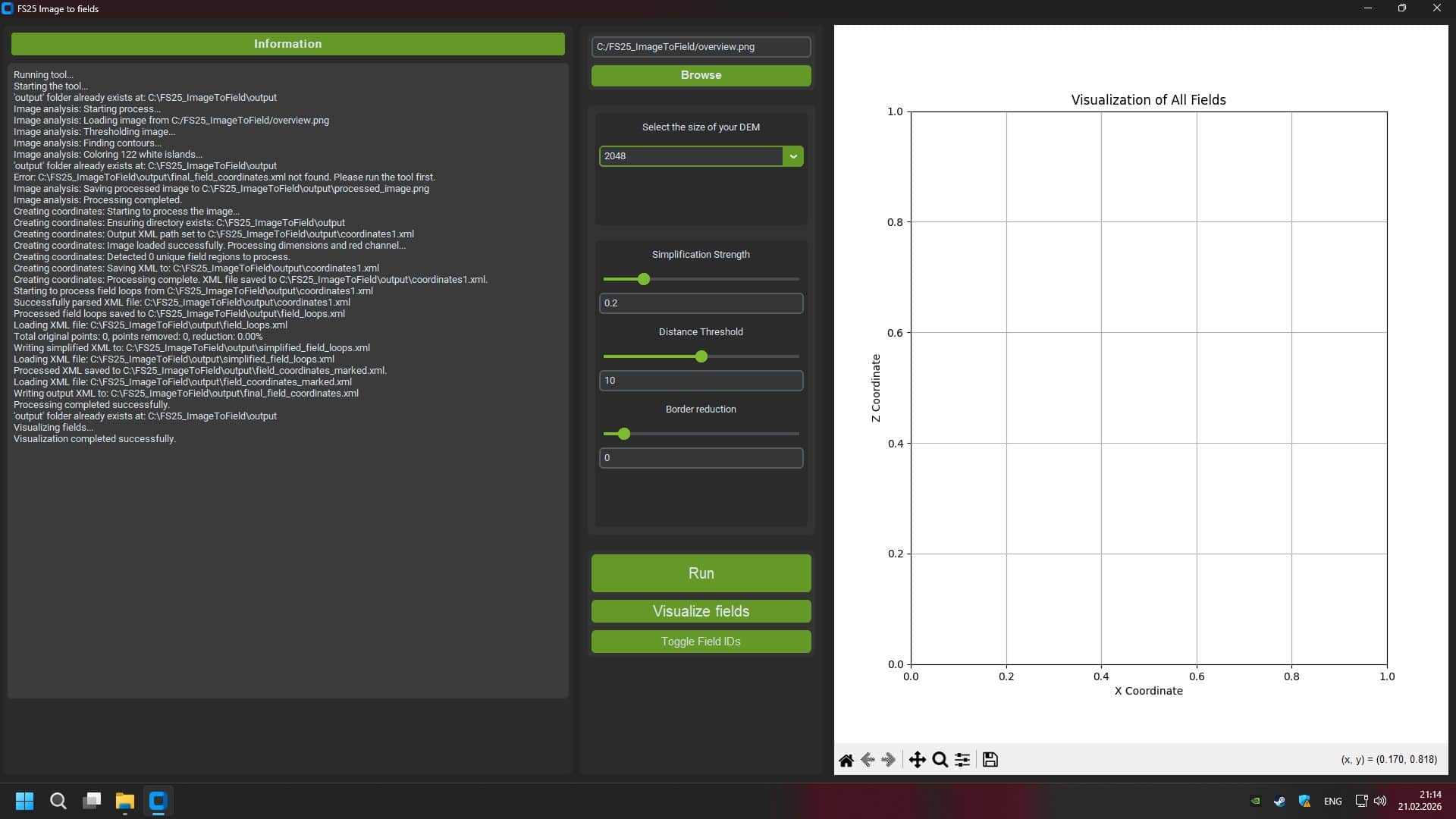
PixelFarm Satellite Fields Converter is a tool for automatically converting satellite imagery into ready-made field markings for Farming Simulator 25 from GIANTS Software.
The program allows you to create, based on a real image of the area:
– contours of agricultural fields
– farmland masks
– infoLayer for AI
– texture layers for painting (terrainDetail)
– preparing maps for import into GIANTS Editor
Main features
– Satellite image analysis
– Automatic detection of field boundaries by color, structure and contrast.
– Generating Free Form Fields
– Support of natural forms, as in real village areas.
– Making masks for FS25
– Farmland.png
– FieldInfoLayer.png
– DensityMap if necessary
– Card size support
– 2×2 km
– 4×4 km
– DEM scaling
– Export to GIANTS Editor 10+ compatible format
– Setting map boundaries
– Formation of correct map edges without “dips” beyond the boundaries of the world.
Who is the program intended for?
– Map modders for Farming Simulator 25
– Creators of realistic maps based on real terrain
– Developers of projects in the style of satellite markings
Benefits
– Save tens of hours of manual marking
– Increased accuracy of real-world terrain replication
– Natural field grid support
– Compatible with multifruit cards