
FS25 Basic HUD Mod V1.0
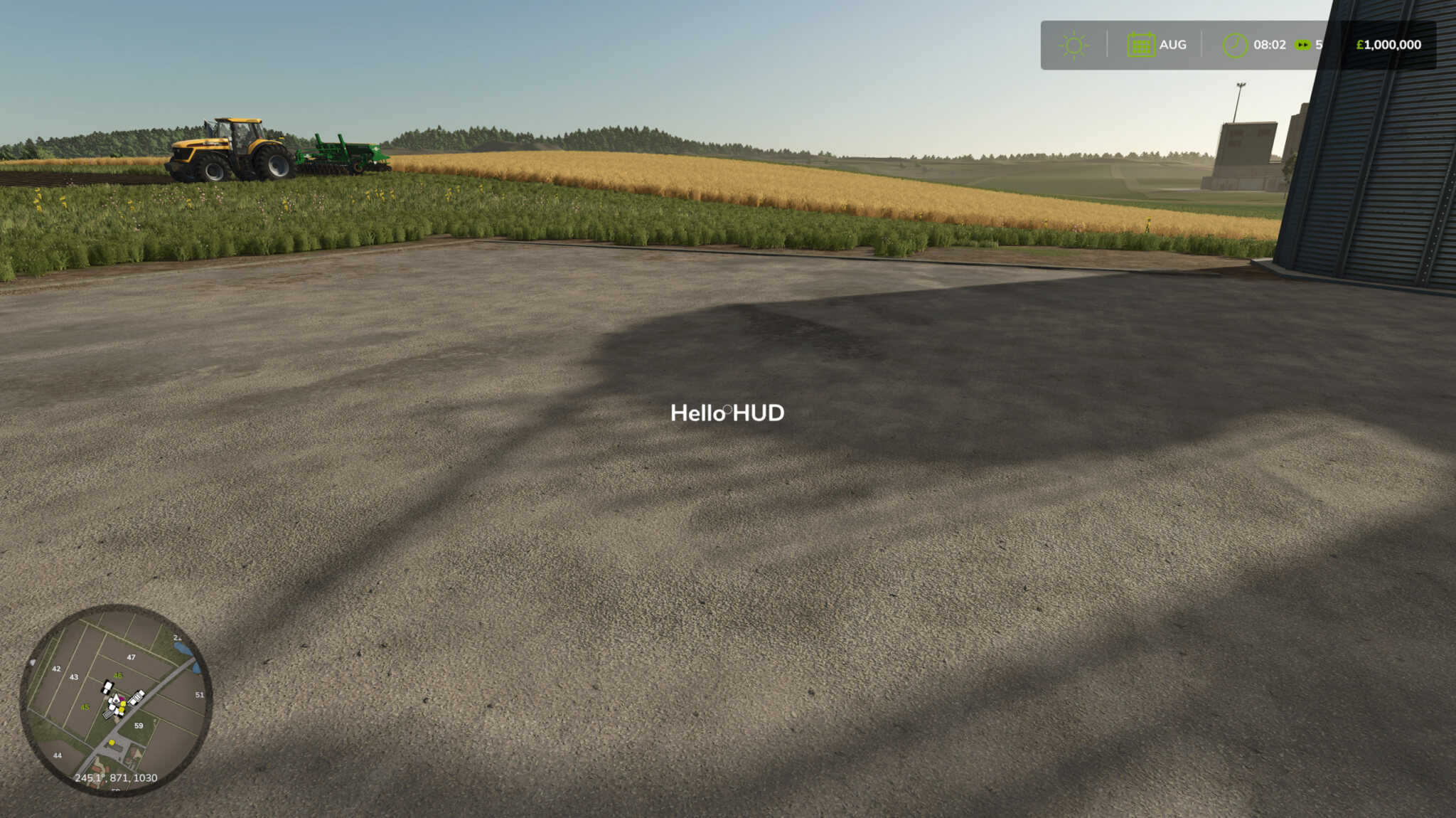
A very simple mod for Farming Simulator 25 that displays “Hello HUD” message on the centre of the screen.
Features
– Centered HUD Message: Displays “Hello HUD” right in the center of the screen.
– Minimal Code Base: Easy to understand and modify for further development.
– Normalised Coordinates: Uses normalised screen coordinates so it scales with different resolutions.
Installation
Download:
– Clone this repository or download the ZIP file and extract it.
Place the Mod Folder:
– Copy the entire FS25_BasicHUDMod folder into your Farming Simulator 25 mods directory.
– Example Path on Windows:
– C:/Users//Documents/My Games/FarmingSimulator2025/mods/
Launch the Game:
– Start Farming Simulator 25. The mod should load automatically, and you should see “Hello HUD” centered on your screen.