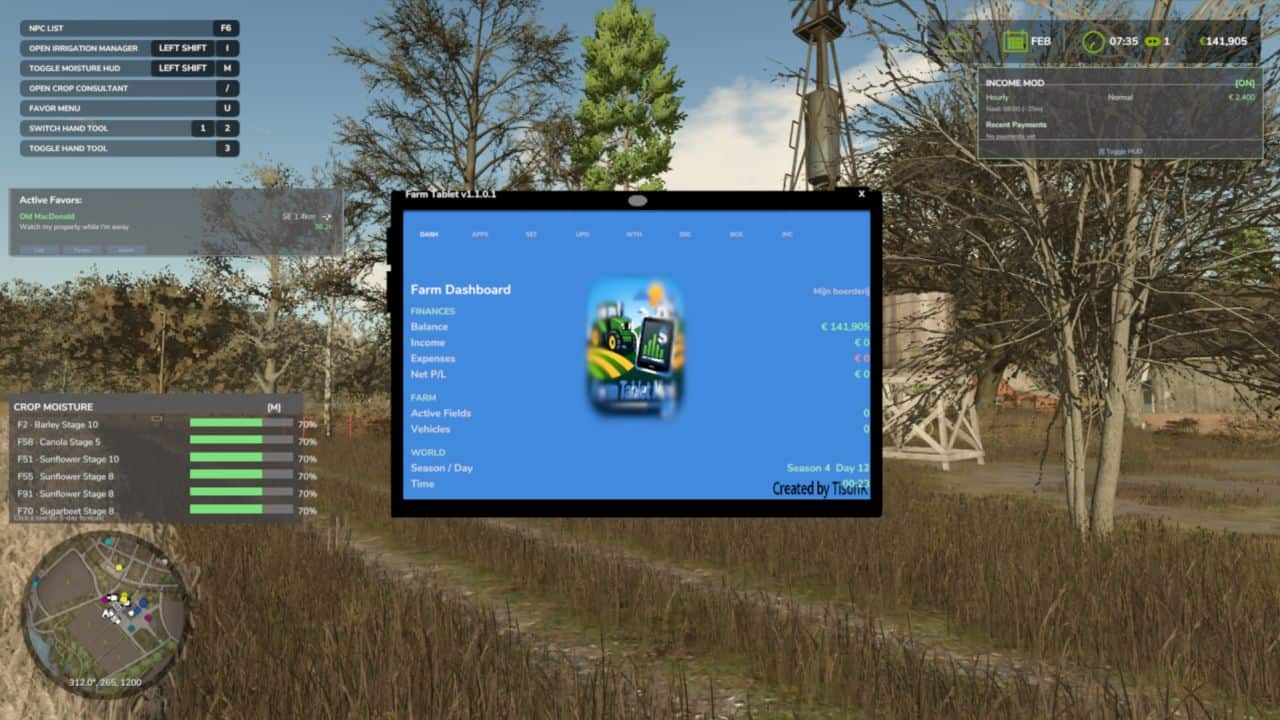
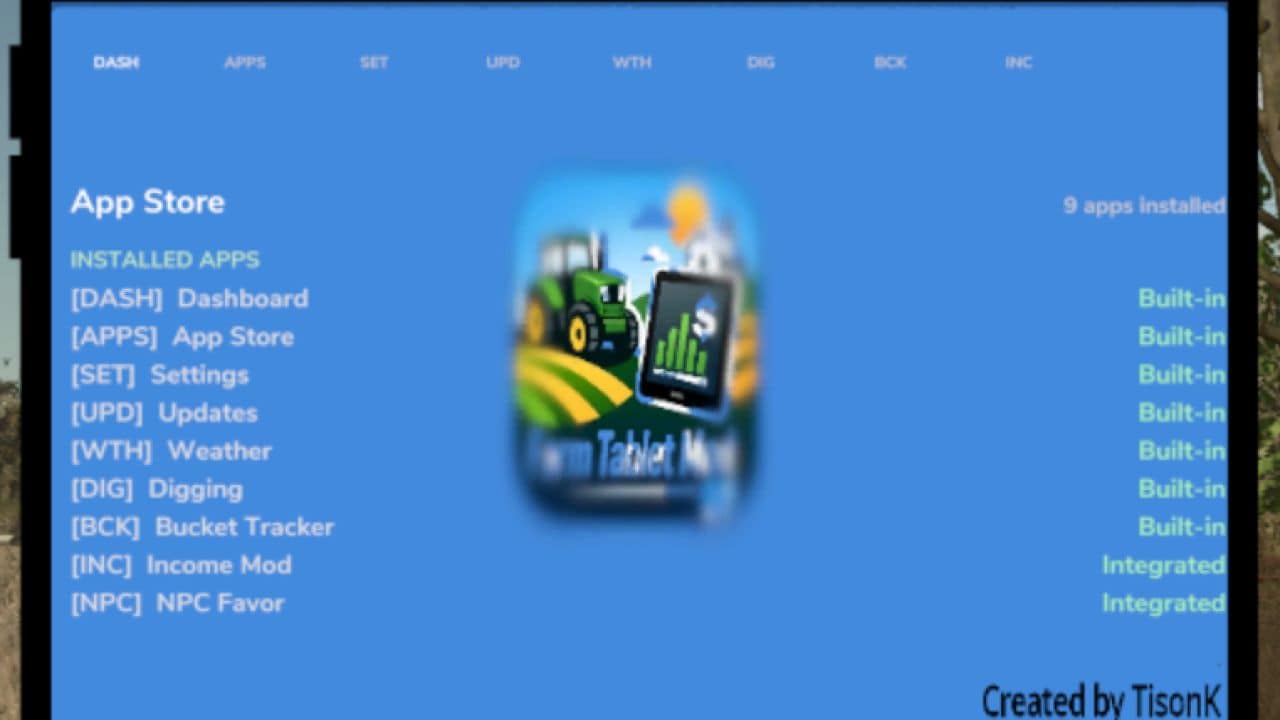
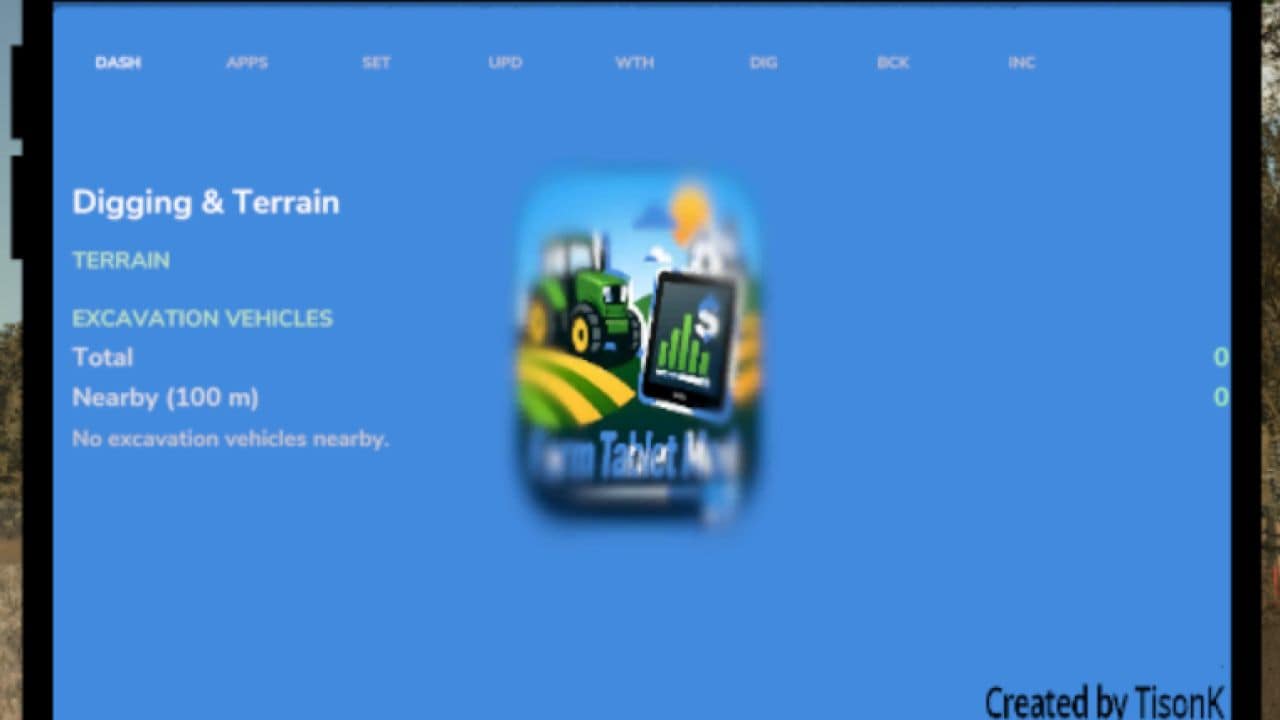
FS25 Farm Tablet V1.1.0.6
Hey everyone, I wanted to share my Farm Tablet mod, now converted and working in Farming Simulator 25.
I originally got inspired by a post about a tablet for FS17 and decided to build my own version for FS22. After spending a lot of time getting the basics stable and the core features working, it’s now in a usable state and I’m ready to share it for feedback and future improvements.
It’s still a work in progress, so don’t expect full apps or deep interactions just yet. The focus so far has been on making it stable and functional, and on building a structure that can be expanded later. Some parts are still text-based, but that’s intentional — it makes things easier to improve over time.
Release v1.1.0.0
– Converted FS22_FarmTablet to FS25
– Rewrote entire code structure*
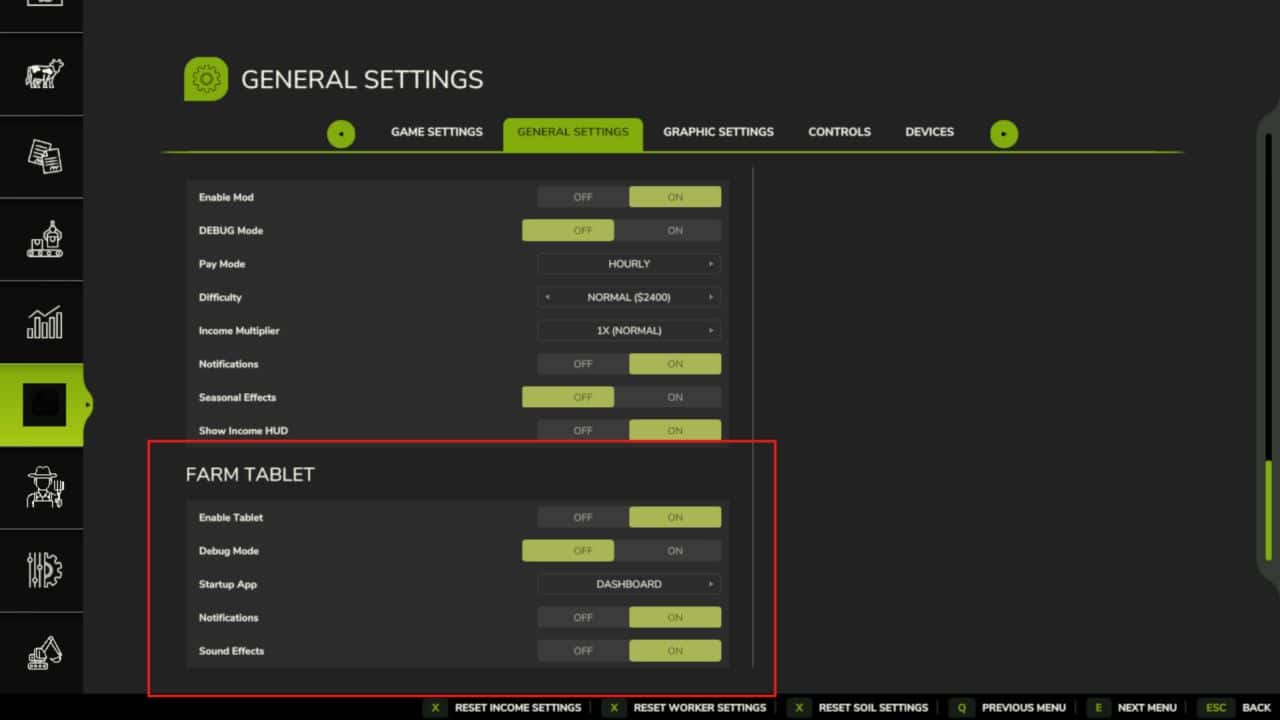
– Added settings in pause menu
– Renewed almost every app**
Its not a copy, i tried but failed. I have seperated every file instead of banging everything inside 1 file. This gives me more room to expand and quickly fix stuff.
Some apps are not yet completed, therefor interactions on the tablet might not work. For example the “Workshop” app does work, but at the moment the detection does not its job. This will be fixed (hopefully) in upcoming updates.
What I want it to become:
My goal is for this to be a compact, all-in-one tool that gives useful info without getting in the way of gameplay.
What’s coming next:
– Better tablet design and frame
– More visual elements (icons instead of text)
– Color tweaks, sounds, and UI polish
– More apps and improvements based on feedback
– Better vehicle detection and data display
The mod is actively being developed, so I’d love your feedback, ideas, and suggestions. Thanks for reading! I hope we can build something really cool together
V1.1.0.6
Visual Overhaul & UI Polish. The tablet’s information panels were functional but hard to read at a glance — everything looked like a plain text dump. This update cleans up the layout across every app so it’s faster to find what you’re looking for mid-session.
What’s new / What’s improved:
– Every app now has a clean divider line under its title — no more content blurring into the header
– Section labels (Finances, Farm, Weather, etc.) now show a small green accent bar on the left for quicker scanning
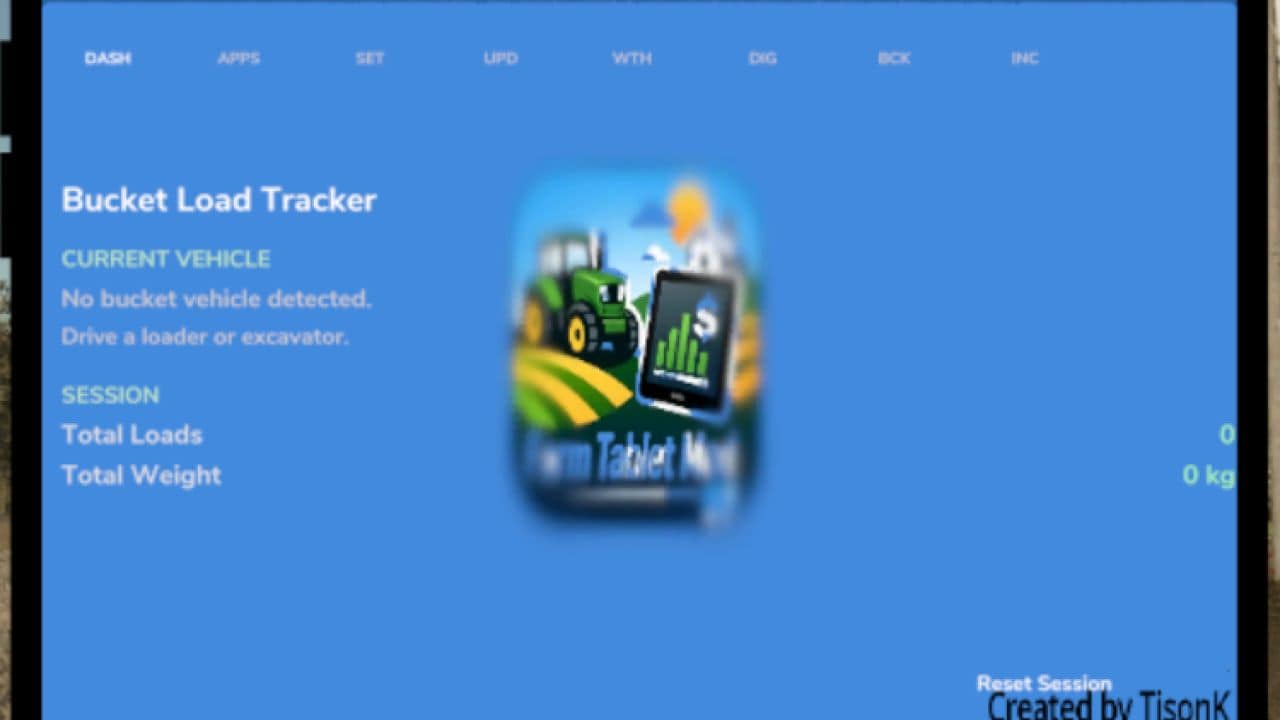
– Bucket Tracker now shows a color-coded fill bar under the fill percentage — green when full, orange mid-range, red when low
– The content area has a subtle top border giving it a proper card-style look
– NPC Favor, Crop Stress, and Soil Fertilizer app integrations added (auto-detected if the mods are installed)
– Interactive Settings app — toggle notifications, sound effects, and debug logging directly from the tablet
– Several behind-the-scenes bugs fixed: overlay memory leaks on app switch, startup app mapping, cross-mod global references
– Version display in Settings and Changelog apps was showing the wrong number — fixed
Saves: No migration needed. Drop in and play.
Required mods:
– Income Mod
– Tax Mod
– NPC Favor
– Realistic Soil & Fertilizer
– Seasonal Crop Stress