FS25 Shop Seat Info V1.0
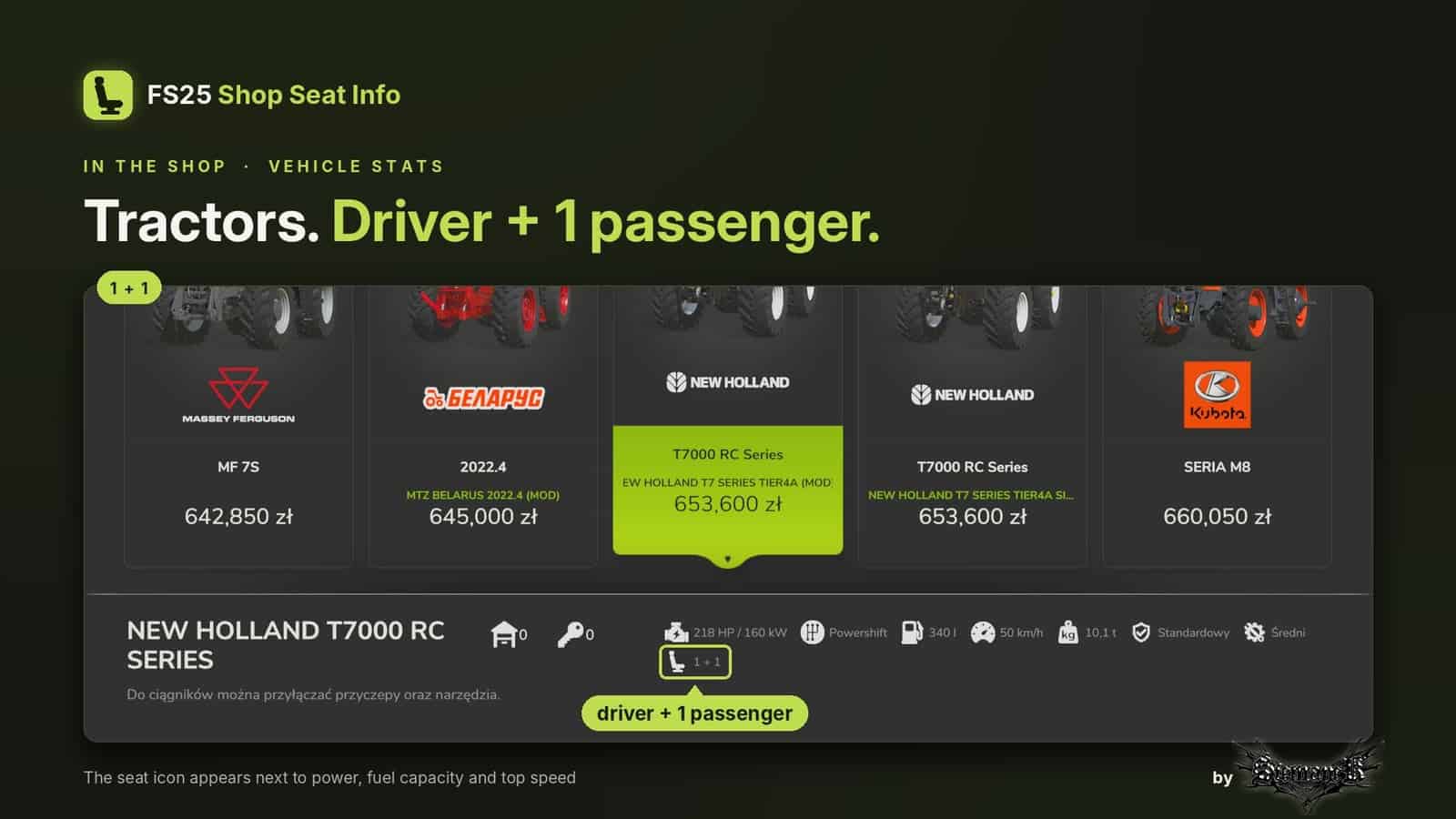
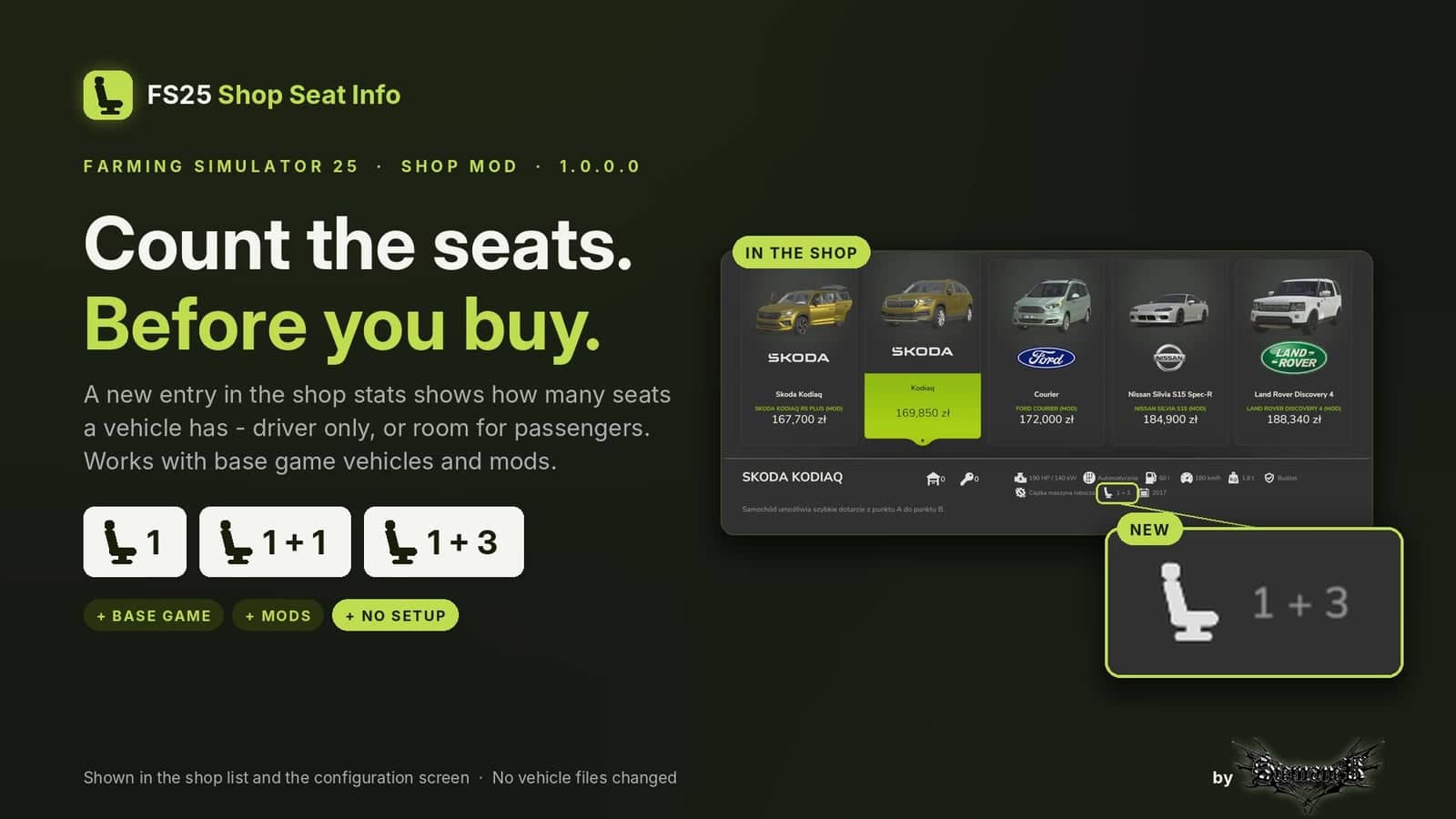
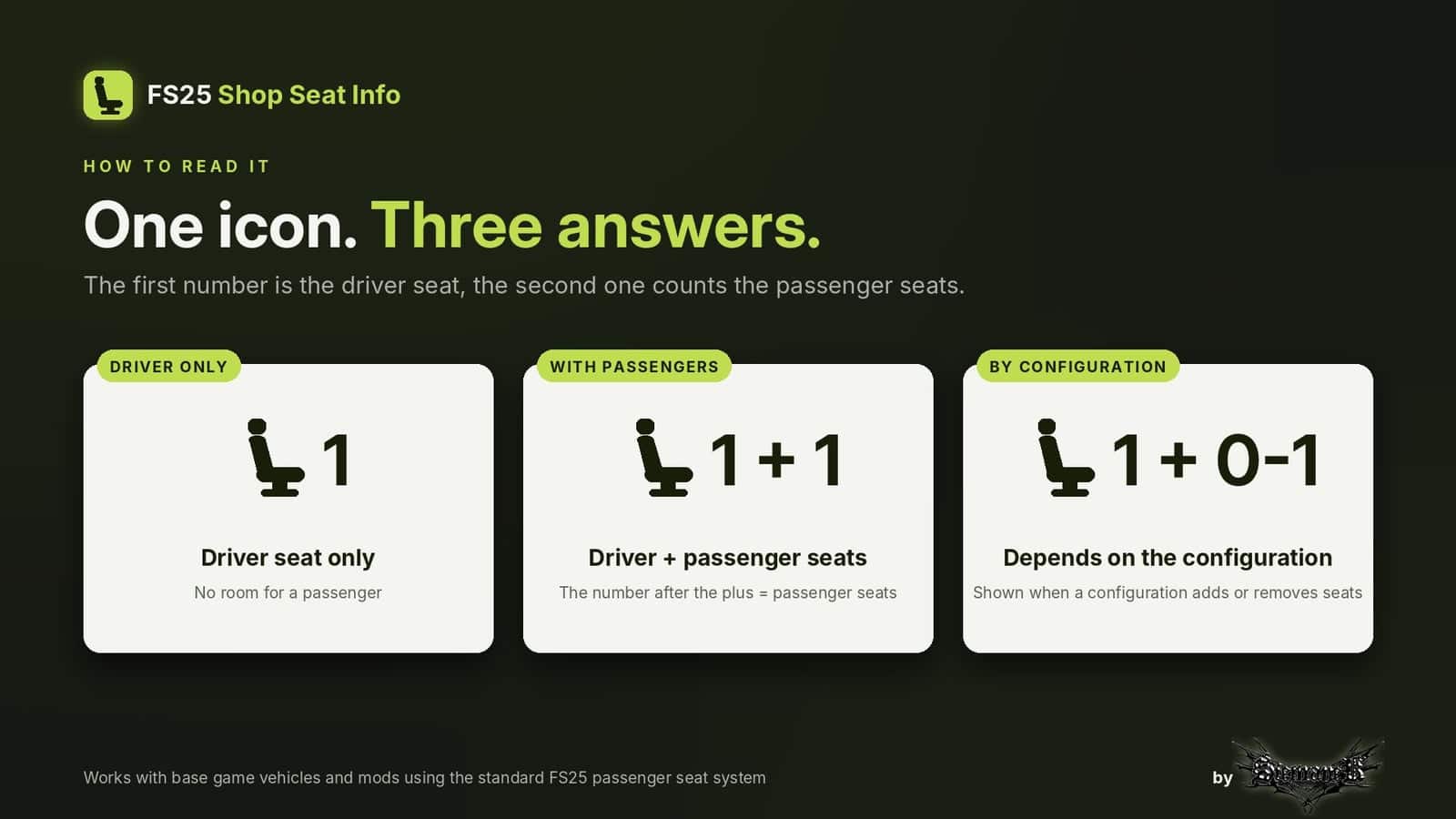
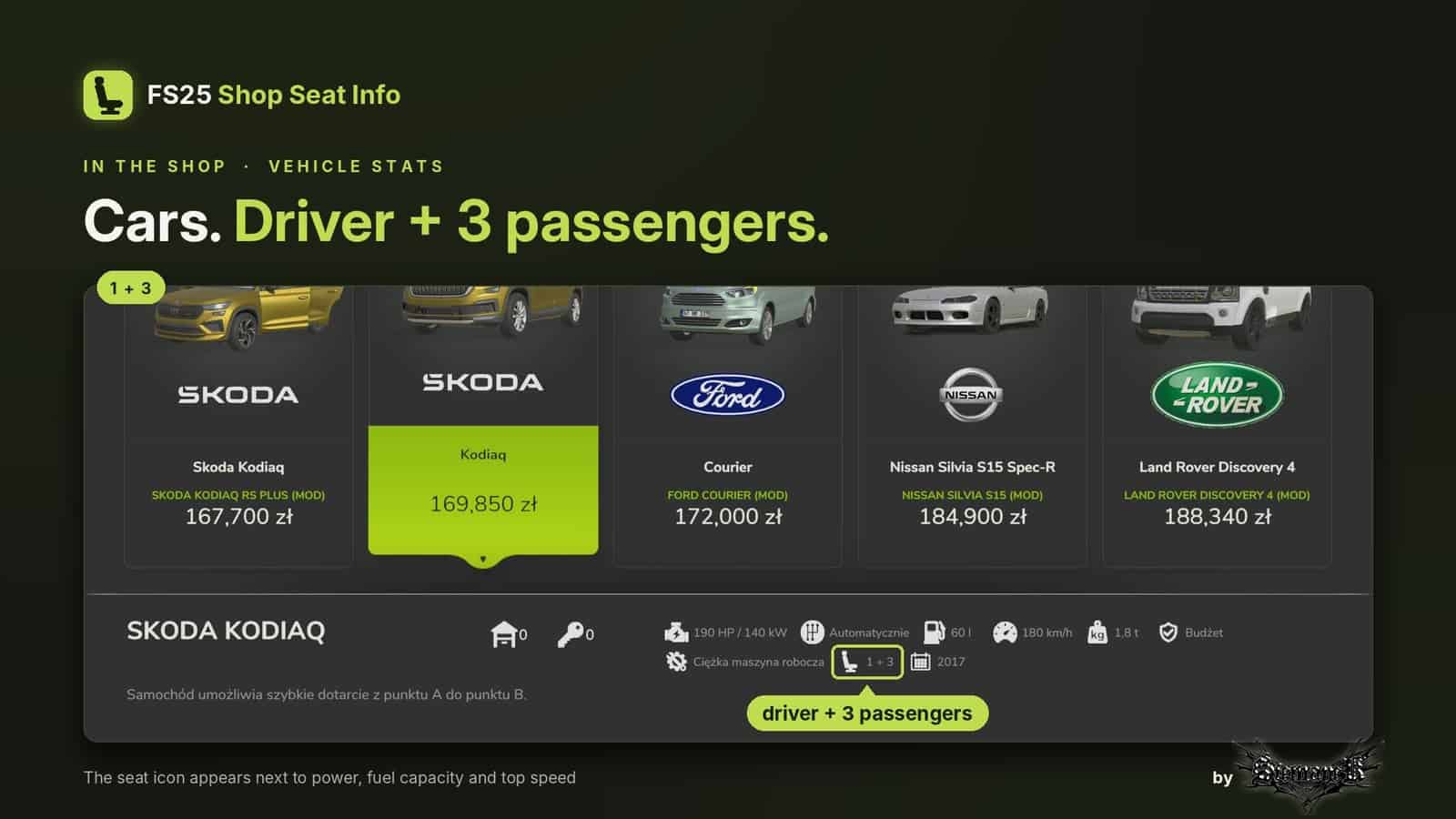
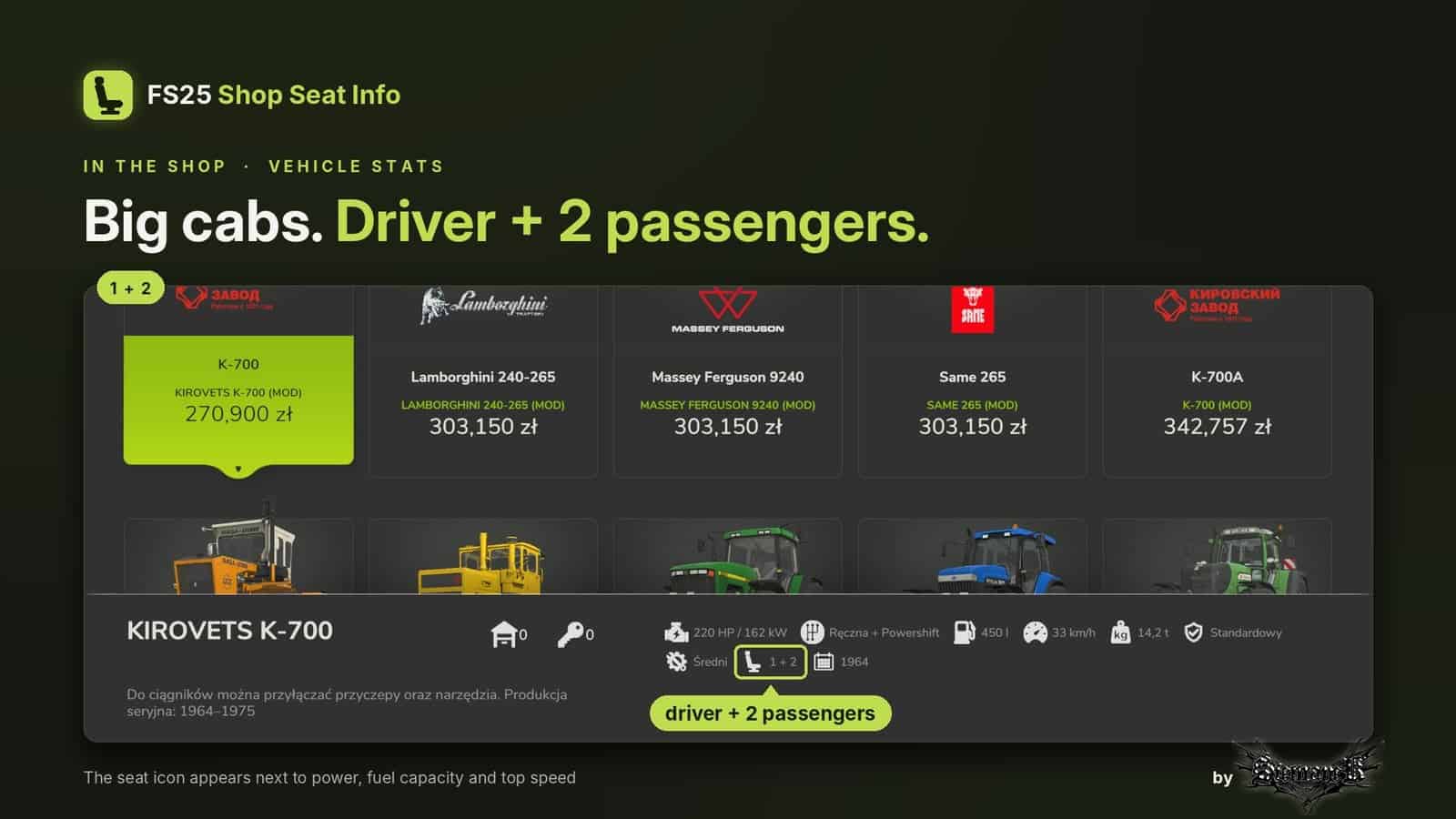
Shop Seat Info shows the seat count in the vehicle statistics within the shop. A seat icon is placed beside power, fuel capacity and top speed.
How to read it
- “1” means driver seat only
- “1 + 1” means driver seat plus one passenger seat
- “1 + 3” means driver seat plus three passenger seats
- “1 + 0-1” means the passenger seat count depends on the selected configuration
Features
- Automatically works with all base game vehicles
- Supports every mod using the standard FS25 passenger seat system
- No vehicle file changes or setup are required, activate the mod only
- Visible in the shop list as well as the vehicle configuration screen
- Trailers and implements without a cab are not affected
- Lightweight script with no impact on performance
Note: Passenger seats created by custom scripts rather than the standard game system cannot be detected, so only the driver seat will be shown.