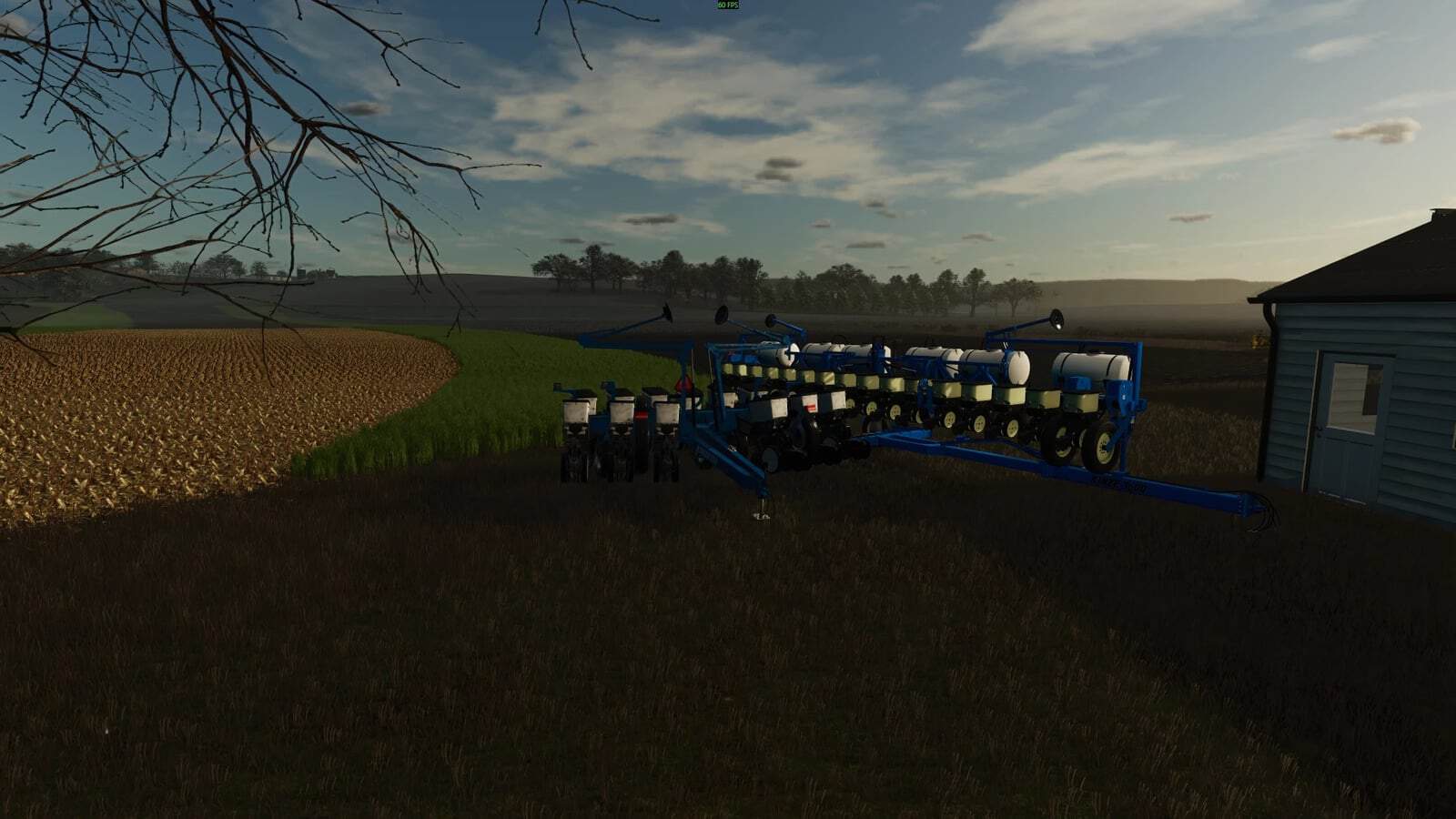
FS25 Midwest Equipment Company v1.0
Midwest Equipment Company lets you take charge as the owner and operator of a dealership. Your responsibilities include selling equipment, arranging repairs, ordering and selling parts, and renting machines to NPCs.
Features
- Sales
Set up as a dealer for a wide range of brands, organized across 3 categories. Build your earnings and reputation points to gain access to the larger equipment lines. Negotiations with NPCs also add to the reputation points you receive. During dealer setup, press the placement button while standing at the location where the dealer lot should go. All inventory is delivered to that spot. After delivery, you can relocate the equipment, and moving each new item is highly recommended because every piece appears in the exact same position. Choose your prices, negotiate with customers, and buy insurance protection for the inventory. Operation of this mod also requires the Midwest Finance mod, which creates a bank account named “company” for all dealership funds. If the equipment auction and equipment exchange mods are installed, dealer funds can be used to buy used equipment for your inventory. - Service
Inspect equipment brought in by customers, prepare a quote, and allow the customer either to accept the charge or reclaim the machine after paying for the inspection. The dealership is built to function with the vanilla game, but the vanilla game does not provide much gameplay mechanic for this. Its actual functionality comes from using the Advanced Damage System mod together with the dealership. Once that mod is installed, the customer’s tractor appears for service. Inspect the tractor, issue the quote, and after acceptance, carry out the repair through the ADS mod. You may do the work personally, or an ADS technician can handle it. The menu’s service tab lists the remaining tasks and displays the completed percentage. When everything is done, select the correct button. The customer then collects the tractor, and the payment goes to your company bank account. - Rental
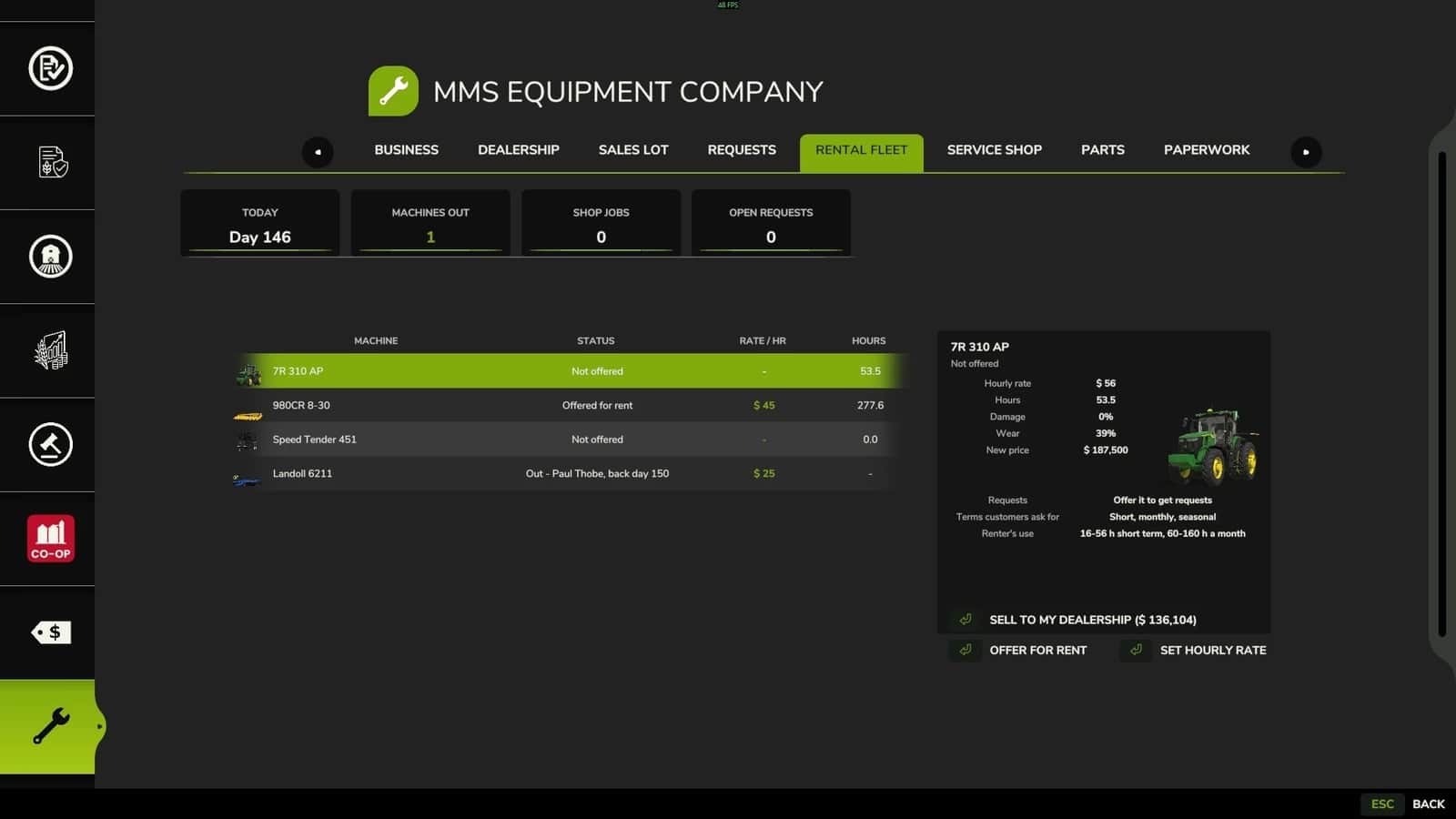
Make equipment you own available for rental to NPCs. During the rental period, the machine leaves the property physically and comes back after the agreement ends, with the payment deposited into the company account. Existing loans and insurance remain attached to the equipment throughout the rental. With the insurance mod in use, the rented machine is removed from the insured list and added back when it returns to your lot, with its policy still intact. No record-keeping information is lost. Returned equipment has more hours, wear and dirt than it had before leaving. - Notes
The creator reports that the mod works as intended on their personal save with the current ecosystem mods and the ones still in development. In total, 15 interconnected ecosystem mods have been released and are being tested. Testing for Hosted Multiplayer and Dedicated Server is underway.