FS25 Axle Load HUD V1.0.3.0
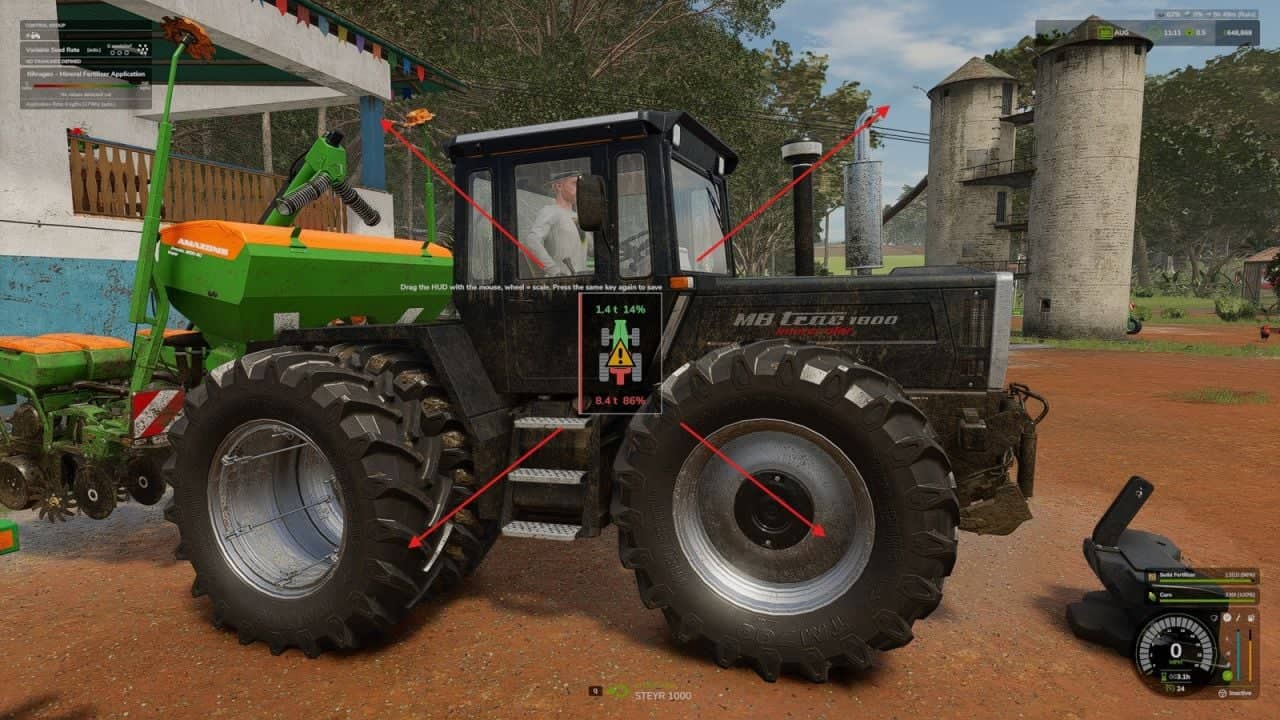
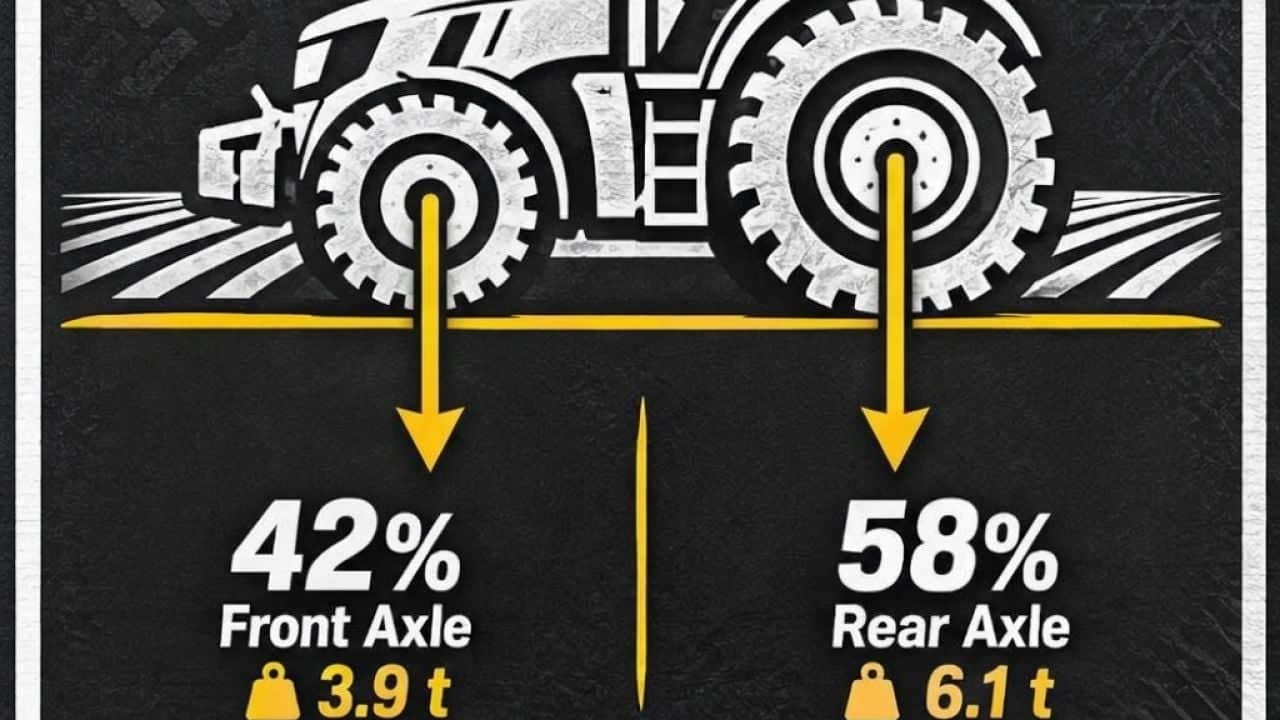
Axle Load HUD shows the current load on both the front and rear axle before steering or balance issues occur. The values are calculated from the actual wheel contact force, and the HUD gives ballast advice whenever it is required.
Features
- The front and rear axle loads are displayed live in tonnes and percent.
- Implements, front loaders, front weights, wheel weights and dual wheels are included in the calculation. Wheels that are off the ground carry no load, and the HUD detects this.
- The overloaded axle is identified by colour:
- Green: everything is fine and the tractor is happy.
- Yellow: the limit is getting close.
- Red: one axle is carrying too much, the other is below 20% of the tractor’s weight, or the vehicle exceeds its permissible mass.
- When necessary, ballast advice states how many kilograms must be added to the front axle to return to 20%. The leverage of the front hitch is included.
- Use the mouse to place the HUD anywhere on the screen and the mouse wheel to resize it. Its position and size are saved.
- If the balance becomes incorrect, a game notification explains the cause and displays the advice.
- The HUD uses the scale configured for your game HUD.
- The 20% rule is intended for ordinary wheeled tractors. Crawlers, articulated tractors and combines receive the HUD as information only.
- When you drive while the load is unbalanced, the tractor wears more quickly, reaches a lower maximum speed and brakes less effectively. These effects fade in and out smoothly and disappear once the balance is corrected.
- The console command
alhPenaltiesswitches the driving penalties off. - Extra wear and driving penalties are handled on the server side, making them work in single player and for the host in multiplayer.
- The 20% front axle rule is a real-world rule of thumb rather than a law of physics. If your tractor steers properly at 18%, that is the tractor’s problem, not yours.
Controls
- Press Right Ctrl + . to show or hide the HUD.
- Right Ctrl + , activates mouse movement and mouse wheel resizing. Press it again to save the changes.
- The console command
alhResetrestores the original position and size. - The keys can be changed in the controls menu.
Changelog
- V1.0.3.0
New: the HUD can be moved with the mouse and resized using the mouse wheel; its position and size are remembered. New: other mods can access the axle load state, which is used by the optional Realistic Dashboard mod. - V1.0.2.0
Right Ctrl + , enables mouse movement and mouse wheel resizing, and pressing it again saves the result. The console commandalhResetrestores it. The keys can be changed in the controls menu.