FS25 Simple-Navigator V1.1.2.0
Simple-Navigator guides you along routes based on the map’s splines and, when AutoDrive is installed, an AutoDrive course. The route method is selected dynamically.
Features
- Guidance follows the map’s splines and/or an AutoDrive course, provided AutoDrive is installed.
- AutoDrive is dynamically included.
- Routes can only use splines, which are usually not field paths.
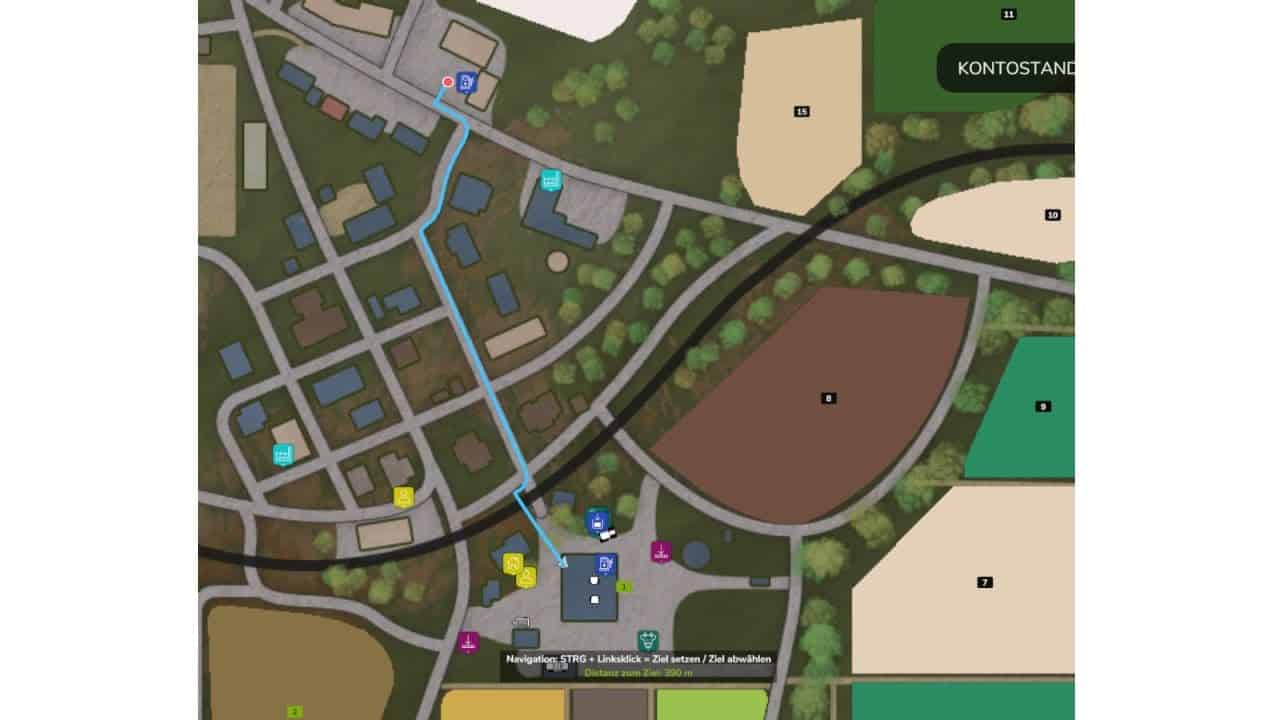
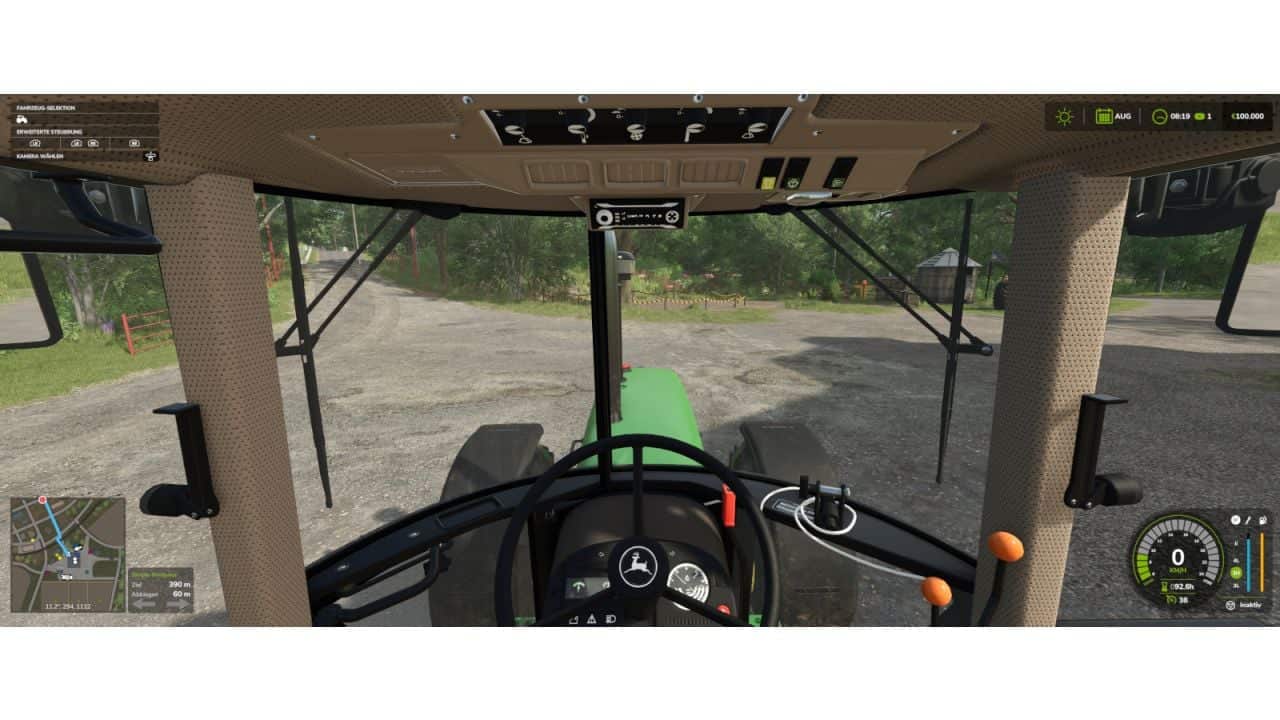
- The minimap displays the route.
- A panel beside the minimap shows the distance to the destination, the distance to the next turn, and blinking left/right arrows.
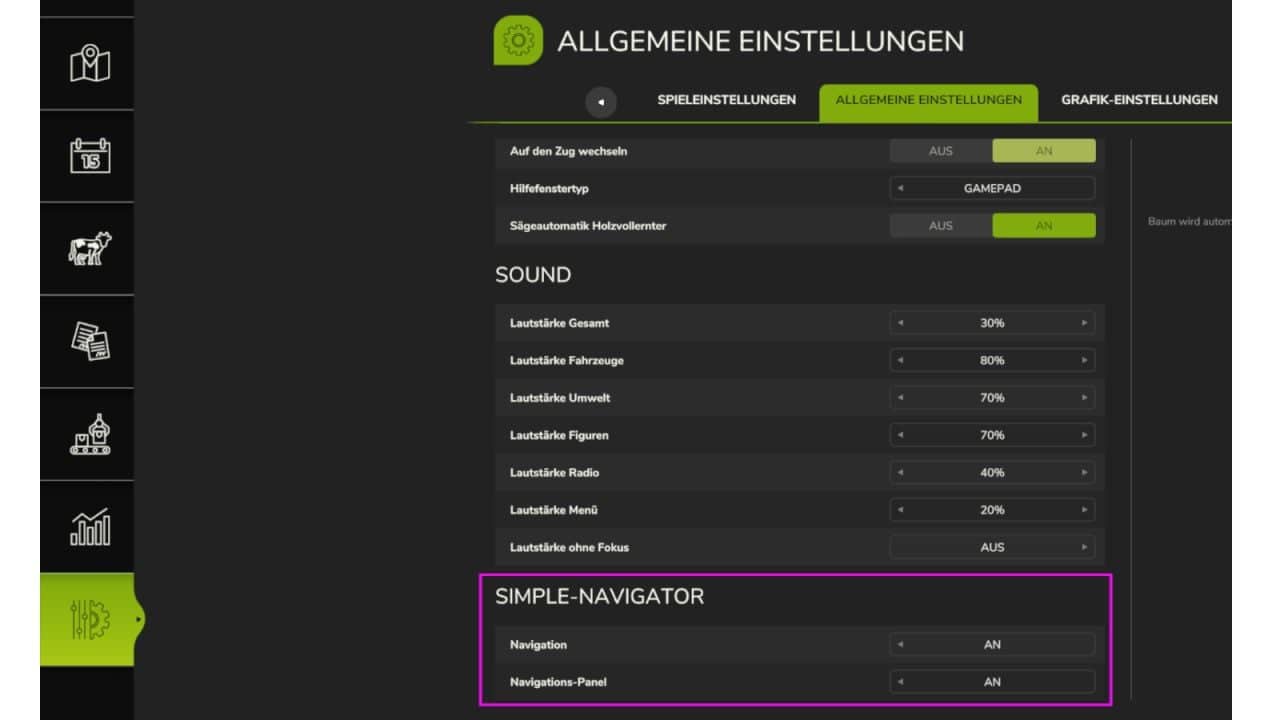
- Through Settings > General, every player can individually activate or deactivate navigation and the panel completely, including on servers.
To choose a destination, open the overview map, ESC menu, then press CTRL + left-click on the desired destination.
Press CTRL + left-click on that same position once more to remove the destination.
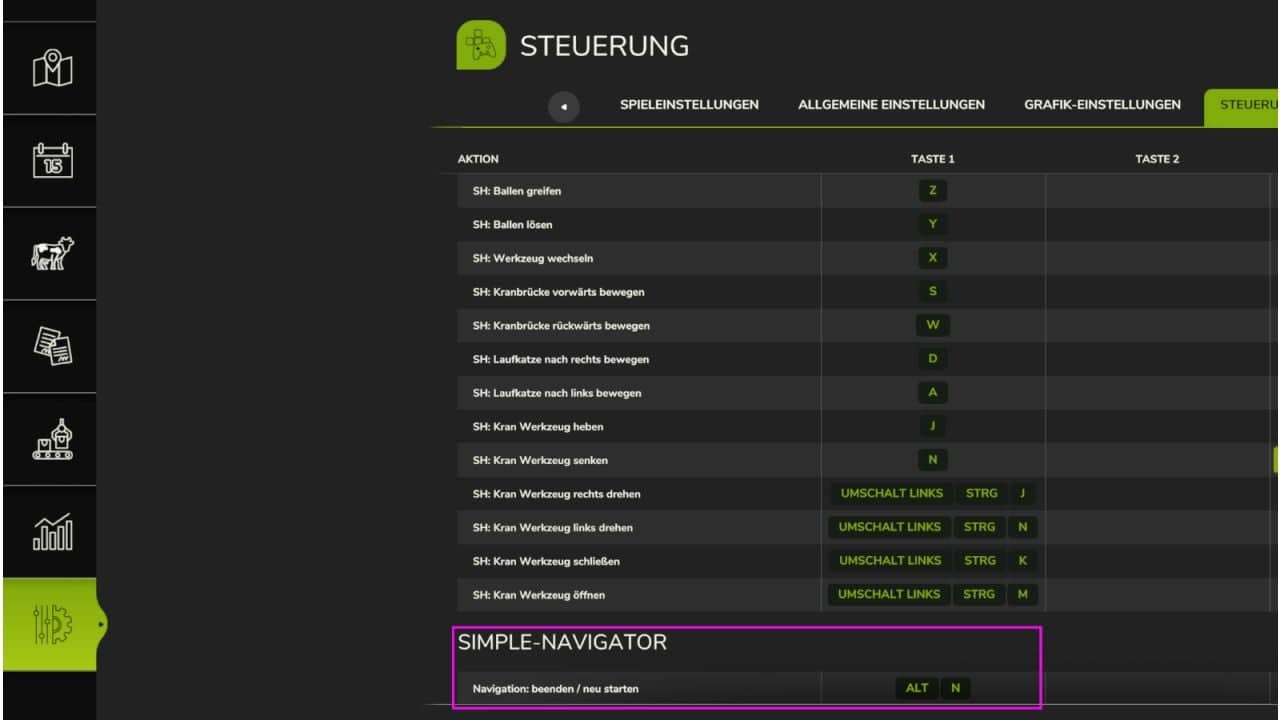
ALT + N: End / restart navigation
Large 4x maps have not yet been tested. If you discover errors or have comments, feel free to write.
Changelog
- V1.1.2.0
AutoDrive courses in the field are ignored.
An error affecting the navigation line on the minimap has been fixed. - V1.1.0.0
AutoDrive is now dynamically considered alongside the map’s splines, so routes are possible on maps without splines. Routes are now calculated through splines, AutoDrive, or both together.