FS25 Server Lag Watch V1.4.0.4
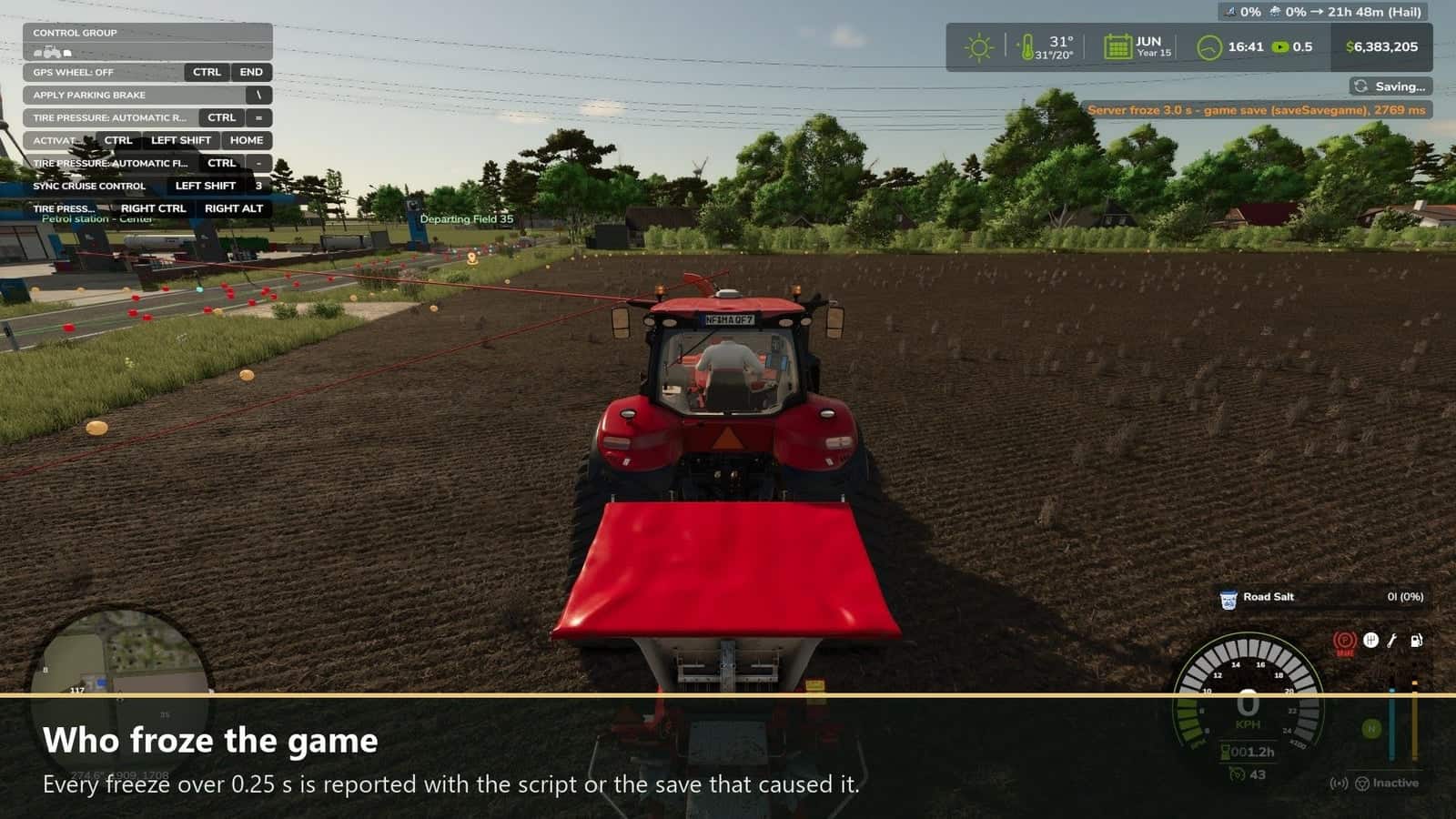
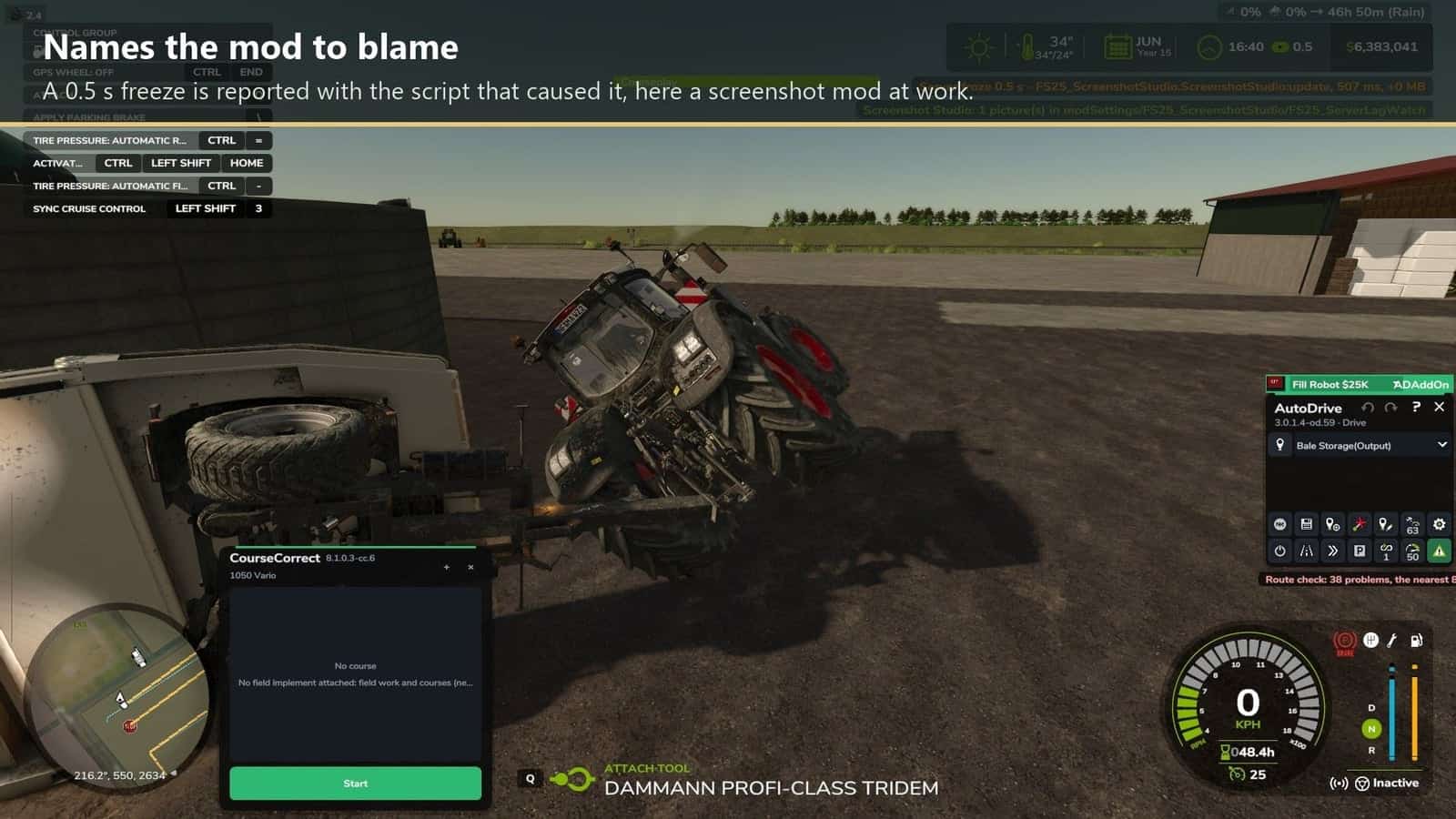
Server Lag Watch identifies the mod that is freezing your server. If the server stops for more than a quarter of a second, all players receive a notification showing the freeze duration and the mod script that was slowest at that moment. This message is written to the server log as well, allowing the cause to be checked afterwards.
Features
- Every freeze lasting over 0.25 s triggers an alert that names the responsible mod script or save.
- Who and where: when a vehicle or placeable is slow, the message includes its farm, its driver, whether that is a player, AI helper or no driver, and its location, field, farmland or off-field.
- SERVER SAVE: big red letters appear in the middle of the screen during a server save.
- SERVER LAG WATCH: big red letters are shown when the server stops answering for 3 seconds and remain until it answers again.
- File names are recorded in the log when file writes are slow during a save.
- The profanity filter is also disabled, so chat, names and license plates display exactly what was typed.
How to use
Install the mod on the server and in the game of every player. Then check the server log for lines that start with [ServerLagWatch].