
FS25 F1 Toggle V1.0.0.6
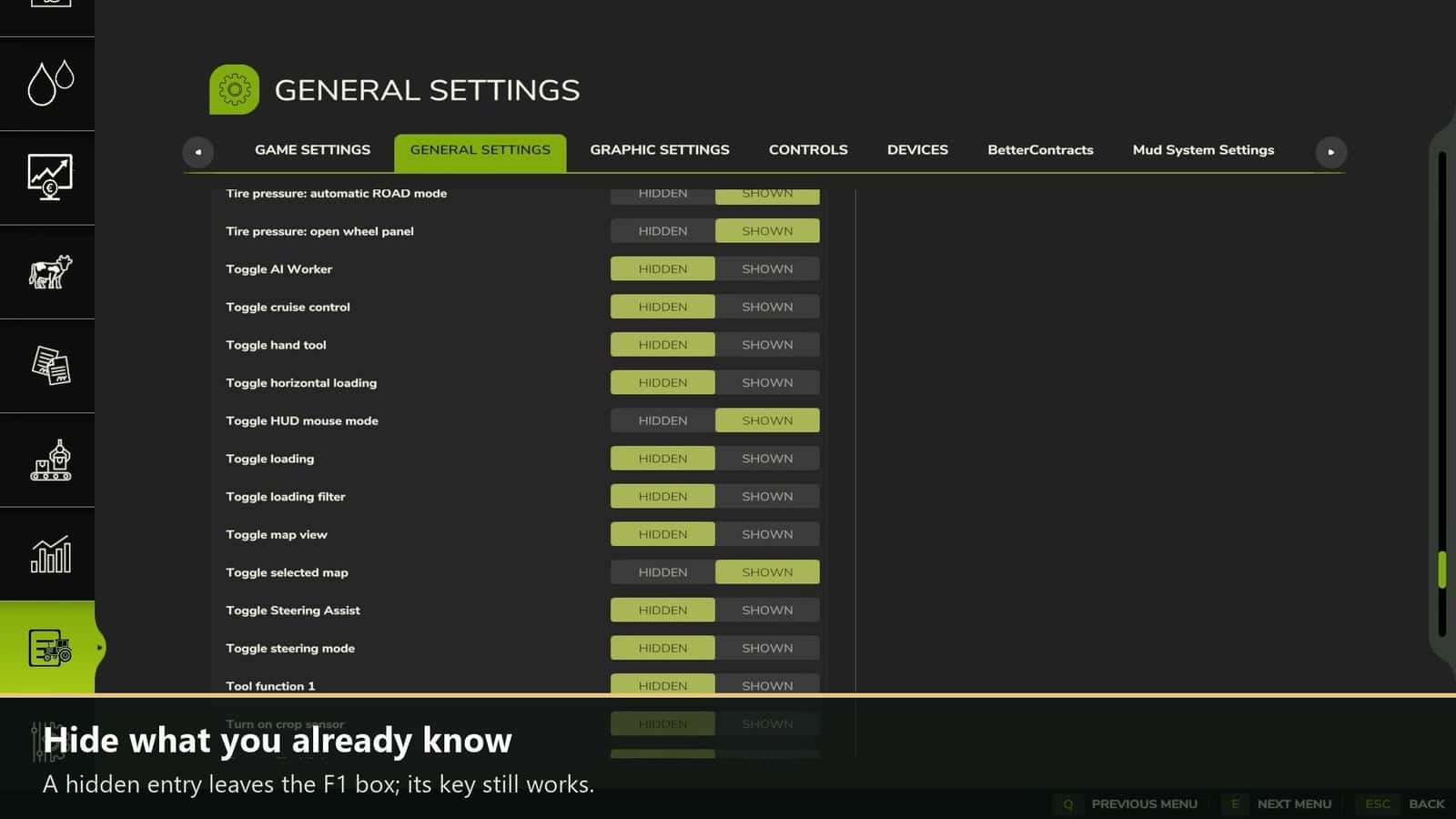
F1 Toggle controls which entries are displayed in the F1 help box. When mods like AutoDrive and Courseplay are installed, the F1 list can become lengthy. Use this mod to remove key hints you already know from view. The hidden entry is removed only from the F1 box, while its key continues to work.
Features
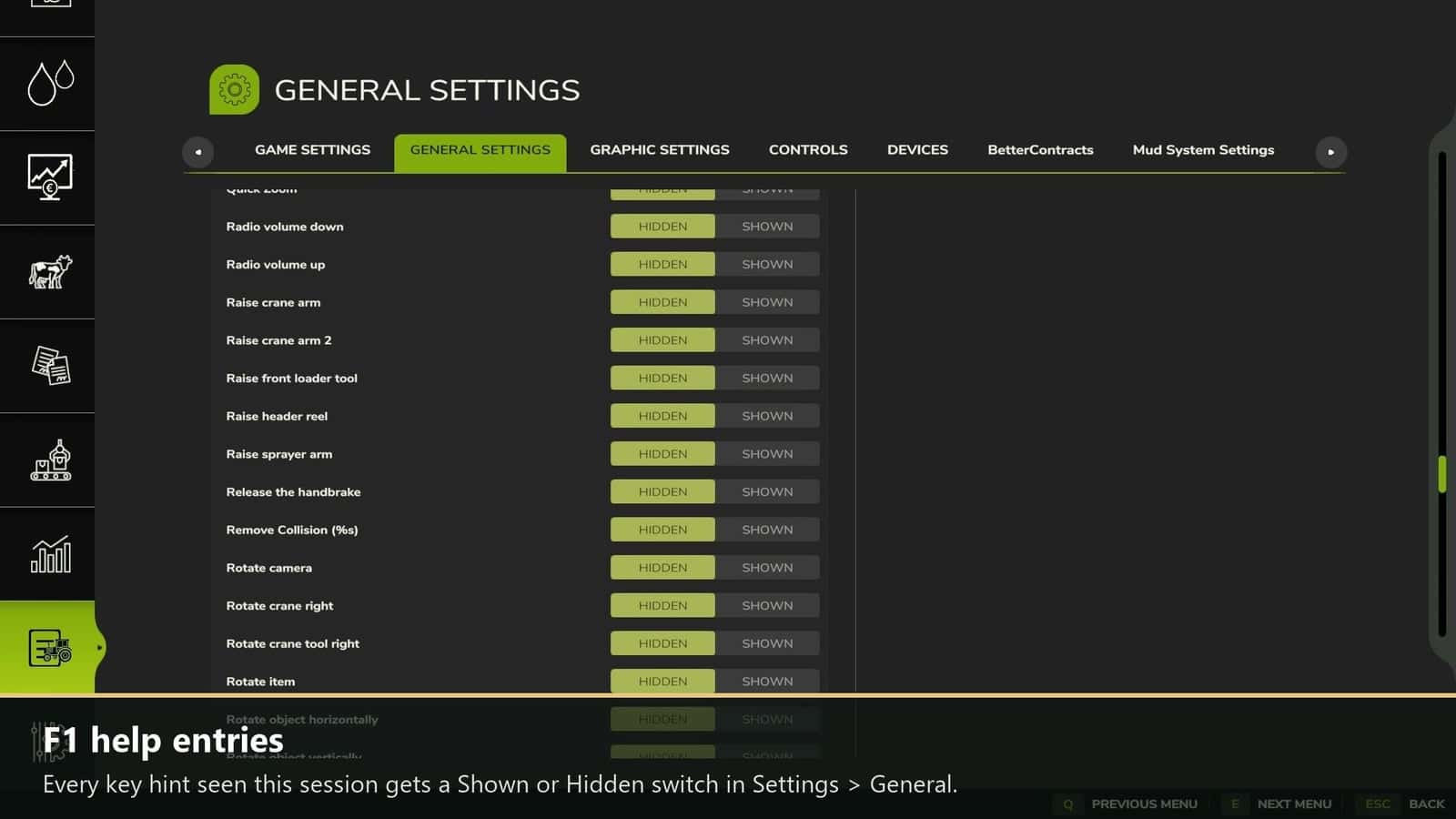
- The list contains every key hint seen during the current session, including hints from the base game and installed mods.
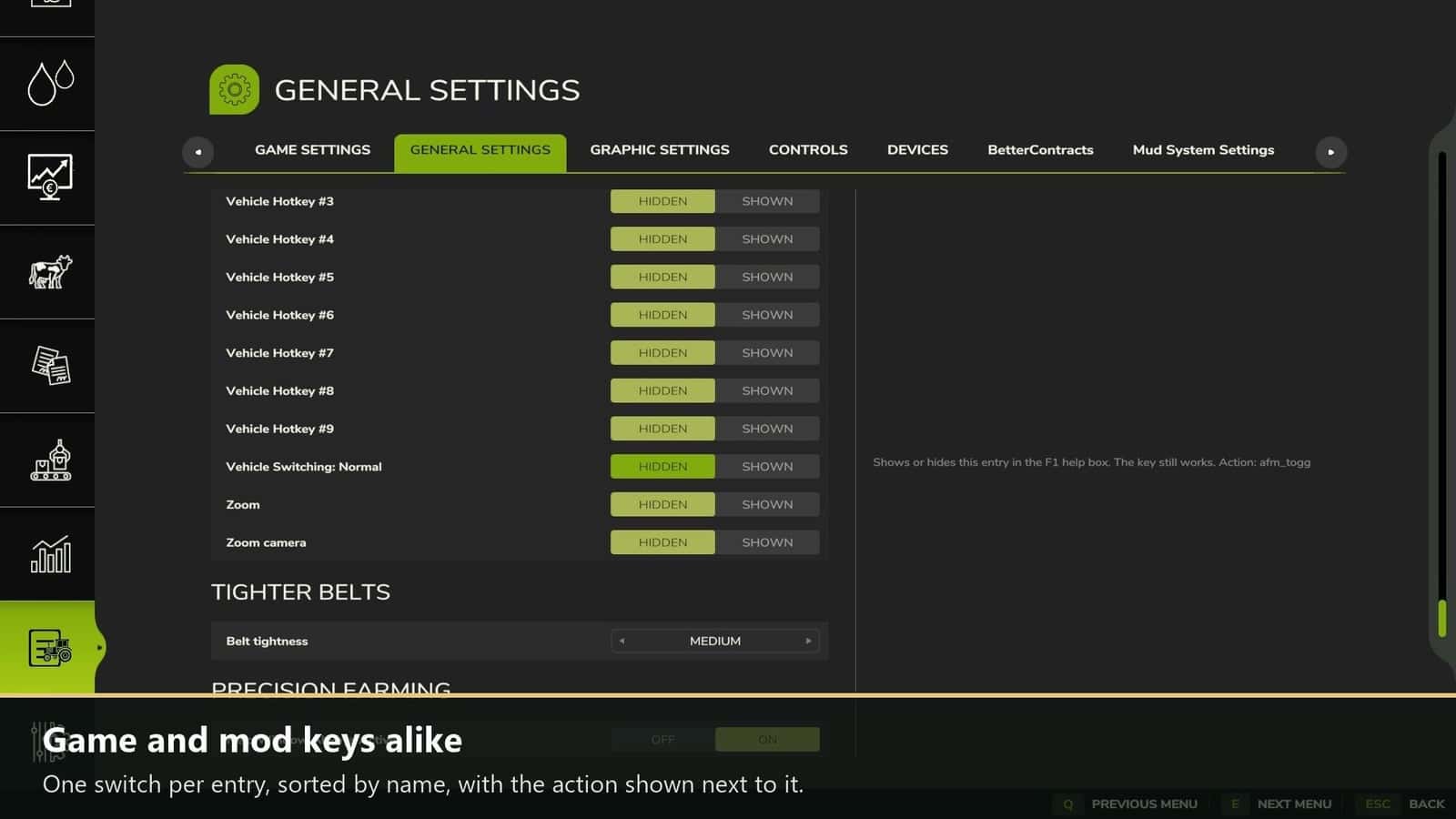
- Entries are sorted by name, each has its own Shown / Hidden setting, and its action appears beside it.
- Settings apply to all savegames and are stored in
modSettings/FS25_F1Toggle/F1Toggle.xml. The file also records every entry seen so far, and you can sethidden=”true”there as well. - Use
f1tListto list the entries, or usef1tShowAllto show them all again. - Available in both single player and multiplayer.
How to use: Go to ESC > Settings > General, then scroll down to “F1 help entries”. Change an entry to Hidden to remove it from the F1 box.