FS25 Searchables V1.8.2.7
Search boxes can be found on the shop, construction and map screens, with Where’s My Stuff already built in.
Features
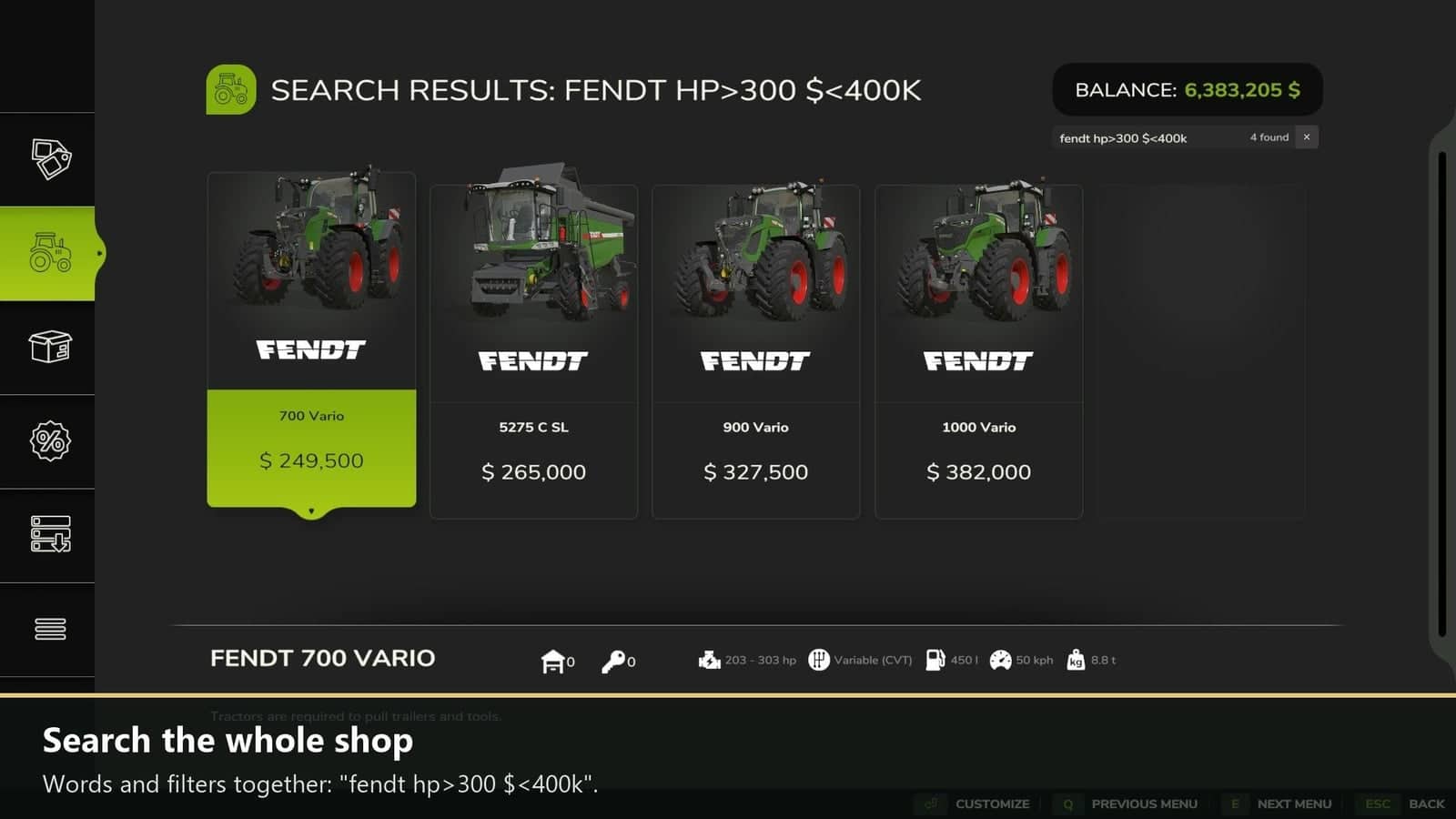
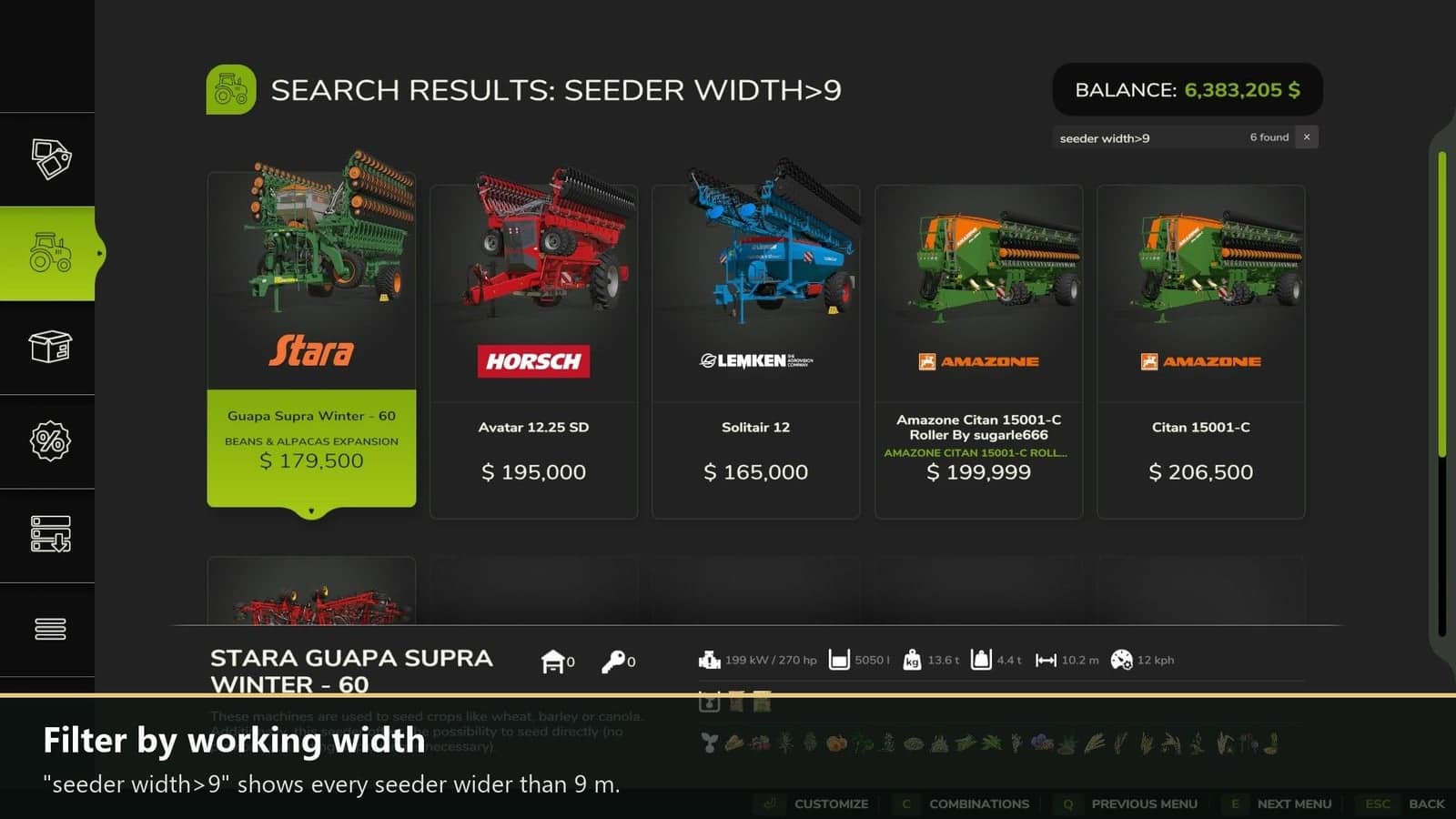
- Shop: narrow down a category or brand, or search the complete shop using a brand, DLC, mod name or mod author.
- Spec filters: search by price ($<50k), horsepower (hp>200), working width (width>9), capacity (l>30000), weight, speed, power needed and “affordable”. These can be combined with words, for example: “fendt hp>300 $<400k”.
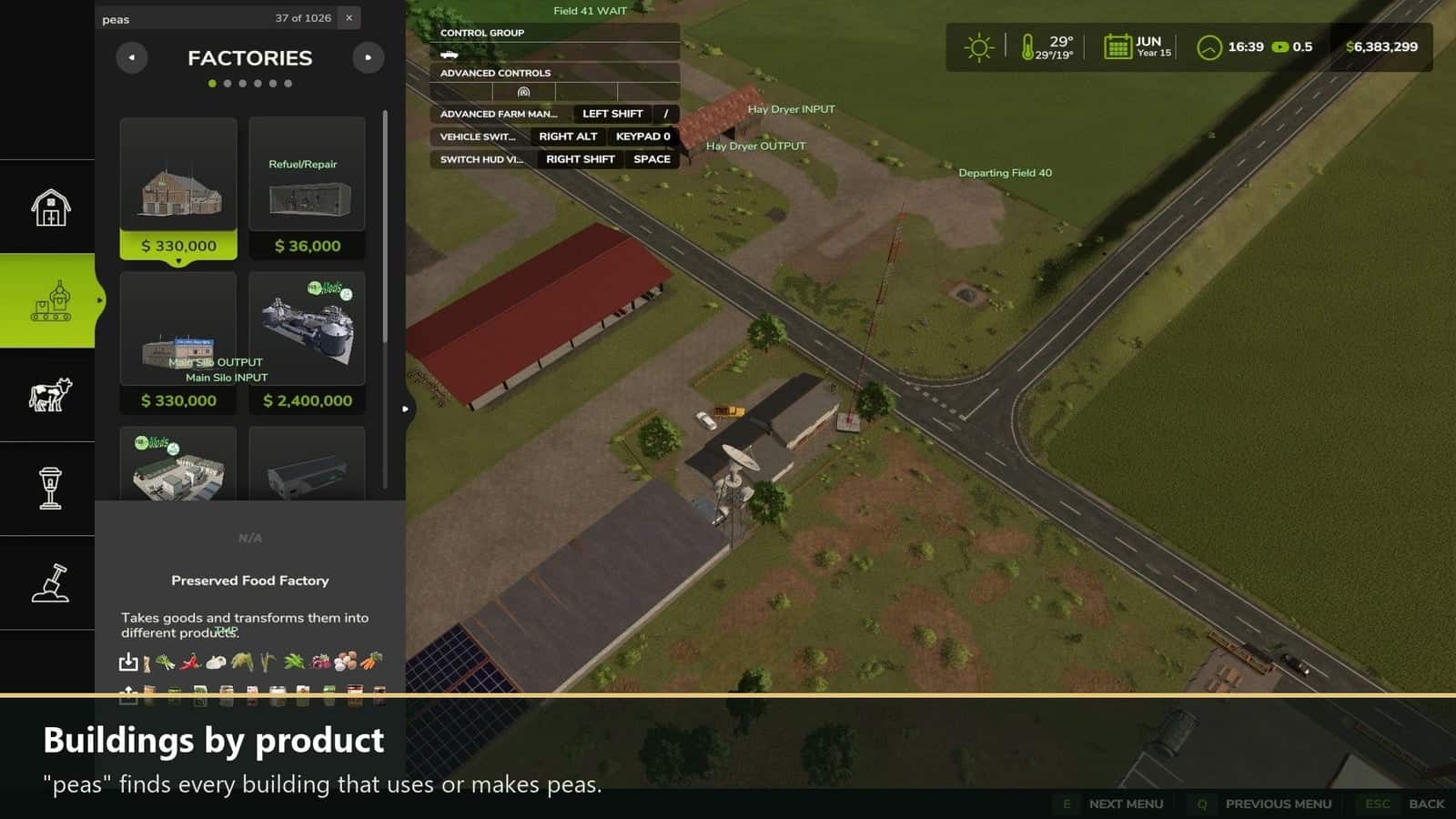
- Construction: use the name or product to filter buildings in every category and tab. Searching for “peas” finds every factory that uses or makes peas.
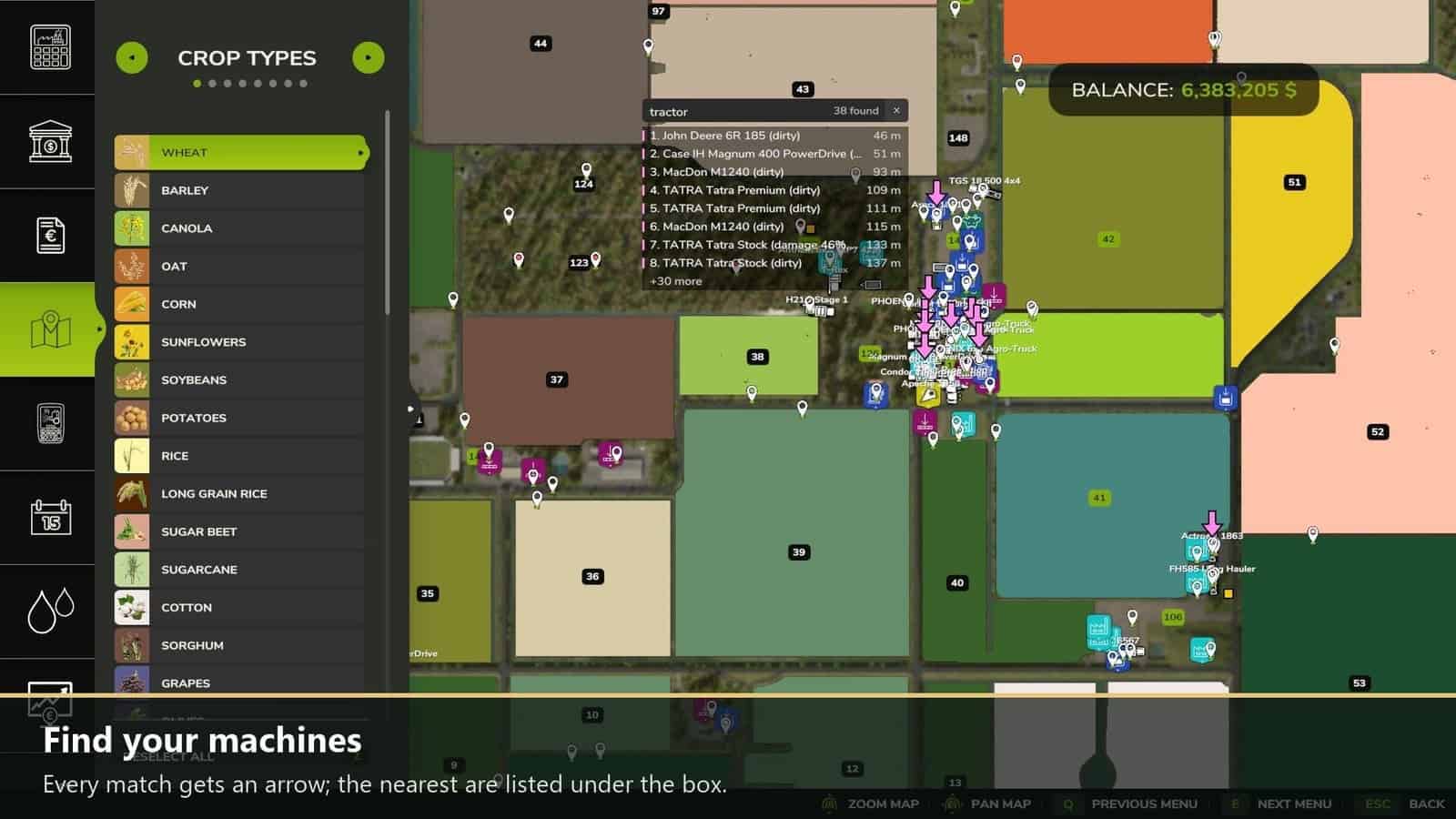
- Map: locate your vehicles, including searches by license plate, as well as bales, pallets, buildings, fields and properties. Each match receives an arrow, while the nearest matches appear below the box.
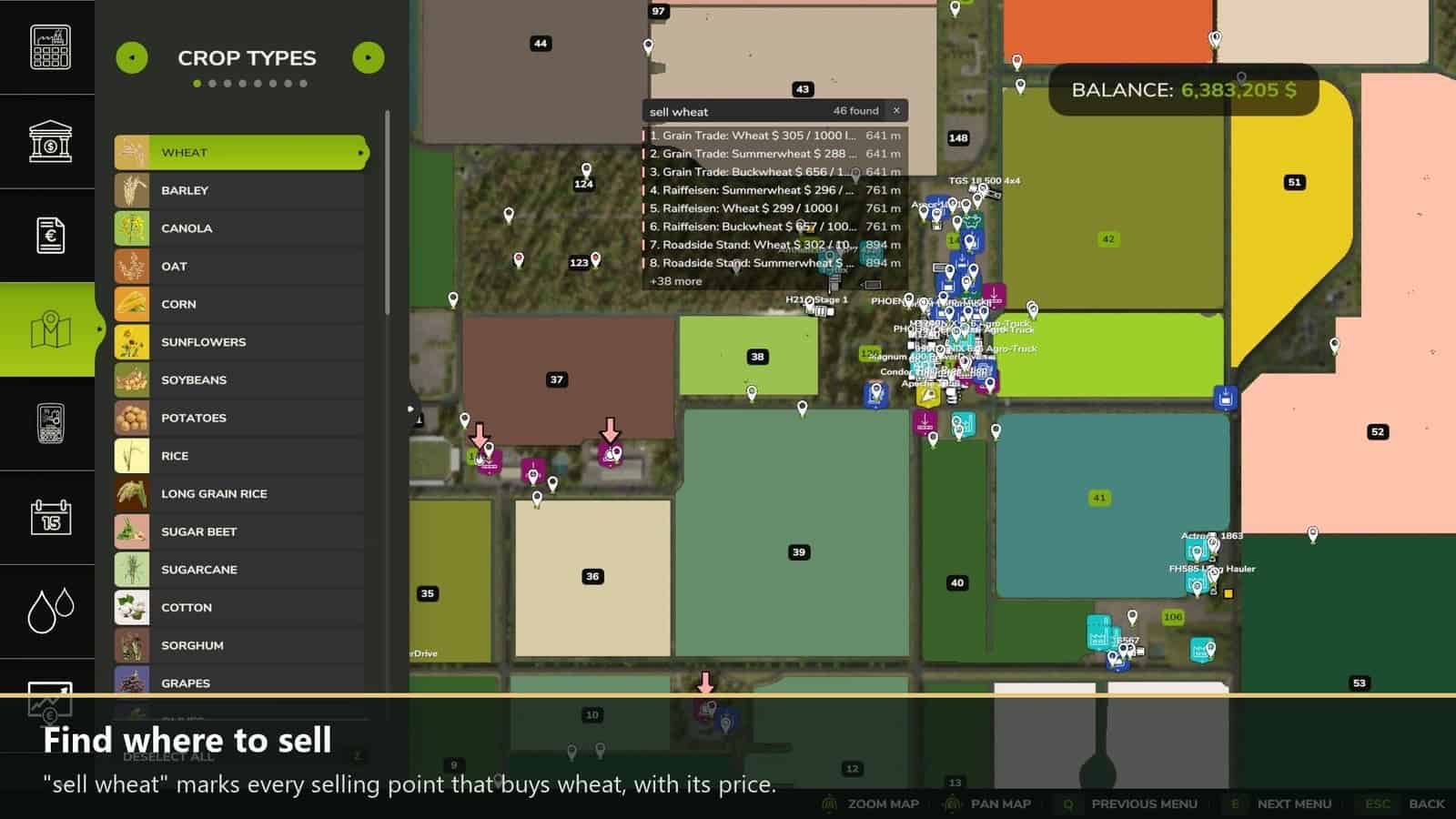
- Map searches can include “wheat ready”, “sell wheat”, with the best price marked, “for sale $<100k ha>5”, “contract”, “fuel<20” and “stored wheat”.
- A search box is available in Settings > Controls too.
How to use: press Ctrl+F, or click the right stick on a controller, to enter the search box. Enter keeps the search, while Esc clears it. The game’s Help menu explains everything under Searchables.
Changelog
Changelog 1.8.2.3:
- In the mod list, the author is now shown as DTM Mods, Fennell.
- Searches containing a field state, such as “wheat ready”, “growing”, “withered” or “harvested”, now only check fields.
- On maps that have no wheat fields, “wheat ready” no longer shows production points.