

FS25 Realistic Bagging Station V1.0.0.0
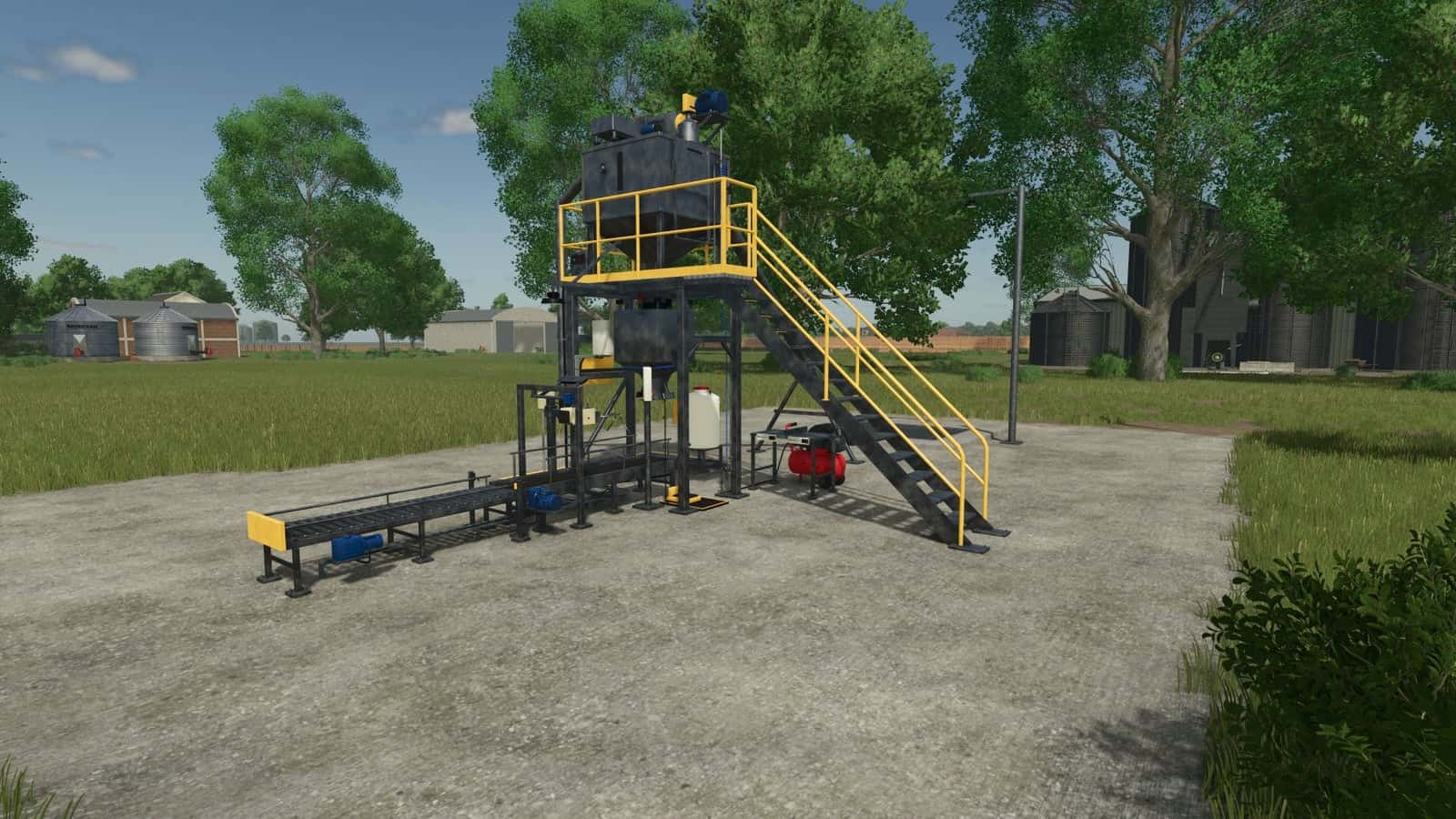
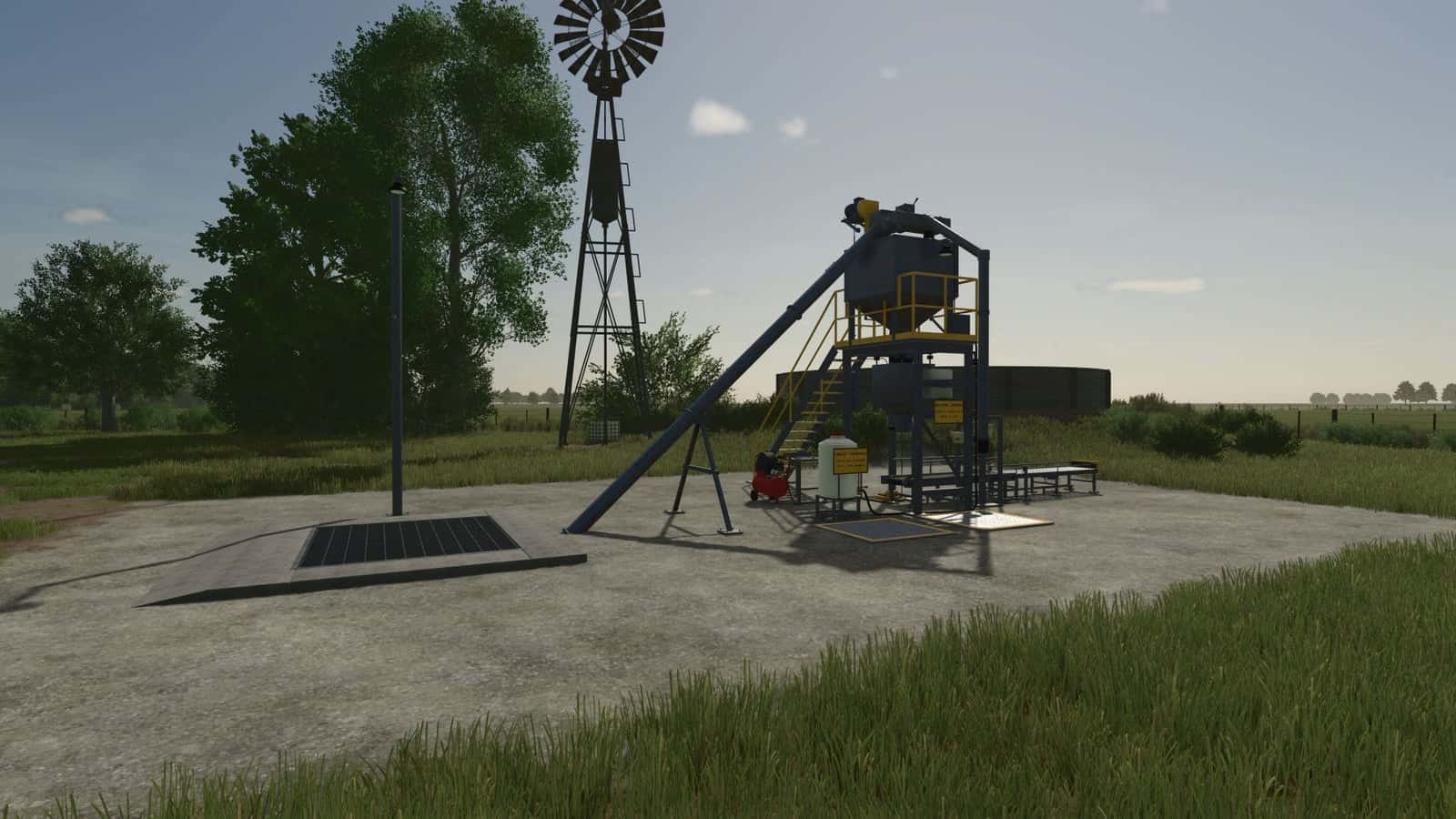
Realistic Bagging Station is a complete manual grain bagging line based on a real semi-automatic open-mouth bagger. Bag your own grain by hand using the receiving pit, auger, surge hopper, gross-weighing scale, conveyor, bag closer and pallet stacking system.
You carry out every stage yourself, on foot, using physical supplies purchased in the shop.
Features
- The line includes a receiving pit, auger, surge hopper, gross-weighing scale, conveyor, bag closer and pallet stacking.
- Recipes are available for each product and size.
- Dosing uses real-scale parameters: coarse pre-cut, in-flight value and automatic in-flight compensation, supported by a reference table for every grain.
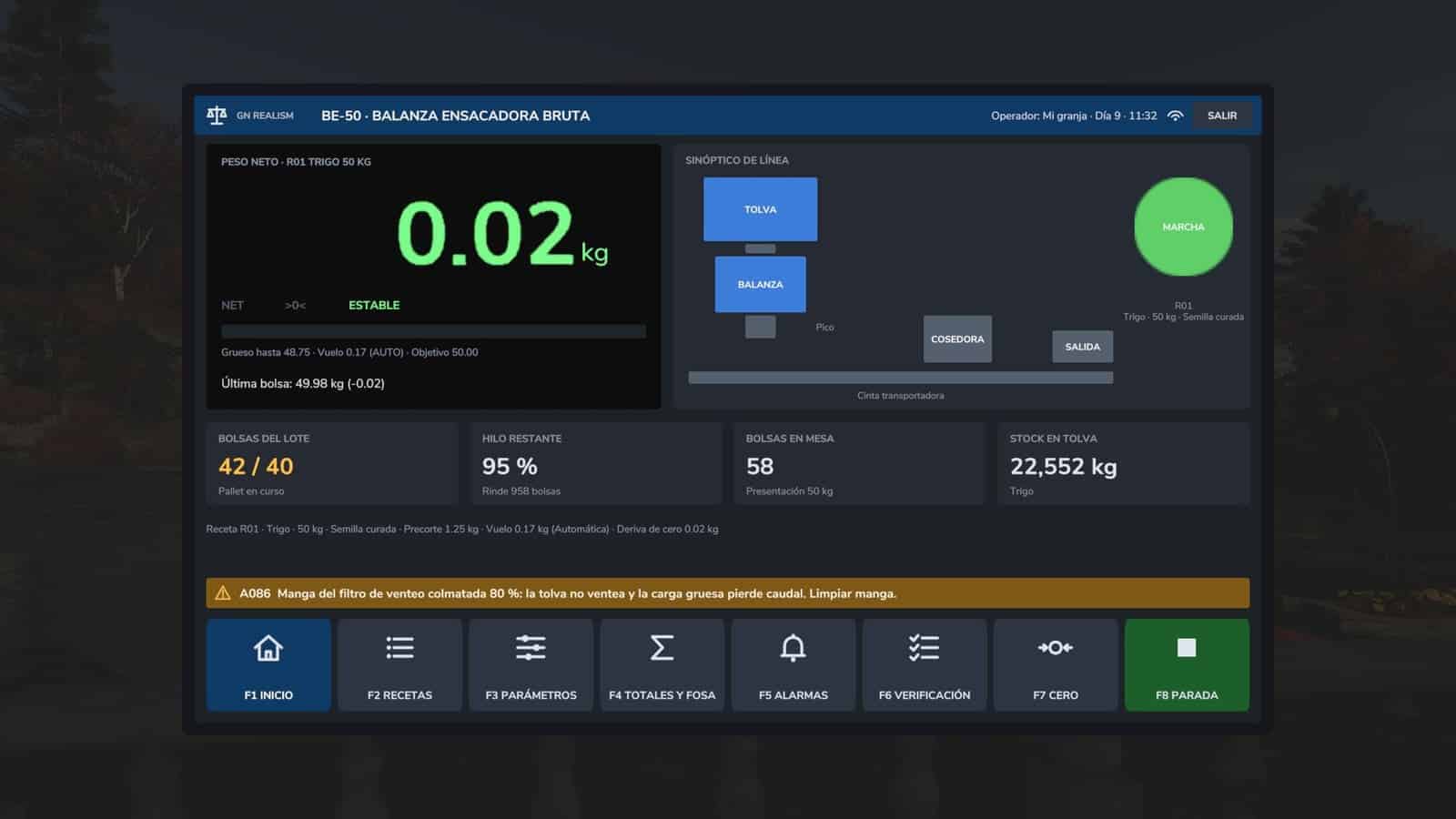
- A production totalizer records bags, net weight, average and overweight given away.
- Batch control is provided for each pallet and for pit stock.
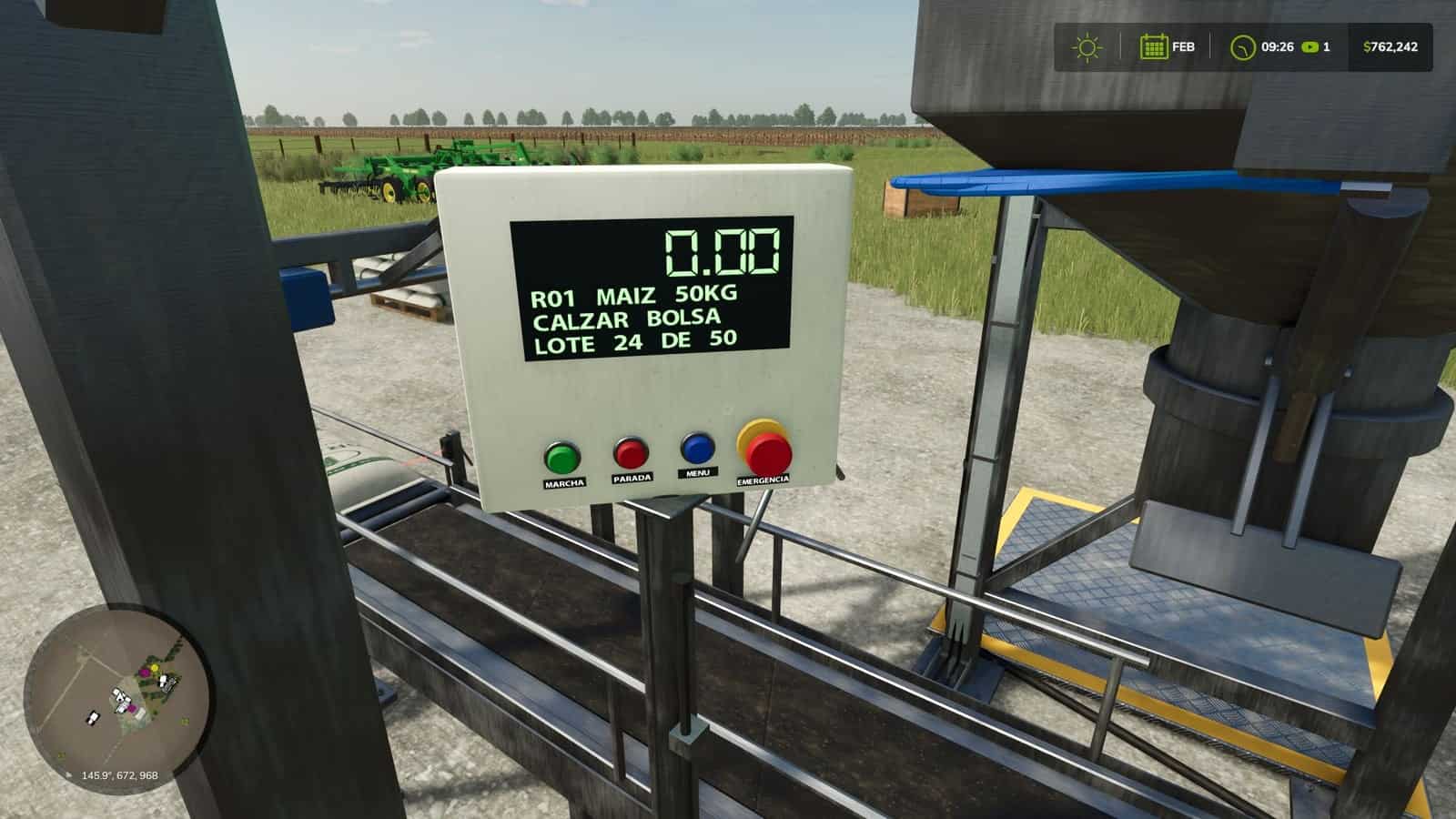
- Alarms provide codes and actions, alongside a pre-start check and a panel containing START, STOP, MENU and emergency stop.
- Machine setup covers weighing start, bag closer start and conveyor speed, with a frequency drive from 0.20 to 0.30 m/s.
- Each action has its own sound at the level of the game’s factories; critical alarms use a horn, while warnings use three beeps.
- Screenings can be sold at grain stations.
- One key returns a tipped-over pallet to an upright position.
- LED floodlights turn on automatically at dusk.
- On-screen indicators show wrapping turns, seeder loading and emptying, plus hopper and sleeve blow-down.
- Compatible with Interactive Control (optional): click the panel buttons, emergency stop, spout, pedal, bag closer, bag table, inspection hatch and seed treatment tank. Without it, everything works with the normal keys.
Specifications
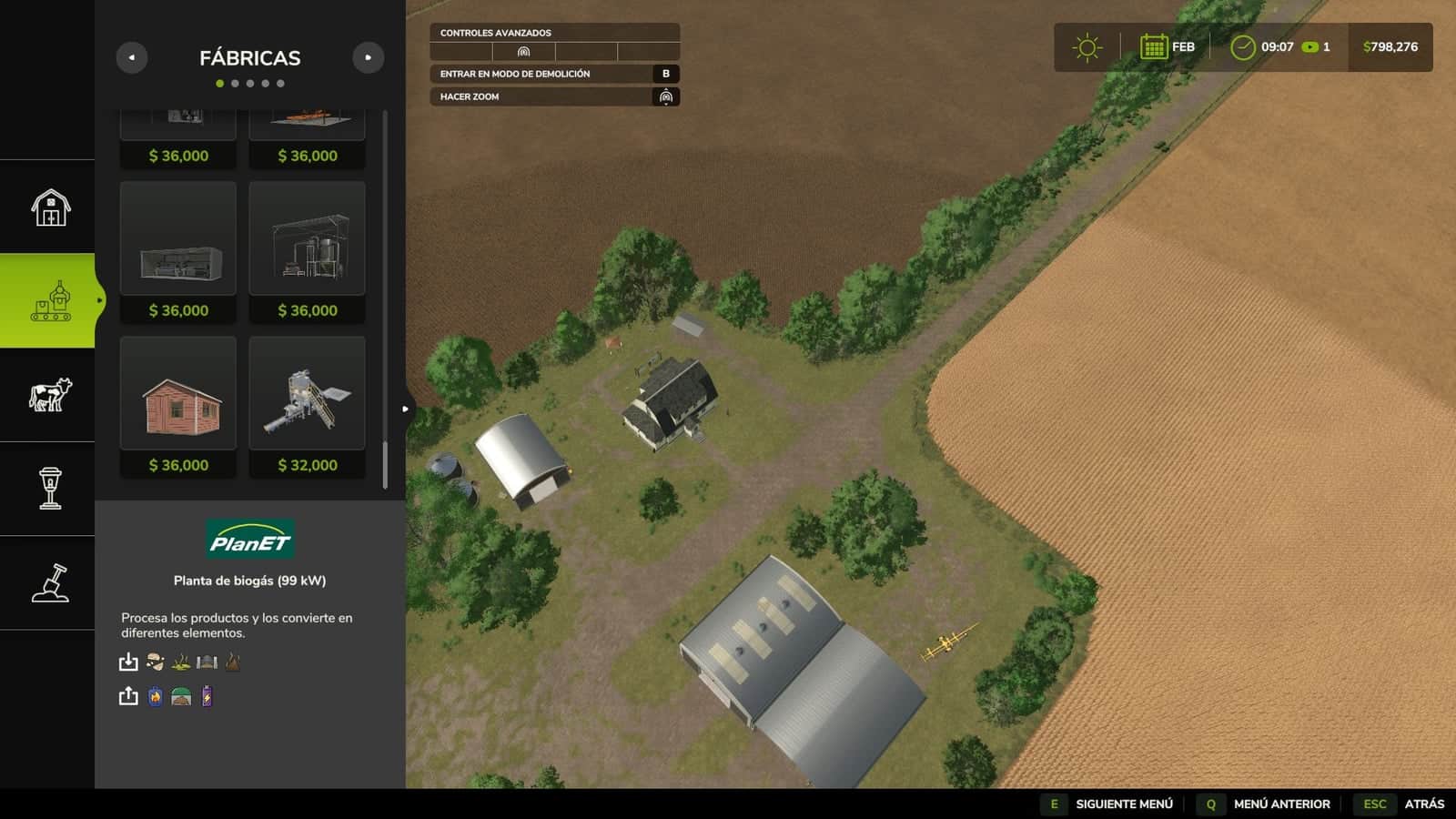
- The station price is $32,000.
- Products include wheat, barley, oat, maize, soybean, sorghum, sunflower, canola, rice and long-grain rice.
- The conveyor operates from 0.20 to 0.30 m/s.
- Each empty bag bundle contains 100 bags and is available in 25 or 50 kg.
- A full pallet holds 40 bags of 50 kg or 50 bags of 25 kg.
- The motorized roller table has 3 places.
Getting started
- Place the station first; its concrete pad levels the ground.
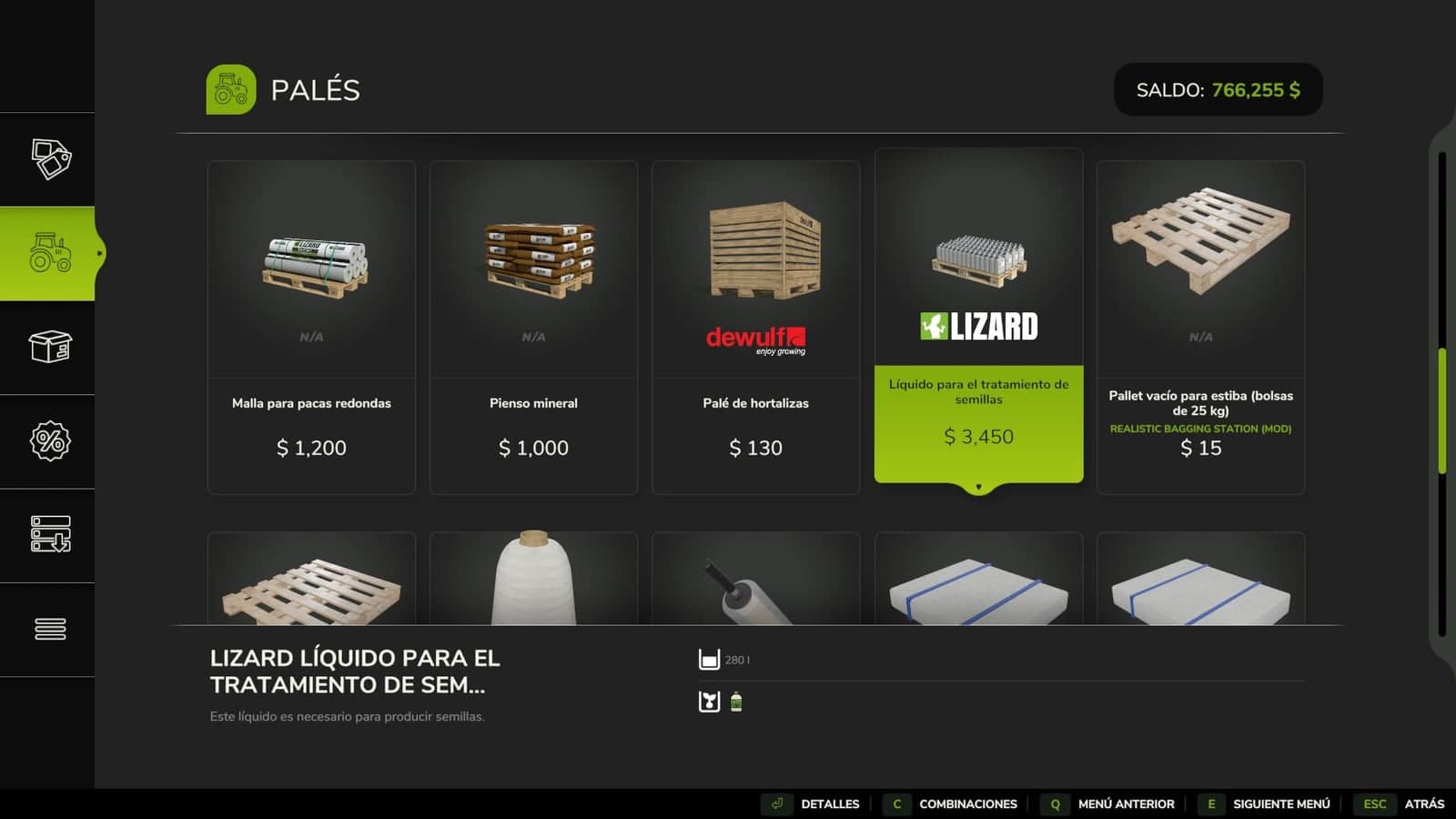
- Open the shop and select Realistic Bagging Station, then buy a bundle of 100 empty bags (25 or 50 kg), a thread cone, a stacking pallet and a stretch film roll.
- Place the bundle on the bag table and press the interact key. The strap is cut and the bags move onto the table.
- Set the cone beside the bag closer, open its cover, fit the cone, thread it and close the cover again.
- Unload grain into the pit so the auger can raise it to the surge hopper.
- Use the MENU button or Alt + 1 to open the terminal, select a recipe for the product and 25 or 50 kg, then press START.
- Fit an empty bag onto the spout and press the pedal.
- The scale doses by weight with coarse and fine feed, beeps at the net weight and releases the bag onto the conveyor, where the photocell starts sewing it.
- A tipper places the bag on the motorized roller table, which has 3 places.
- Take each bag from the end stop and place it on the pallet; it stacks itself.
- Carry the film roll around the pallet for 10 turns, cut the film and sell it at the map’s food retail points.
Indicator terminal
- The terminal contains recipes for every product and size.
- Its dosing parameters match a real scale: coarse pre-cut, in-flight value and automatic in-flight compensation, with a reference table per grain.
- The production totalizer displays bags, net weight, average and overweight given away.
- Batch control covers each pallet and the stock in the pit.
- It provides alarms with codes and actions, a pre-start check, and a panel with START, STOP, MENU and emergency stop.
- Machine setup includes weighing start by bag sensor or pedal, bag closer start by photocell or button, and conveyor speed with a frequency drive from 0.20 to 0.30 m/s.
Farm-saved seed
Run your own grain through the screen cleaner, treat it if desired and pack it as seed. All ten grains are supported, including maize, sunflower, sorghum and canola as open-pollinated varieties.
- Select
Farm-saved seedin the recipe. - Place a Screenings box on the yellow SCREENINGS plate beneath the chute.
- For treatment, place a pallet of Liquid seed treatment (base game) on the SEED TREATMENT plate, pour jerrycans into the tank and open the valve with Alt + 2.
- Every batch has its own germination rate, which drops over time; lower germination requires a higher seeding rate.
- Fill the seeder one bag at a time; pour each bag through the hopper lid next to you.
- It works with the base game and most mod seeders.
- When farm-saved seed is in the hopper, the crop is locked and can only be emptied back into station bags.
Maintenance
- Blow down the hoppers daily with the hand-held air gun, using a real compressor, through the sliding inspection hatch with Alt + 3.
- The vent filter sleeve becomes clogged with dust. Open the lid, remove the sleeve and blow it clean with Alt + 4.
- Dust can be seen on the machine and causes zero drift and slower bulk feed.
- At 80 %, the filter pressure switch trips, or the hopper bridges, and the station remains stopped until it is cleaned.
Controls
On foot: Alt + 1 terminal · Alt + 2 seed treatment valve · Alt + 3 inspection hatch · Alt + 4 vent filter. All other actions use the interact key, as shown on screen.





