

FS25 Point traffic where it needs to go v1.0
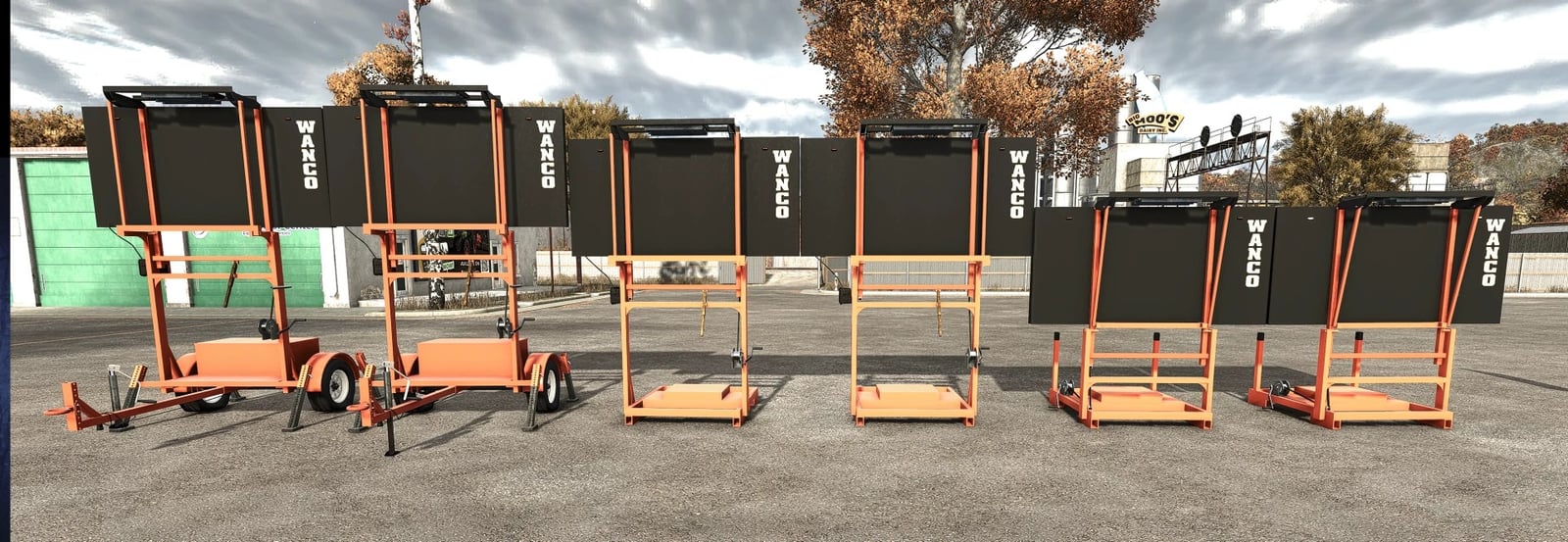
This FS25 conversion is based on the original FS22 mod by Poohbear Lance. It keeps the original FS22 look, lights and modes, while adding WANCO-style arrow boards for road work, lane shifts and shoulder closures in Farming Simulator 25.
Features
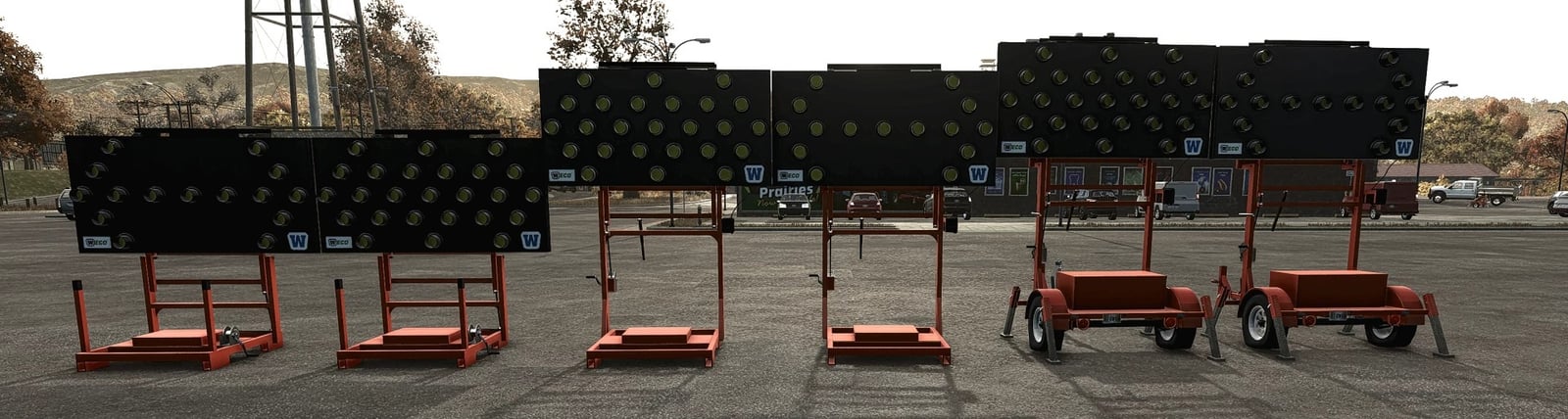
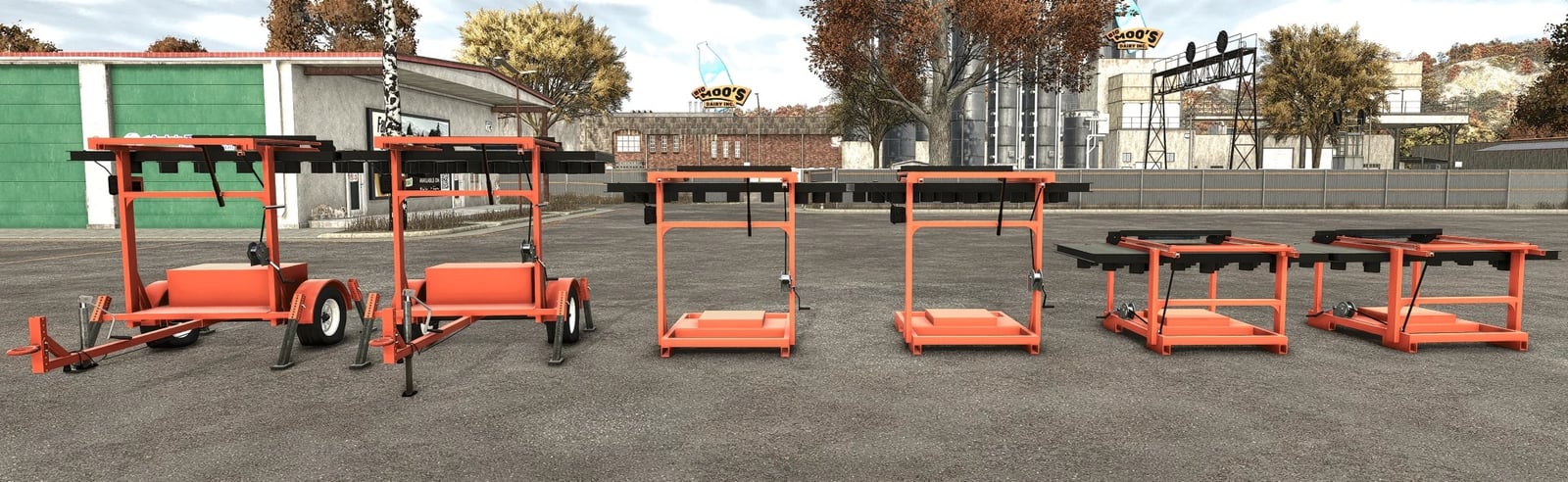
- Trailer with a folding WANCO-style arrow board
- Low-profile skid for truck beds and limited spaces
- Tall skid that provides better visibility over traffic
- Each version can use a 15-light or 25-light board, selected in the shop
- Six display modes:
- Arrow Left
- Arrow Right
- Both Arrows
- Caution
- Middle
- Moving Arrow Left
- Moving Arrows Both
- Moving Tri Arrow Left
- Moving Tri Arrow Right
- Moving Arrow Right
- Tri Arrow Left
- Tri Arrow Right
- Diamond Flash
- Diamond Warning
- Can be used alongside the WANCO Automated Flagger for a complete work zone setup
FS25 conversion
- Rebuilt for FS25 with the FS22 original as the reference
- Amber lamp colors restored to match FS22
- Stray line and stretching glitches fixed on the board and skid version
- WANCO logos fixed
YOU NEED: Interactive Control (FS25) is required for the leg and sign click controls, the same as in FS22.
Specifications
- Game version: Farming Simulator 25
- Platform: PC/Mac
- Multiplayer: Untested
WANCO-style arrow board trailer
- 15-light board: $6,541
- 25-light board: $7,041
Low-profile skid
- 15-light board: $3,701
- 25-light board: $4,201
Tall skid
- 15-light board: $3,541
- 25-light board: $4,041
Installation
- Download
FS25_WANCO_Arrow_Board.zip. - Keep the archive zipped and place it in your mods folder:
- Windows:
Documents/My Games/FarmingSimulator2025/mods - Mac:
~/Library/Application Support/FarmingSimulator2025/mods
- Windows:
- Enable the mod through your savegame’s mod selection.
- Purchase it in the shop.
- Download
FS25_interactiveControl.zip. - Leave the archive zipped and place it in your mods folder:
- Windows:
Documents/My Games/FarmingSimulator2025/mods - Mac:
~/Library/Application Support/FarmingSimulator2025/mods
- Windows:
- Enable the mod through your savegame’s mod selection.
Notes
For a bug report, leave a comment that includes your game version and a list of your other mods.





