FS25 Construction Grid V1.1.0.0
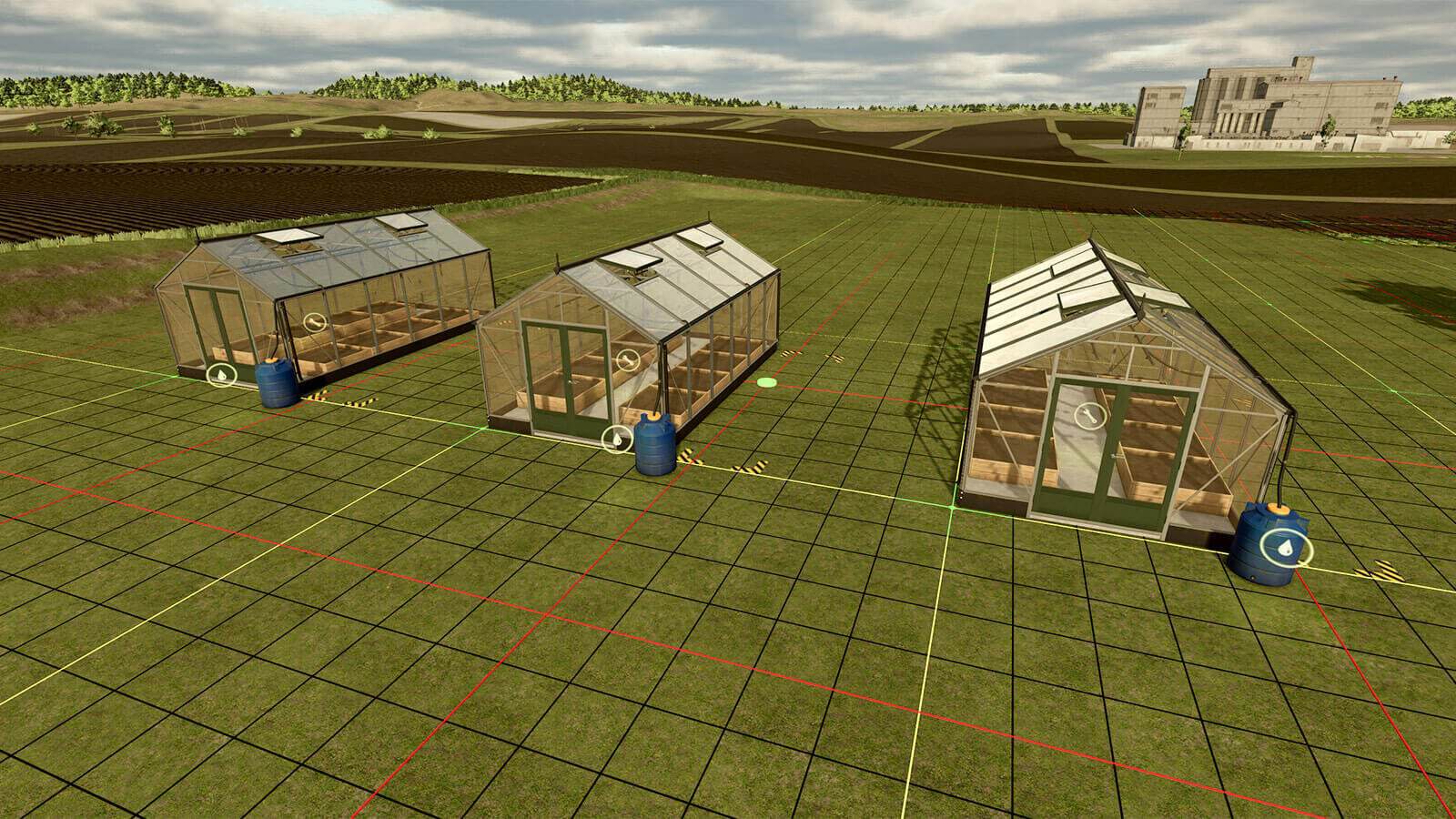
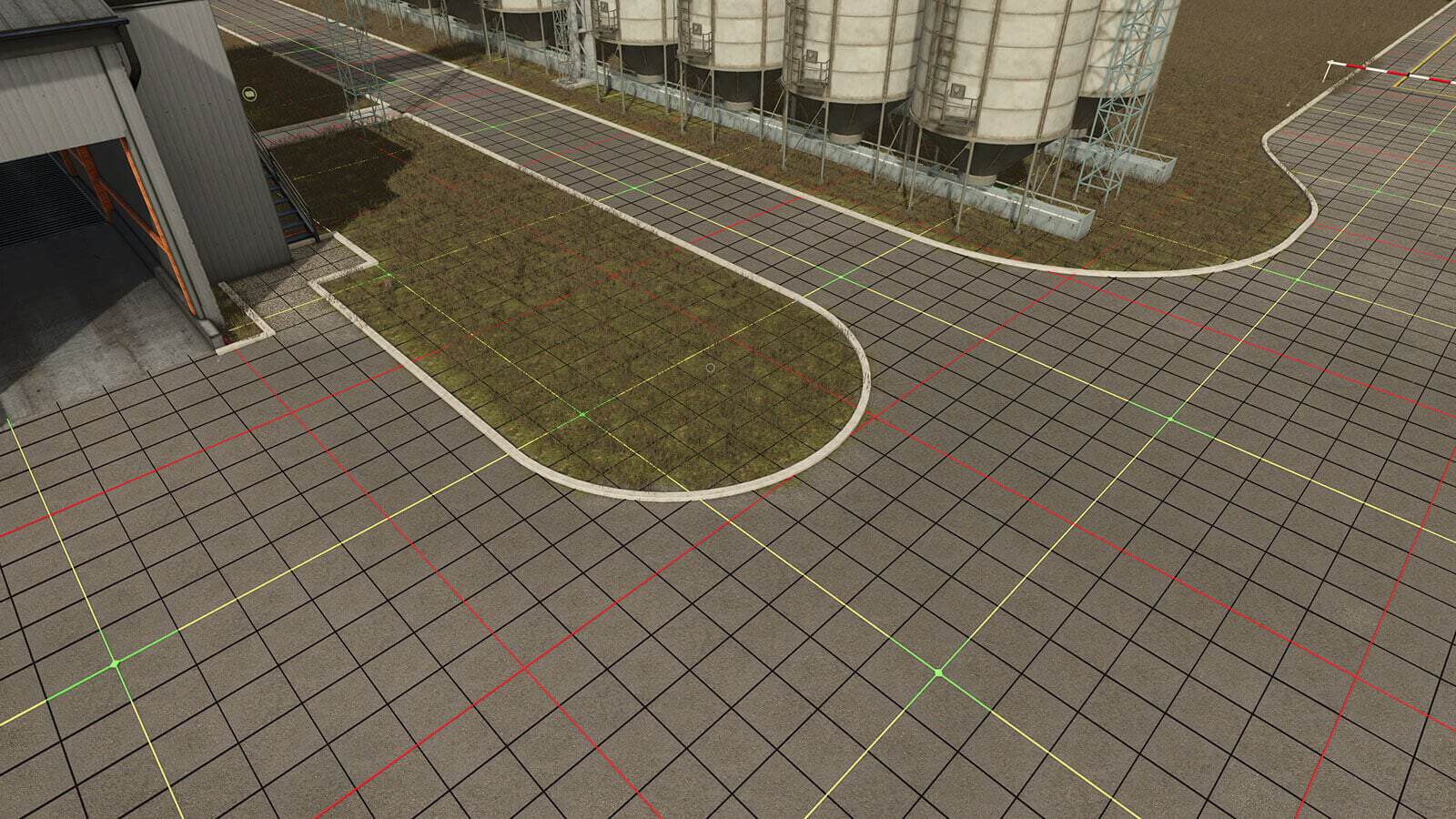
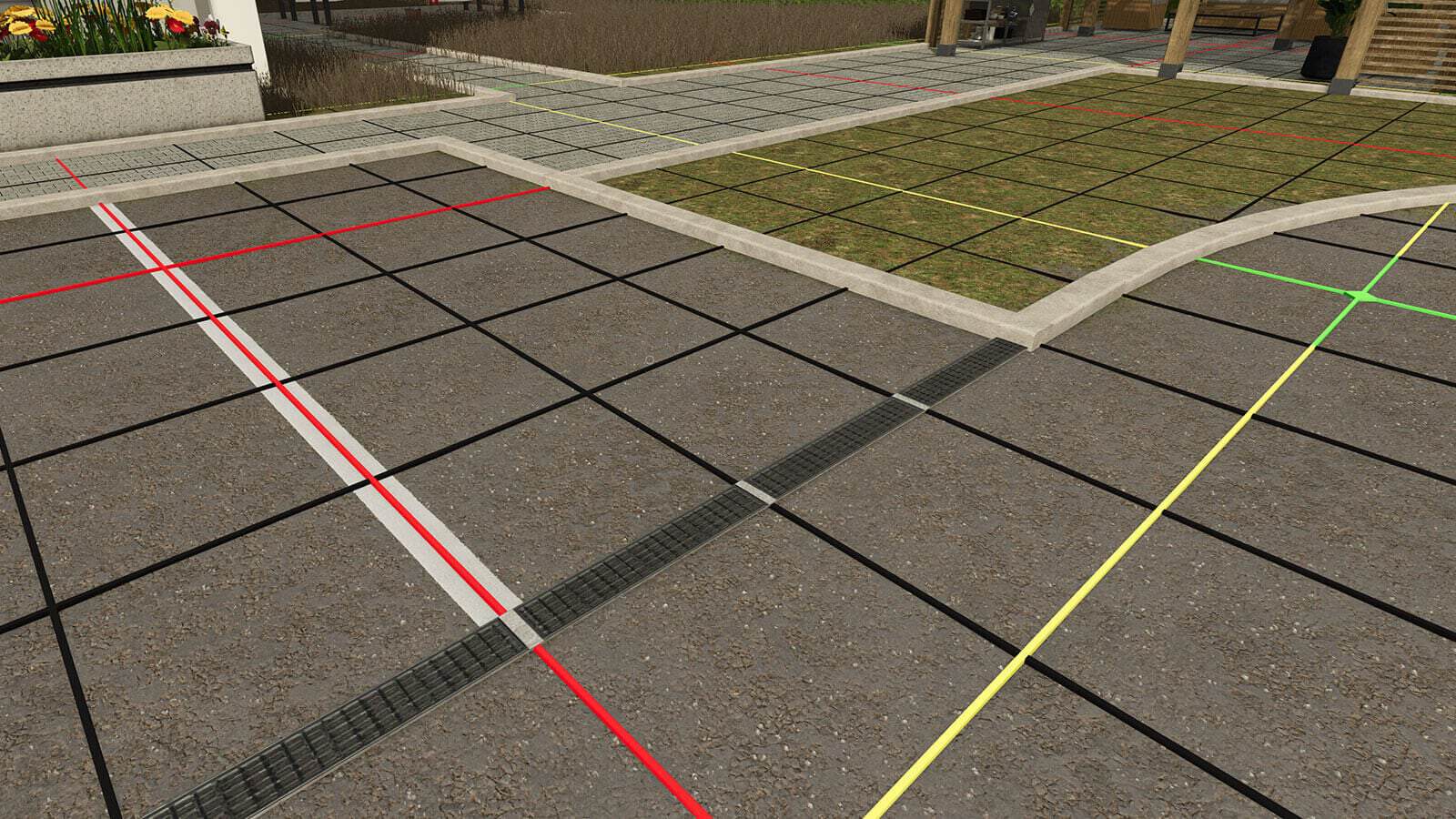
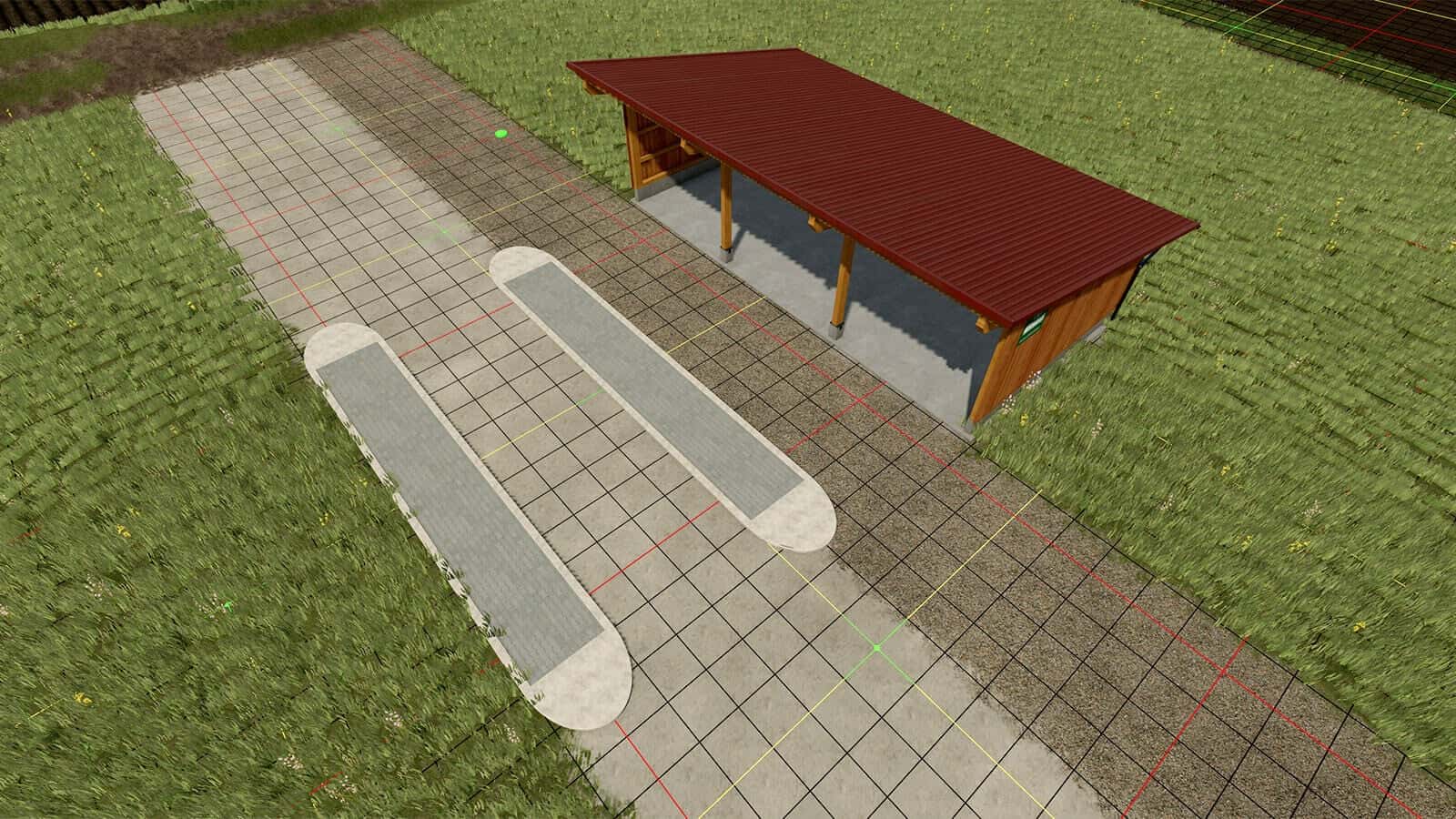
With this modification, you get six placeable construction grids for accurately aligning and positioning buildings and other objects. Every variant comes in four sizes, 20×20 meters, 40×40 meters, 80×80 meters and 100×100 meters. The smallest grid unit measures 1×1 meter.
Features
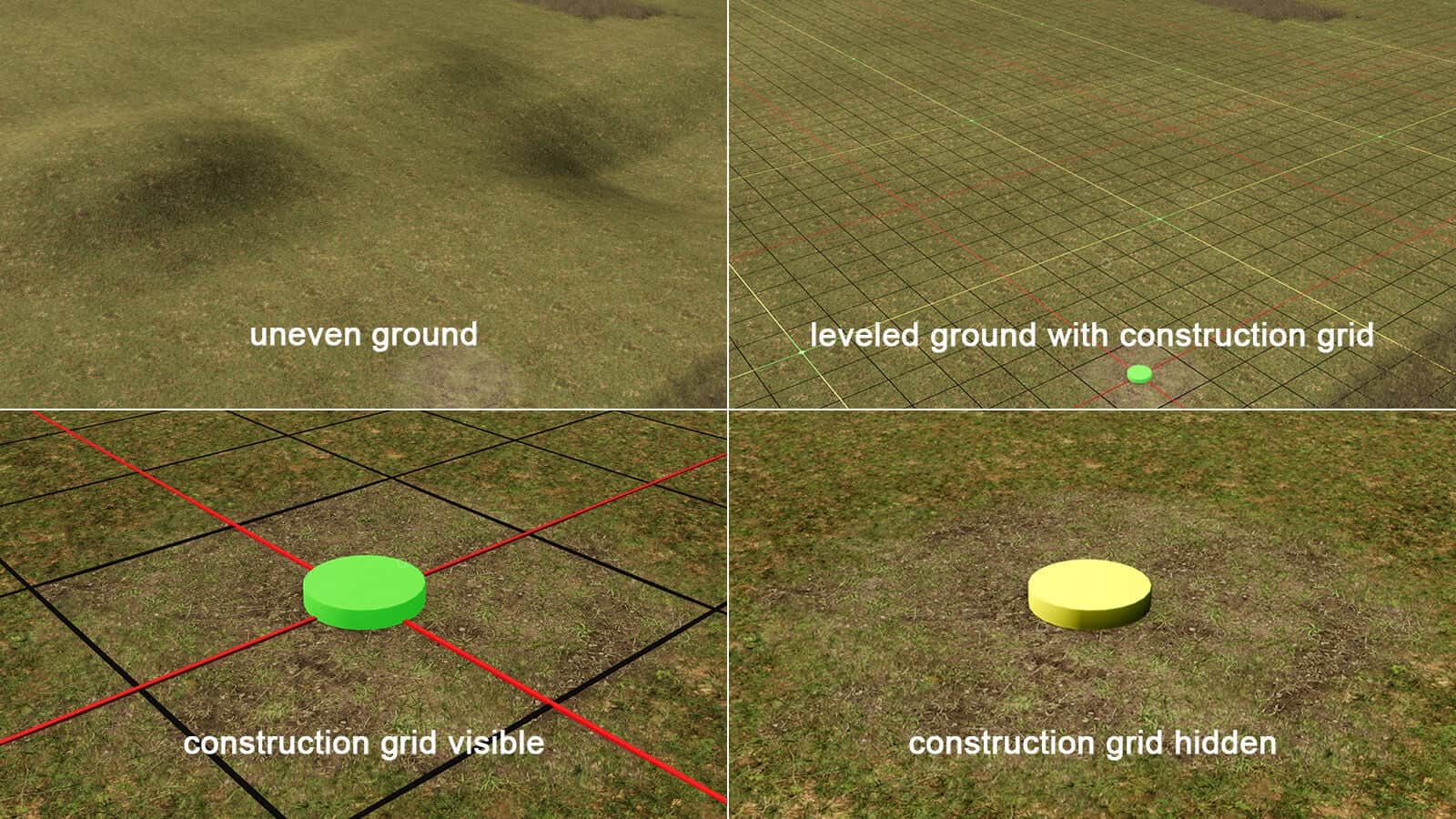
- Once placed, each grid can be shown or hidden near its central grab point. It can also be sold again through the construction menu.
- Variant 1: Grid fixed at 90°. This grid stays permanently aligned at 90° and cannot be rotated. It remains flat above the terrain without changing it.
- Variant 2: Grid fixed at 90°, with terrain adjustment. This works like Variant 1, while also leveling or flattening the terrain underneath when terrain modification is allowed.
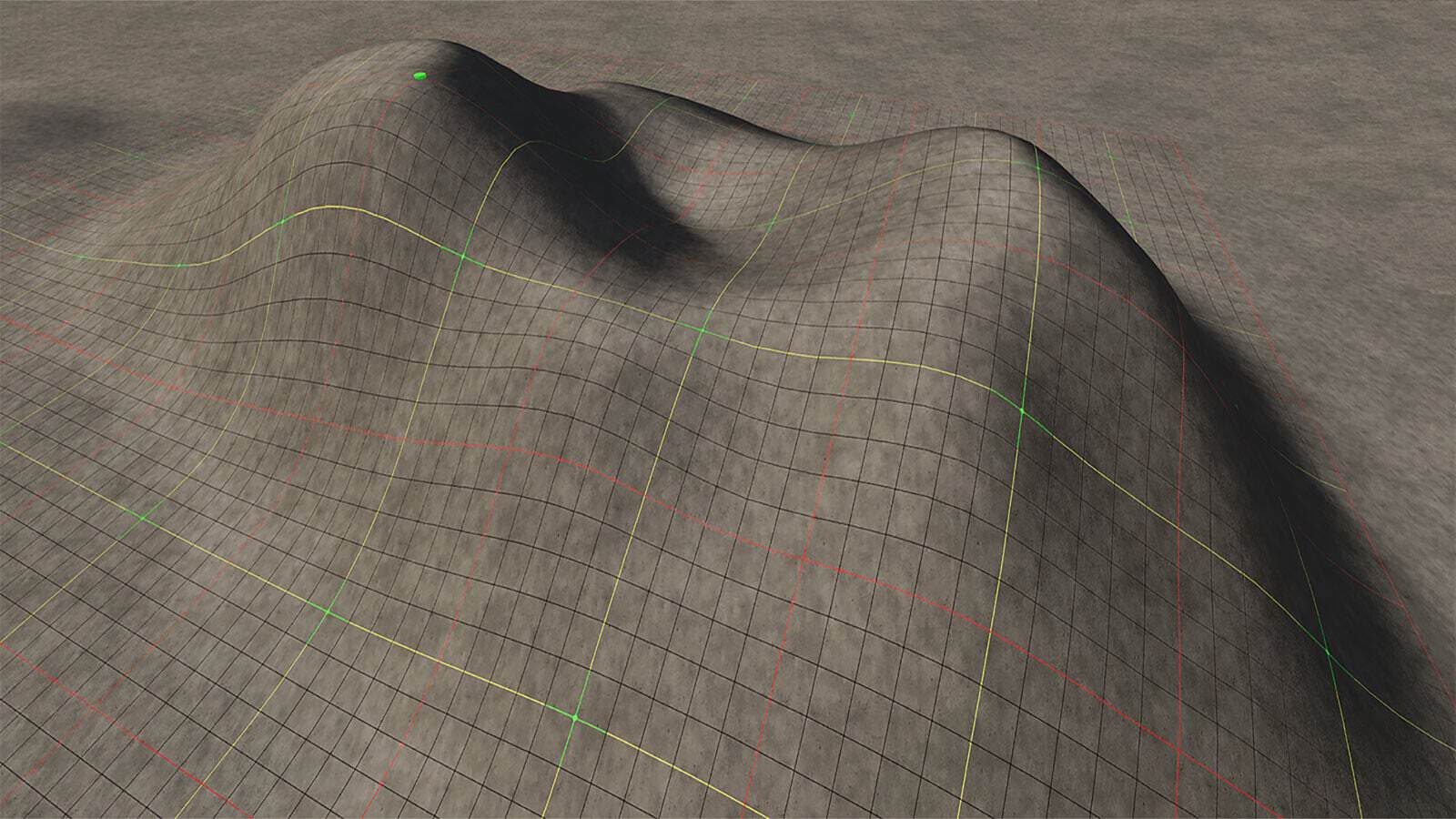
- Variant 3: Grid fixed at 90°, follows the terrain. As with Variant 1, the grid is fixed at 90°, but it automatically follows the ground heights. The terrain itself is not changed.
- Variant 4: Rotatable grid, in 15° steps. Rotation is possible in 15° steps. The grid stays flat above the terrain and does not modify the ground.
- Variant 5: Rotatable grid, in 15° steps, with terrain adjustment. Like Variant 4, this version levels or flattens the terrain beneath the grid when terrain modification is allowed.
- Variant 6: Rotatable grid, in 15° steps, follows the terrain. This variant follows Variant 4’s rotation options, but automatically adapts to the ground heights. The terrain remains unchanged.
Specifications
- Grid sizes: 20×20 meters, 40×40 meters, 80×80 meters and 100×100 meters
- Smallest grid unit: 1×1 meter
- Shop category: Decoration -> Miscellaneous
- Price: $1
How to select the size: Open the construction menu and use the “Configure” function to choose a grid size. First select the grid, then press the input displayed there for “Configure”. On PC, the default key is F. Depending on your input device and key configuration, the displayed key binding may be different.
Changelog
1.1.0.0
- Size selection: Through “Configure” in the construction menu, all variants are now available in four sizes, 20×20 meters, 40×40 meters, 80×80 meters and 100×100 meters.
- Two new variants added, also with size selection: “Grid fixed at 90°, follows the terrain” and “Rotatable grid, in 15° steps, follows the terrain”.