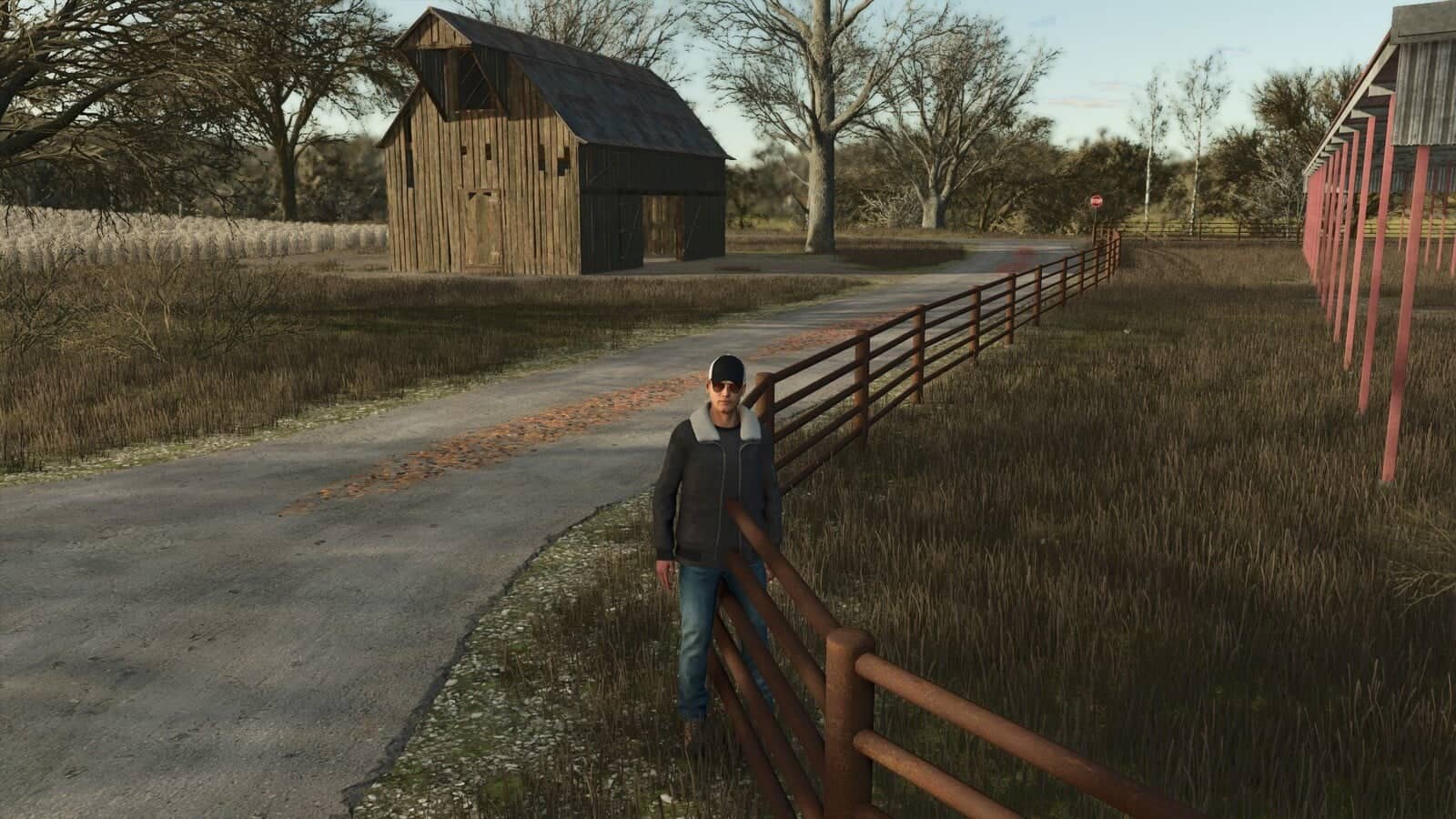
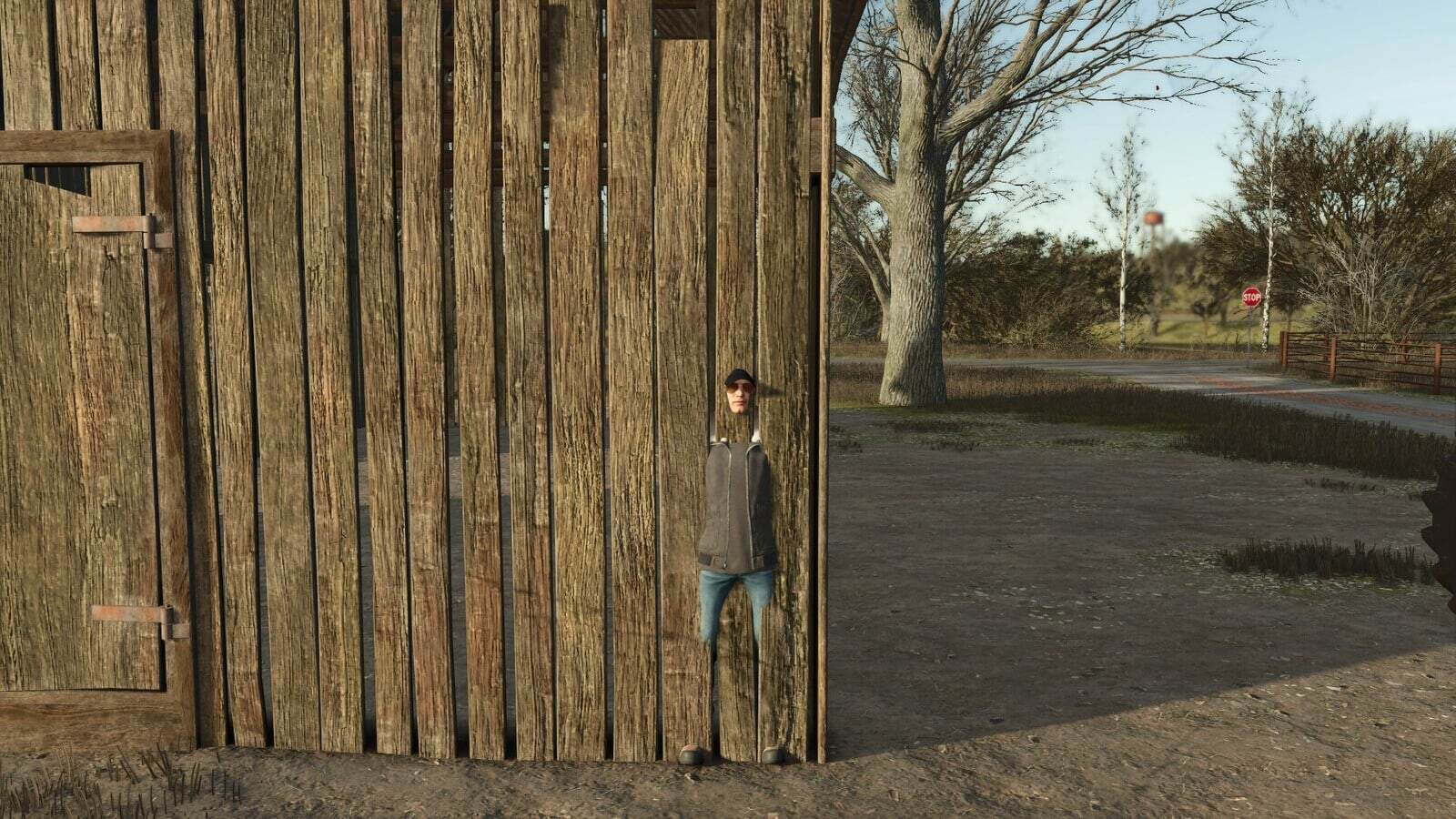
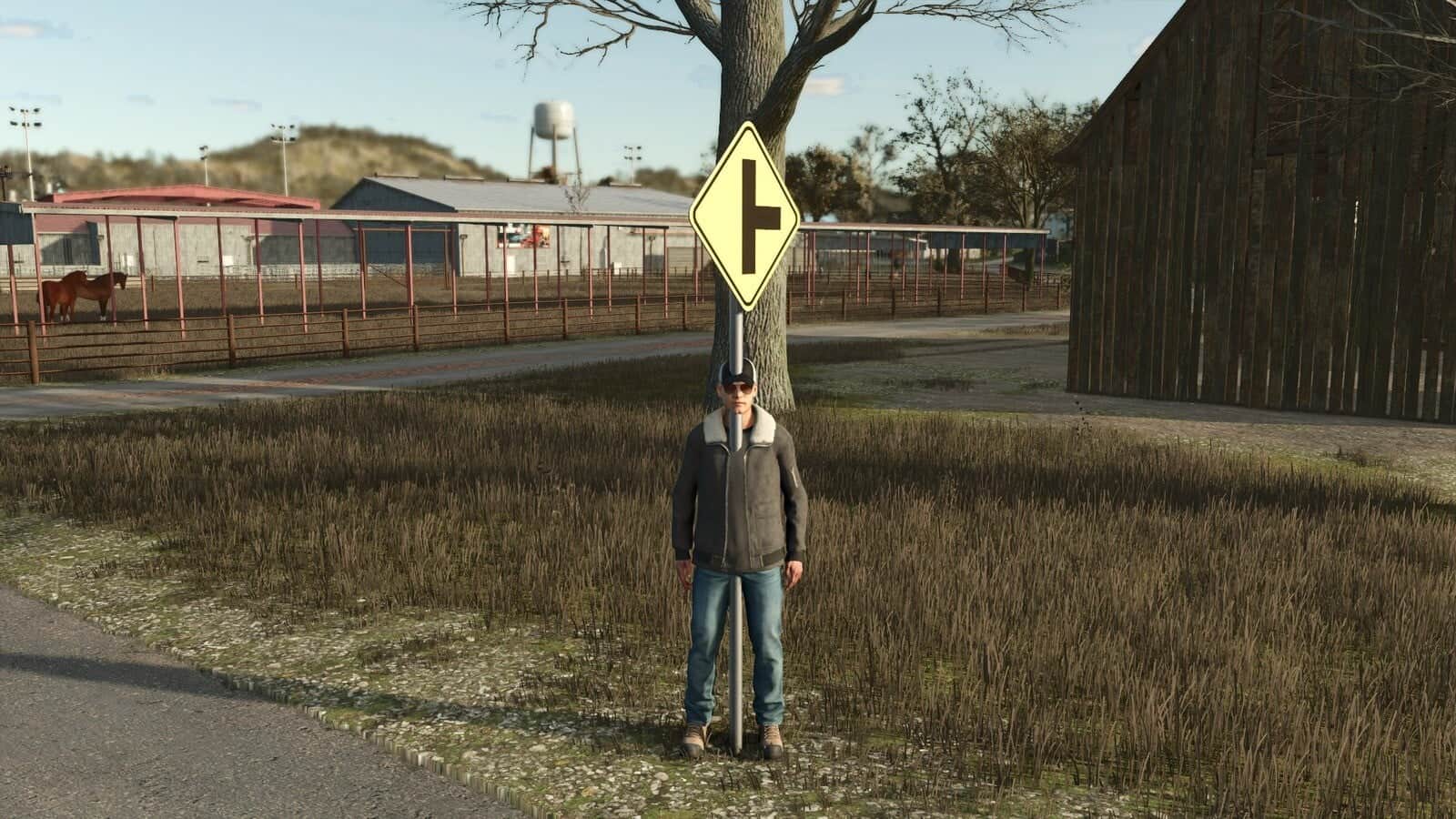
FS25 Universal Collision Remover V1.0.0.1
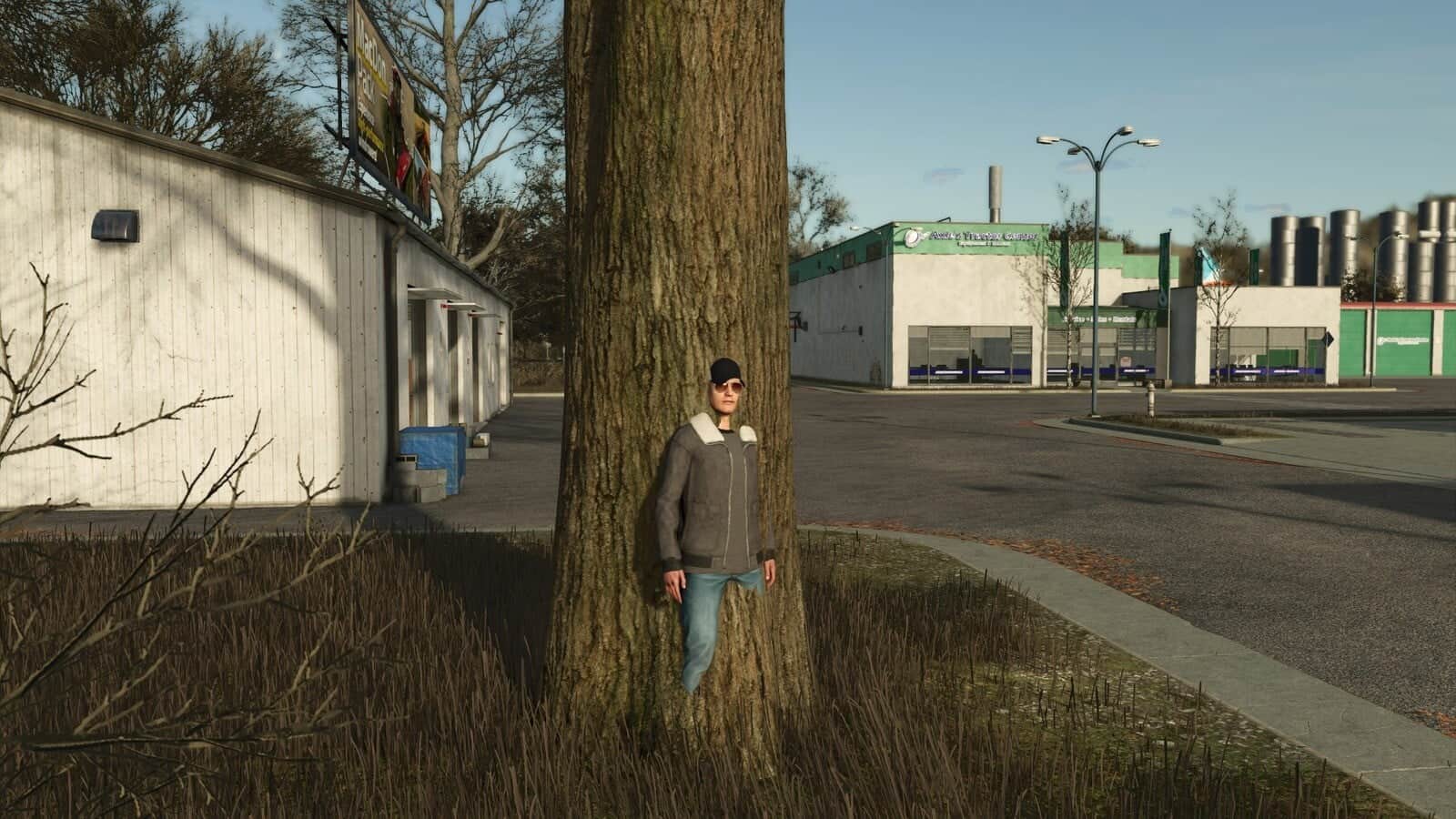
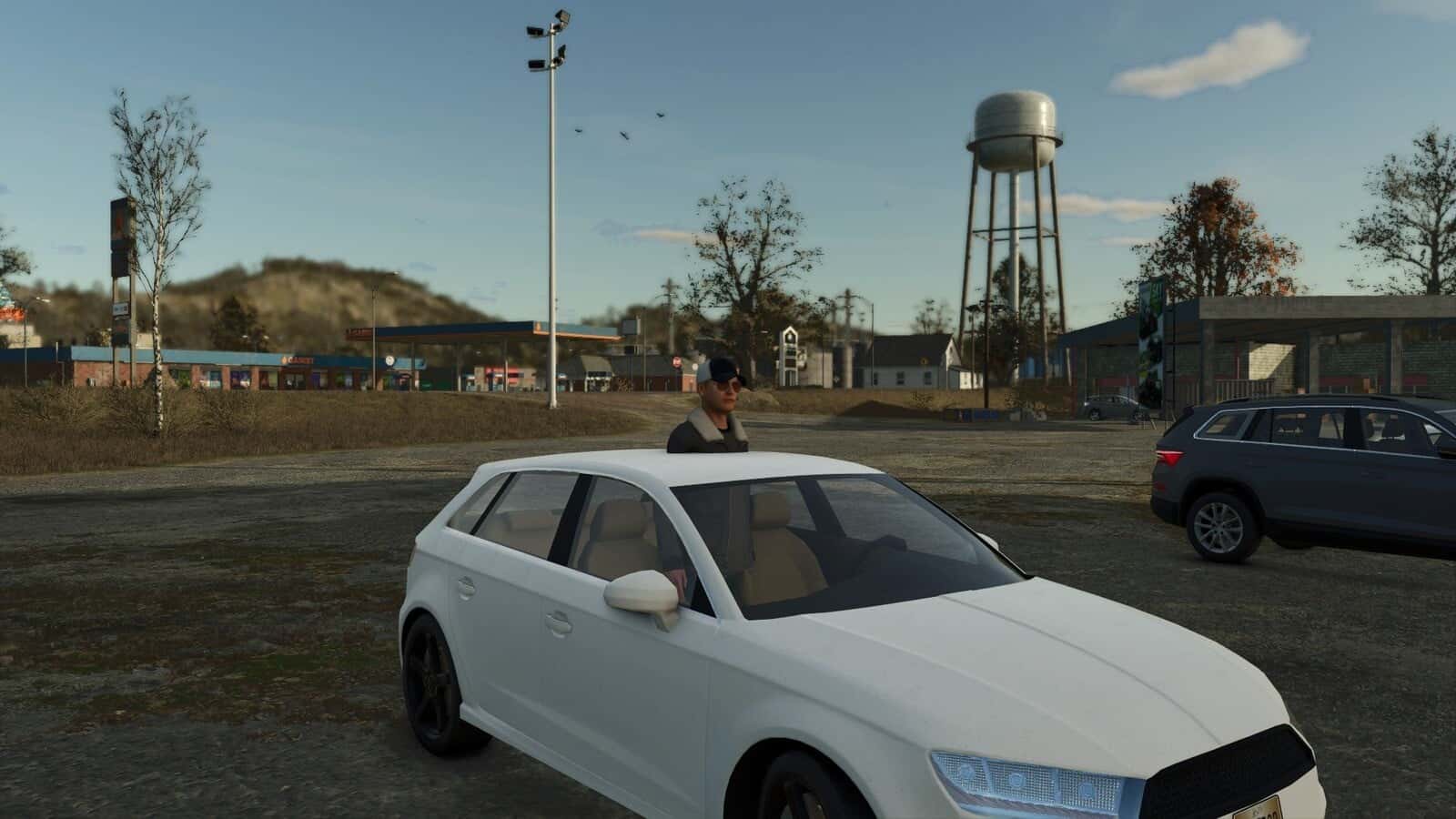
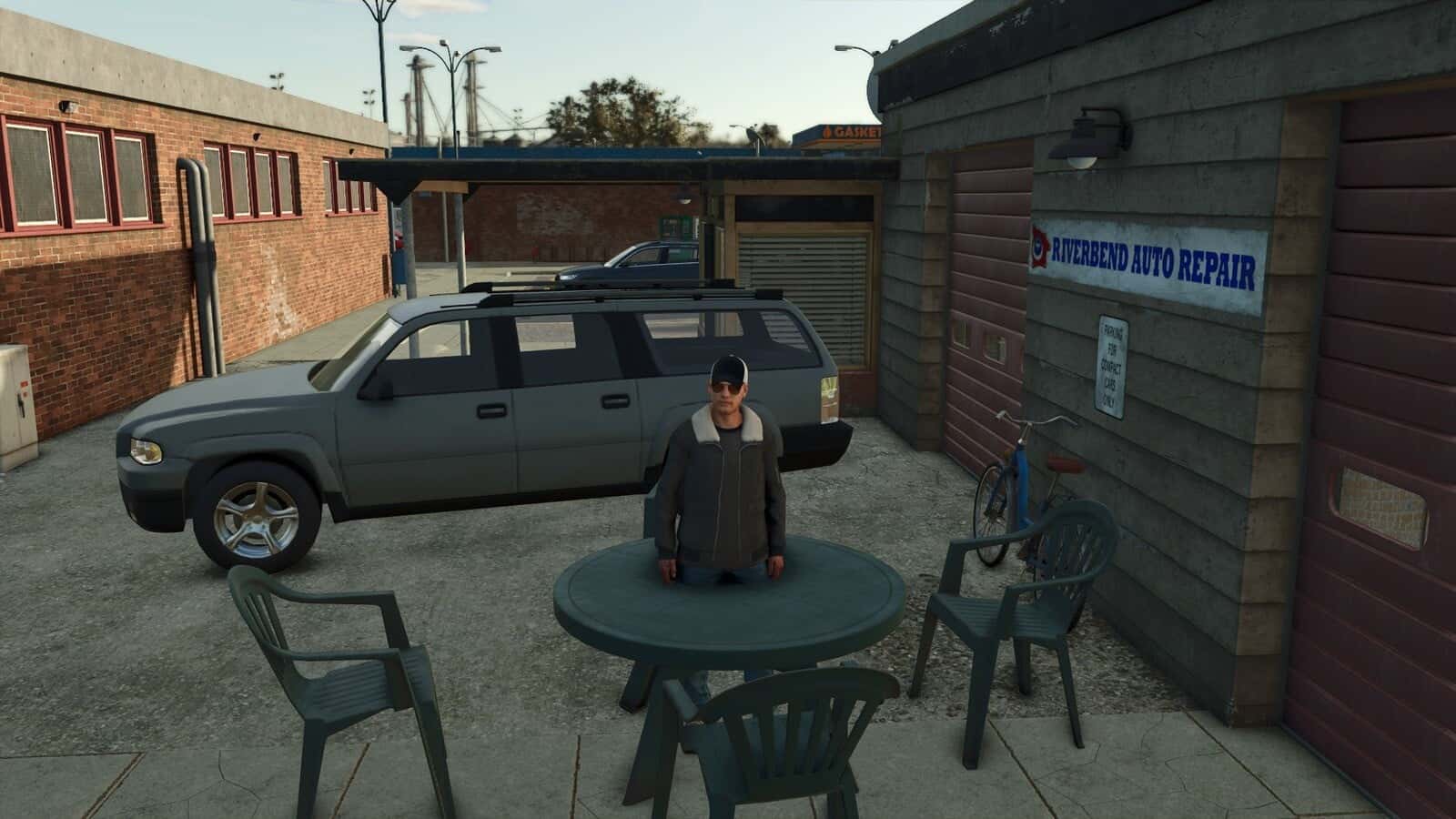
Fixed map objects keep their appearance while their collision is disabled. Animated gates, doors and barriers belonging to static structures are supported as well, and their opening and closing animations continue to function.
Features
- Works with fences, walls, signs, sheds, rocks, decorative parked vehicles and other obstacles that are static.
- Use
CTRL+Xto turn the mode on or off. - Point at an object to check it: a green crosshair means its collision can be changed, while a red crosshair marks a protected object.
- With
DELETE, the selected obstacle becomes pass-through. UseCTRL+Zto undo the latest change. - Protected objects include terrain, world boundaries, water surfaces, functional triggers, registered vehicles and true moving gameplay objects.
- Changes are saved immediately to the current savegame and automatically restored each time the map loads.
- The latest saved change can be restored with
CTRL+Z. - Multiplayer works, but collision changes are limited to the session administrator.
Changelog
1.0.0.1
- Multiplayer support added with server-managed collision changes, synchronized undo and synchronization for players who join later.