FS25 Universal Vehicle Sync V1.0.0.1
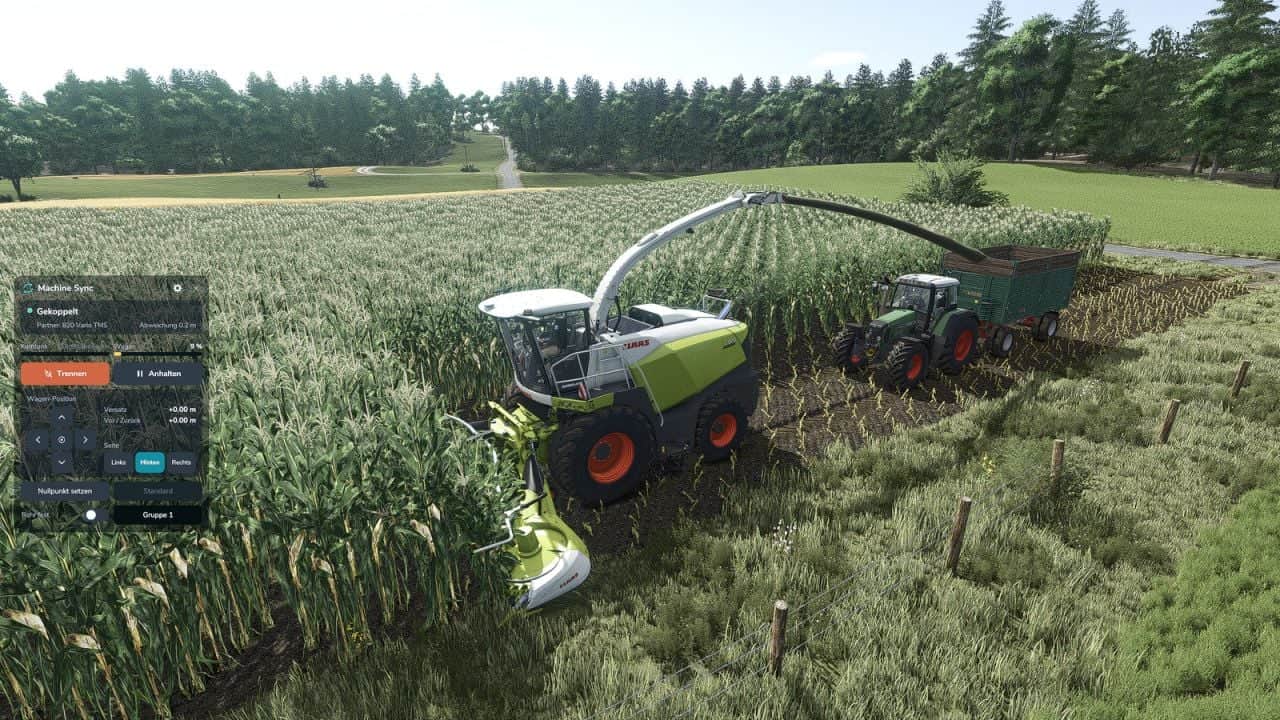
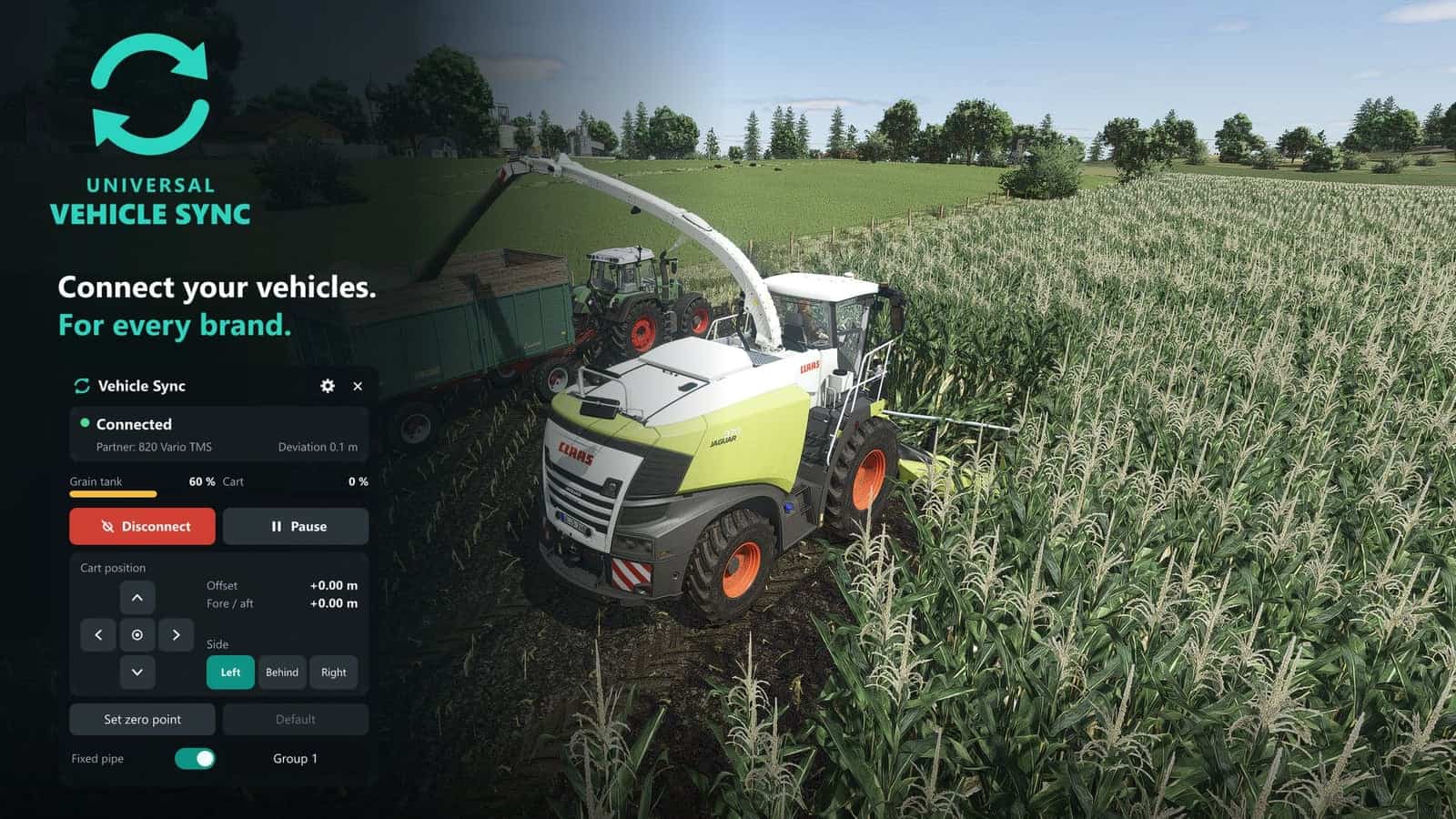
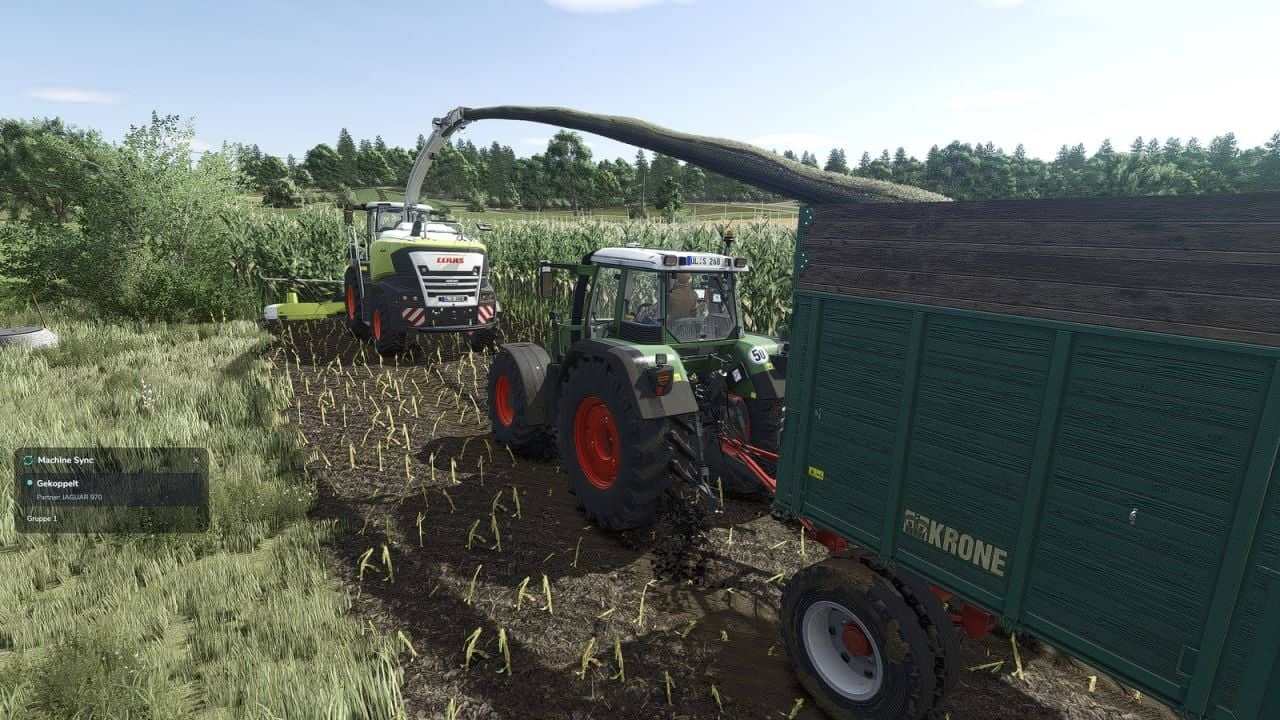
Universal Vehicle Sync enables synchronised unloading while driving with vehicles from every brand. The harvester sets the pace, and the tractor with its cart follows beside it beneath the unloading pipe.
Features
- Tractors and harvesters from every brand receive the new shop option “Vehicle Sync”, which can also be added later in the workshop
- Within a configurable sync radius, the harvester driver establishes the connection and has control; the tractor driver may confirm the request and receives a small info window
- Steering and speed are handled by the system: the tractor steers, stops and reverses with the harvester at the same speed
- While driving, either machine can move the cart forwards, backwards, left or right
- Any steering, braking or acceleration input in the tractor disconnects the sync immediately
- Both machines display the fill levels of the grain tank and cart
- The side gap can be adjusted, so the tractor maintains its distance from the machine and does not drive into it
- Select left, right or behind; for the headland, the tractor goes behind the harvester, with the nearest tractor in the same group being selected
- Set your own zero point by moving the cart to the desired location and saving it, or restore the default position
- With path planning, the tractor returns beside the harvester automatically after turning and drives around trees, buildings and vehicles
- Using the pause button, the tractor waits during the headland turn and then joins the harvester again
- With the fixed pipe, place the cart beneath a pipe that remains stationary and fill it at the chosen location
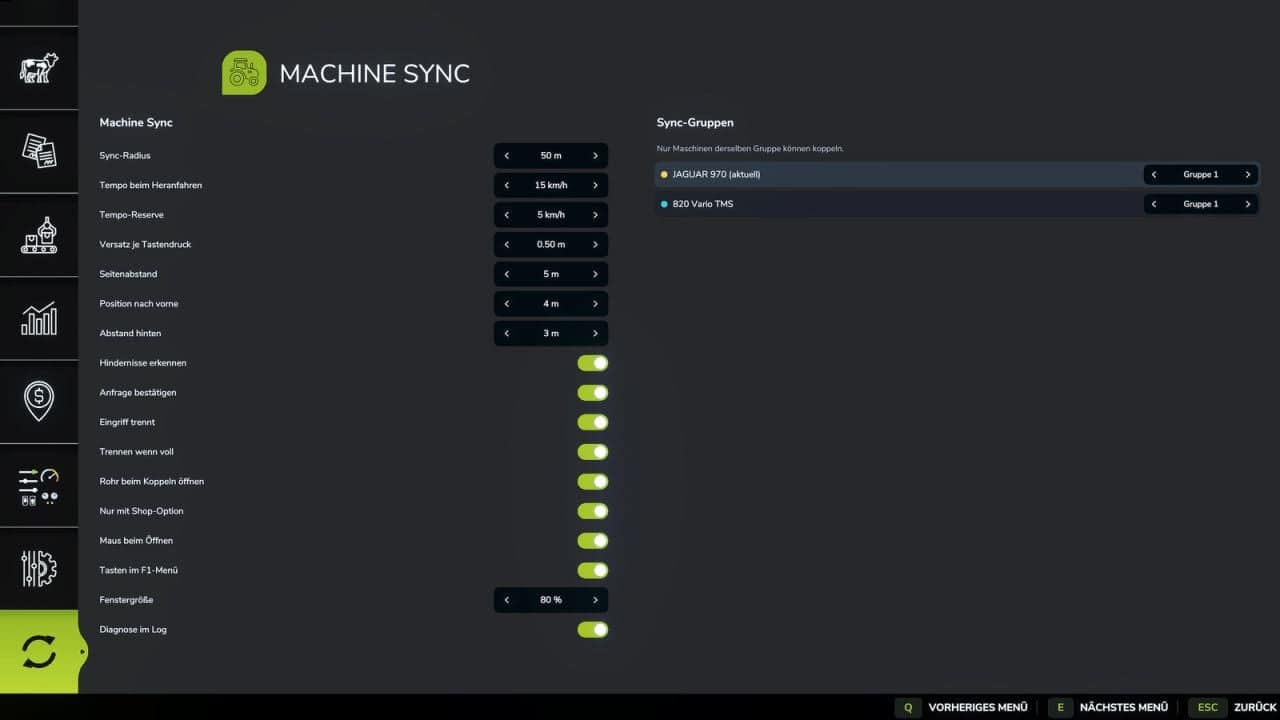
- Sync groups let you decide in the menu which machines may connect to one another
- The control window can be moved and operated with a mouse or keyboard
- A separate settings tab is available in the menu
- All key bindings are preset and editable in the controls menu; their display in the F1 menu can be disabled
Default keys:Left Alt + G: control windowLeft Alt + V: mouse cursorLeft Alt + Y: connect / accept / disconnectLeft Alt + arrow keys: move the cartLeft Alt + O: change sideLeft Alt + I: reset positionLeft Alt + C: pause / continueLeft Alt + L: fixed pipeLeft Alt + W: set zero pointLeft Alt + Q: default zero point
Changelog
V1.0.0.1
- Fix for the F1 Menu