FS25 HMT Ear Plugs V1.0.0.0
With HMT Ear Plugs, you can purchase two hearing protection options, choose between three attenuation levels, and switch radio attenuation without opening a menu. Vehicle, environmental, and character sounds can be reduced, while multiplayer voice chat stays available at the selected volume.
Features
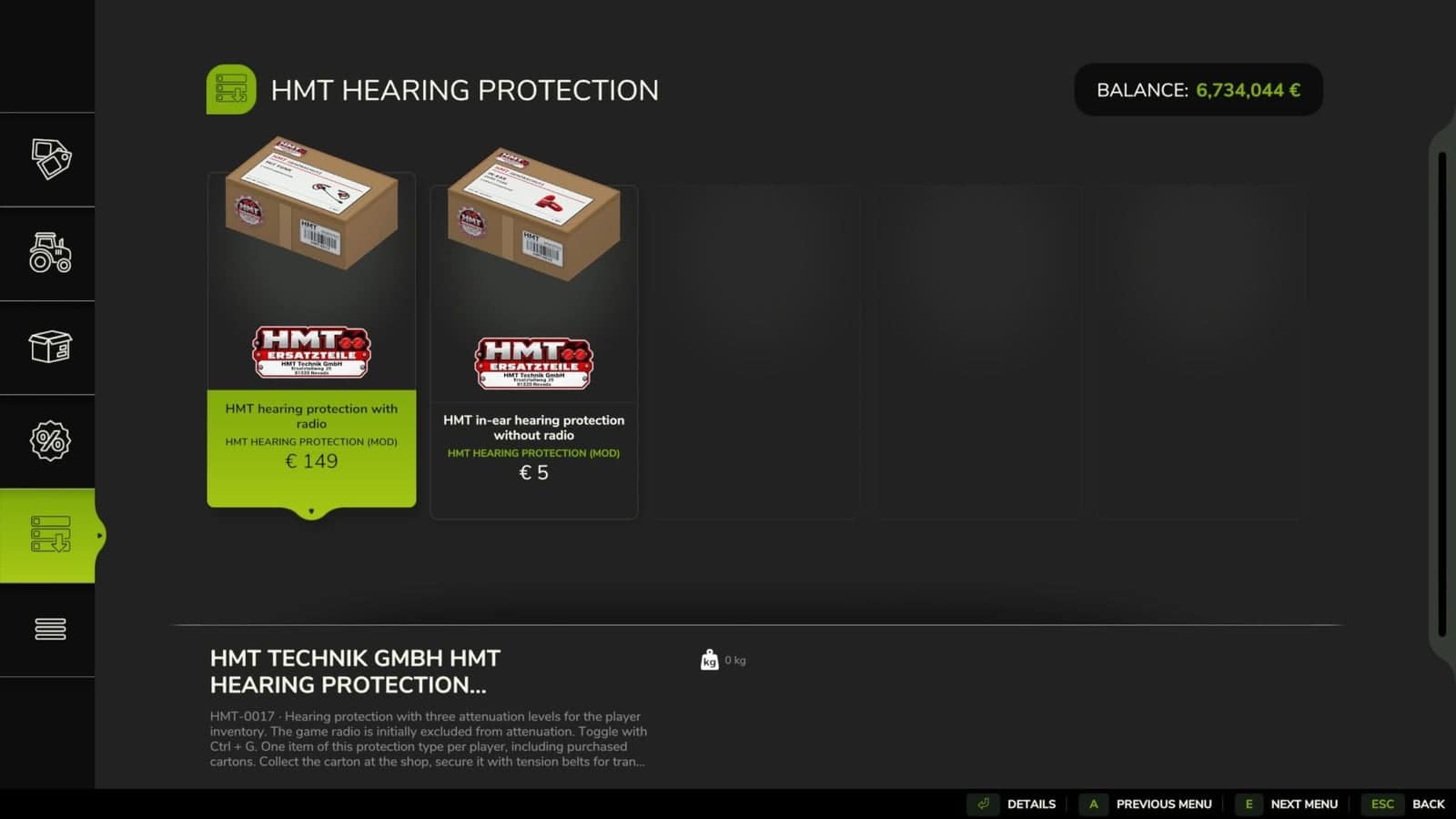
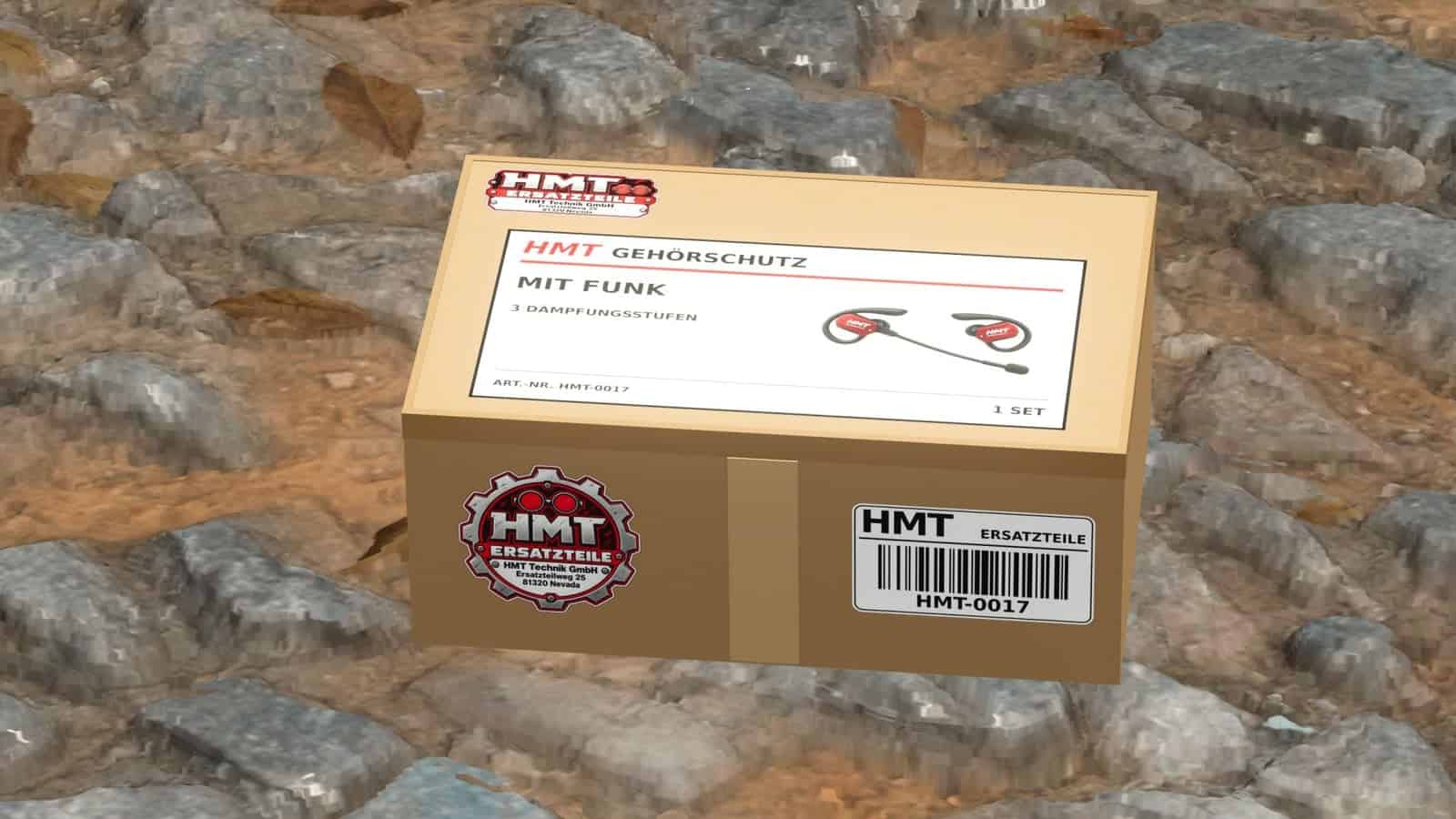
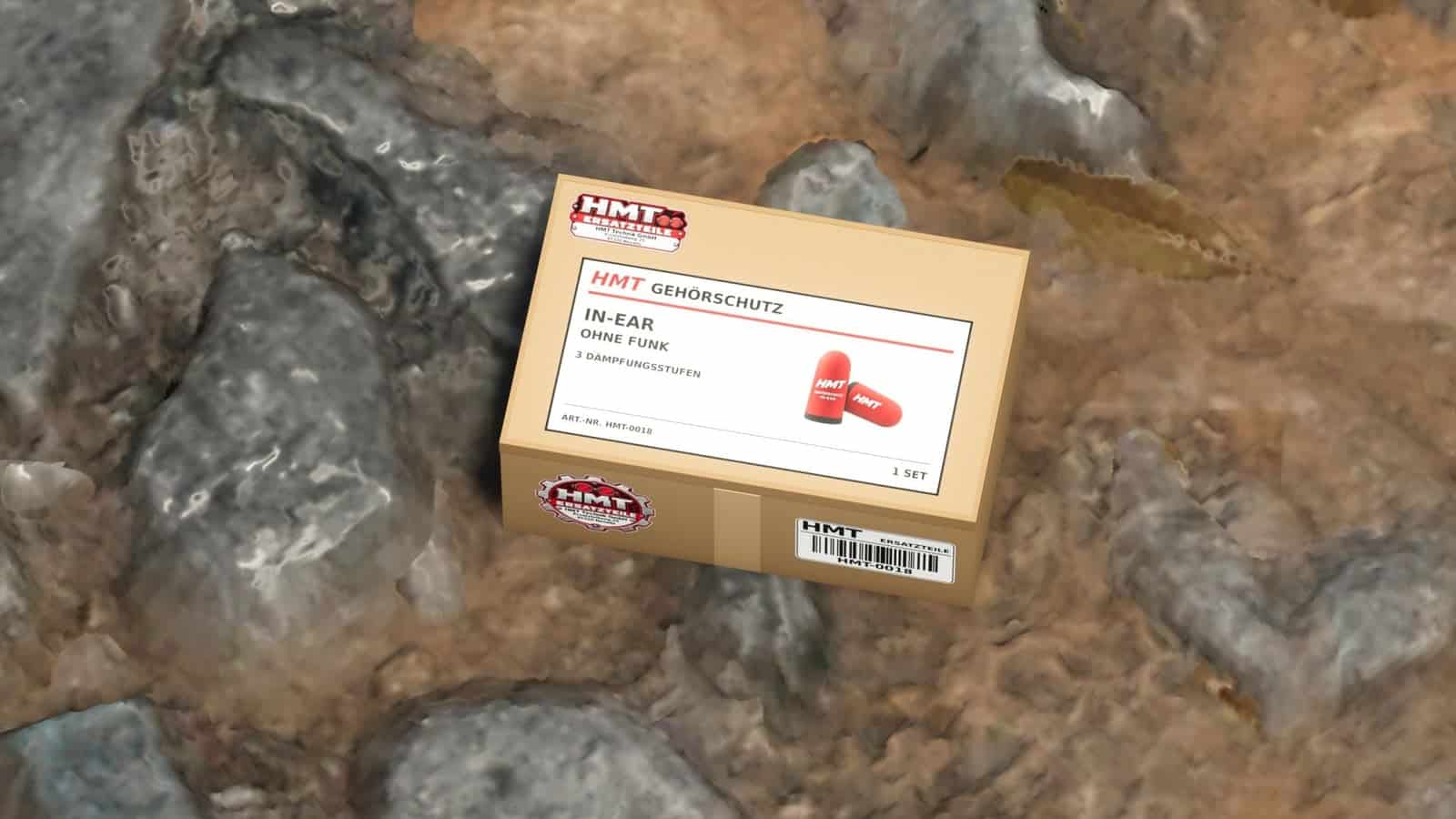
- Available variants are the HMT-0017 hearing protection with radio and the HMT-0018 in-ear hearing protection without radio.
- Noise reduction can be set to 25%, 50%, or 75%, or switched off.
- By default, the wireless hearing protection plays the game radio at its set volume.
- By default, the in-ear version includes the game radio in its attenuation.
- Radio attenuation may be turned on or off at any time.
- In both versions, multiplayer voice chat remains at the set voice chat volume, including while the volume is muted.
- The hearing protection remains active while driving and while using other tools.
- Changing to another type of hearing protection retains the selected noise reduction level.
- Every player may have one pair of wireless earplugs and one pair of in-ear earplugs. Previously purchased boxes and pending purchases are included in this limit. After selling a pair, it may be purchased again.
- The player’s inventory is stored with the game progress. Hearing protection is switched off at the start of each new game session.
HMT-0017
- Hearing protection with radio
- Price: €149
HMT-0018
- In-ear hearing protection without radio
- Price: €5
Setup and controls
- Buy the hearing protection from the shop.
- Once purchased, the matching small HMT box becomes available in the shop.
- You can carry the box, load it, and secure it for transport with straps.
- Set your own box down, remove all straps, and walk to within 2.5 meters of it.
- Press
Xto transfer the ear protection into your personal player inventory. The box disappears after the transfer succeeds. - The device only needs to be in your own inventory to operate.
X– Take over the inventory of hearing protection on your own, stored cardboard box.^– Switch through 25% → 50% → 75% → Switch off.Left Ctrl + G– Turn radio attenuation on or off.Left Ctrl + left Shift + G– Switch between the purchased variants once both are in the inventory.- The F1 help function shows the active variant, attenuation level, and radio selection.
- Every button can be changed under Options → Controls.
- When developer commands are enabled, the
^key can also open the console. - The hearing protection action can be assigned to another button.