

FS25 Simple-Navigator V1.0
Simple-Navigator uses the map’s road splines as its navigation system and also works on servers. Route guidance can only follow splines, which are usually not field paths.
Features
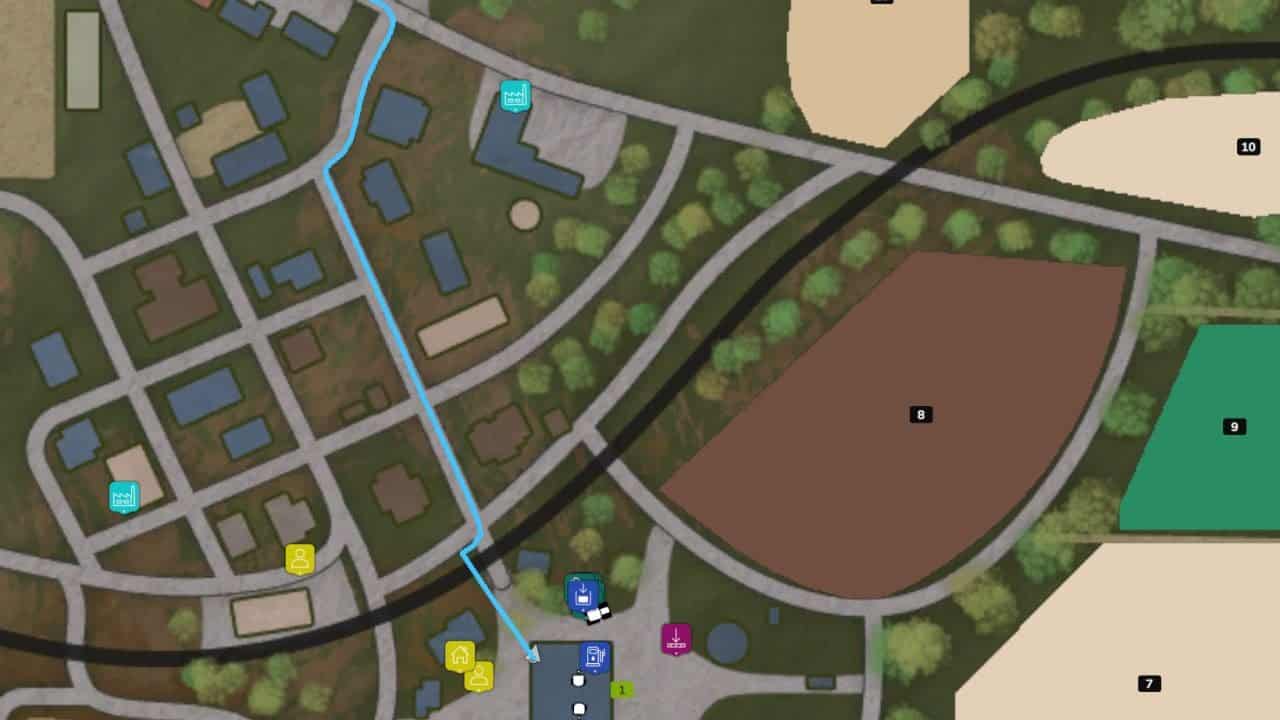
- Open the overview map in the ESC menu and use CTRL + left-click on a destination to set it.
- To remove the destination, press CTRL + left-click on the same spot once more.
- The route appears on the minimap.
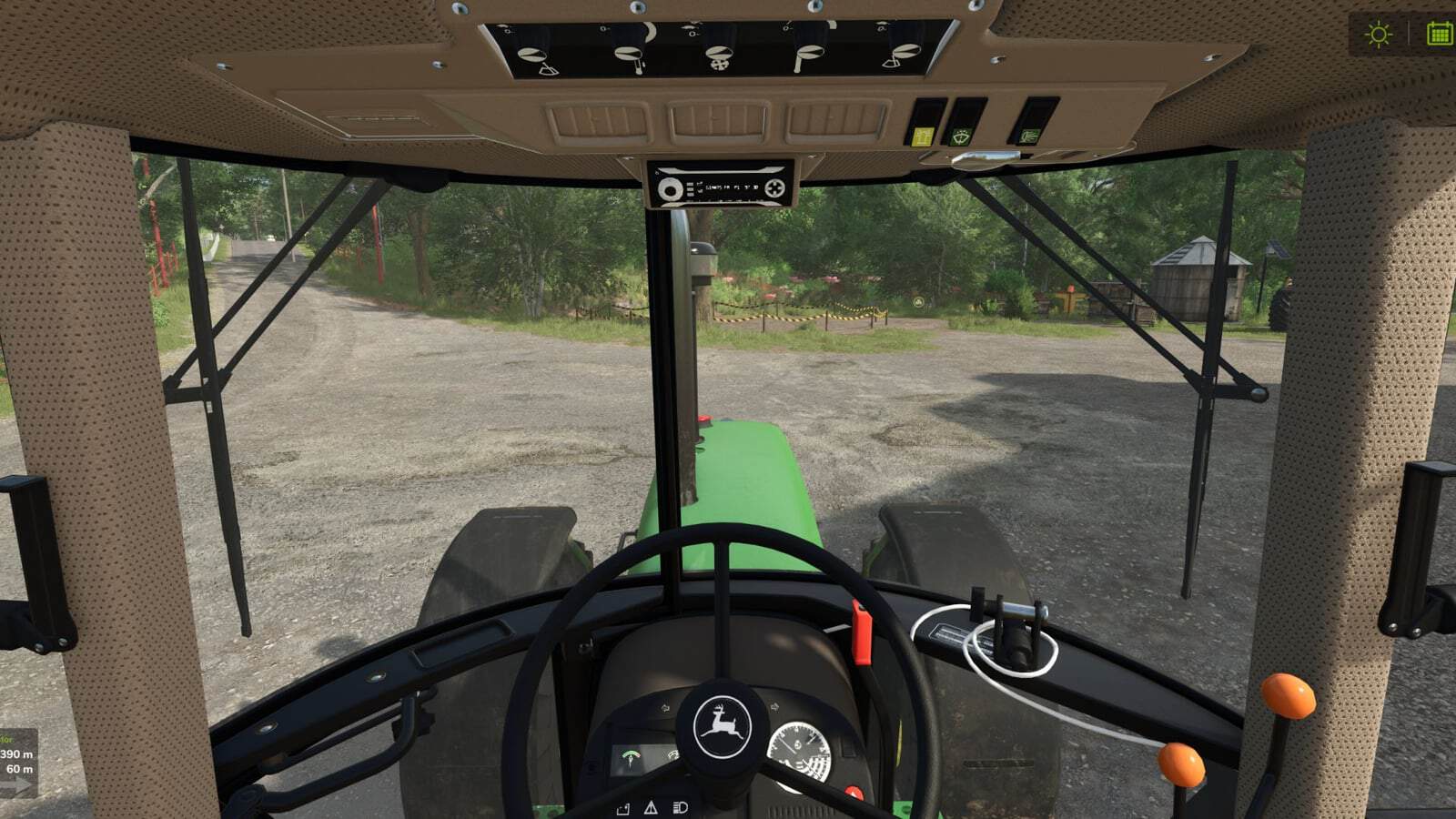
- A panel beside the minimap displays the distance to the destination, the distance to the next turn, and flashing arrows pointing left or right.
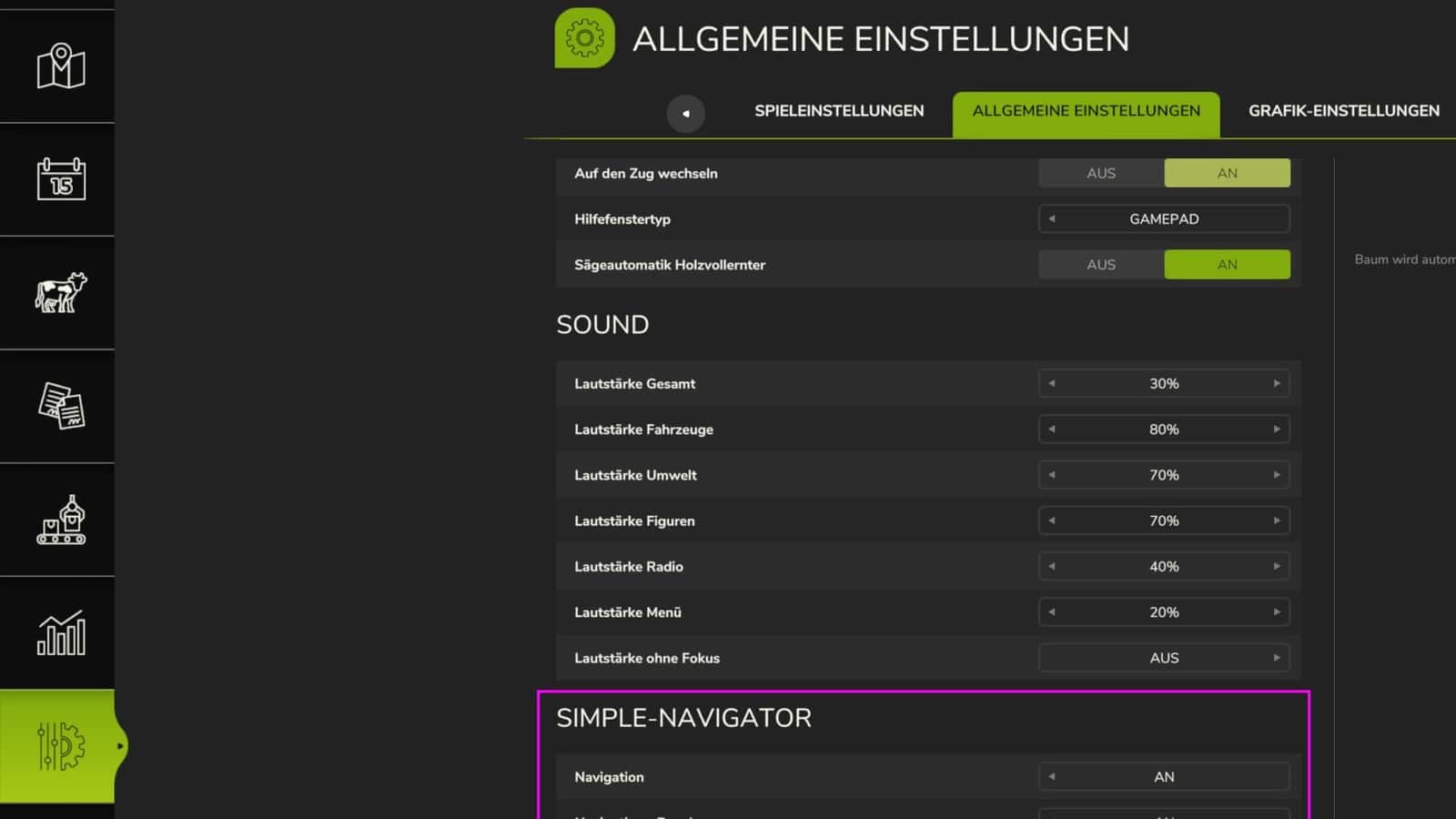
- In Settings > General, every player can individually enable or disable the navigation and the panel, including on servers.
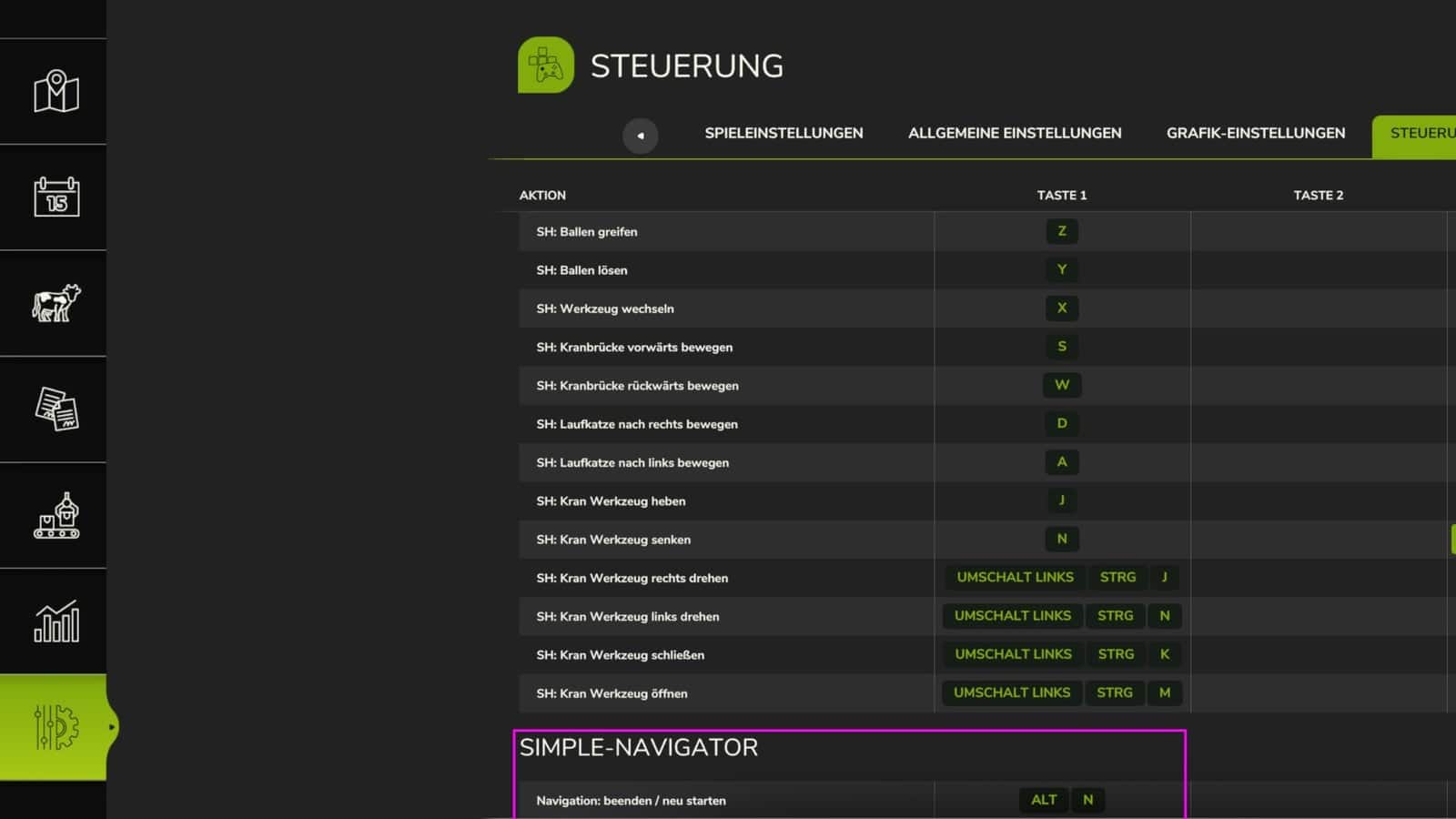
- ALT + N: End / restart navigation.
- Large 4x maps have not yet been tested.





