FS25 Gemeni Finishing Table v1.0
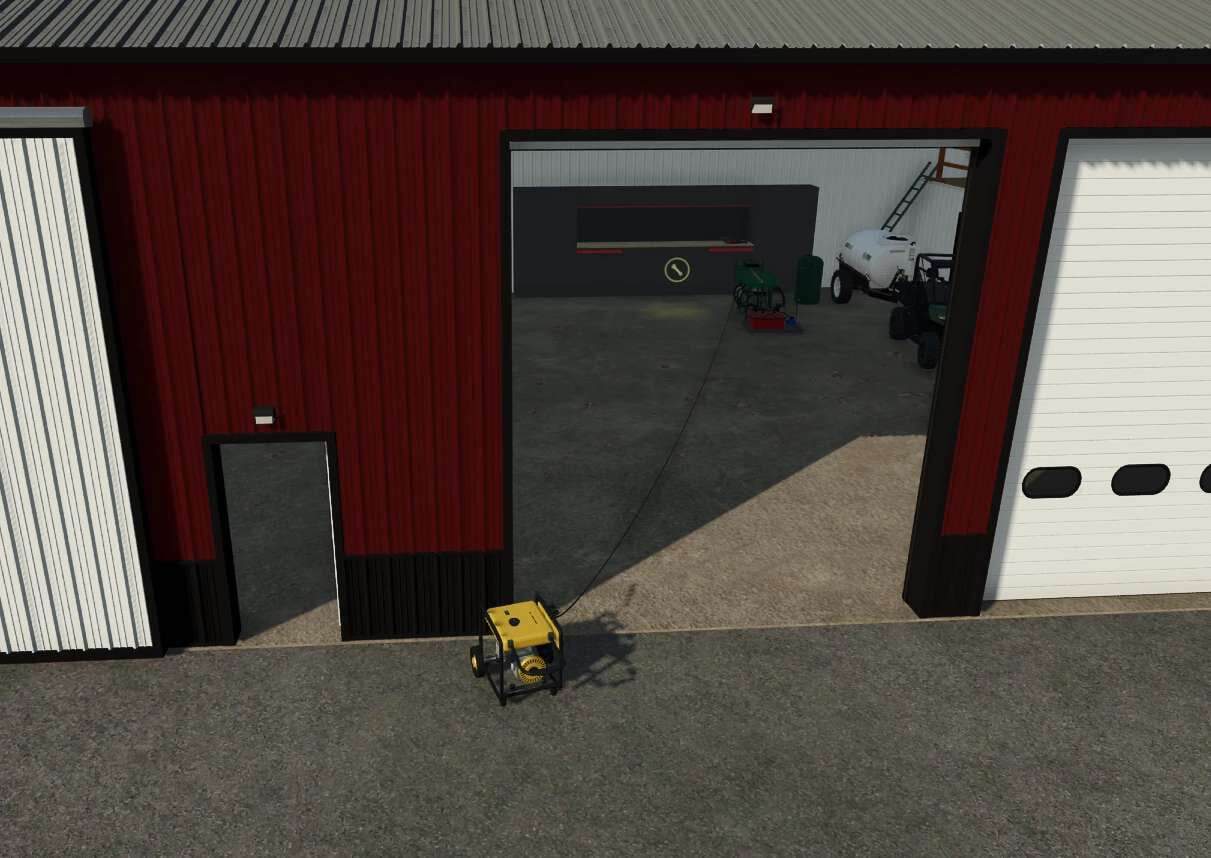
Use an IC control on the shaker table to connect a power cable to the generator. For water, connect the tank to the shaker table and guide the discharge water into the tank’s top. The table must be locked in place.
After leaving and re-entering the game, lock the table again, switch on the generator with the IC controls, and restart the shaker table. The valve underneath the water tank also needs to be turned on before the tank can accept water.
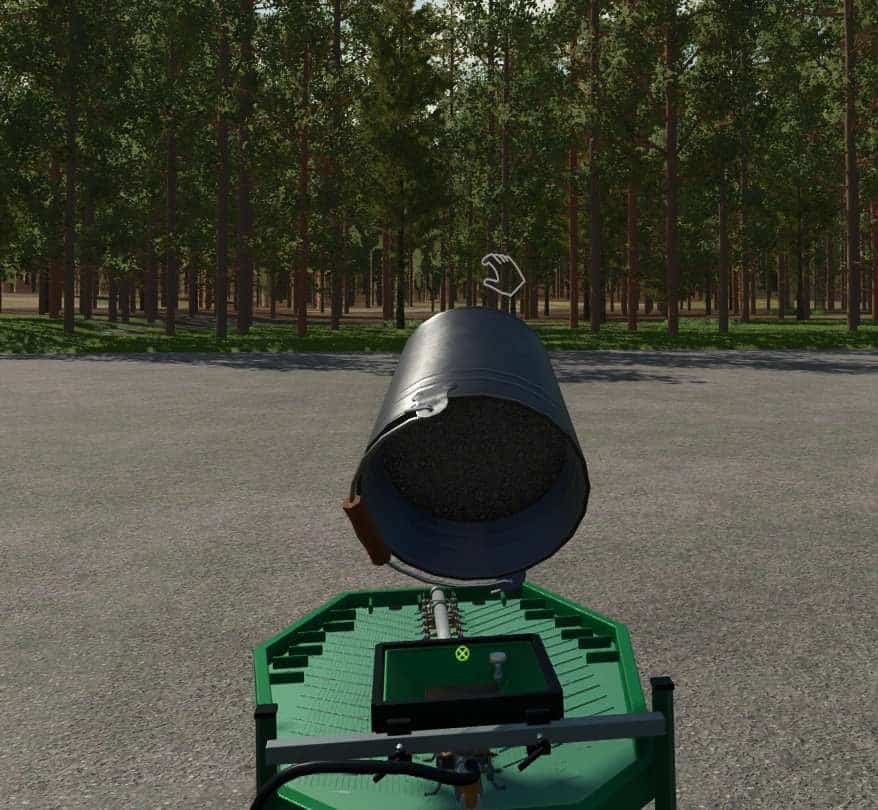
Concentrate can be poured in manually through the top. Alternatively, put its bucket on the ground immediately behind the table and press the IC control button to fill it with concentrate. At the front of the shaker table, the gold is directly behind the small bucket that receives the water.
Purchase all three items through the in-game store menu. Pressing the IC button makes the IC controls route the power cord to the generator. The generator may be placed outside a building door while the shaker table and water tank are inside. Fill the water tank with water; because the water is recycled, frequent refilling is not necessary.