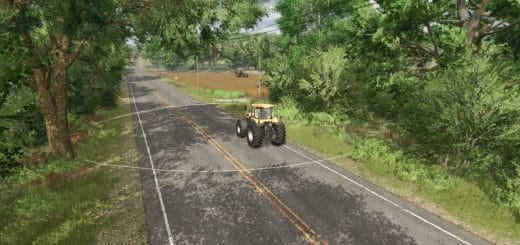
FS25 Terrain Texture And Object Picker V2.2.1.0
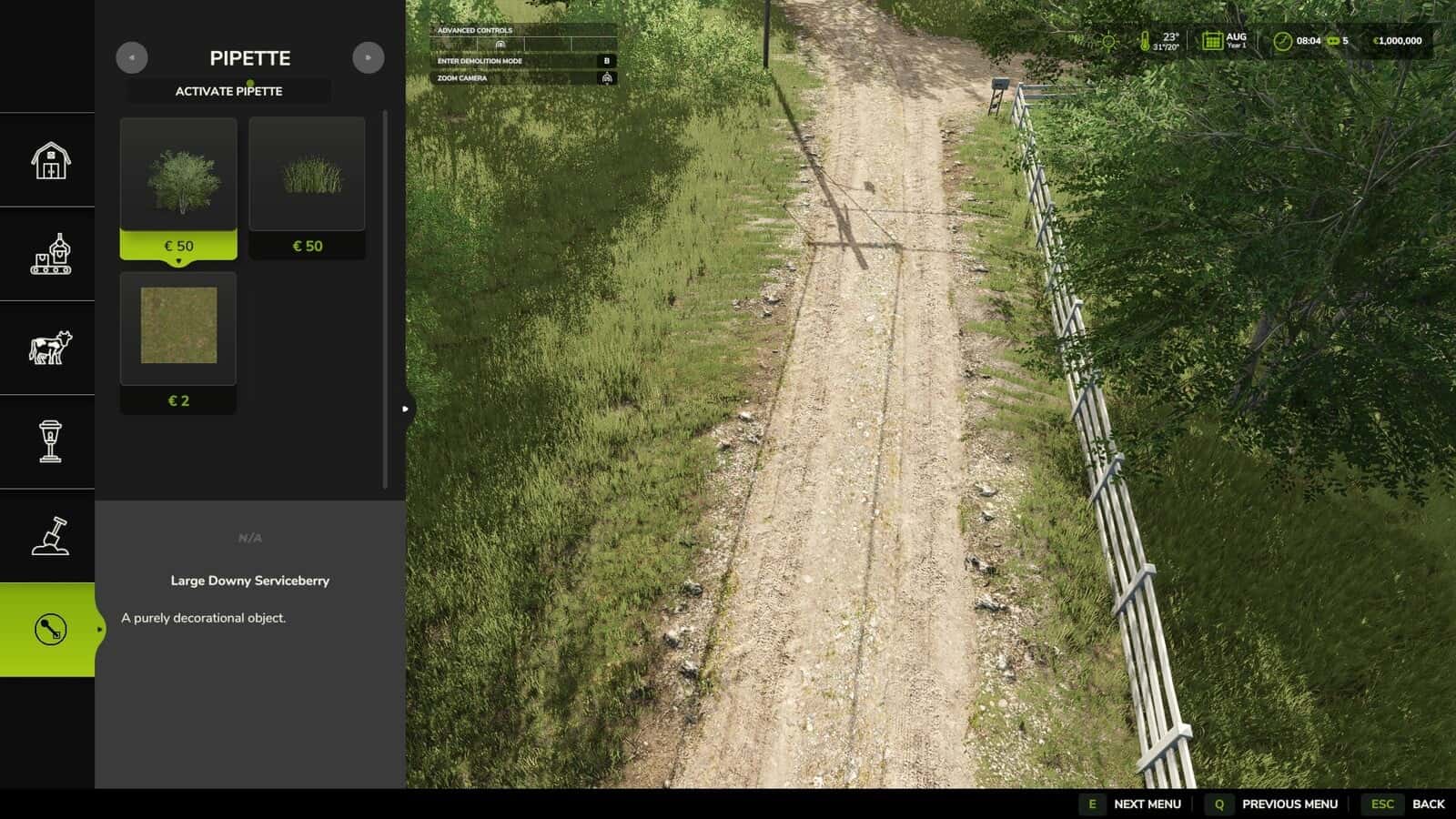
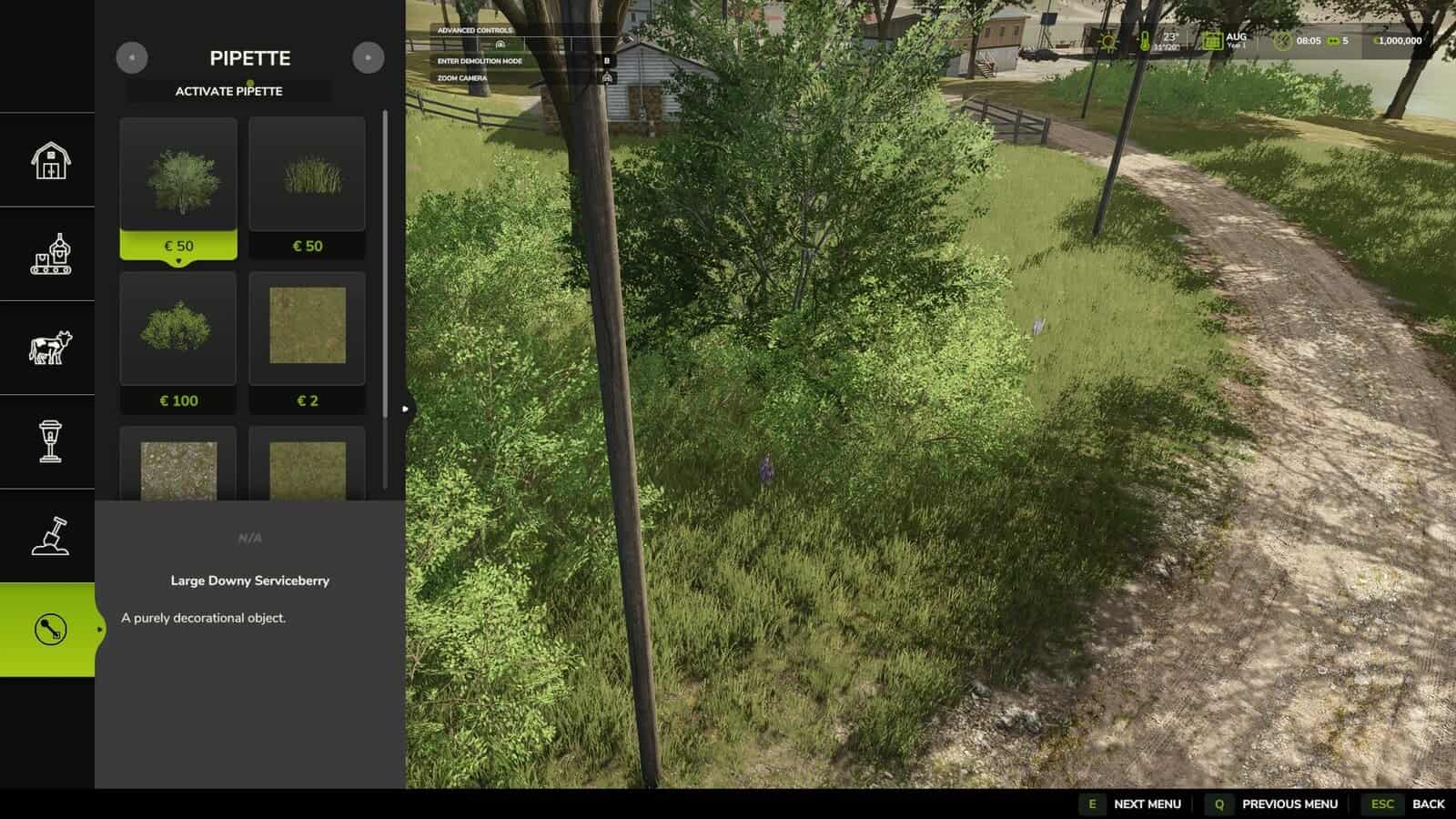
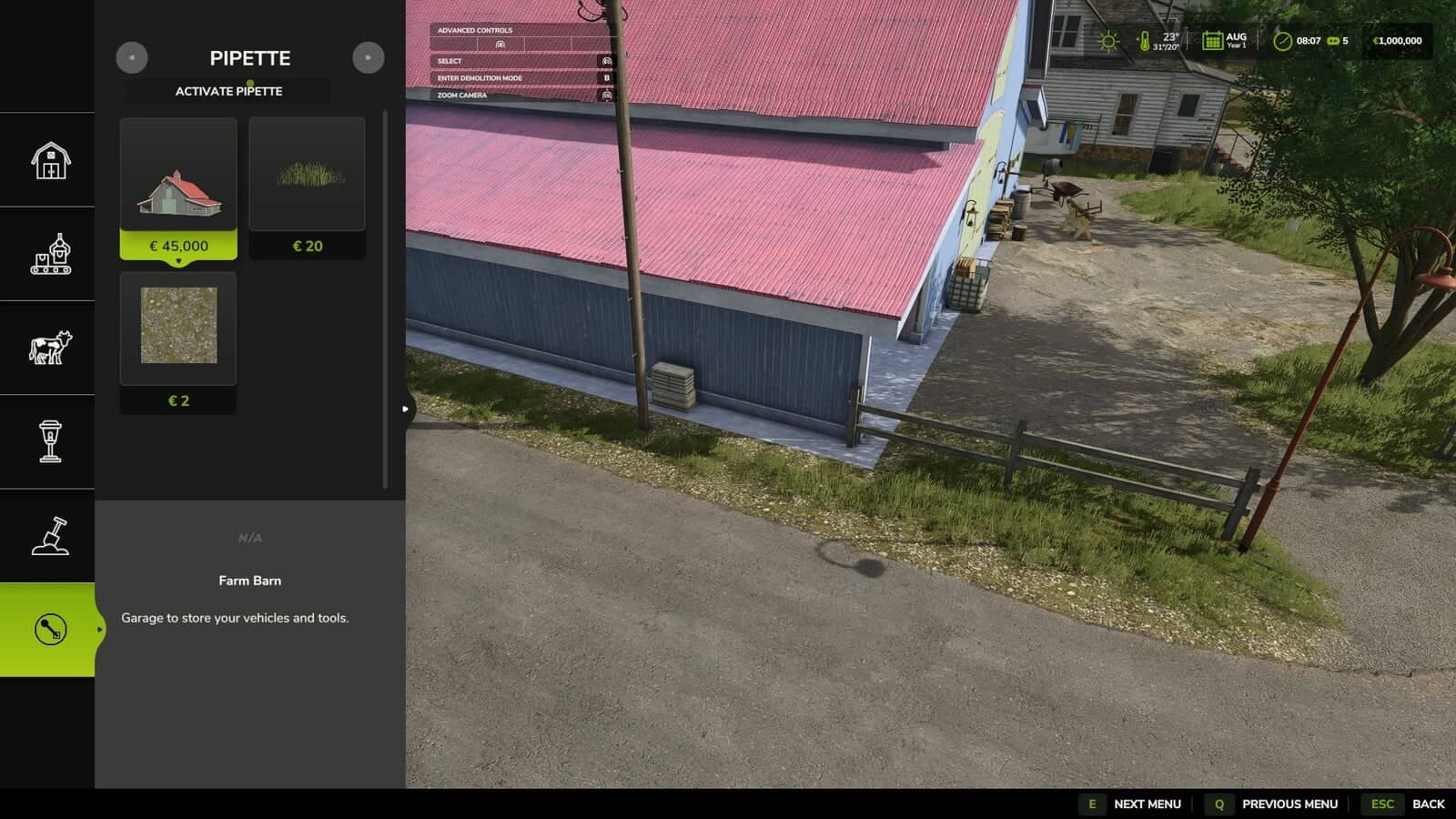
Terrain Texture And Object Picker places a pipette function for ground textures, foliage, bushes, trees and supported placeable objects in the construction menu. The complete construction menu can also be searched with keywords.
Features
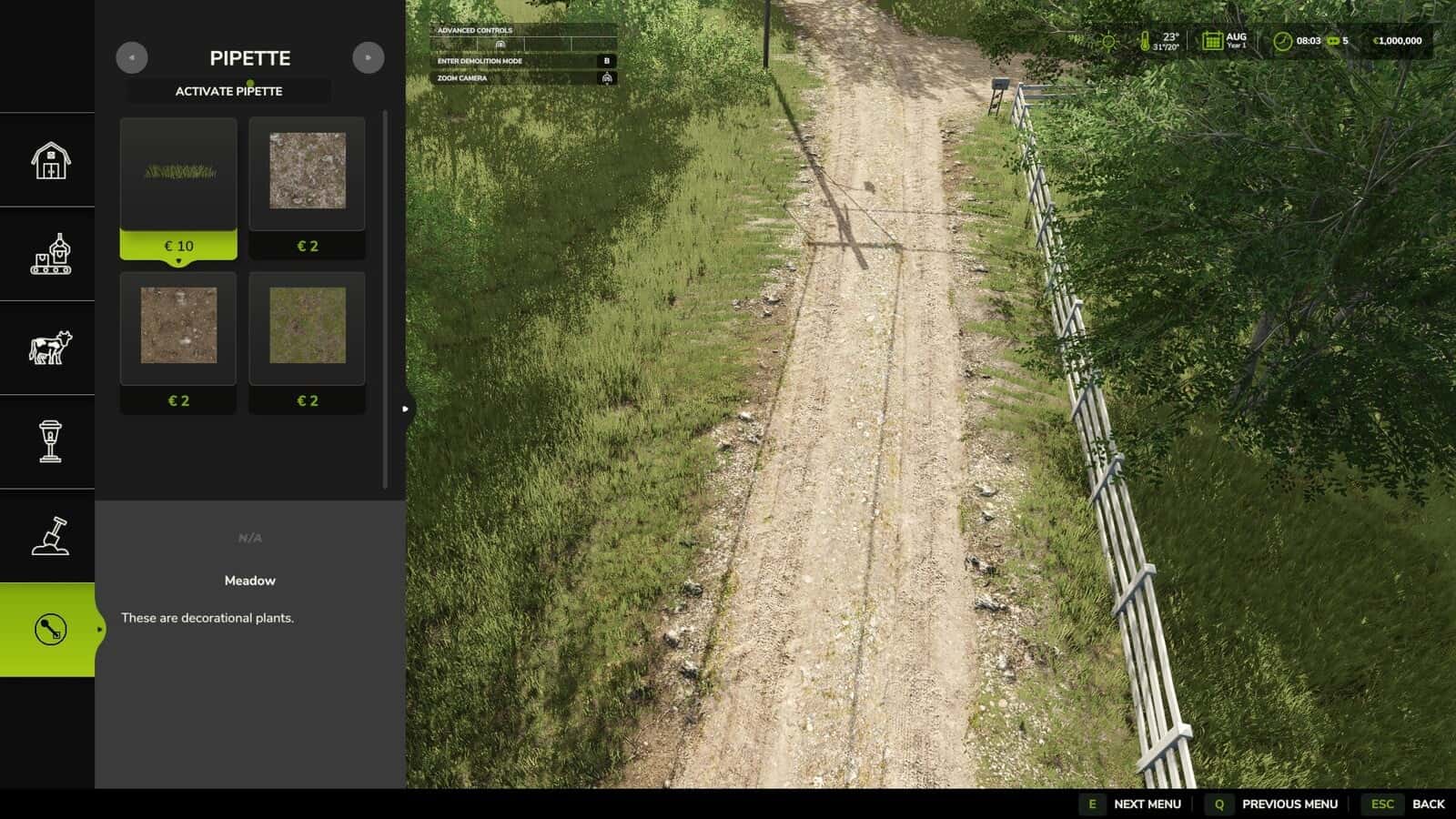
- Paint textures used earlier, visible foliage including grass, flowers and bushes, placeable trees and supported objects can be selected directly on the map and located again through the construction menu.
- Several matching results may appear when the selected area contains mixed elements.
- Before a selection is made, the currently active brush is reset.
- The pipette may be activated again whenever needed.
- Available ground textures and suitable foliage on the current map are taken into account by the mod.
- Map foliage is detected without unchecked additional entries being loaded into the normal construction menu.
- Located immediately beside “Pipette”, the “Search” tab searches the whole construction menu using keywords. Words may be entered in any order, with the results arranged according to relevance.
- For broad search terms, connected object groups are recognized. Trees and husbandry are currently the first examples, and they can be found even if the term is not literally part of the name. More areas will be included in this recognition over time.
- While painting in the construction menu, holding Shift and moving the mouse wheel changes the brush size. It selects tree growth stages and changes the size of bushes available in several sizes, such as small, medium and big. If Shift is not held, the mouse wheel continues to zoom as usual.
How to use:
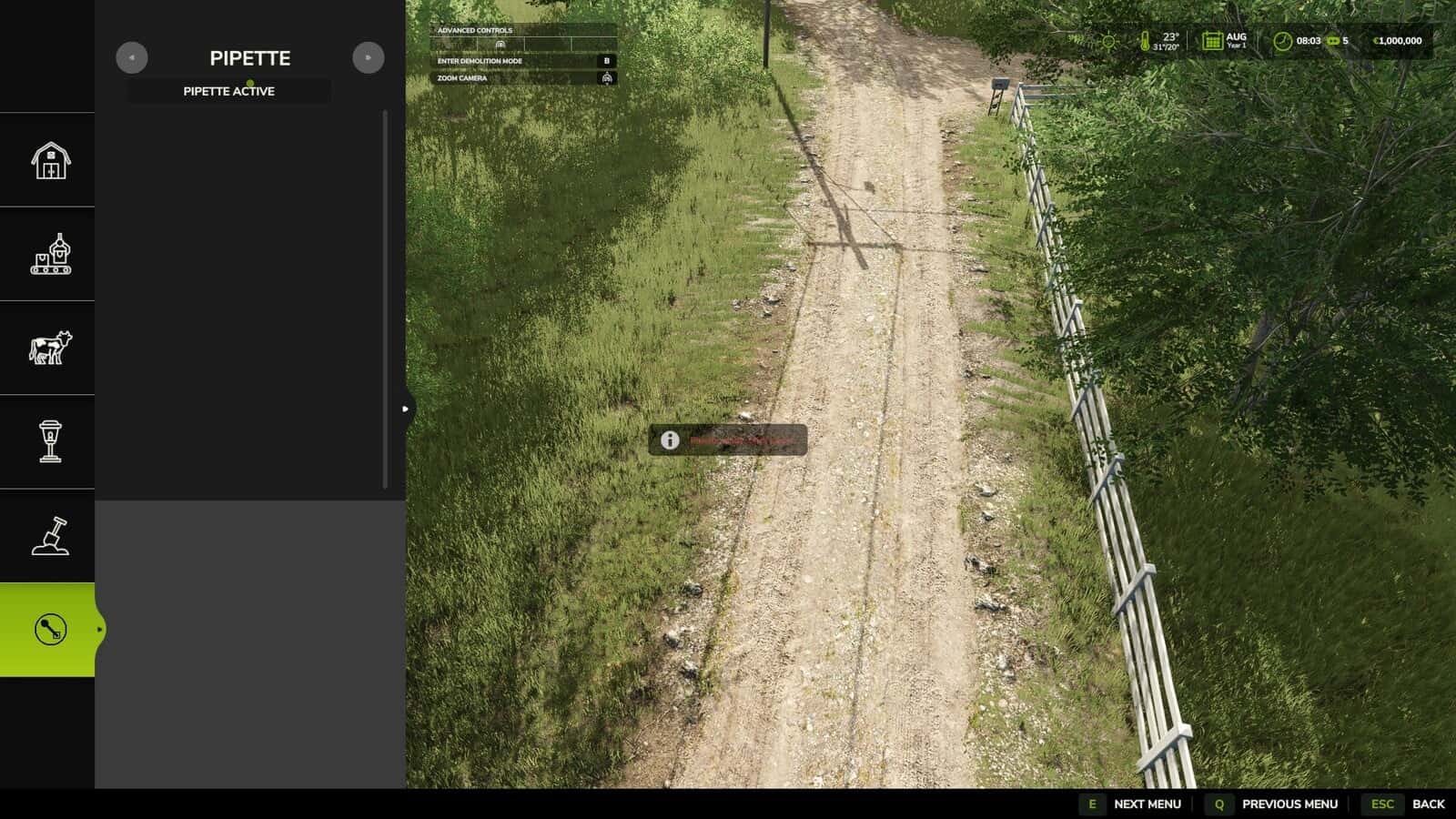
1. In the construction menu, open the “Pipette” tab.
2. Press “Activate pipette”.
3. Select a ground texture, foliage, bush, tree or supported object with a click.
4. Confirm the result you want in the construction menu.
5. Continue painting or building as usual.
Please send bug reports only via https://github.com/Nalathan01/FS25_TexturePipette/issues or Forbidden Mods.
2.2.1.0
- In the construction menu, Shift + mouse wheel changes the brush size, tree growth stage and bush size. The selection stops at the smallest and largest step.
2.2.0.0
- Log error messages that could occur while picking on maps with incorrectly registered foliage layers have been fixed.
- Internal rework removed obsolete diagnostic code and brought error handling up to current GIANTS requirements.
2.1.0.0
- A new “Search” tab in the construction menu searches every category by keyword, independently of word order, and sorts the results by relevance.
- The first connected object groups supported by search are trees and husbandry, which are found even without a literal name match.
- StoreItems from new prefab/map templates are now detected reliably, including when capitalization differs in the paths.
- Trees with no clear match for a construction-menu entry no longer appear as broken tiles. They are shown only through a status message.
2.0.0.0
- The name was changed to Terrain Texture And Object Picker.
- Bush and tree detection has been extended.
- Detection of ground textures, foliage and supported construction-menu entries has been improved.
- Map foliage detection for additional map content has been improved.
- The former debug mode was removed because normal gameplay produced excessive log output with it enabled.
1.3.0.0
- Detection support for placeable trees was added.
- Detection of placed objects, foliage and ground textures was improved.
1.2.0.0
- Foliage detection support was added for grass, flowers and bushes.
- Where possible, map foliage is added as paintable entries in the construction menu.
- Foliage and ground textures now have a combined result list.
1.1.0.0
- Suitable placeable objects can now be detected.
- Pipette handling was improved: activating it again removes the previous selection.
- General settings were added for enabling the pipette function and free painting.