FS25 GPS Plus V1.1
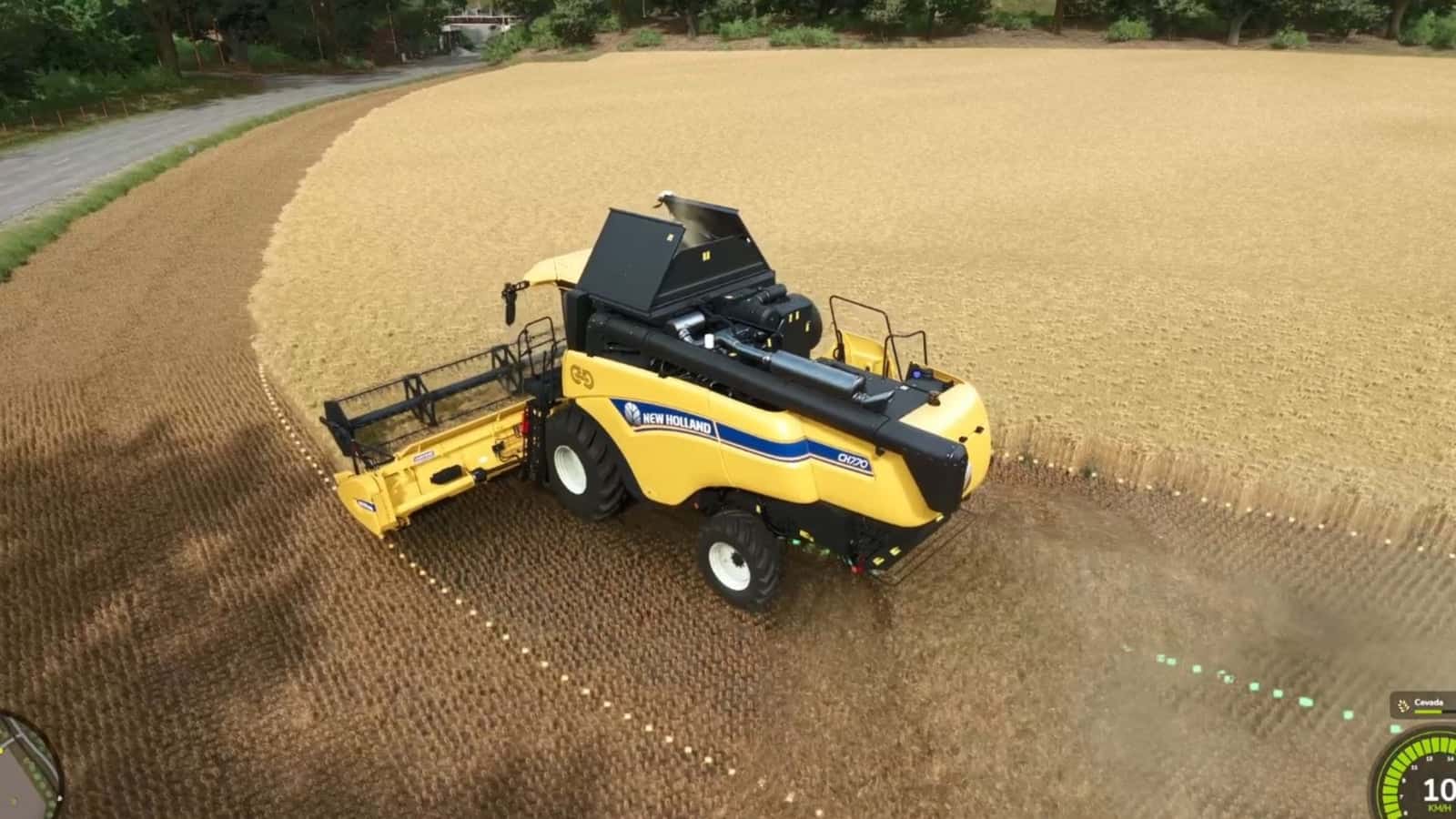
GPS Plus provides every tractor, harvester, and sprayer in Farming Simulator 25 with centimeter-accurate guidance. Create guidance tracks, activate automated steering, and manage both speed and equipment while working.
Features
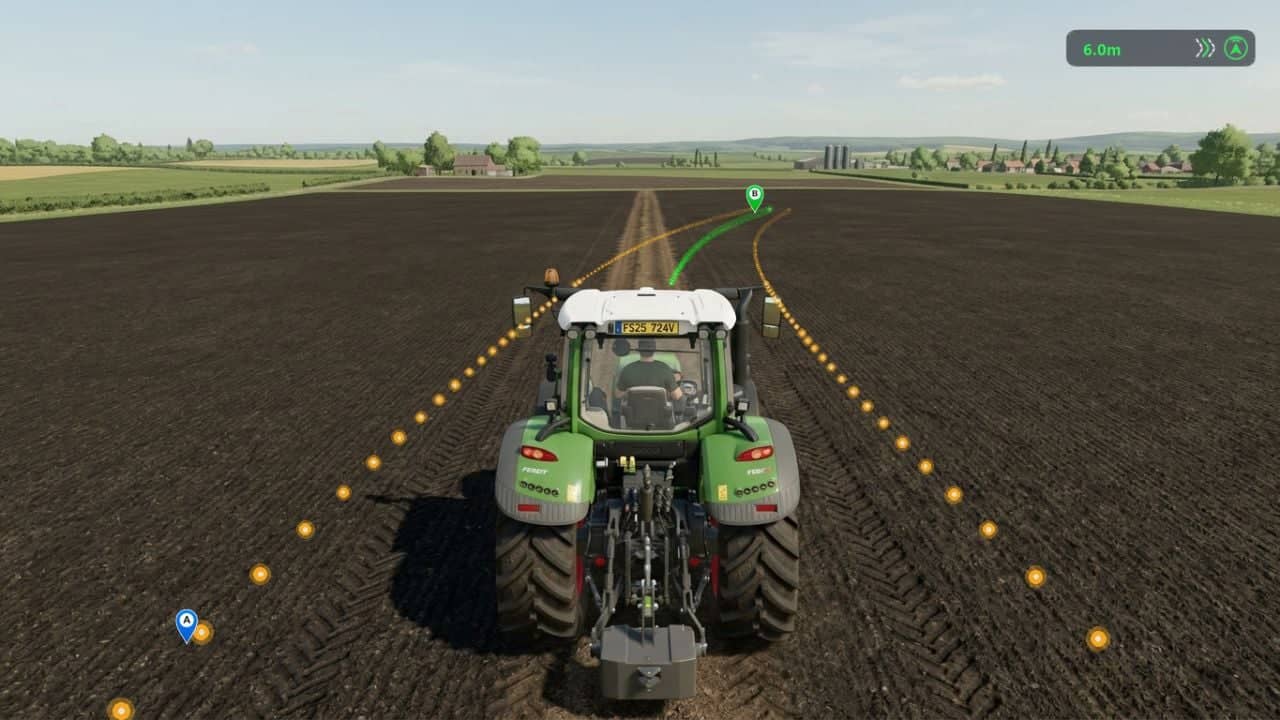
- Straight AB Lines: Choose Point A and Point B, then generate parallel tracks over the field.
- Instant Heading Mode: With one keypress, create a guidance track following the vehicle’s current direction without first driving to the opposite side of the field.
- Fine Angle Snapping (0.5°): Turn guidance lines in 0.5° steps so they can match roads, fences, and field boundaries.
- Lateral Track Nudge: Move the active lane 10 cm to the left or right, compensating for terrain shifts without having to reset the track.
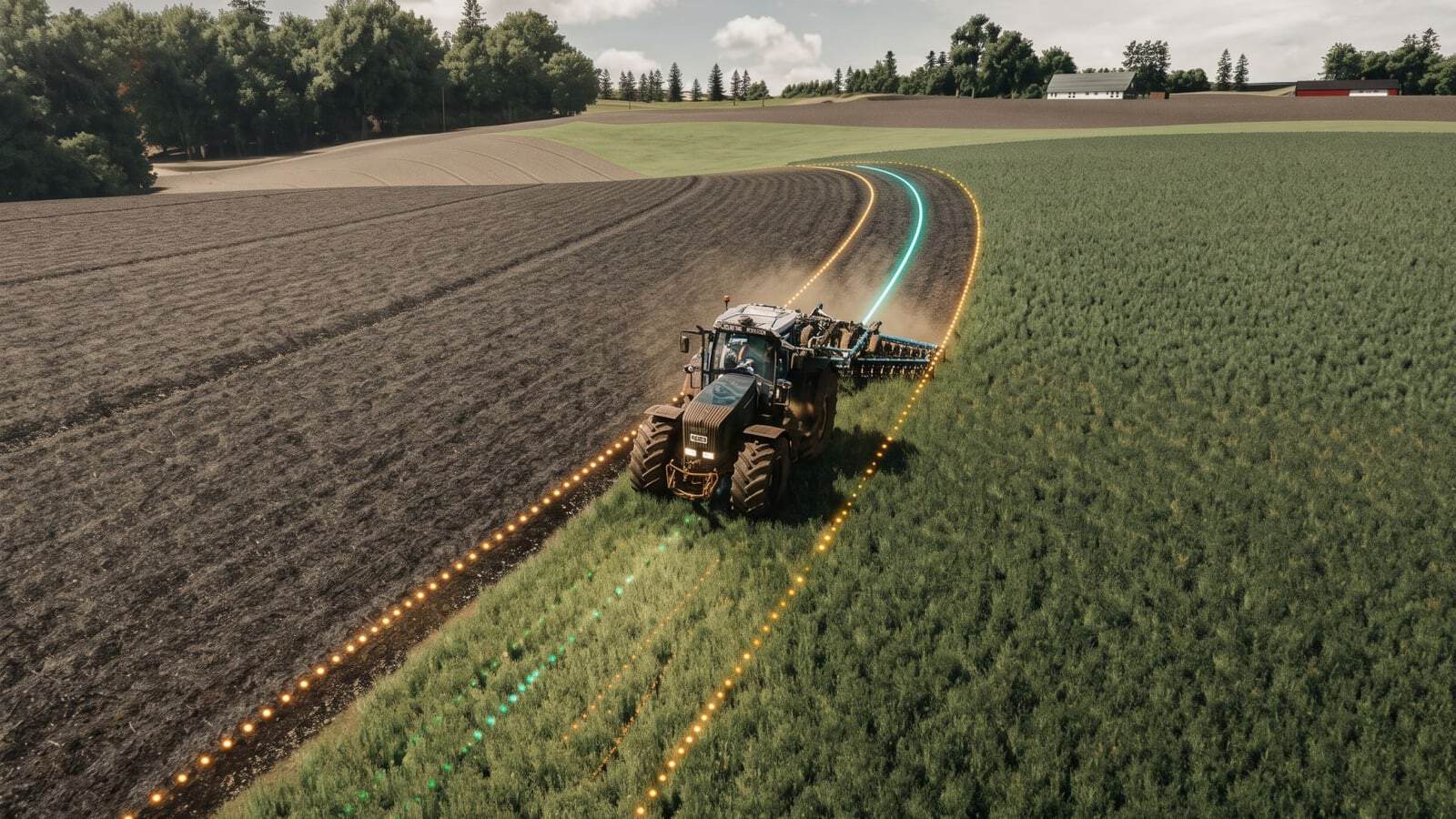
- Smooth Curve Recording (Curved AB Mode): Capture irregular contours, terraced hillsides, and riverbanks. A custom algorithm provides cubic spline smoothing and tangential extension.
- Automatic Implement Width Detection: A single click scans attached implements, such as planters, cultivators, sprayers, and headers, and applies the exact working width. Manual 0.1m stepping is available as well.
- Automatic Headland Turns: At the field edge, use the turn shortcut to perform a 180° turn straight into the next swath.
Controls and Shortcuts
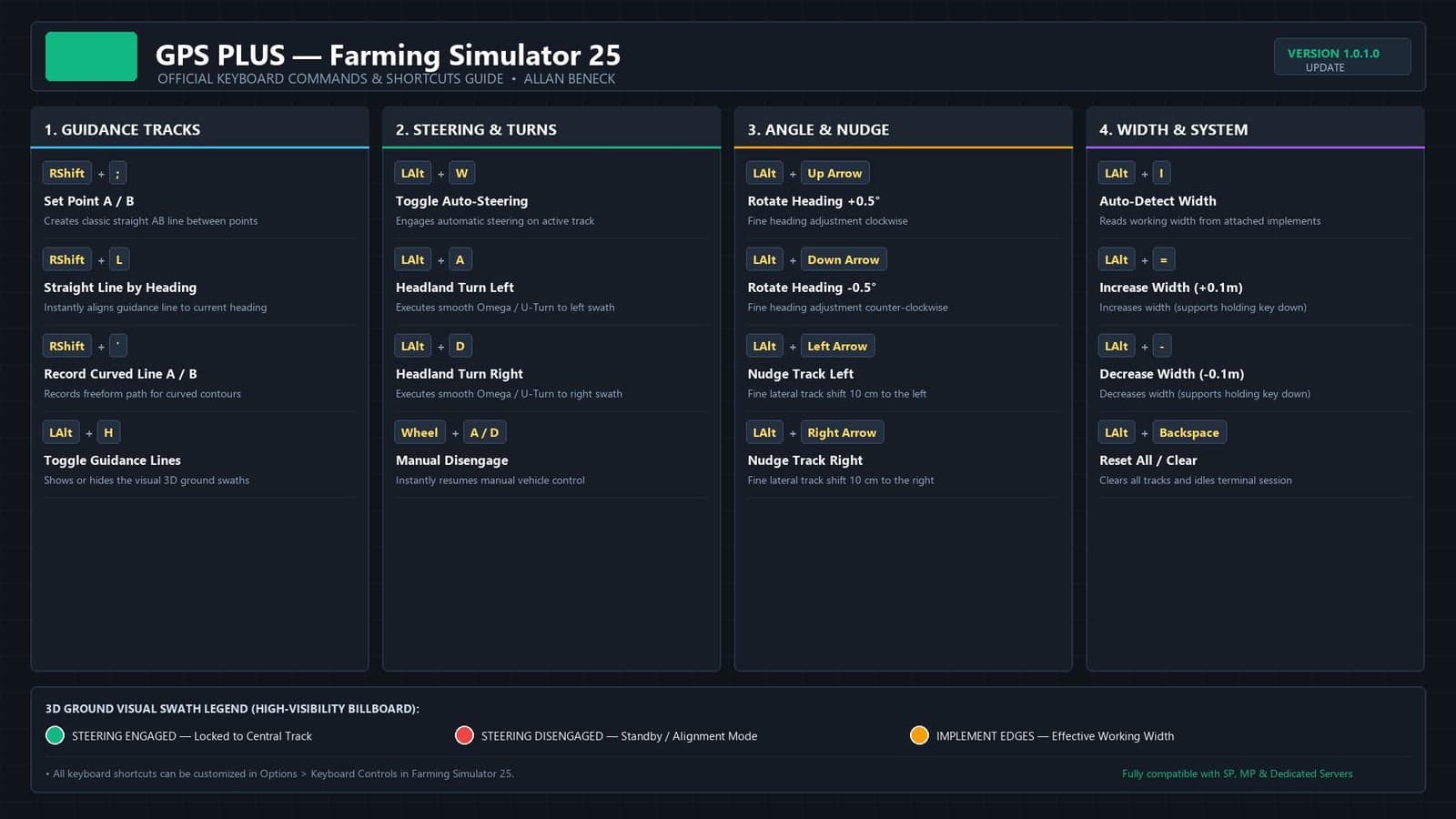
- Right Shift + ; – Set Point A / B (AB Line)
- Right Shift + L – Straight Line on Current Heading
- Right Shift + ‘ – Set Curved Line A / B
- Left Alt + W – Toggle Steering / Auto Pilot
- Left Alt + A / D – Headland Turn 180° (Left / Right)
- Left Alt + I – Auto Detect Implement Width
- Left Alt + = / – – Adjust Width (+ / – 10cm)
- Left Alt + Up / Down – Rotate Heading (+ / – 0.5°)
- Left Alt + Left / Right – Nudge Line (+ / – 10cm)
- Left Alt + H – Toggle Guidance Lines Visibility
Changelog
V1.1.0.0
New function – TERRACES
You can now create a guide track that follows the same terrain elevation throughout. This is intended for creating terraces, or contour lines, in fields, guiding the tractor along a level path.
Default shortcut = left Alt + T (can be changed in the shortcut menu)
V1.0.2.1
Bug Fix
Corrected an error that stopped the autopilot from disengaging when the steering wheel was turned, for steering wheels only.
V1.0.2.0
FIX
- Functionality for multiplayer servers has been optimized and corrected.
- The method used for automatic maneuvers has been improved. The tractor now works out its turning radius together with the attached implement and adjusts the turn for more efficient alignment with the return path.
V1.0.1.0
Changes and improvements made:
- Resolved a problem that made the guide lines invisible.
- Added a “reset” function and the option to hide the guide lines with the [Alt + Backspace] shortcut.
- When the tractor remains stationary for a while, the guide lines disappear to keep the screen clear. They return once the tractor moves or a parameter is adjusted.