FS25 Supreme Autoload V1.0.0.0
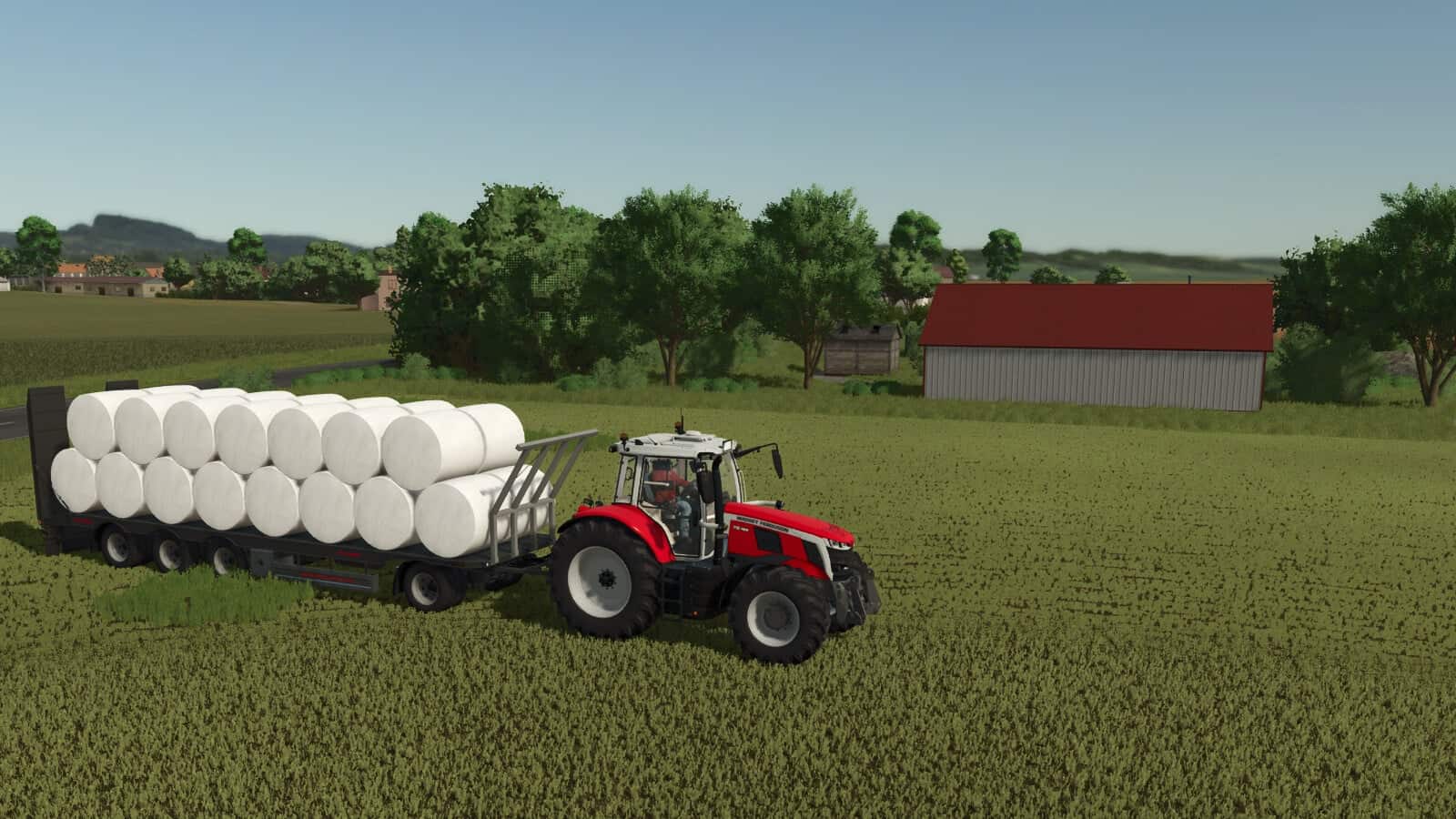
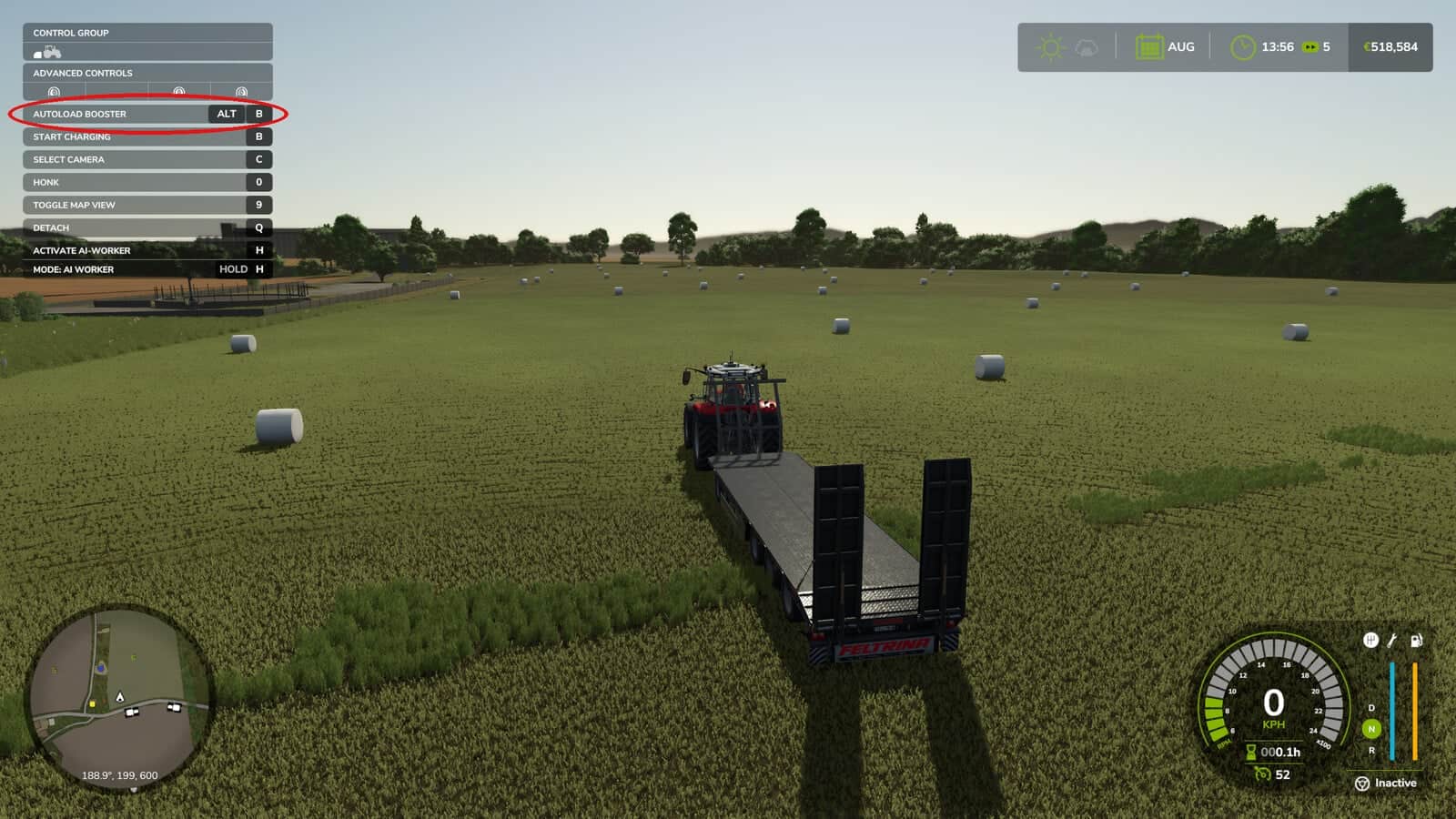
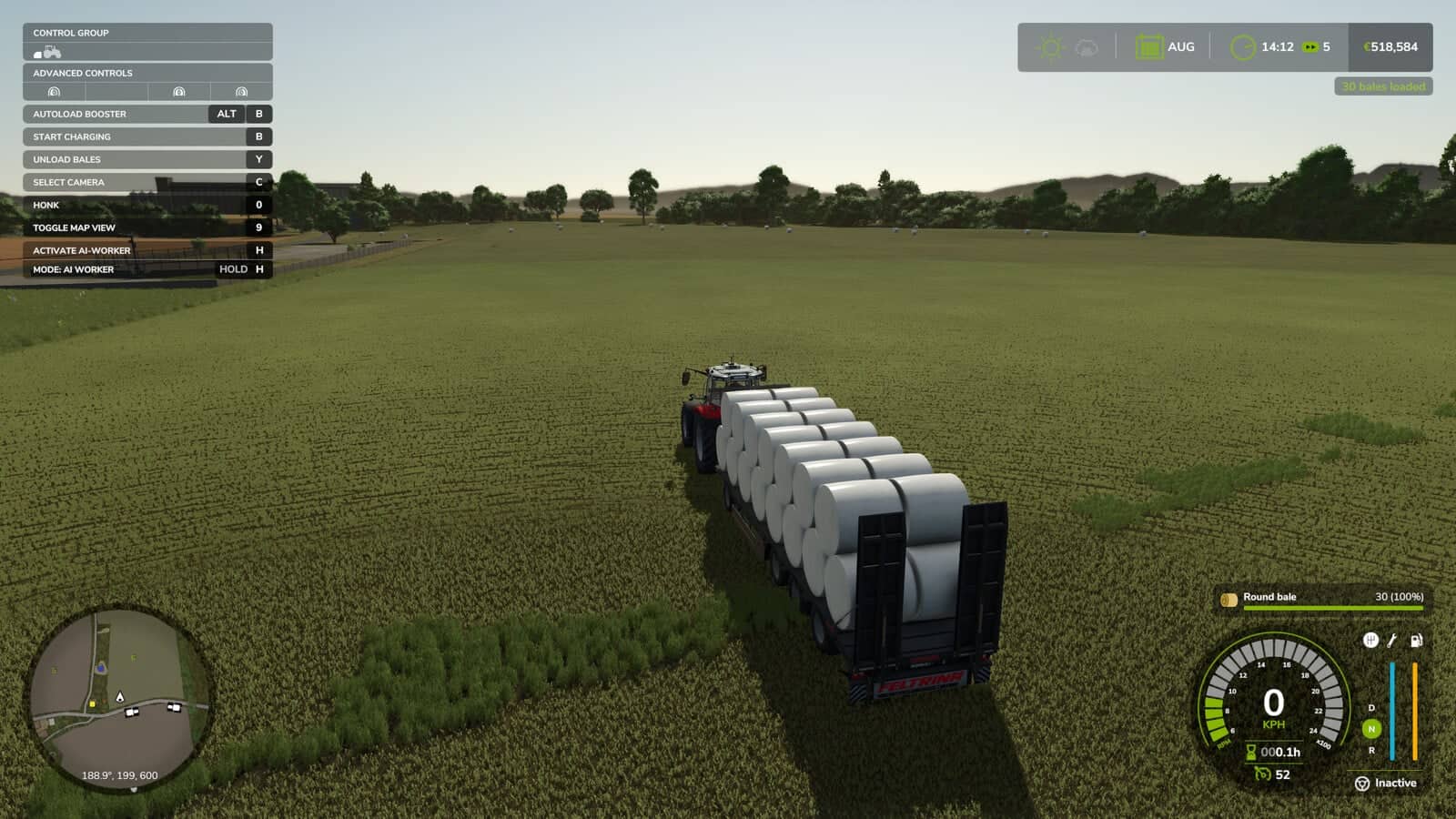
There is no need to drive to each bale individually. Leave your autoload trailer on your land, press LEFT ALT + B, and select the number of bales to load. The bales are positioned on the trailer according to the trailer’s own loading arrangement.
Features
- Loading and unloading must be switched off, leaving the trailer in neutral. The mod activates loading automatically and disables it again after the process ends.
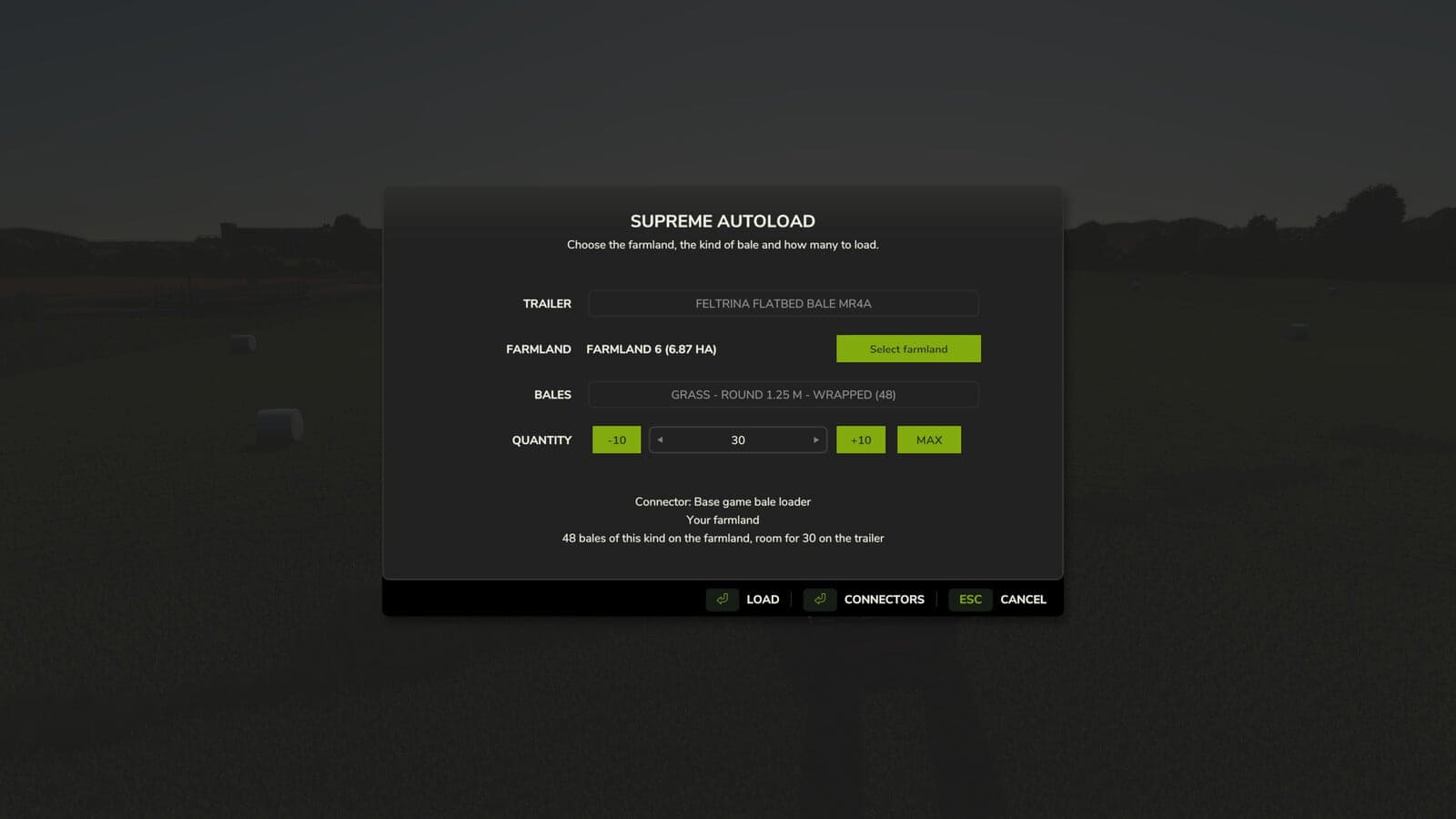
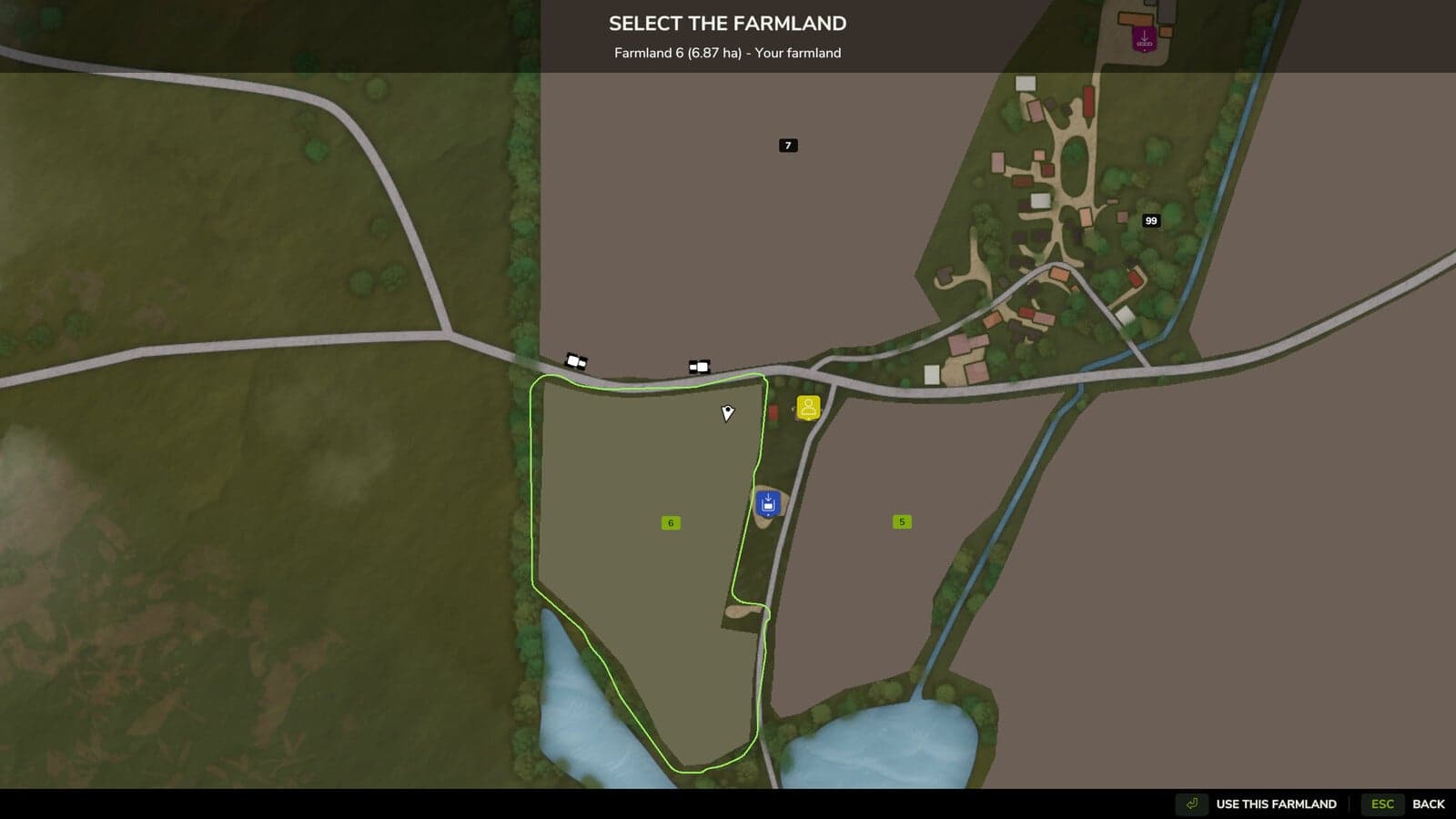
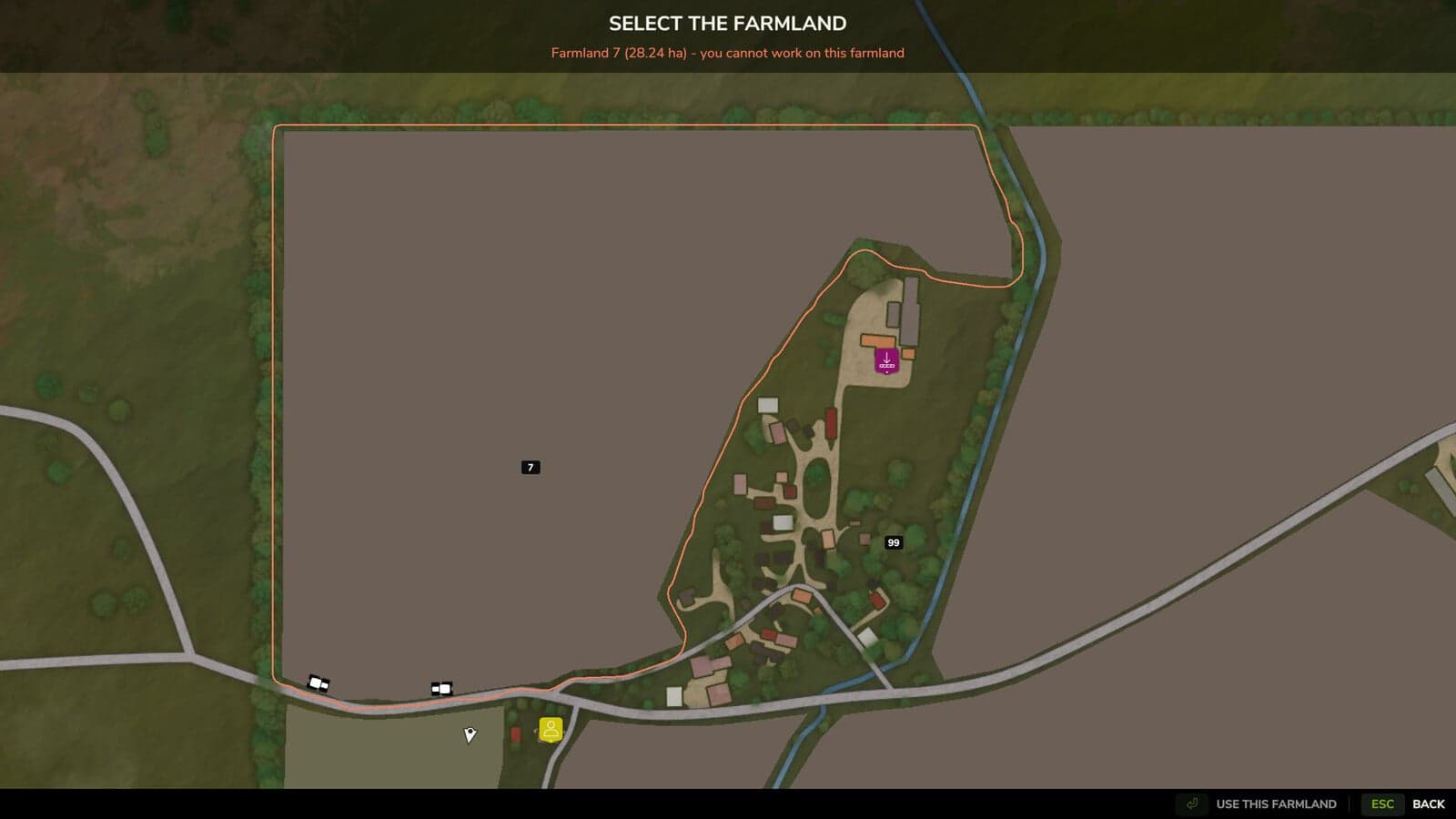
- The dialog appears for the farmland where you are standing. Choose “Select farmland” to open the map, then click a farmland to display its boundary. Only bales within that boundary are collected.
- You can select farmland only when you are allowed to work there. This means you own it, it is part of a farm that has granted you permission, or you have an active contract on it. The game’s own land access rules are used, including access provided by mods.
- All free bales on the chosen farmland are counted and sorted by type: material, round or square, size, wrapped or not.
- After a type is selected, the attached trailer is checked in real time for bale support and available space. Select any amount from 1 to the maximum, or cancel the operation.
- Each bale is passed to the trailer’s own loading logic in sequence, starting with the nearest bale and continuing to the farthest from you. This keeps the trailer’s own pattern, while every other bale remains in place.
Connectors: each autoload system is managed through a connector. In the dialog, the Connectors button lets you switch these connectors on or off:
- Base game bale loader: bale wagons and most autoload trailers that do not use their own script
- Base game autoload areas
- Universal Autoload, when that mod is installed
No other mod is required. If a connector’s system is not installed, that connector simply remains inactive.
Settings: modSettings/FS25_SupremeAutoload/settings.xml, return to transport position after loading.