FS25 Vehicle Renamer V1.0.0.0
Vehicle Renamer allows individual vehicles and implements to receive custom names, so you can recognise their purpose on your farm more easily.
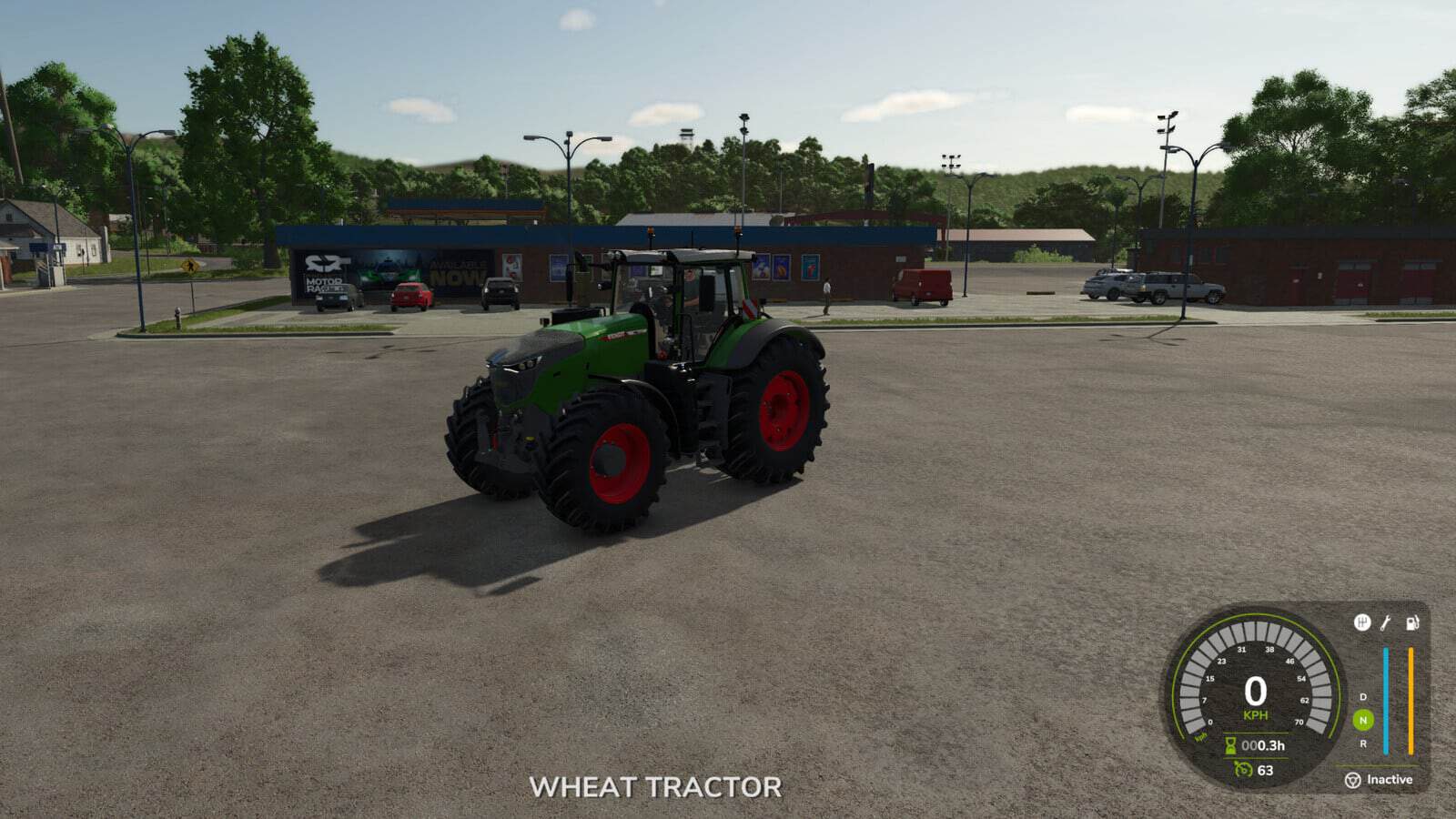
Organise your fleet with names like “Wheat tractor”, “Sunflower roller” or “Wheat cultivator”. Vehicles of the same model can still be given separate names.
Features
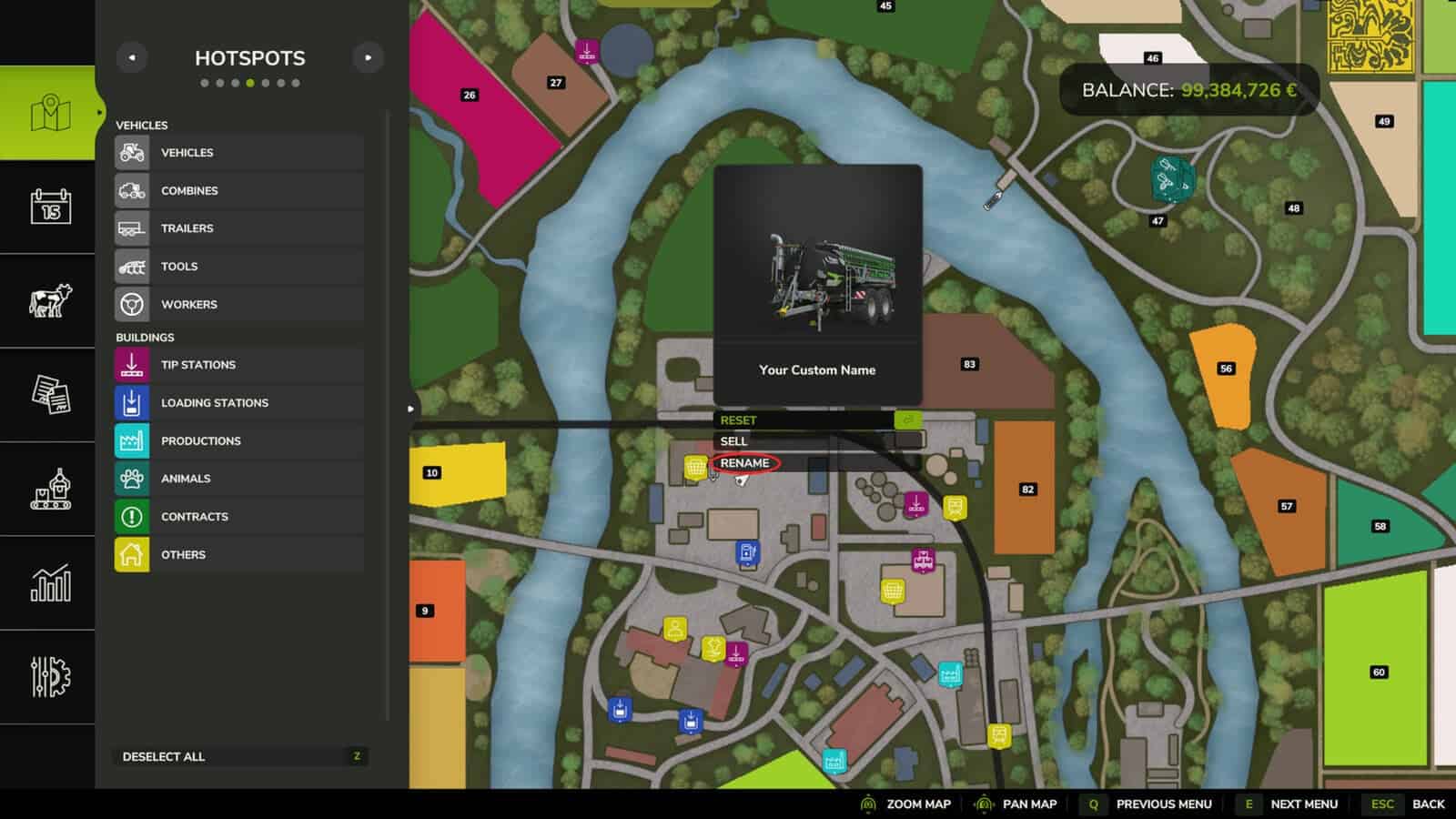
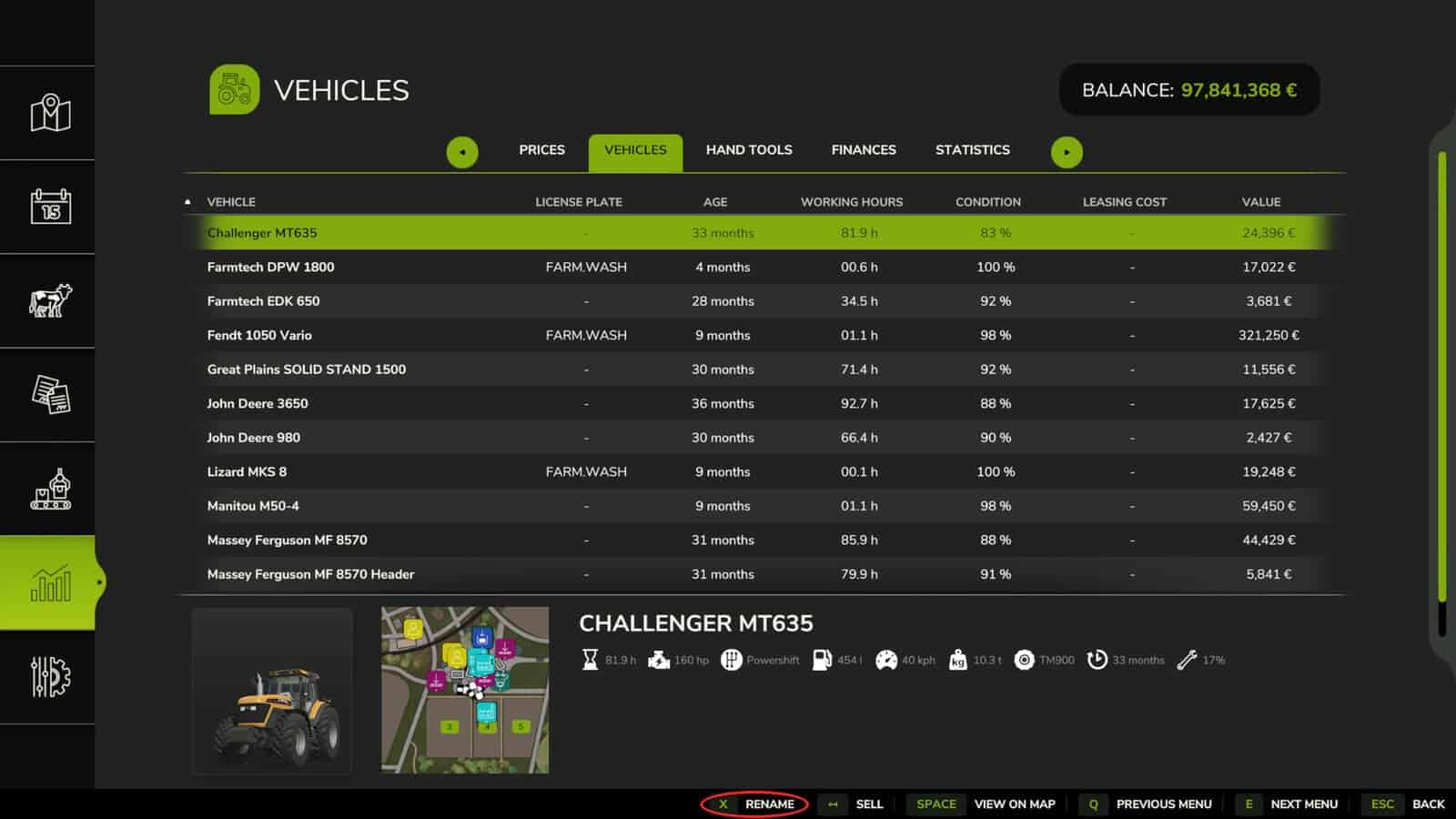
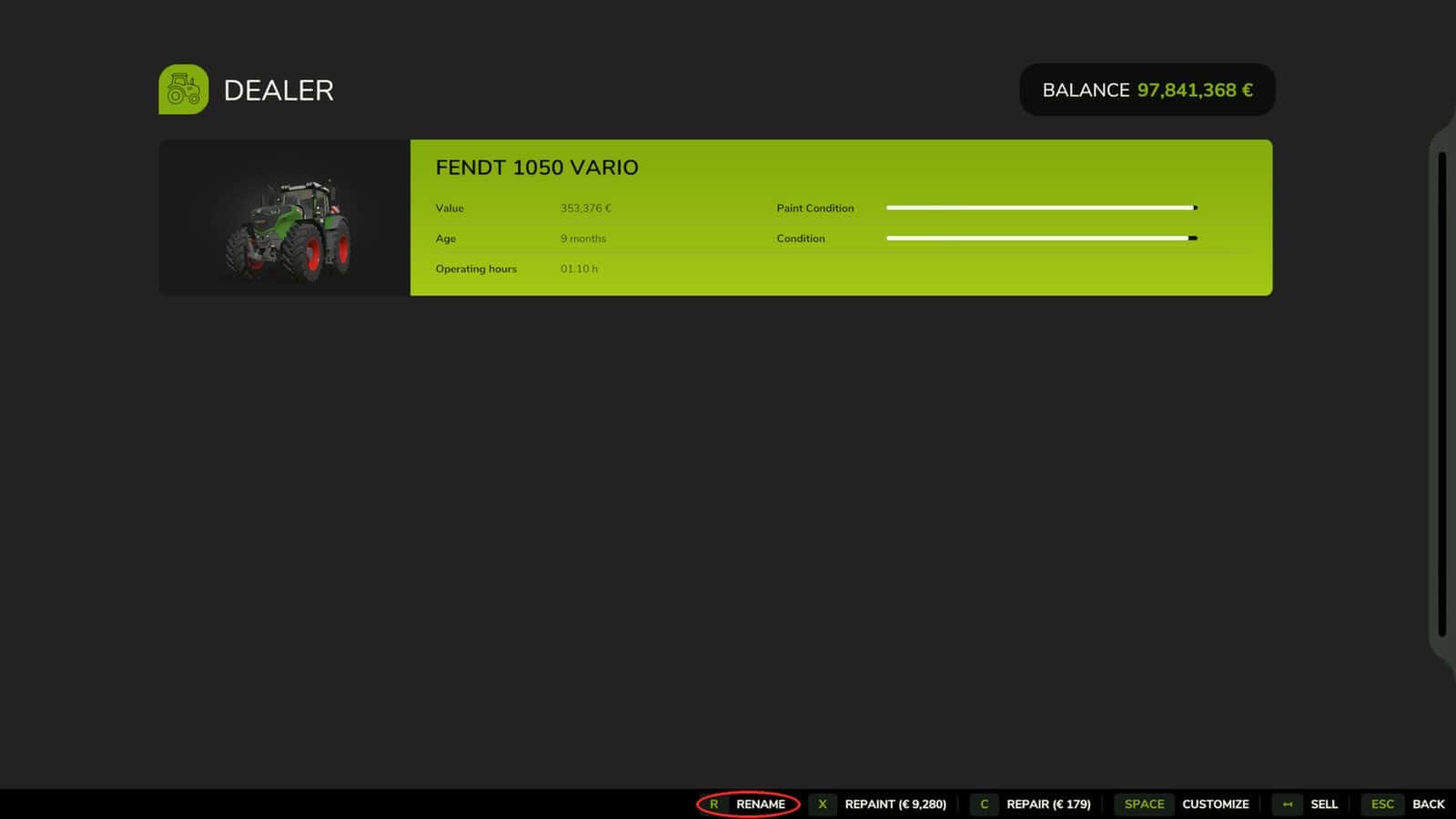
- Owned vehicles and implements can be renamed from the map, the vehicle workshop and the Vehicles tab in the Finances screen.
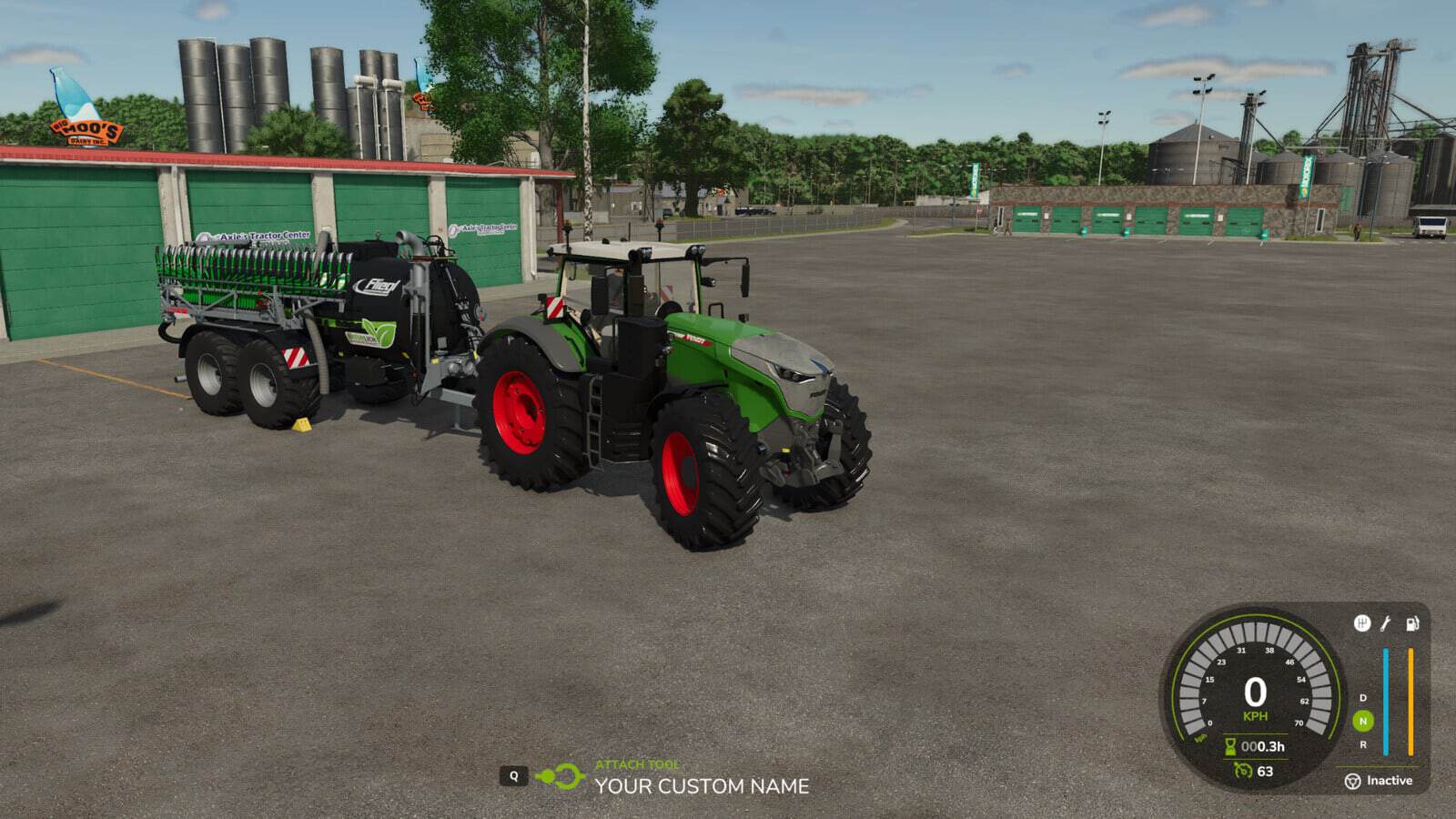
- Custom names appear in the map selection panel, vehicle information and implement attachment prompt.
- Names can contain up to 50 characters.
- Custom names remain after saving and reloading your game.
- Clear the custom name to restore the original name.
How to use
- 1. From the map, vehicle workshop or Finances > Vehicles, select an owned vehicle or implement.
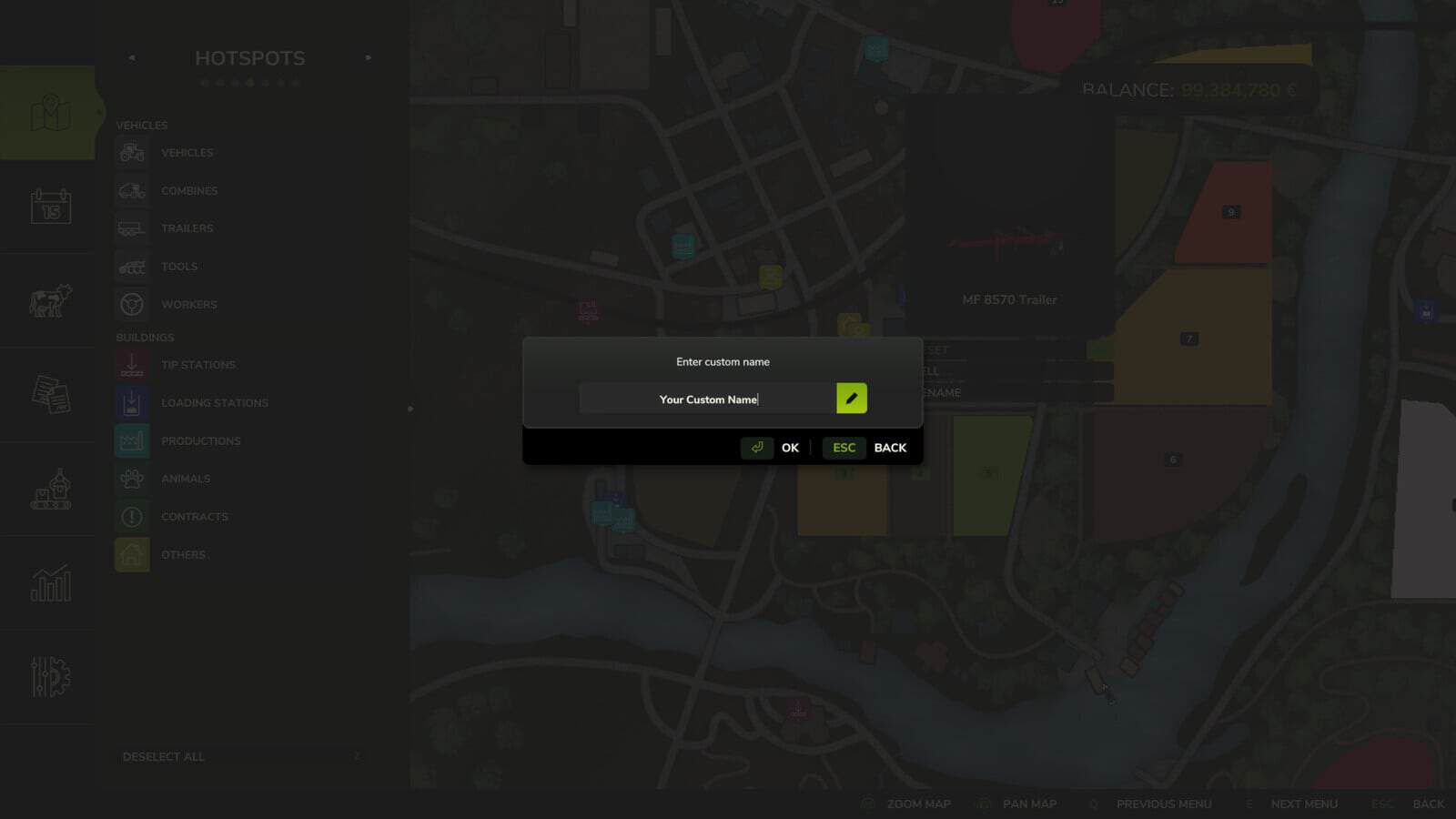
- 2. Select RENAME.
- 3. Type your custom name and confirm it.
For the original name, open RENAME once more, remove the text and confirm.
Singleplayer only. Multiplayer is not supported.
In the workshop, press R to rename the vehicle. This shortcut can be changed in the control settings.