FS25 Mouse Driving V4.8.0.0
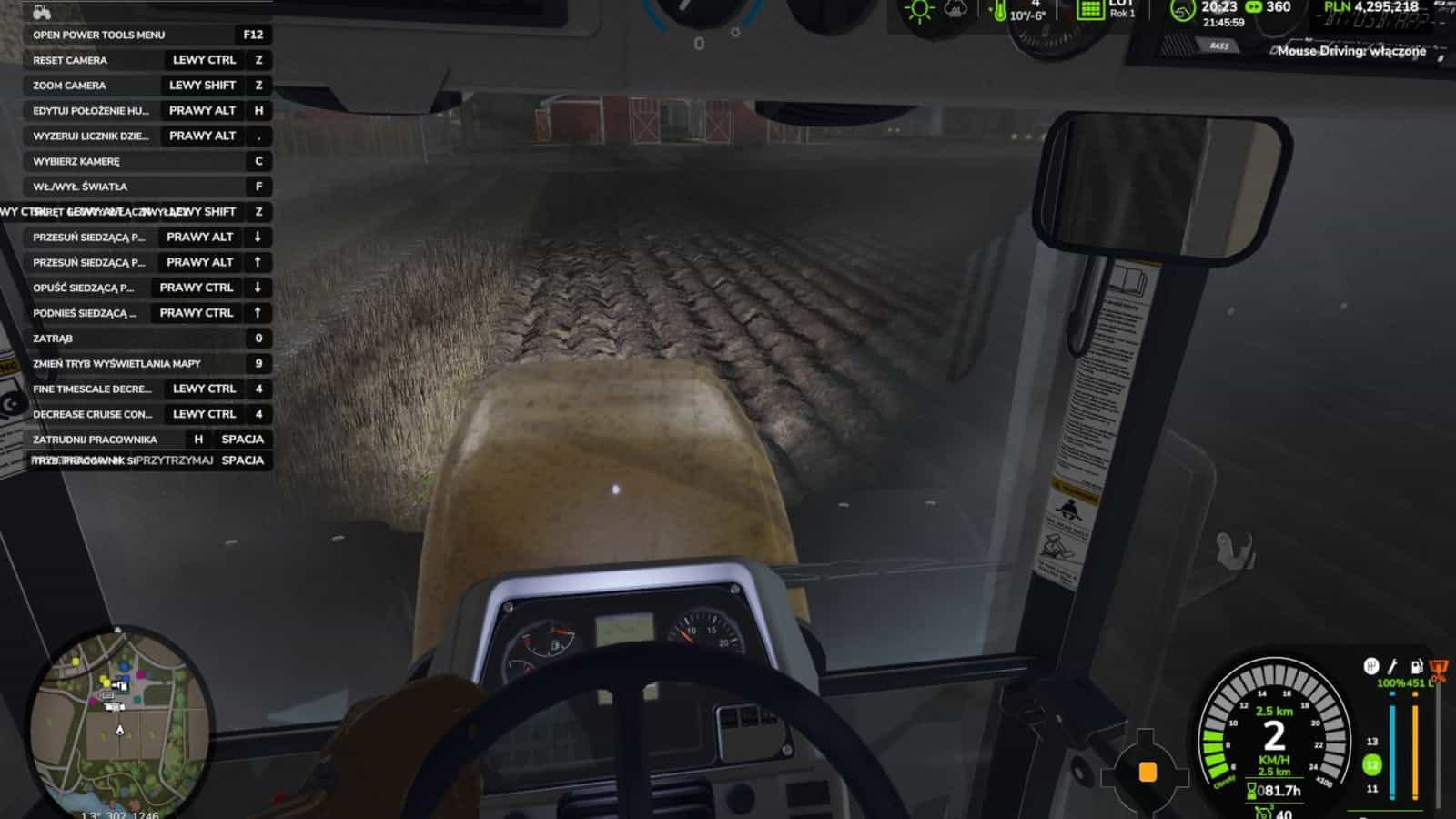
Mouse Driving lets you drive vehicles and walk with the mouse in Farming Simulator 25. It behaves like a virtual stick: the mouse stays on its axes after you move it until it is brought back to the centre. At game start, the mod is disabled.
Features
- Driving and walking use different keys.
- In a vehicle:
- Move the mouse up to throttle forward
- Move it down to brake / reverse
- Move it sideways to steer
- On foot:
- Move the mouse up to walk forward, more = run
- Move it down to walk backwards
- Move it sideways to turn the character
- Change the controls under Options > Controls:
- Ctrl+Shift+M, driving on/off
- Ctrl+Shift+N, walking on/off
- Left Alt, camera, hold
- F7, settings, or Ctrl+Shift+O
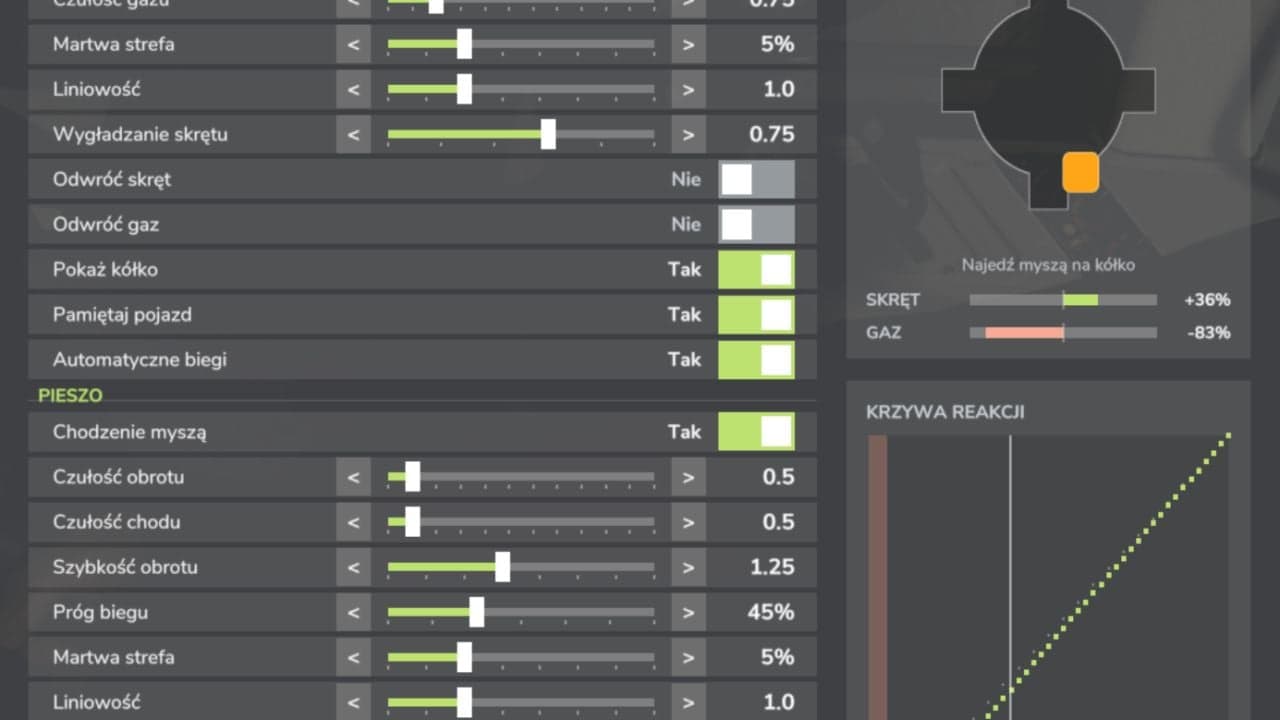
- Vehicle and on-foot settings are separate: sensitivity, deadzone, linearity, smoothing, axis inversion, run threshold, turning speed, HUD, circle with a dot, remember vehicle, automatic gears.
Specifications
- Open settings through ESC > Settings, the Mouse Driving section, or F7.
- The mod works in single-player and multiplayer.
Put the ZIP file directly into the mods folder and do not unpack it. Everyone on the server must use the same ZIP.