

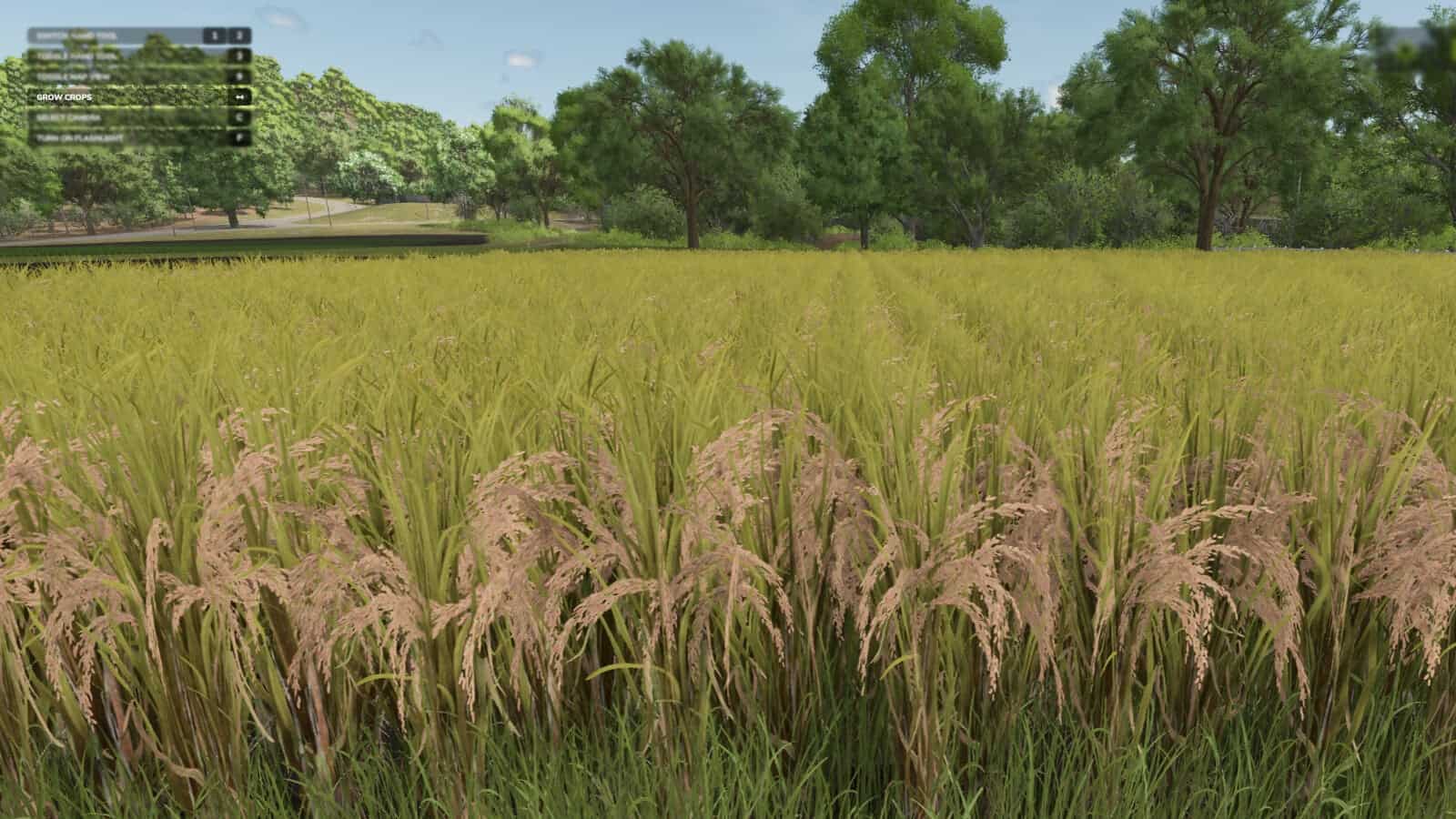
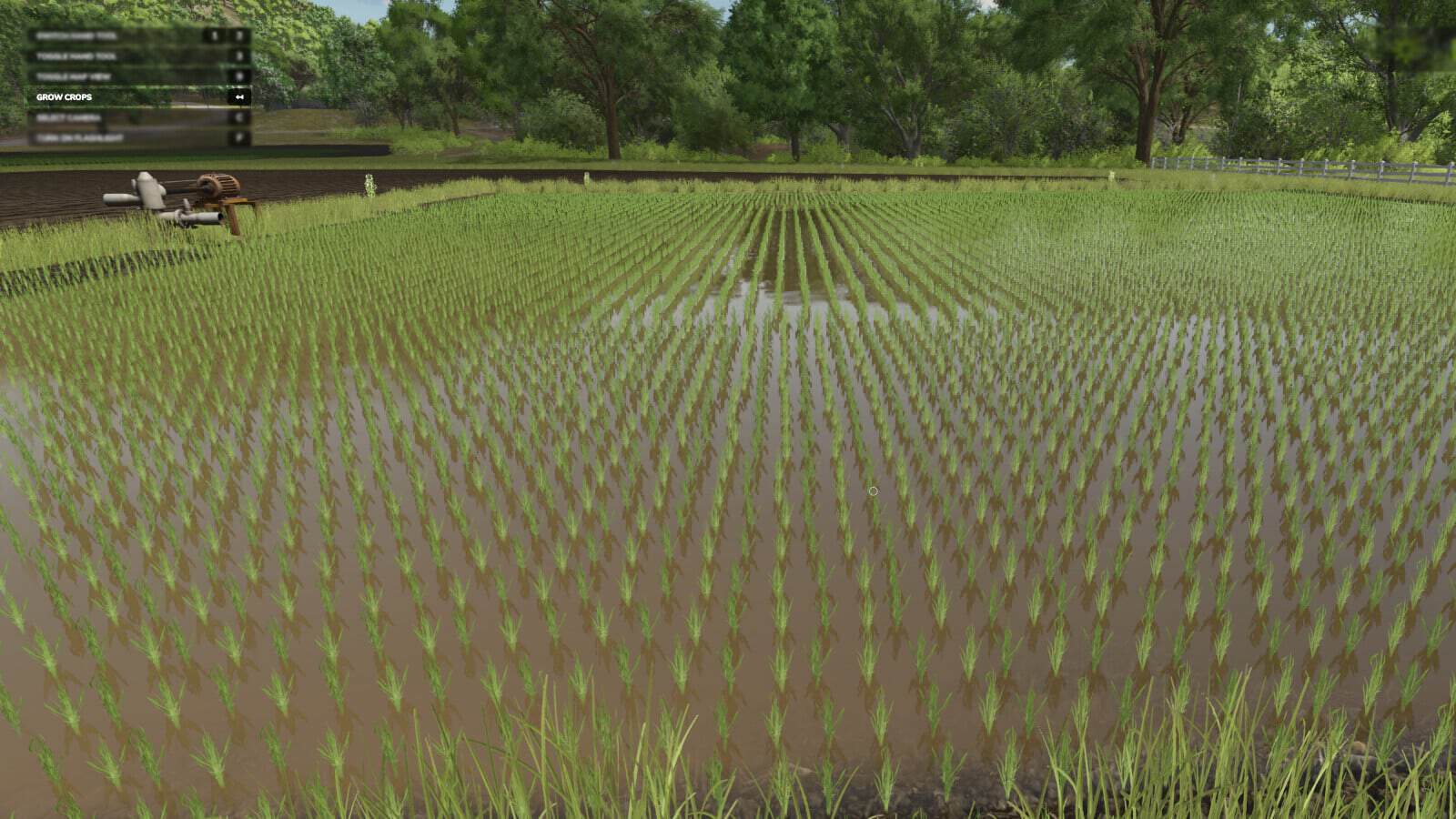
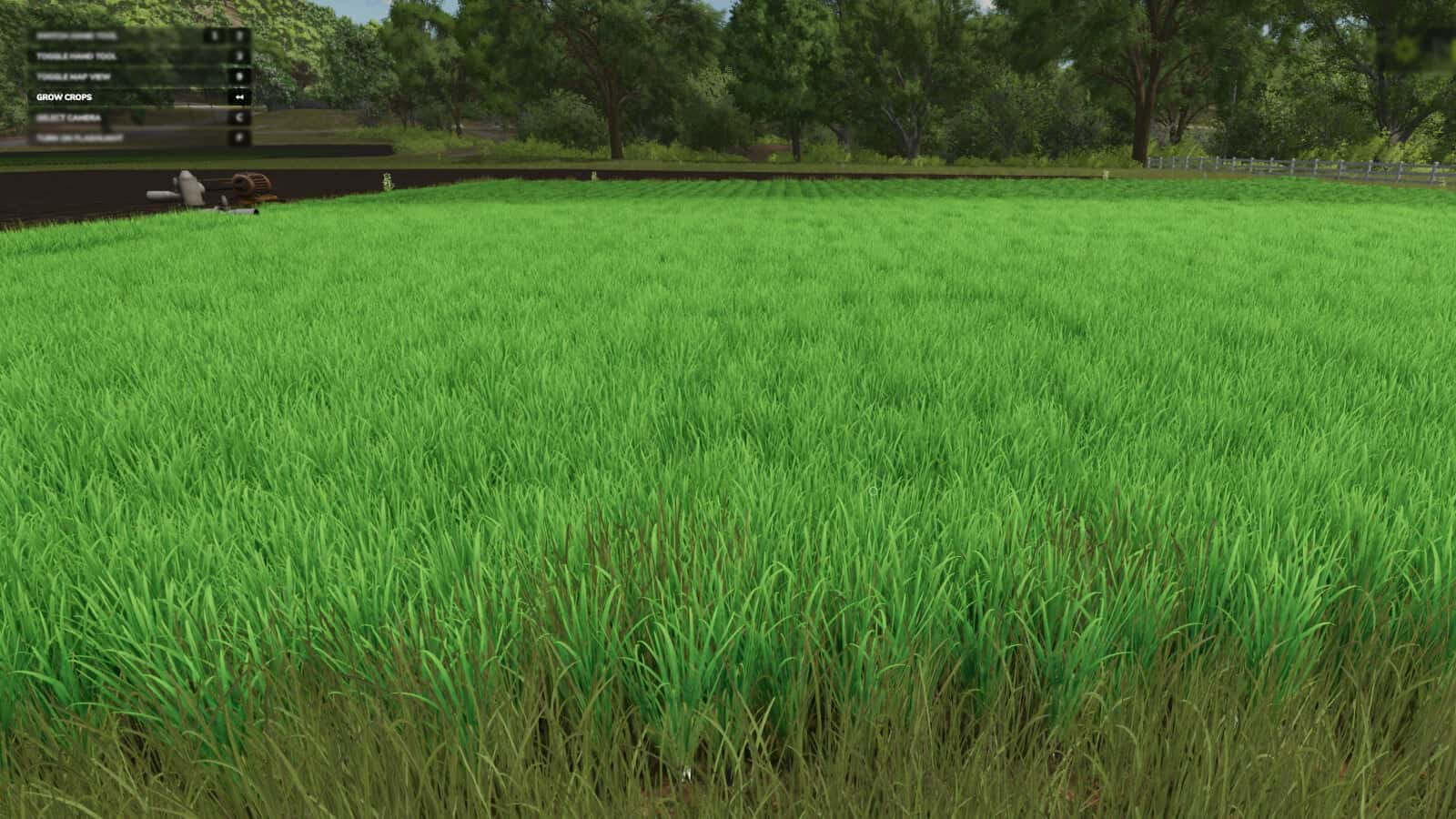
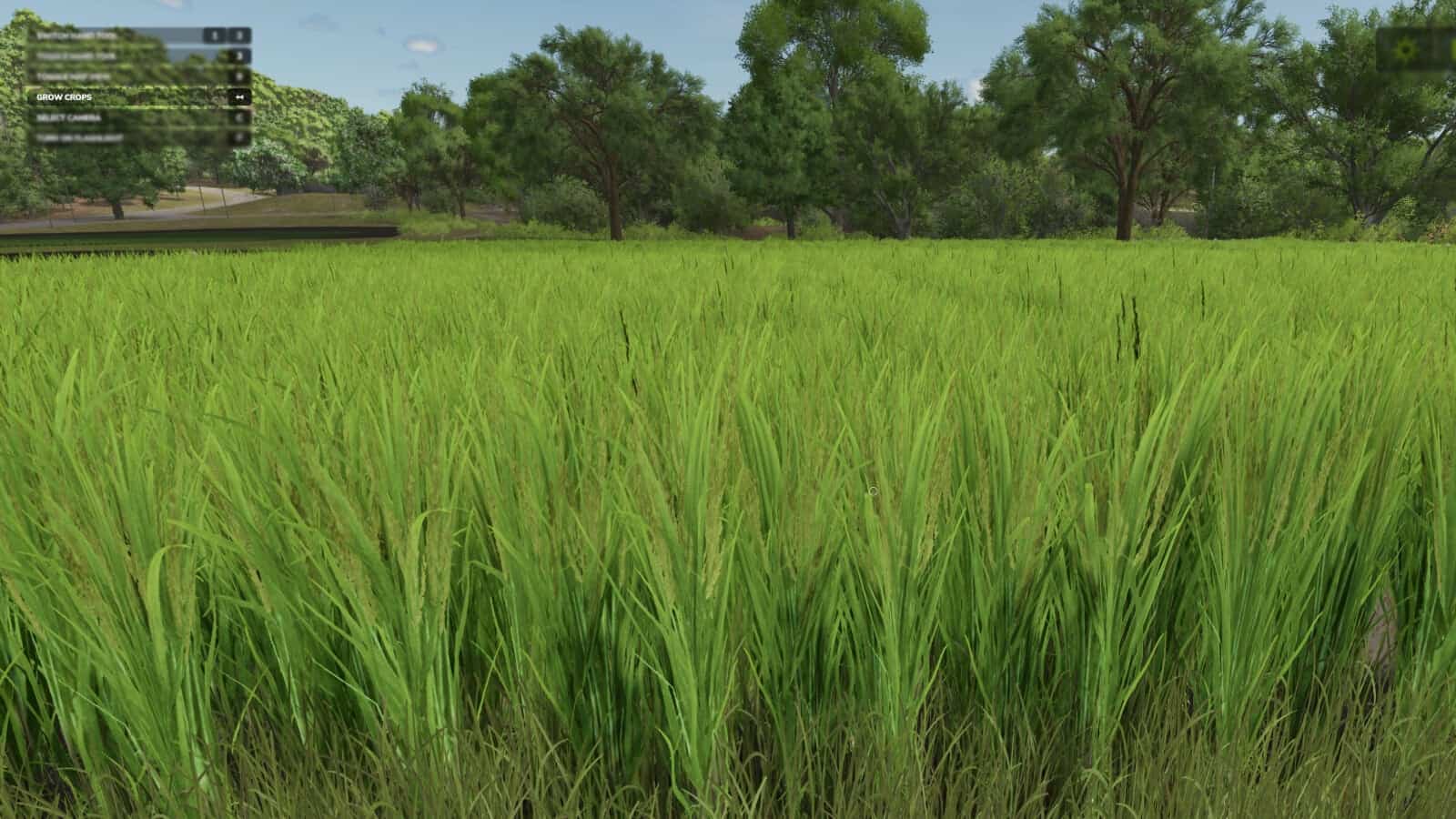
FS25 Grow Now V2.0.0.0
Use a button to move the growth of crops or trees forward. Version 2.0.0.0 provides 2 crop growth methods.
Features
- Method 1 (new): Stand inside a field or a planted section of one, and growth will be advanced immediately only in that area.*
- Method 2: Every crop on the map advances in growth after a short delay, just as in the previous mod version.**
- For some crops, each visual state advance requires two stages, or two button presses.
- To detect the selected area, the player has to be at least 1 meter away from its edge.
- *Using this changes the seasonal growth setting to “off” (option 2).
- Default Button for current crop: Backspace
- Default Button for all crops: Left Shift + Backspace
- Default Button for trees: Left alt + Backspace
Changelog
v2.0.0.0
- A new function was added for advancing the planted crop area where the player is standing individually.
- Tree growth can now be advanced with the newly added feature.





