

FS25 Tractor Terrain Dynamics BETA 9 v1.0.3.8
TTD, short for Tractor Terrain Dynamics, is a physics mod for equipment, not a dirt mod. It requires no settings, because all functions operate automatically.
Equipment behavior in TTD responds to weather, soil type, moisture, tire wear and tire pressure. The ground acts as a condition, while the tractor remains the main factor. Wet fields offer less grip, plowed soil produces greater resistance, and asphalt makes work easier.
Features
- Your work is influenced by the weather. Rain softens fields, while dry conditions keep them stable.
- Seventeen soil types are included in the soil physics, ranging from asphalt to plowed fields.
- Equipment behavior changes with its setup. Tracks, dual tires and wide tires each have an effect.
- The transmission behaves realistically and keeps its gears under load.
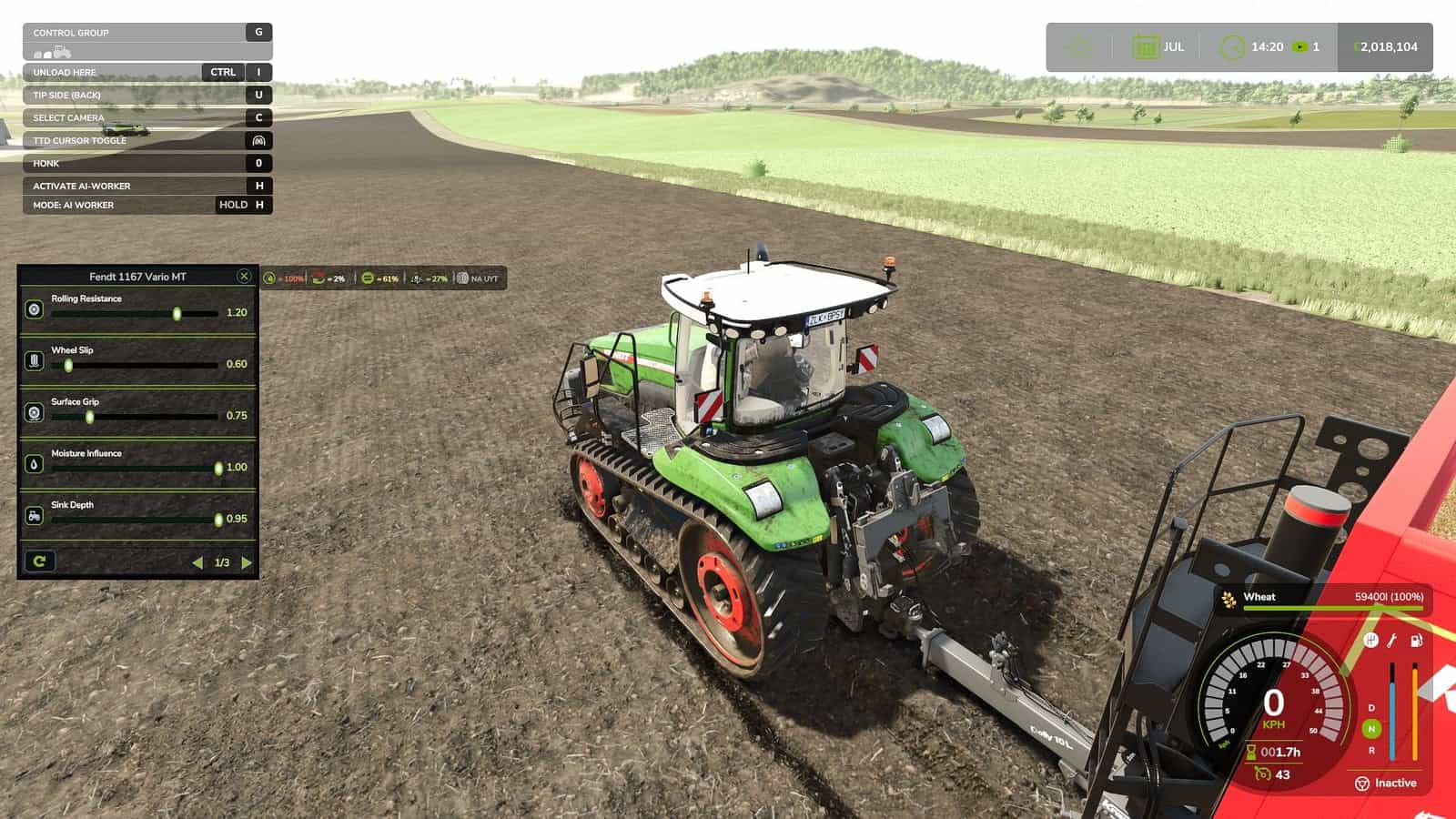
- The HUD provides information about moisture, grip and resistance.
- Multiplayer synchronization is managed by the code.
- TTD does not add wheel slip whenever requested. Slip is produced by conditions such as a wet field, tire wear if UYT is installed, a sudden start or excessive speed.
- Visual dirt is not included.
- TTD is not designed only to slow you down.
- Random penalties are not used.
Every result comes from your decisions, the weather and the ground.
A complete guide is included in the mod archive. It explains the physics and also contains the author’s contact details.
Compatible with:
- UseYourTyres, tire wear affects road grip.
- More Realistic, for maximum hardcore enjoyment.
Changelog
BETA 9
v1.0.3.8
IMPORTANT
In the previous version, a bug could leave surface states stuck. Vehicles then behaved strangely on fields and on natural surfaces, including grass and dirt. Version v1.0.3.8 fixes this problem.
FIXES
- Dedicated servers can use the mod again.
- Surface and vehicle state data is now shared correctly between the server and clients.
- Changing among field, natural, road and object surfaces no longer leaves the state stuck.
- When leaving grass or dirt for a field, sliding now returns gradually to normal over a couple of seconds, instead of producing sudden stuck slip.
- Vehicles with no driver, no active work and no active surface interaction are no longer processed every frame, which reduces load.
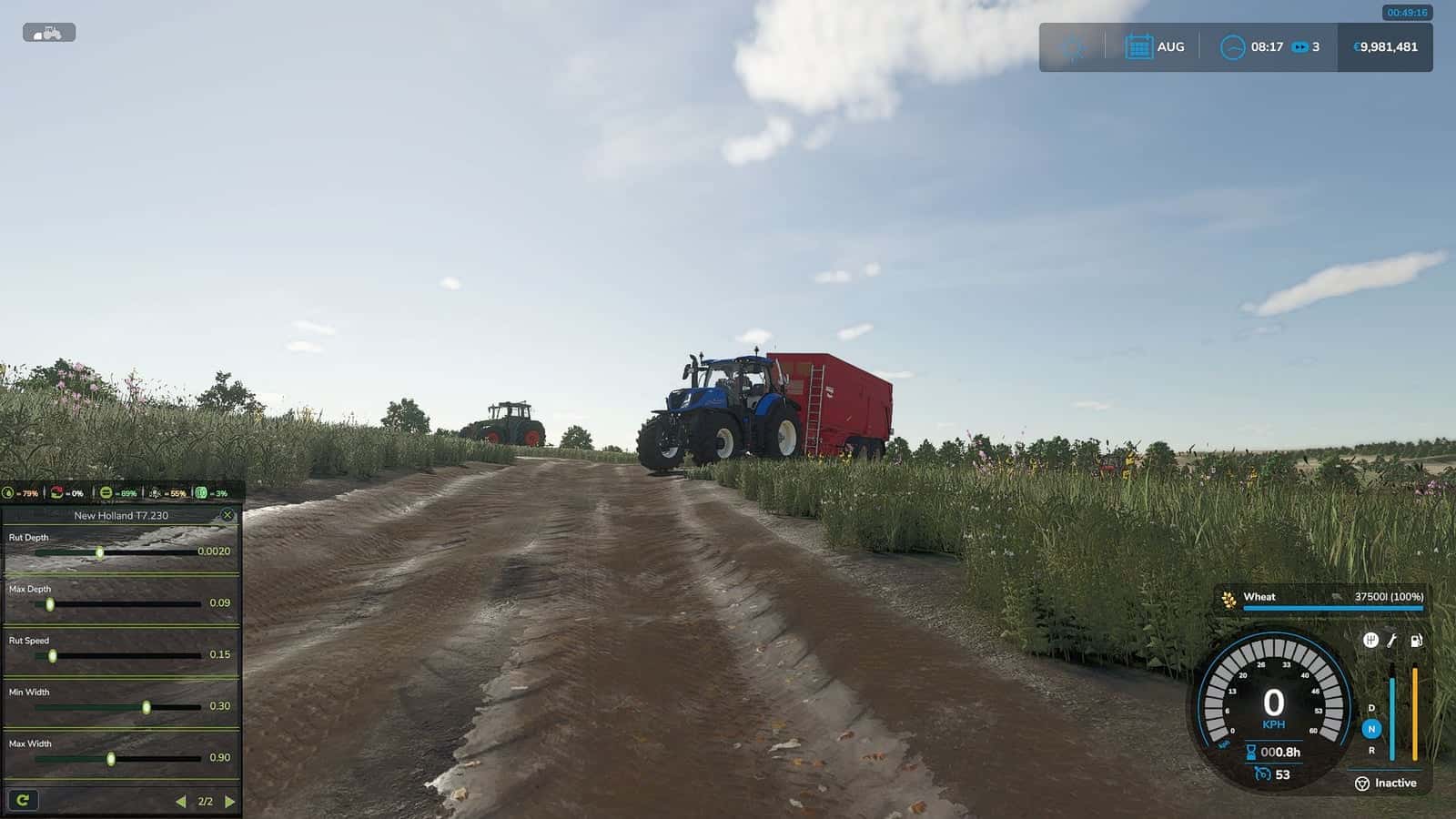
- In the selected mode, the calibrator now displays only pages that actually influence physics. Sliders with no effect are no longer shown.
- When a tractor works with a trailer or a seeder, the calibrator now affects tractor slip correctly.
- Trailers and seeders now transfer their resistance to the tractor.
- When pulling a trailer or an implement, the tractor’s slip is calculated.
A tractor driving by itself has minimal slip, since it is not pulling anything.
NEW
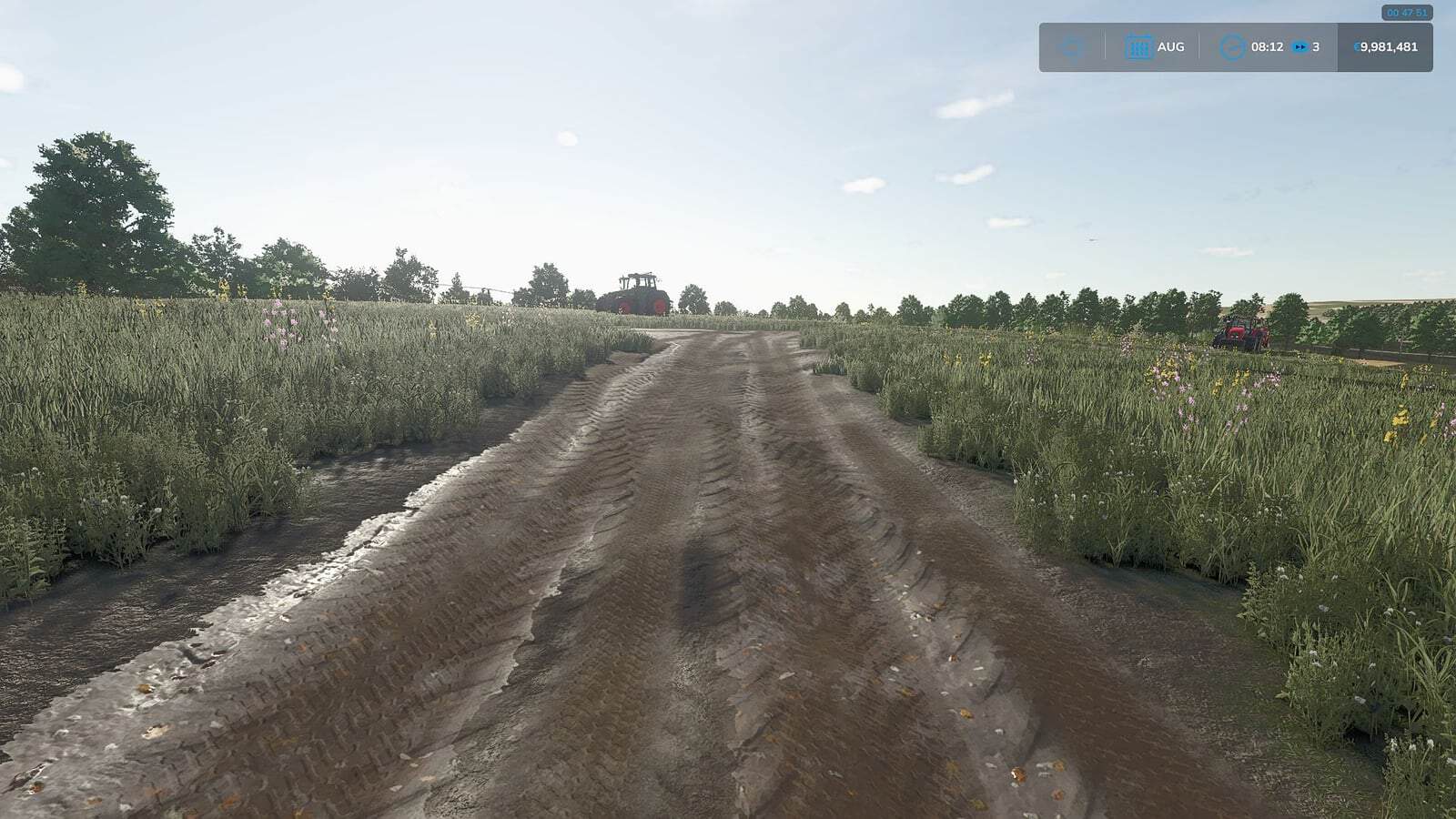
- Wheels now create tracks and break up natural surfaces, including grass, dirt, sand and gravel.
- Breaking takes place only when deformation is enabled in the settings.
- Broken roads must be repaired manually with the normal in-game terraforming tools, using in-game money. Nothing repairs itself.
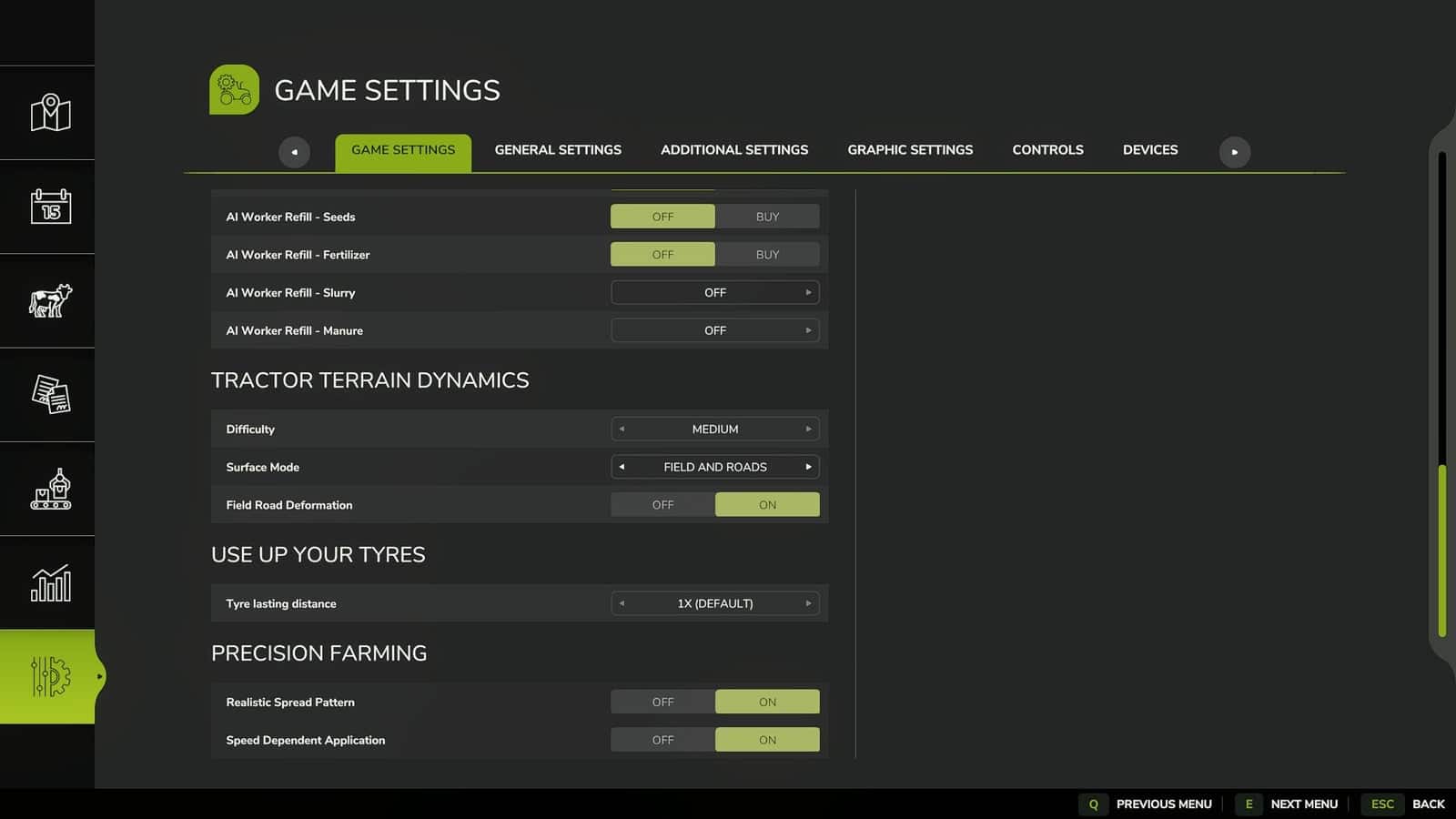
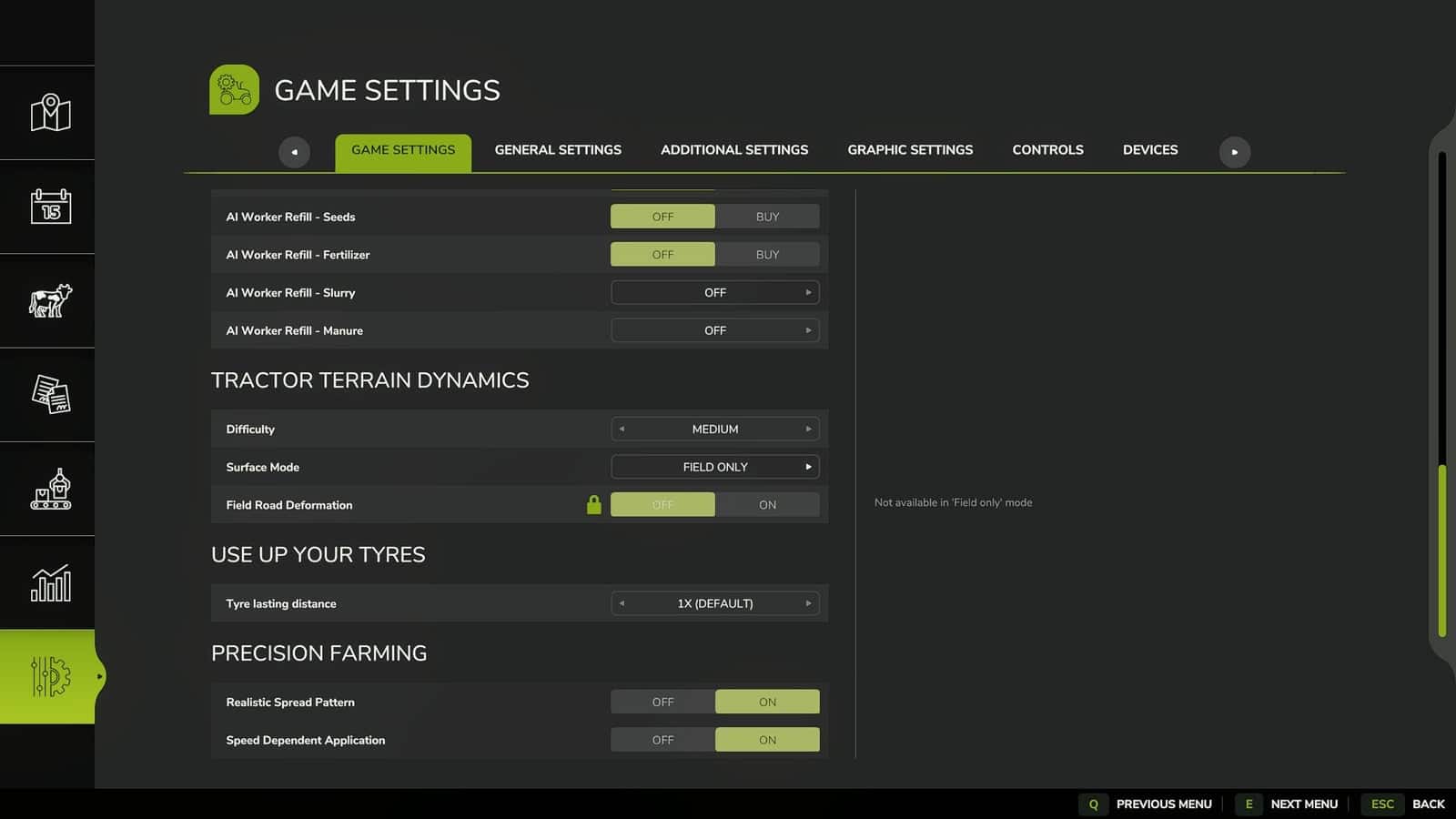
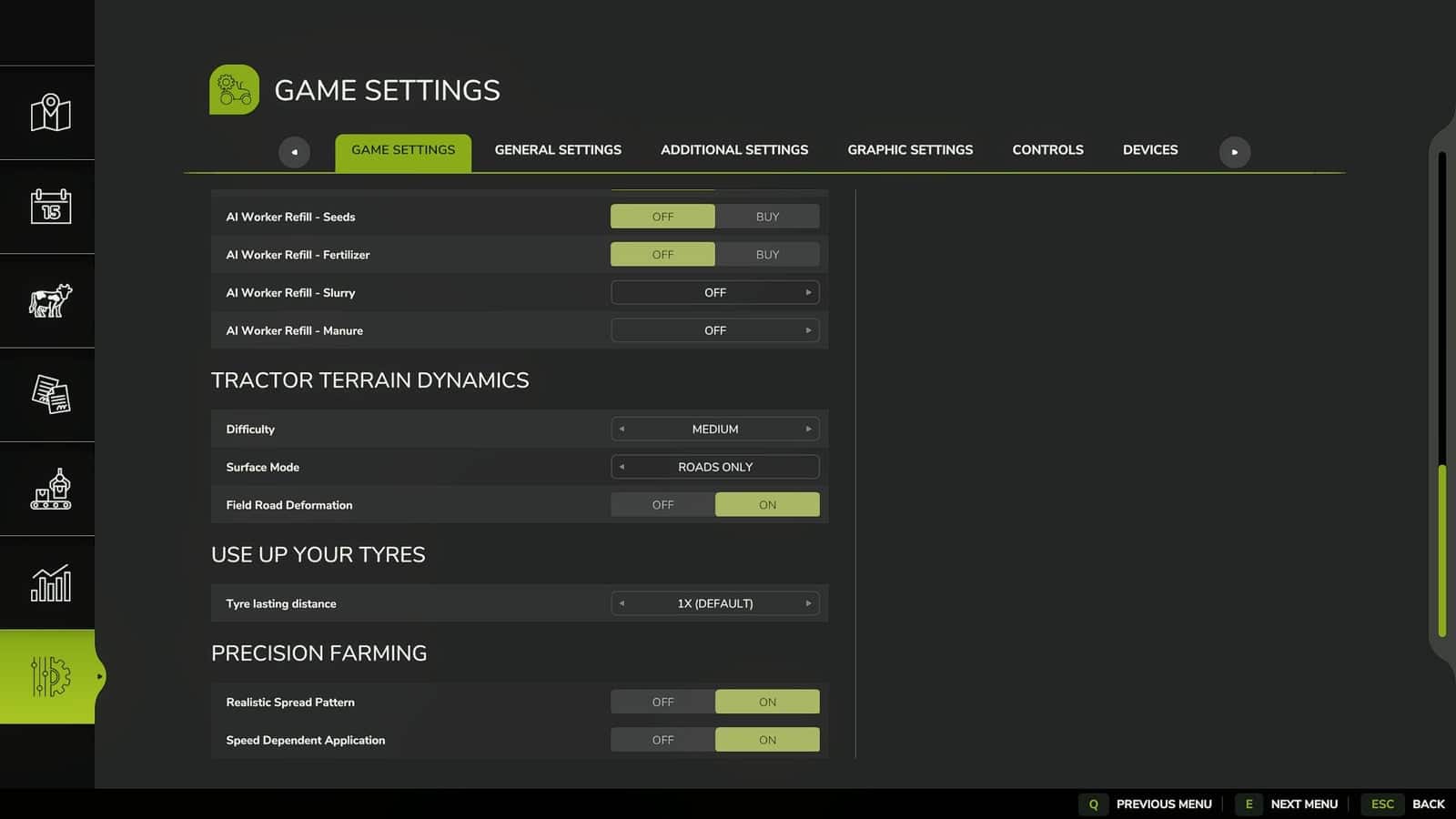
- The deformation on/off option is located in the game settings menu alongside the difficulty and surface mode.
- Only the host or master user can change mod settings, including difficulty, surface mode and deformation. Regular players can view these settings but cannot alter them.
- A new mode is available: “Roads only”.
With “Roads only”, TTD physics is fully disabled on fields. Fields behave like vanilla, without slip or sinking. TTD continues to operate on grass, dirt, sand and gravel, and continues breaking those surfaces up.
On fields, the HUD displays values from TTD’s own settings for information only. Those values do not change field physics.
This mode can be used when another field physics mod is installed or when you do not want to slip on fields.
- The calibrator supports “Roads only” as well. Settings for grass and dirt are available, and deformation settings appear too when deformation is enabled.
- When TTD is your main physics mod, any mode can be used.
Do not use “Field” and “Field + roads” together with other physics mods. If another field physics mod is being used, set TTD to “Roads only”.
- The number of setting combinations has increased, giving everyone a way to choose what suits them.
Examples:
- For no slip on fields, choose “Roads only” with deformation off. Fields behave like vanilla, and grass and dirt remain untouched as well.
- For slip on grass without affecting fields or roads, choose “Roads only” with deformation off. TTD stays out of fields, while slip and resistance work on grass and roads remain intact.
- For full hardcore use, select fields, grass and broken roads with “Field + roads” and deformation on. Everything works, and wheels break up grass and dirt.
- With another field physics mod installed, use “Roads only” and deformation on for TTD grass and surface breaking. TTD does not interfere with the other mod on fields, while TTD handles grass and roads.
- IMPORTANT ABOUT TIRES: Tire physics always works, regardless of difficulty and mode. Narrow tires slip more because they already grip the ground worse. Duals, twins and tracks grip better. This is by design from the start: tire type directly affects how the vehicle behaves.
ABOUT THE CALIBRATOR AND SLIP
The slip slider in the calibrator is not an “on/off for wheel spin”. It does not directly make the tractor slip or not slip.
Slip is determined by how much the tractor pulls, for example a trailer, seeder or plow, together with the ground, moisture and tires. The slider only changes how strongly these factors are applied through resistance and grip. A tractor driving by itself barely slips, regardless of the slider position. When it pulls a heavy trailer through wet mud, it slips, and the slider controls whether that slip is stronger or weaker.





