FS25 Realistic 4×4 Traction System V2.0.0.1
Multiplayer support is still being developed. The mod can be played, although bugs may occur.
This mod provides compatible tractors, trucks, harvesters and cars with a switchable 4×4 traction system. It includes front-axle engagement, differential locks and operation based on wheel slip.
Features
- Actual rear-wheel slip detection. Automatic modes respond to real wheel-slip physics rather than speed alone.
- Every vehicle has four driving modes assigned by default:
- Manual, with control remaining entirely in your hands.
- Semi-automatic, which engages when real wheel slip occurs while still allowing manual control.
- Automatic, based on the same logic but adjusted for vehicles equipped from the factory with automatic 4WD and CVT/IVT transmissions.
- Intelligent, providing continuous proportional engagement in the Fendt style instead of switching abruptly on or off.
- Native tyre-pressure simulation while the system is engaged, without relying on another mod.
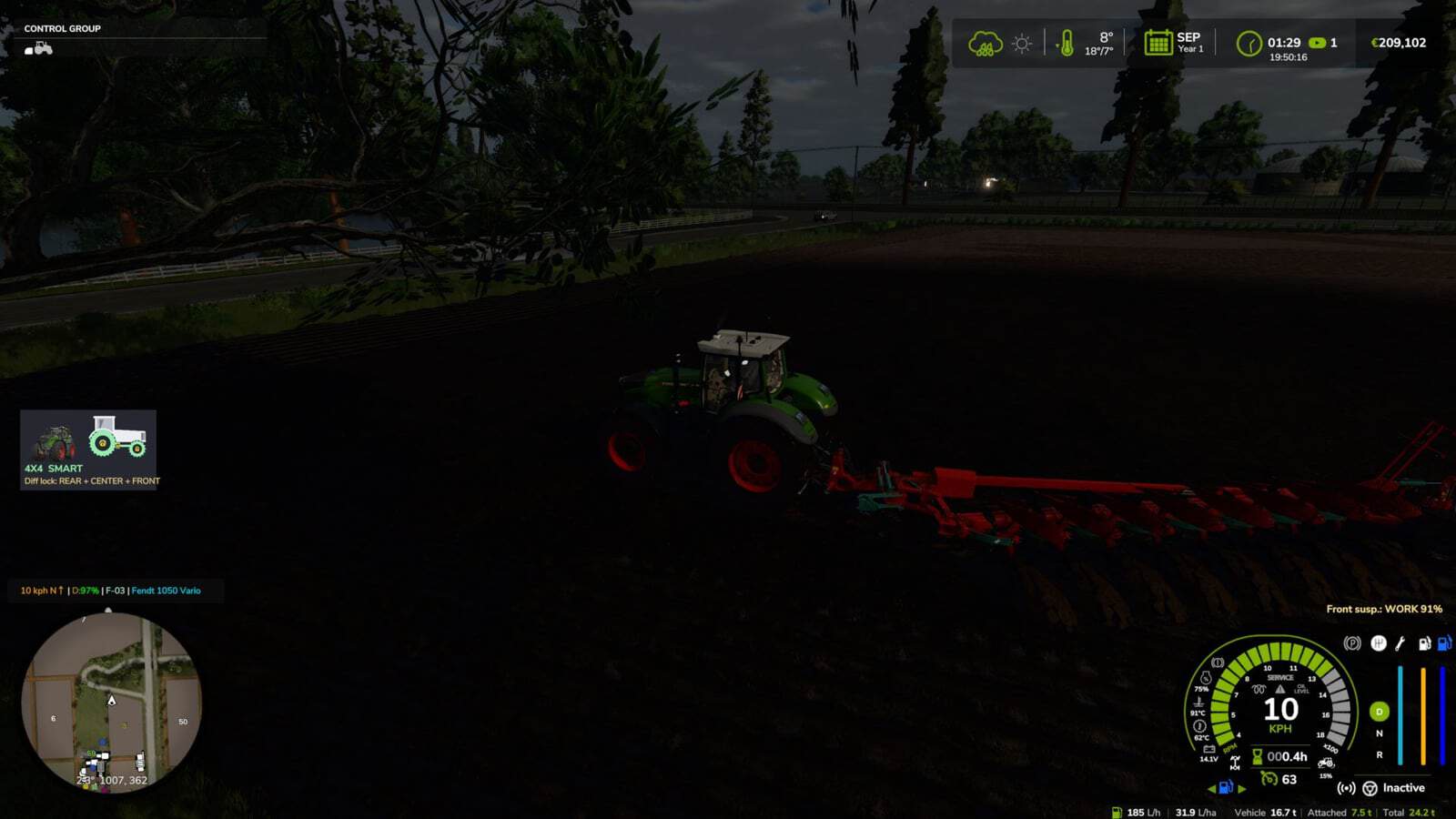
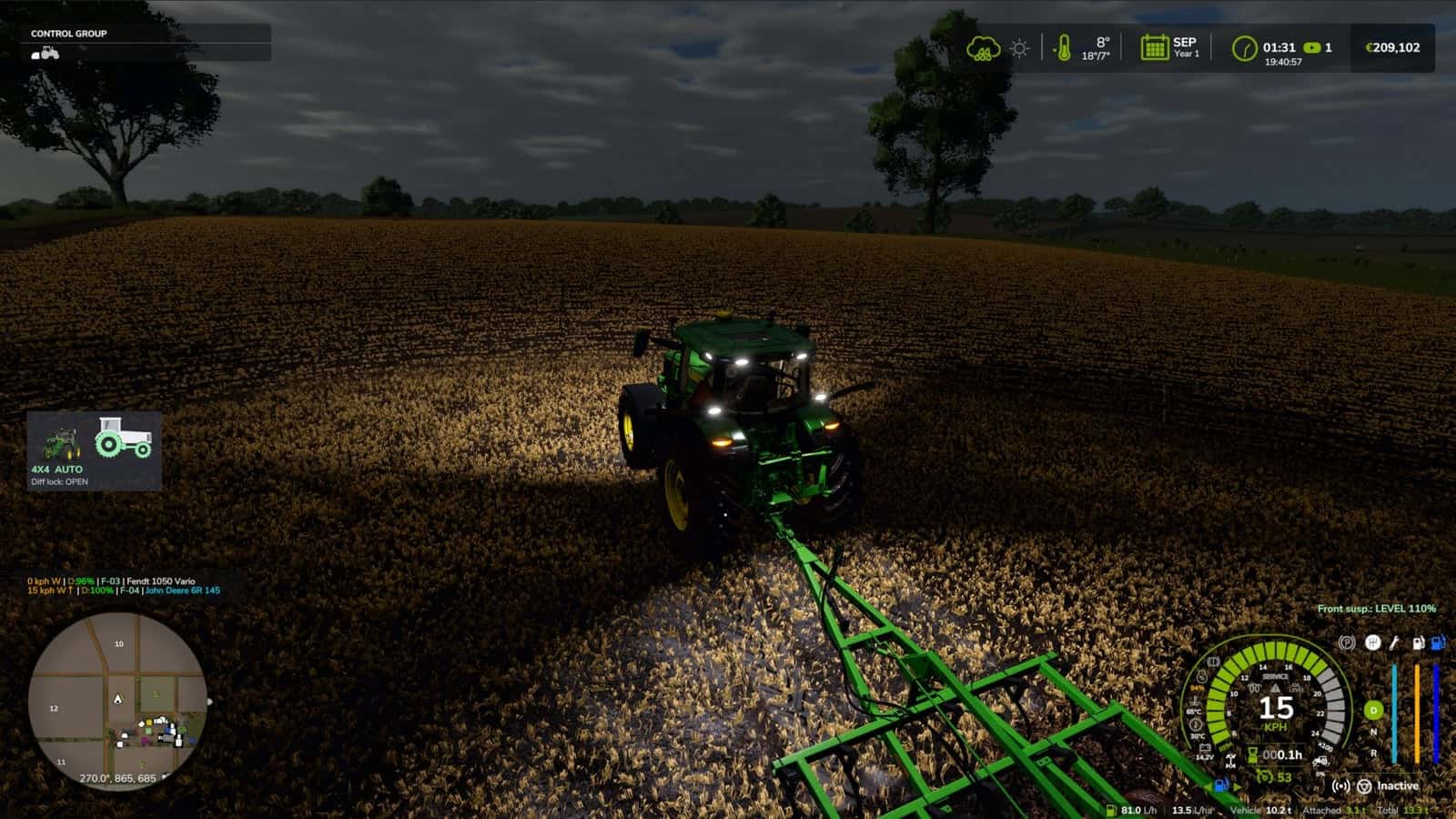
- A HUD displays the current status in real time, and its position can be adjusted through the game Settings menu.
- No vehicle XML files need to be changed. Compatible vehicles receive the system automatically.
V2.0.0.1
- Resolved the repeating Lua log error
FourWDTractionSystem.lua:2518: invalid argument #3 to 'format'on vehicles with permanent 4×4 or no 4×4 speed limit, including 6×4 trucks, wheel loaders and articulated tractors.
V2.0.0.0
- Support now covers all drivable vehicles, with trains, boats and motorbikes excluded.
- Recognition of each vehicle uses its shop category together with its real driveline:
- Tractors: selectable 4×4, as before.
- Articulated and 4-track tractors, wheel loaders and telehandlers: permanent 4×4, with locks only.
- 6×4 trucks: lockable inter-axle differential and locks.
- AWD trucks: selectable front drive.
- 4×2 trucks: rear lock.
- Cars, pick-ups and UTVs: part-time 4×4 that engages while moving.
- Combines and self-propelled vehicles: rear-axle drive available on demand.
- Vehicle-type limits define when 4×4 and locks may engage, the maximum speed with 4×4, and whether locking or unlocking happens automatically.
- Press Left Alt + J to open the new 4×4 window. It provides a top view of the driveline, mouse control for 4×4, centre or inter-axle and front or rear locks, the vehicle mode saved with the savegame, tyre-pressure settings for field, road, automatic and manual operation, telemetry and all settings.
- The menu section in the game settings was removed because it made loading slower. All functions are now located in the window.
- Mod and DLC tractors without a profile receive their mode from the transmission: CVT or full powershift selects automatic, partial powershift selects semi-automatic, and a manual gearbox selects manual.
- Brand profiles now affect tractors only. Massey Ferguson combines and the Kubota R640 were assigned automatic mode. Challenger MT600 is excluded.
- Zasty HUD: when the HUD is active, the 4×4 panel is hidden and the HUD displays 6X4, AWD, 4X2 and the locks.
- Multiplayer sends each vehicle’s driveline and mode to all players, while the selected mode is checked on the server.
- Keys now remain only for Ctrl + J for 4×4 and Ctrl + K for locks. Single locks, CTIS, tyre pressure, the panel and telemetry have moved into the window.
- The issue preventing default keys from being assigned during a new installation was fixed.
KEYS (default)
- Left Ctrl + J: switch 4×4 on or off.
- Left Ctrl + K: switch differential locks on or off.
- Left Alt + J: open the 4×4 window for locks, tyre pressure, mode and settings.
These are the default keys. When one is already assigned by the game or another mod, open Options > Controls and choose a preferred key to prevent conflicts.
V1.7.0.1
- AI helper: when the combine reversed uphill, it could remain stationary and fail to change gear. The 4×4 system now operates only on a vehicle driven by a player. If an AI helper is operating it, if it is stopped with nobody inside or if it is parked, the vehicle uses the game’s original differentials, tyre radius and speed limit.
- The missing translation for
Move 4WD HUDwas added. Its absence produced a log warning in 22 languages. - HUD textures were compressed, eliminating further
raw formatwarnings in the log. - Starting the game is faster. The settings-menu section is created only the first time Settings is opened, whereas previously it froze startup for ~4 s.
- Compatibility with Vehicle Control Addon (VCA) was added. VCA has its own 4WD and differential locks and rewrites the differentials every frame, which meant the two mods were competing.
- A new setting is available at Settings > General > 4×4 Traction System >
With Vehicle Control Addon:- Command VCA (default): the mod’s automatic 4WD logic, including slip, implement lowered, braking, tight turns and GPS prediction, changes VCA’s 4WD and differential locks. VCA manages the differentials. CTIS, tyre pressure, HUD and telemetry continue to work.
- Leave to VCA: only VCA operates on that vehicle.
- Ignore VCA: the old behaviour, not recommended.
- The VCA integration should function, but it has not yet been tested in-game with VCA installed.
- It was checked with Headland Management and CVT Addon, and no conflicts were found.