FS25 Universal Sound Tuner V1.0.0.0
Use engine sounds and horns from vehicles already installed in your game to change the sound of cars, trucks and tractors. Tune sounds individually, create and save personal setups, adjust performance settings, and test everything with launch control and drag racing.
Features
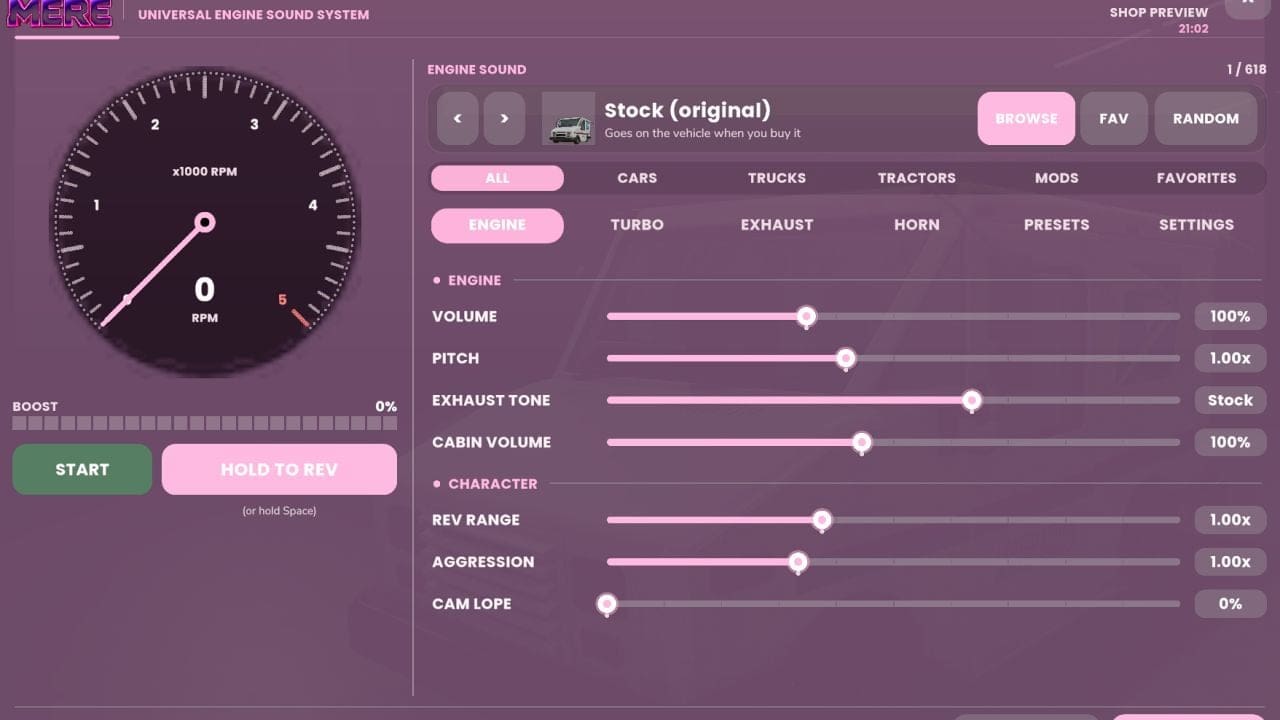
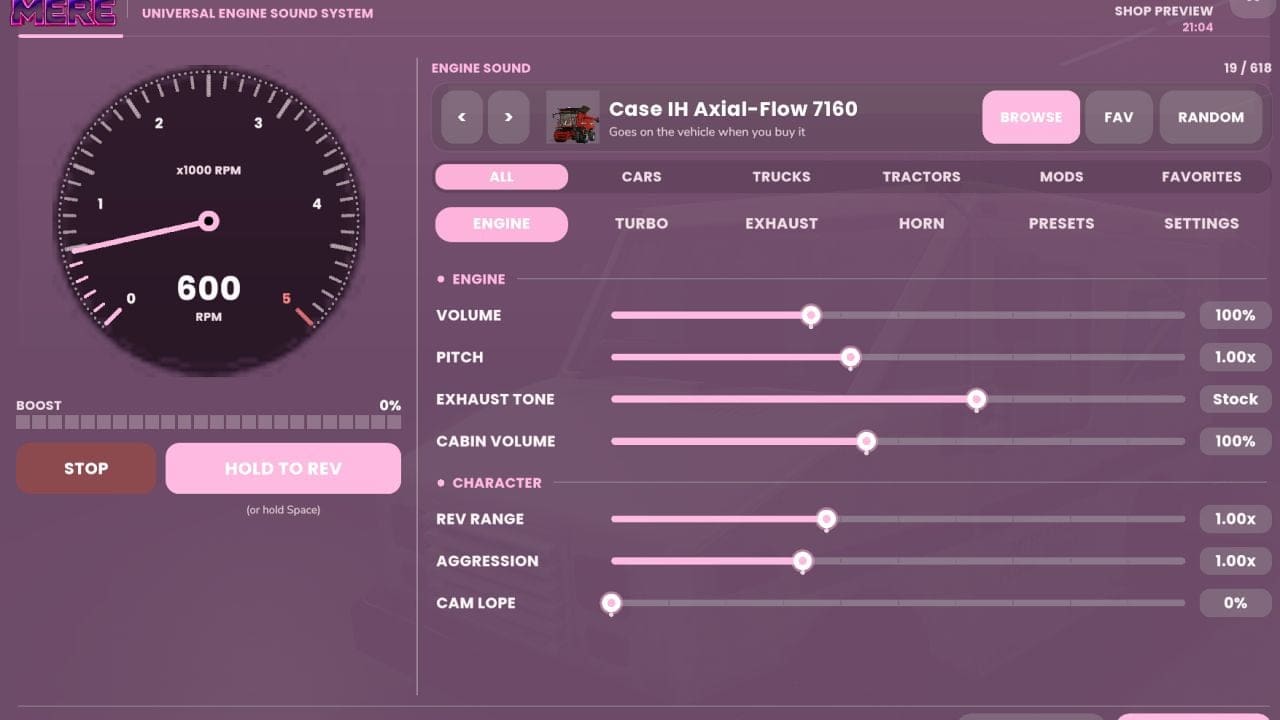
- Engine and horn swapping. Select sounds from base-game vehicles or installed vehicle mods. Vehicle pictures, name search, vehicle-type filters and favorites help you browse the list. Preview sounds, move through them individually or choose one at random.
- Engine sound adjustments. Set the volume, pitch, exhaust tone, cabin volume, rev range, aggression and cam lope. Changes can remain subtle or create a more noticeable setup.
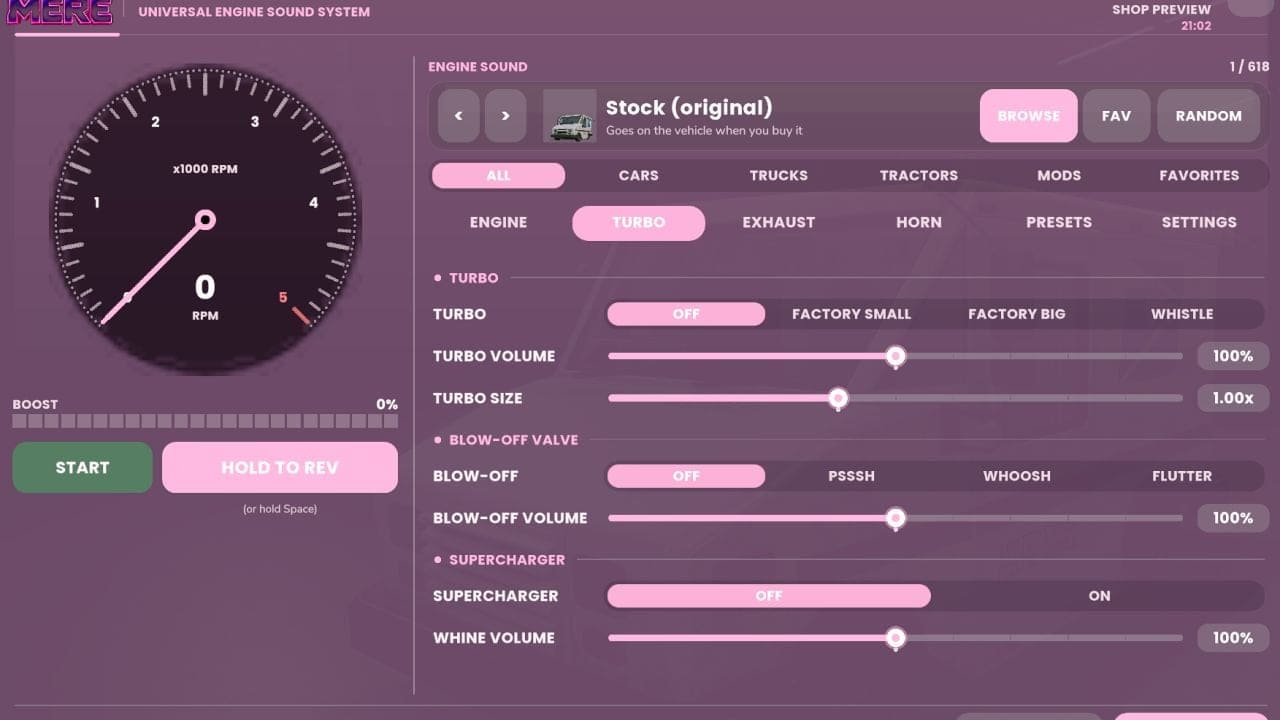
- Turbo and supercharger sounds. Select small turbo, large turbo or whistle options, then adjust their volume and size. Supercharger whine can be added, with psssh, whoosh or flutter blow-off valves available.
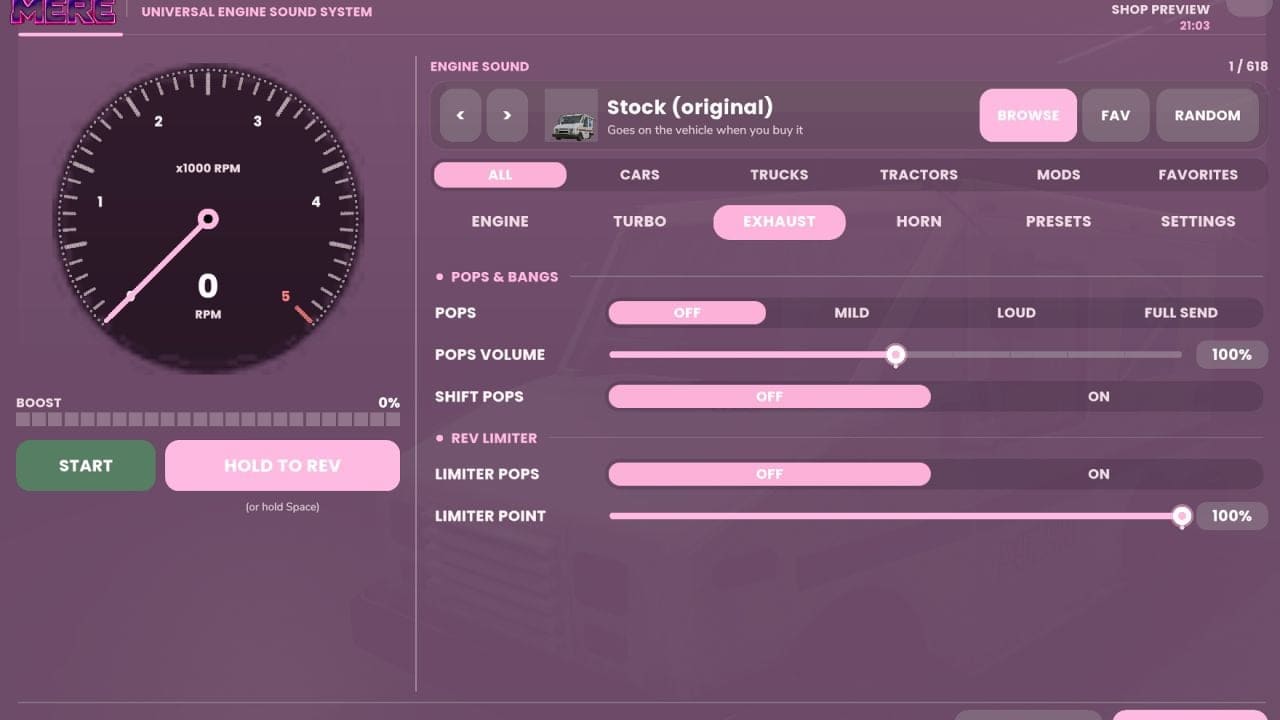
- Pops and bangs. Configure lift-off pops, gear-change pops and limiter pops, and set the limiter point.
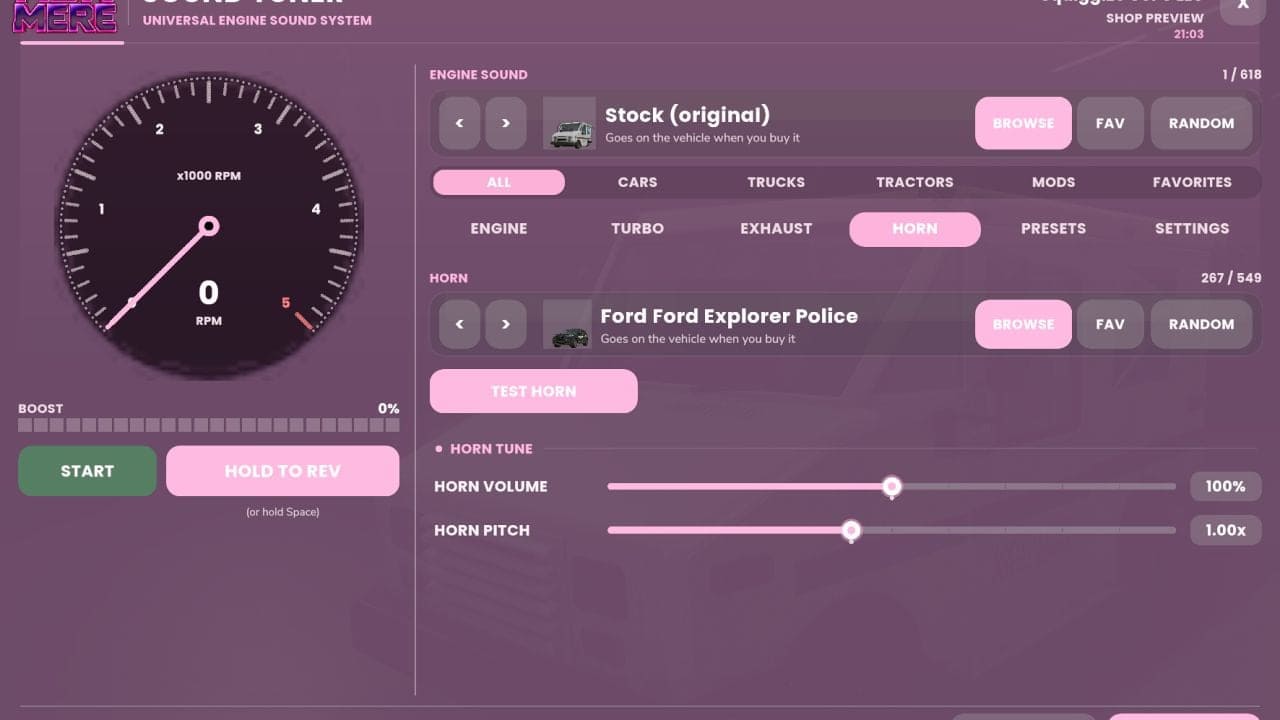
- Horn tuning. Engine sounds and horns can be swapped separately. Horn volume and pitch are adjustable, and the test button lets you hear the result.
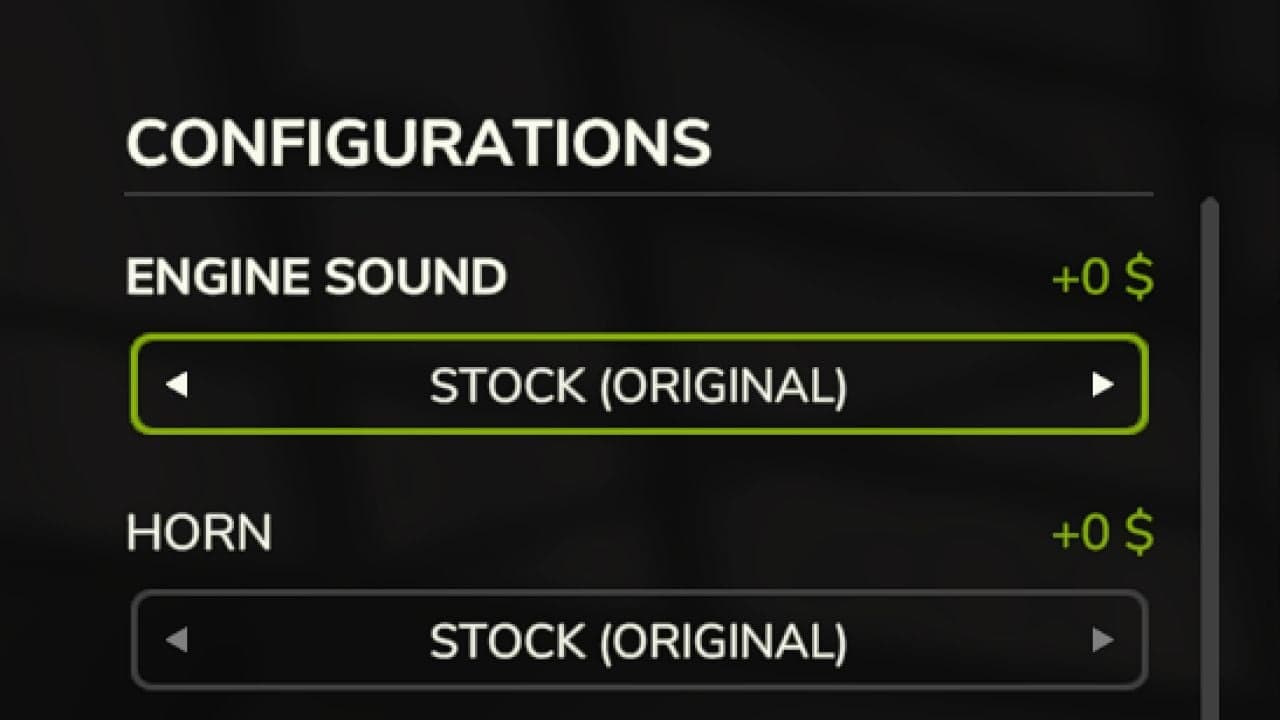
- Shop previews. Motorized vehicles have Engine Sound and Horn options in the shop. Open the Sound Tuner to start and rev the engine before purchase. The selected tune carries over to the vehicle you buy.
- Saved setups. There are 7 presets and 4 slots for custom tunes. A tune can be copied from one vehicle and pasted onto another.
- Performance tuning. Change power, idle RPM, rev limits, top speed and fuel use. Turbo and supercharger settings can additionally provide boost power.
- Exhaust and vehicle effects. Set exhaust flame size, engine knock under load, reverse beeper volume and air brake volume. Select clean, stock, black or coal-rolling smoke, with separate settings for amount and idle smoke.
- Burnouts and launch control. Line lock keeps the front brakes held for burnouts. The 2-step launch control has separate RPM and pop settings. Burnouts create smoke and leave rubber marks on the ground.
- Drag racing. Choose an eighth mile, 1,000 feet or a quarter mile, with Sportsman or Pro tree timing. Race AI at three difficulty levels or compete against another player. Reaction time, 60-foot time, elapsed time and trap speed are recorded, with time slips and best runs saved.
- Menu customization. Use a tachometer, boost gauge, 12 themes, RGB and custom colors. The window can be moved, and its appearance and behavior can be adjusted. Right-click a slider to restore its stock setting.
- Multiplayer support. Tunes are stored per vehicle and synchronized in multiplayer. Server owners can set permissions for power tuning, maximum power, Pro tree availability and wheel effects.
Controls
- Left Alt + U: Open the tuner.
- Left Alt + Q: Open launch controls.
- Left Shift + Left Alt + D: Open the drag strip.
- Hold REV: Rev the engine while stationary. In the shop preview, Space can also be held.
Controls configurable.
Find everything under Ashmere in the shop and in build mode.