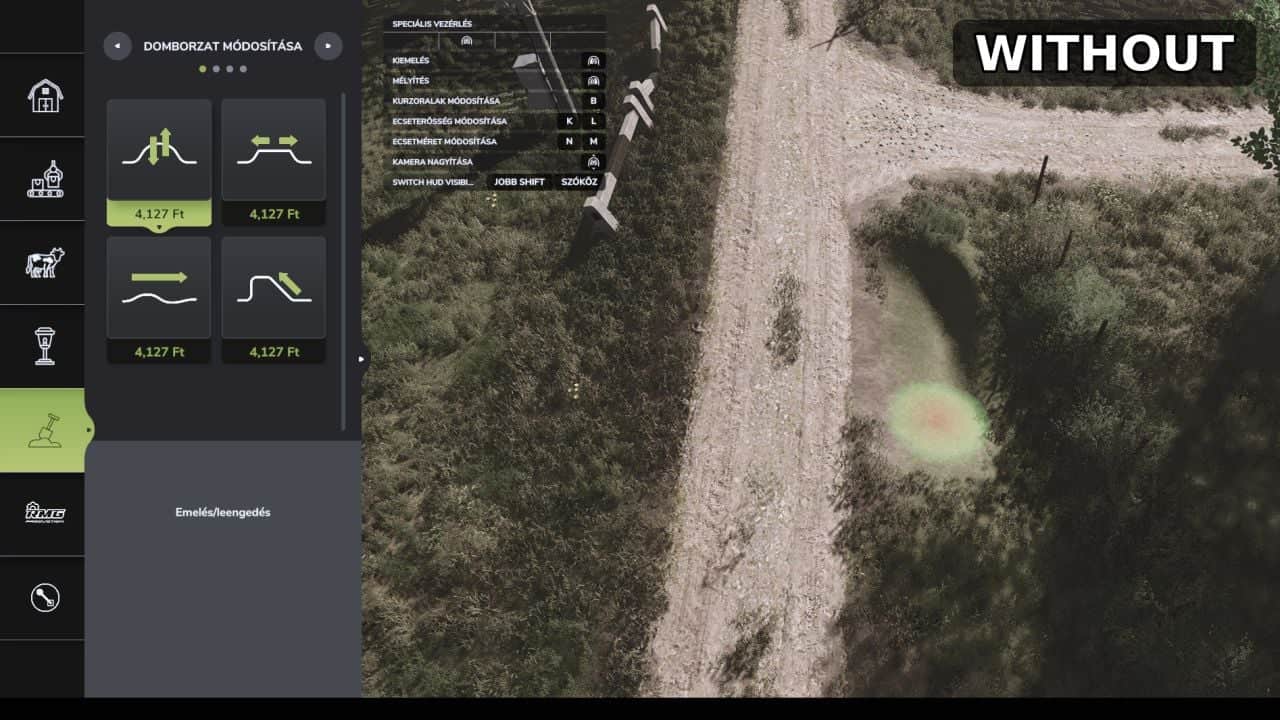
FS25 Precision brush V1.0.0.0
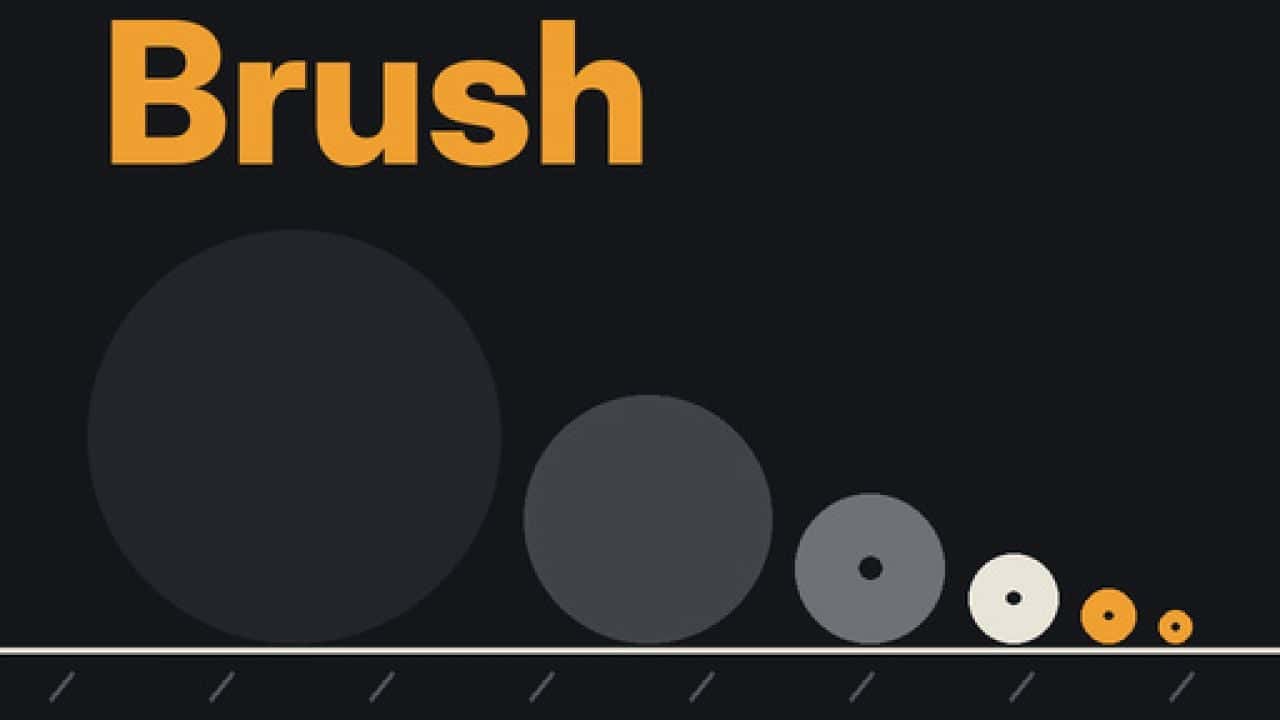
Precision Brush provides smaller brush sizes for the Paint, Sculpt and Foliage tools in Farming Simulator 25, making finer landscaping possible.
Features
- Paint, ground painting: add the smaller steps 0.125 and 0.25, while the original smallest size was 0.5
- Sculpt, terrain shaping: use the new smaller steps 0.5 and 1, instead of the original smallest size of 2
- Foliage, plants: get two smaller steps, 0.125 and 0.25, with 0.5 having been the original smallest size
- The normal brush size controls continue to work, and nothing else in the game changes
How to use
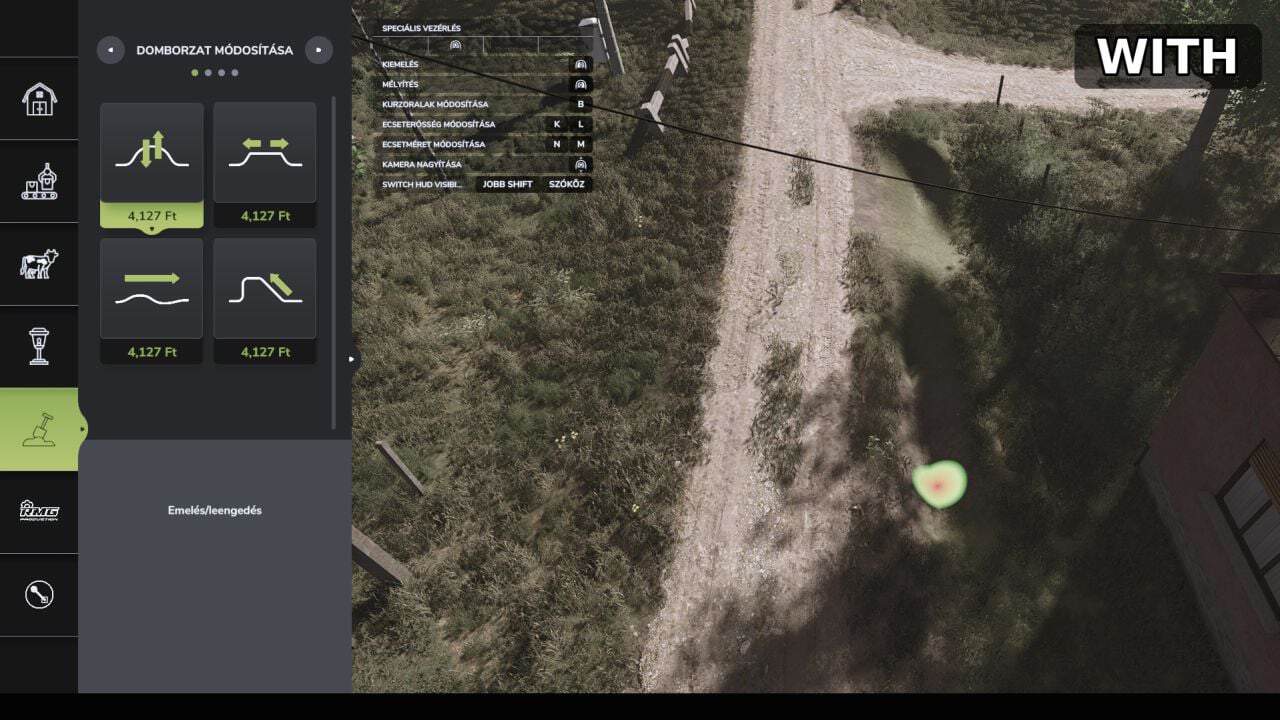
Go to the construction menu and select Paint, Sculpt or Foliage. Continue reducing the brush size to reach the new steps, which appear directly after the old minimum.
Installation
Place FS25_PrecisionBrush.zip in your mods folder without unzipping it:DocumentsMy GamesFarmingSimulator2025mods
Enable the mod for your savegame afterward.