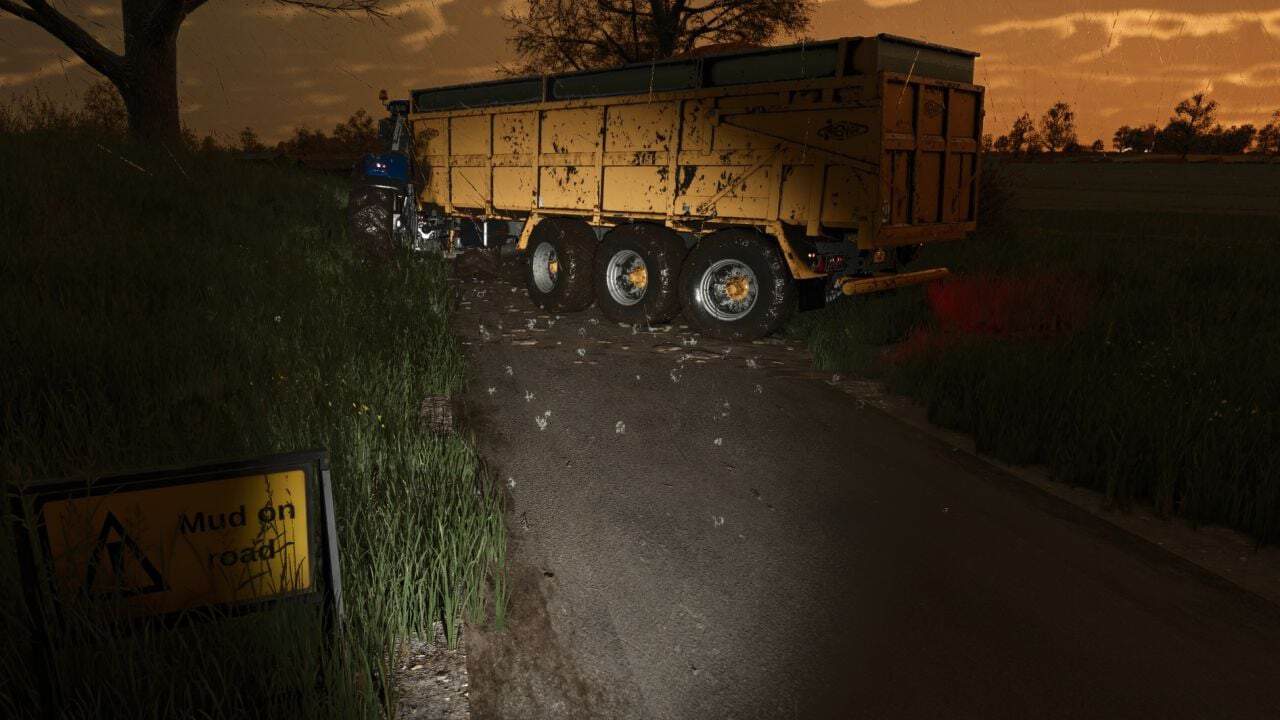
FS25 Mud on the road V2.7.0.0
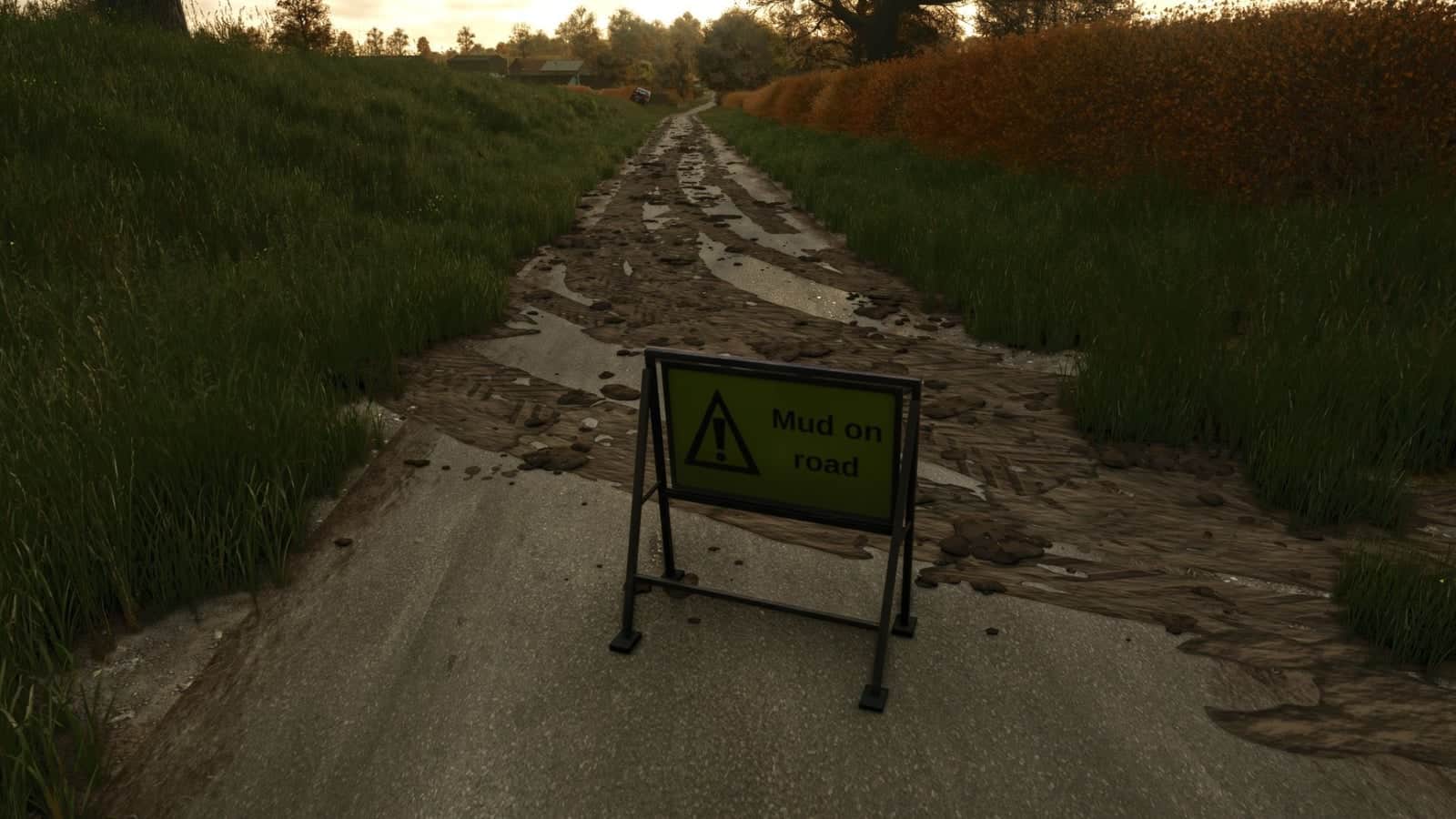
Mud on the road brings visible mud effects to roads, yards and tracks. It also includes a small A-frame “Mud on road” warning sign.
Features
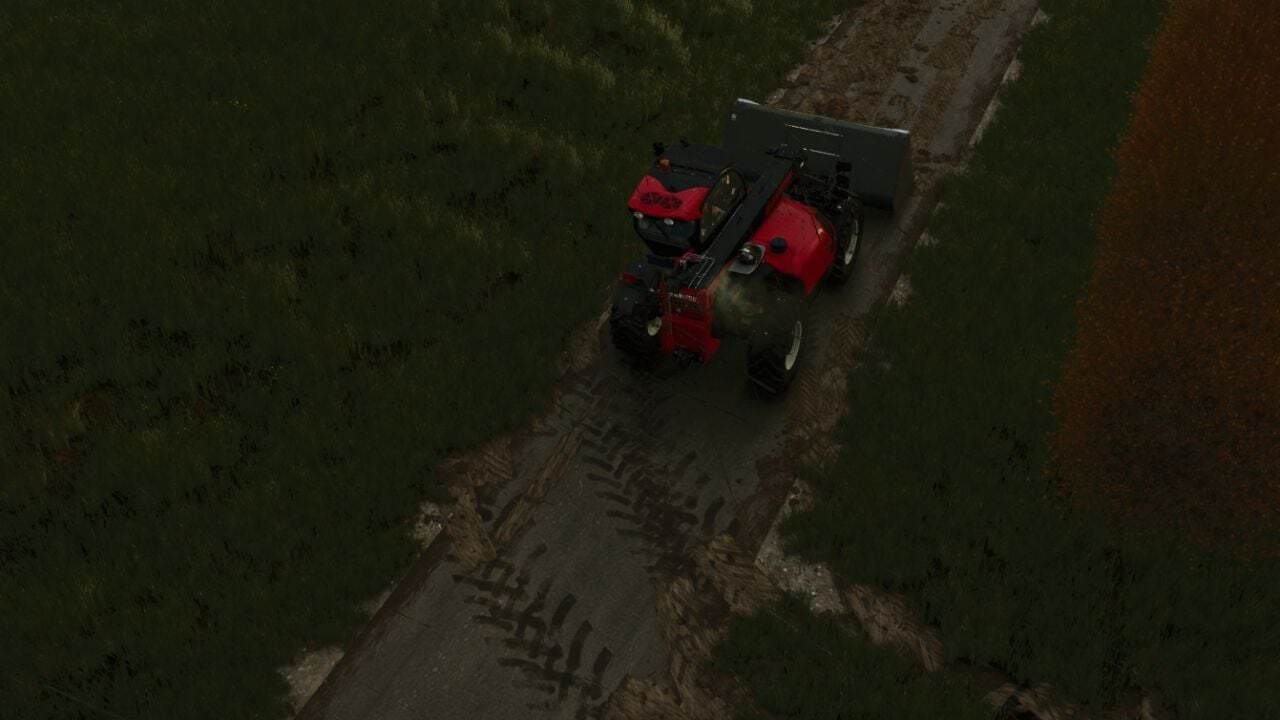
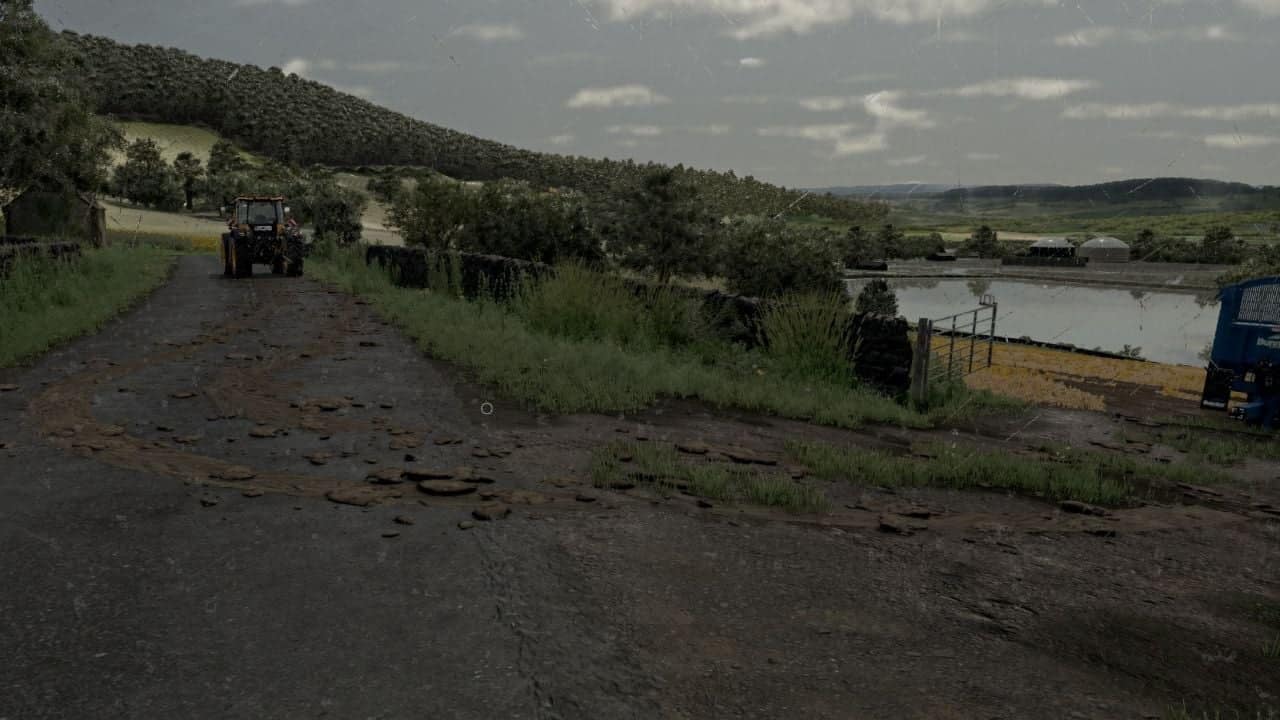
- Mud is released by tyres only when they actually carry mud, meaning the mud shown by the game after field work. Tyres that are clean or washed do not leave a trail.
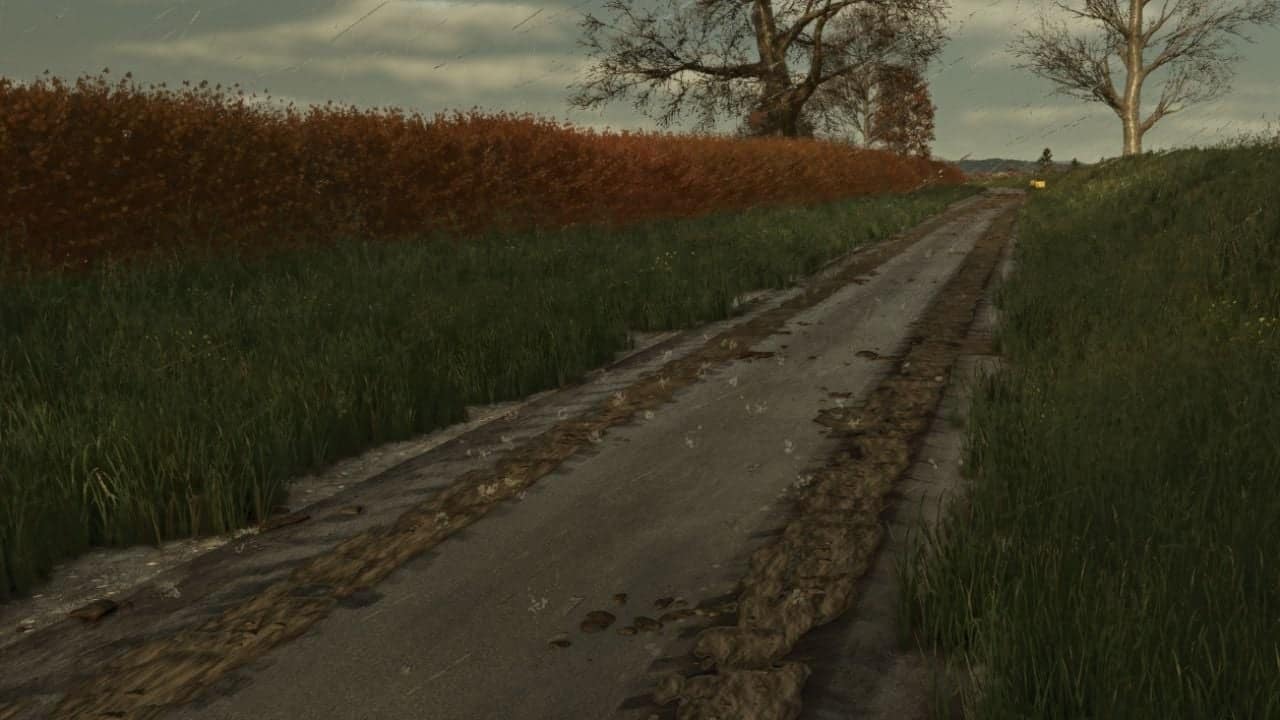
- When muddy tyres travel across roads, yards or tracks, they make smeared tyre prints and scatter clods. The faster the vehicle travels, the farther those clods are thrown over the road.
- As the vehicle continues moving, its tyres lose the mud they carry. The tyres therefore become clean while the trail gradually disappears over a few hundred metres.
- When the vehicle turns, the smears follow the direction of the wheels around the corners.
- Existing mud can become heavier: driving across an older patch refreshes and thickens it, while later mud is added as another layer on top.
- Every wheeled vehicle and trailer is supported, and this includes vehicles controlled by AI helpers.
Cleaning up
- Rain removes the mud from roads. Heavy rain takes about 5 in-game hours, while light rain needs around half a day.
- During dry weather, the mud dries, becomes pale and disappears after about three in-game days.
- Activated sweeper brushes remove the mud from the areas they pass over.
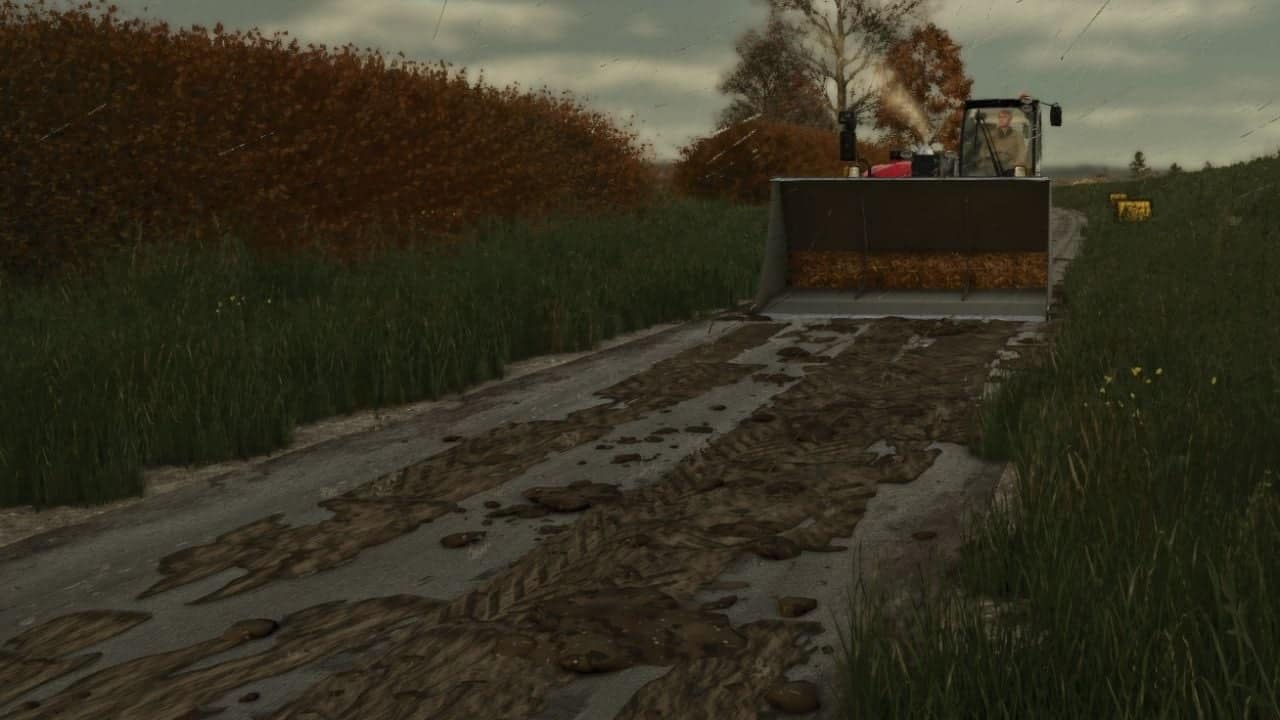
- A bucket can scrape the mud away. Lower a loader, telehandler or wheel loader bucket until its lip touches the road, then push forwards. In the base game, the collected mud enters the bucket as manure. If another mod provides that fill type, it enters as mud/dirt/soil.
Mud on road sign
- The decoration is a small A-frame “Mud on road” warning sign made in the UK road-sign style.
Specifications
- Shop: Decorations
- Price: 25
Good to know
- The mud is stored together with your savegame.
- Multiplayer: mud is visual only and calculated on each PC, meaning it creates no network traffic.
- Settings:
modSettings/FS25_MudOnRoad.xmlis created on first start. You can change the mud duration, the distance it is carried, the number of clods thrown, the maximum mud amount on the map and more. - Multiplayer is now supported.
Press ~ to use the console commands:
mudOnRoadLoadTyresputs mud on your tyres for testing, in single player or as host.mudOnRoadClearremoves the mud from every road.mudOnRoadInfodisplays the amount of mud currently lying around.mudOnRoadToggleenables or disables mud dropping.mudOnRoadBucketInfoexplains why your bucket is or isn’t scraping mud.
Changelog
- V2.7.0.0
Multiplayer: the server now synchronises the mud, allowing every player to see the same mud on the roads. Anyone joining a server later also sees mud that was already present. Sweeping, scraping with a bucket, washing by rain and drying now happen identically for all players.
New: tyres flick mud up when working on wet fields.
New: parts beside the wheels become muddier during wet field work.
The settings file has been updated. Existing settings files are replaced by the new defaults. - V2.3.2.0
Tyre marksWhen mud appearsLumpsSettings- Tyre marks now form one continuous trail rather than separate, patchy prints.
- The ends of prints are torn and overlap, giving the trail a natural look instead of a blocky one.
- The mud colour is darker and more realistic.
- Smears remain on smooth roads, yards and flat painted tracks. Grass verges, gateways, gravel and uneven ground receive mud lumps only, preventing the smears from appearing like planks on rough ground.
- Mud comes from vehicles only after they have just left a worked field, such as one that was ploughed, cultivated, sown etc. Grass fields do not count, and a muddy vehicle leaving the yard no longer creates mud.
- The trail ends 600 m from the field, or earlier if the tyres become clean.
- About twice as many lumps are thrown from the tyres, with additional crumbs left in the tyre prints.
- New options are available:
maxTrailDistance, trail length after the field,smearsOnTerrain, smears on all ground,hardGroundSmears, smears on hard painted ground, andflatTolerance, how flat painted ground must be for smears. - On first start, the settings file is reset to the new defaults.