
FS25 Realistic Worker Costs V2.3.0.0
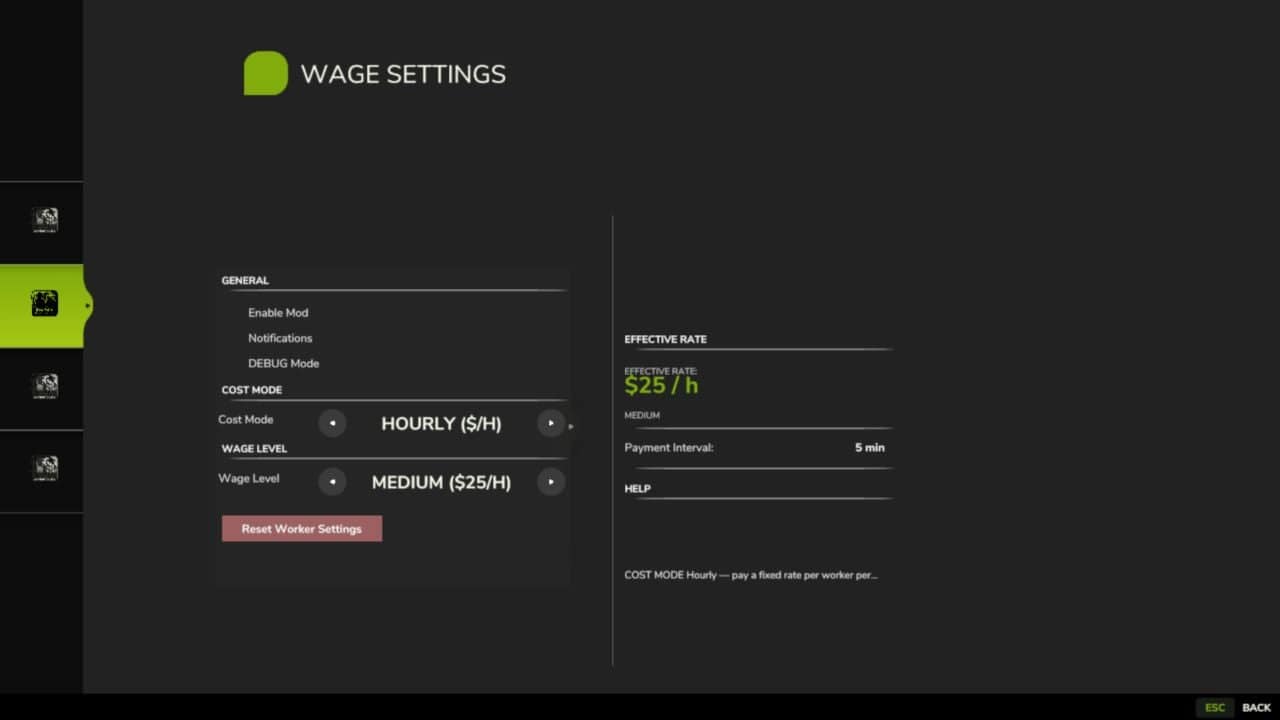
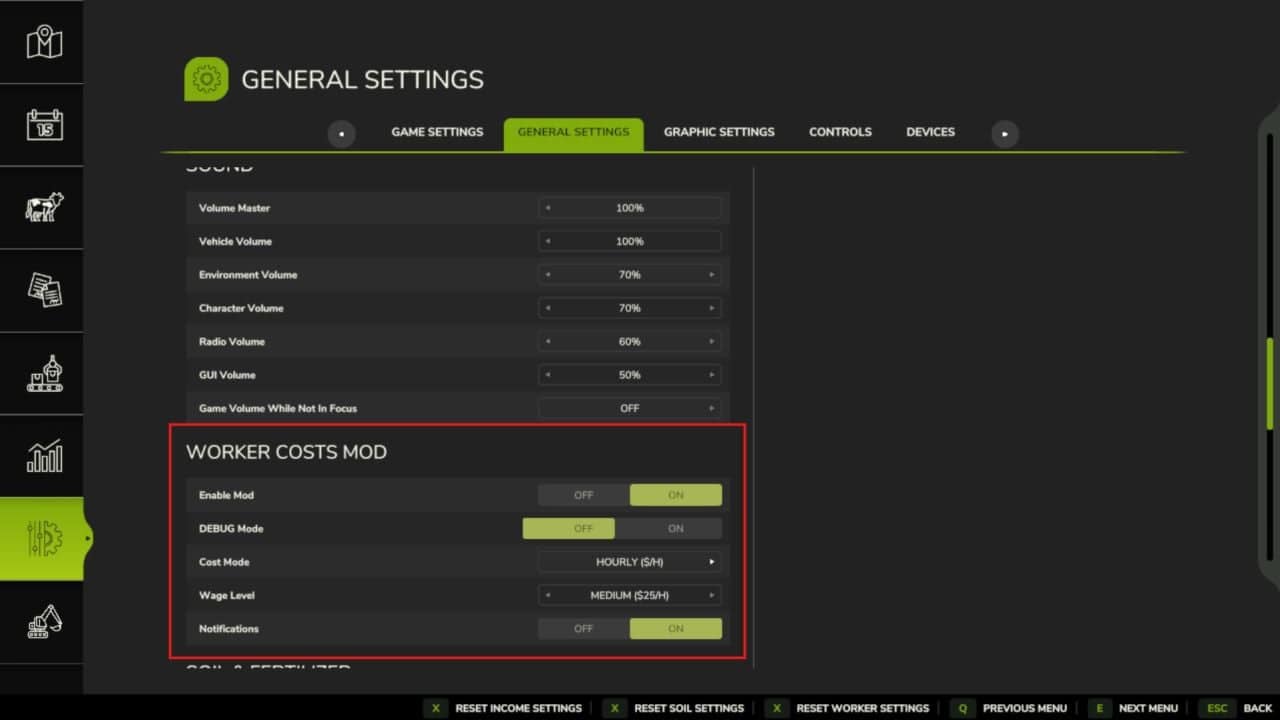
Realistic Worker Costs for Farming Simulator 25. Hiring a worker now incurs an ongoing wage, with payment calculated by the hour or by the hectare. Worker skill and fatigue affect labour costs and performance.
Features
- Ongoing worker wages
- Hourly or per-hectare pay
- Three wage levels plus custom rate
- Skill-based pricing
- Worker roster and levels
- Worker fatigue
- Daily hiring hall
- Multiplayer and console commands
Controls
- Open the Worker Roster:
Left Alt + H - Wage settings are in the game’s Settings menu and are admin-controlled in multiplayer
Wages are deducted automatically as workers run. The mod is safe to add to or remove from an existing save at any time.
Changelog
V2.3.0.0
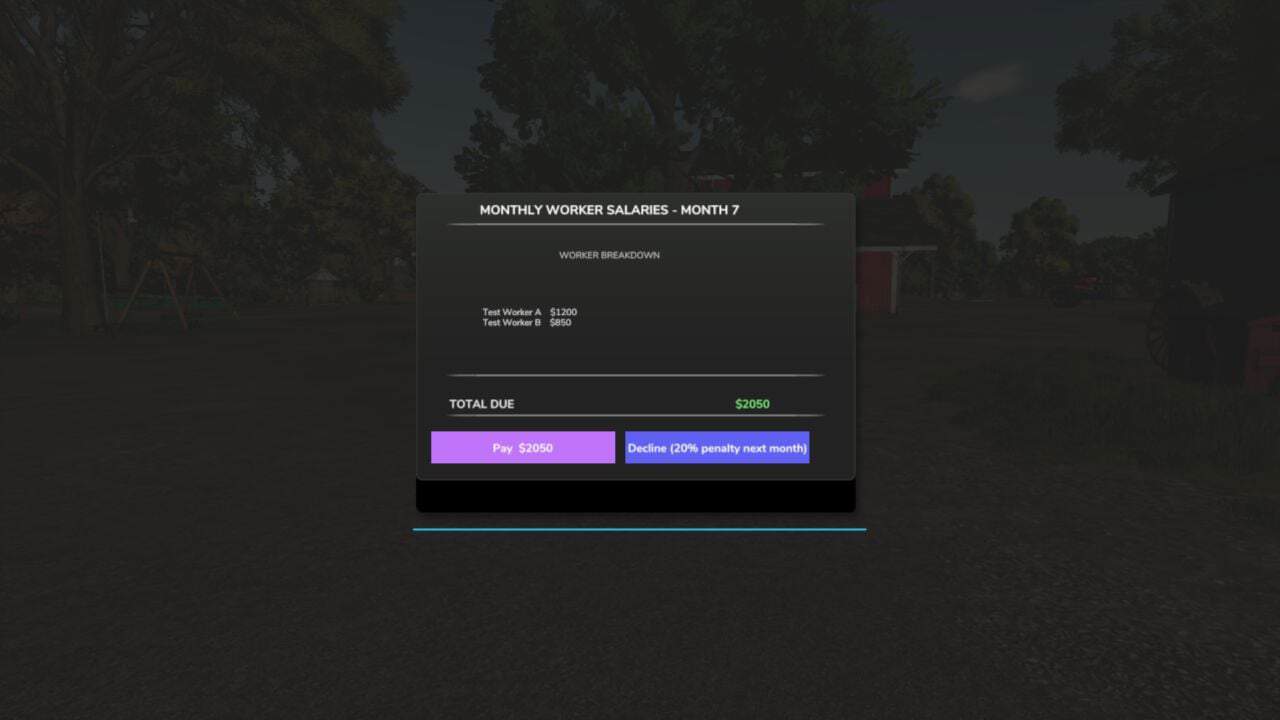
- Changed: Payroll follows the game’s calendar. The monthly bill is issued on the last day of each month, whatever the month length. A short month used to issue no bill. Each farm is billed only for its own workers, and a bill is frozen when issued: Pay and Decline act on that exact bill, and declining no longer compounds the late penalty into the amount owed.
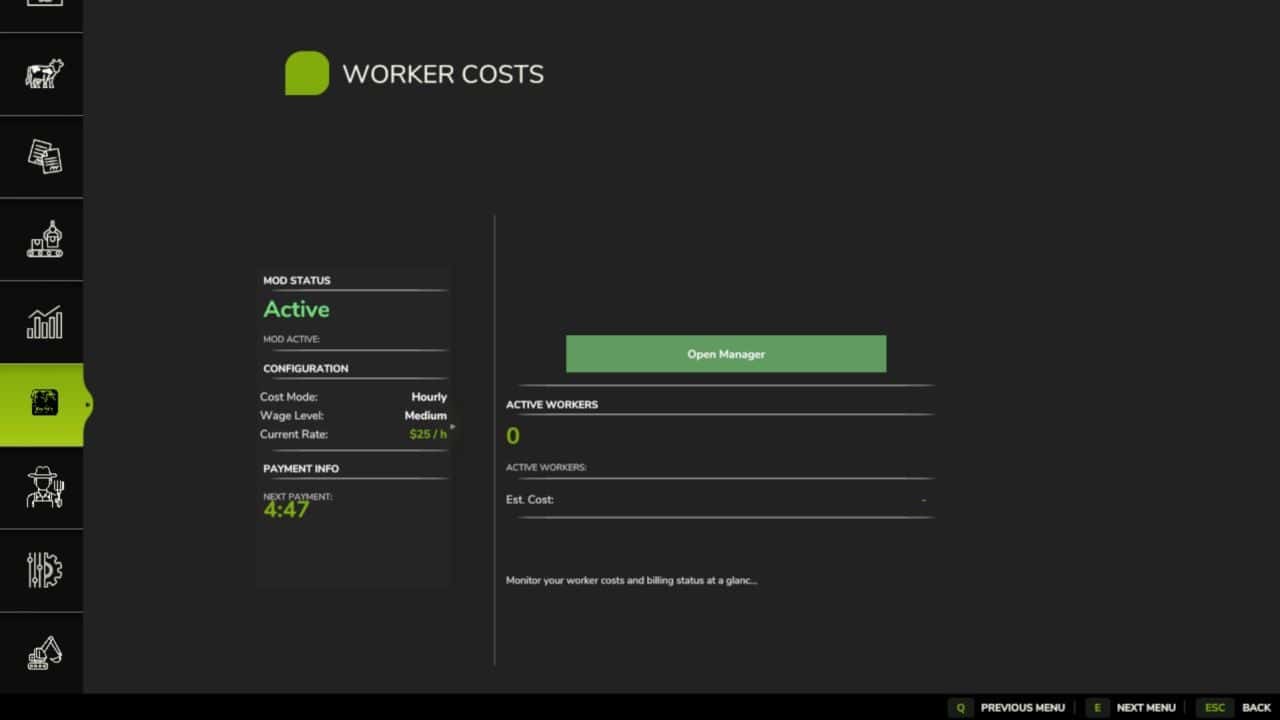
- The Worker Costs page on the Realistic Farming Esc menu now holds hiring, firing, wage options, Reset and the crew board on one page. The old Worker Manager footer is gone.
- The emergency loan in Income Mod can read your upcoming payroll bill.
- Fixed: A save sitting on the last day of a month no longer opens the salary dialog on the loading screen, which could stop the game from starting.
- Setting the clock backwards within a day no longer bills the “missed” hours.
- Multiplayer: hiring and firing charge the farm of the player who did it; players see the host’s Worker Costs settings within about a second; an admin’s change applies for everyone from any settings screen or the console, and those settings are locked for non-admins.
- The hire hall keeps its place when the roster grows.
- Key presses are registered only where they belong, on foot or in a vehicle, and the roster key has a default and shows the live key.
- Translations: the Cost Mode and Wage Level settings have their labels and Monthly Salary its tooltip, accented letters show correctly in seven languages, the settings labels reach all 26 languages, the Korean “Field Detail” label is fixed, the page legend shows a plain dot between page names, and the title and description read correctly in the mod manager.
V2.2.2.2
- New: Legendary worker tier. A fourth worker skill tier above Master, unlocked at Pro-Staff Level 16, with its own wage, hire and severance values.
- Rebuilt About tab. The in-game About page now has readable Core, Formulas and Pro-Staff sections, with a two-column Pro-Staff layout.
- Realistic Farming ecosystem integration. Worker Costs now saves its roster and hiring-hall state through the shared save system, reports the roster panel to the unified on-screen display, syncs across multiplayer through the shared network layer, and its settings appear in the Farm Tablet’s System Settings app.
- Fixed: Legendary workers are no longer shown a fatigue surcharge they do not actually pay. The roster cost estimate now matches the real wage charge, where both Master and Legendary workers are fatigue exempt.
- Wages are now billed once per in-game day instead of on a real-time timer, so a high time scale or fast-forward no longer overcharges you.
- Multiplayer: wage billing now runs only on the host, and spectator or invalid farm slots are no longer charged.
- Note: Every ecosystem hook is optional. With none of the other Realistic Farming mods installed, Worker Costs works exactly as before.
V2.2.0.0
BIG UPDATE PLEASE READ THE CHANGELOG ENTIRLY. The Pro-Staff update is here. Your helpers are now a real team you build up over time instead of a pile of interchangeable workers. Back up your save first, just to be safe.
Hiring Hall
- Daily hiring limit of 5 a day, resets each morning and sticks across save/reload. The panel shows how many you have used.
- Trusted employees pin to the top with a star. Saves, and shows for everyone in multiplayer.
- Earn your Masters through experience on the job. They are no longer offered for hire; Experienced workers start appearing once your crew has put in hours.
- Timed rotation: the hall now refreshes once per day instead of refilling on demand, and the pool survives a save/reload so it is not a free re-roll.
Worker Dossier
The Pro-Staff panel, ALT H, is now a master-detail dossier: click a worker for their skill and fatigue gauges, lifetime hours and jobs, a recent job history, and their base to effective wage. Hire, fire with severance, assign to a vehicle, and mark trusted, all from one place.
Under the hood
- Multiplayer: roster, lifecycle and job history sync to clients from the host.
- Job continuity: a worker re-binds to their vehicle when a job resumes after a reload, instead of a duplicate being hired.
- Farm Tablet: the panel steps aside when the tablet is open, so two overlays never fight.
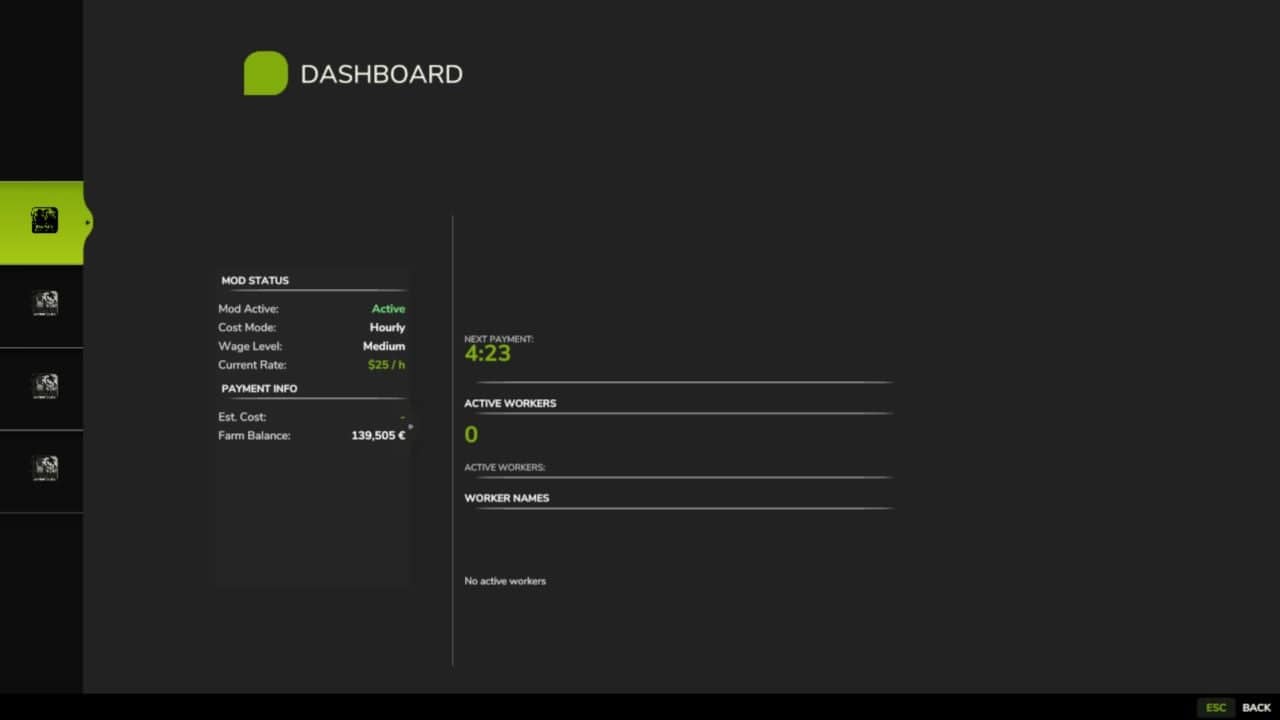
- UI fixes: dashboard wording matches the wage tab, Payment Strategy / Compensation Tier, the duplicate Effective Rate header is gone, and the tier unit now follows the chosen strategy.
Notes
Old saves load fine. Console: type workerCosts. Open the panel with ALT H. Big thanks to Arissani for the ideas behind this one. Shout if anything looks off.