FS25 Agricultural Terminal V1.0.0.0
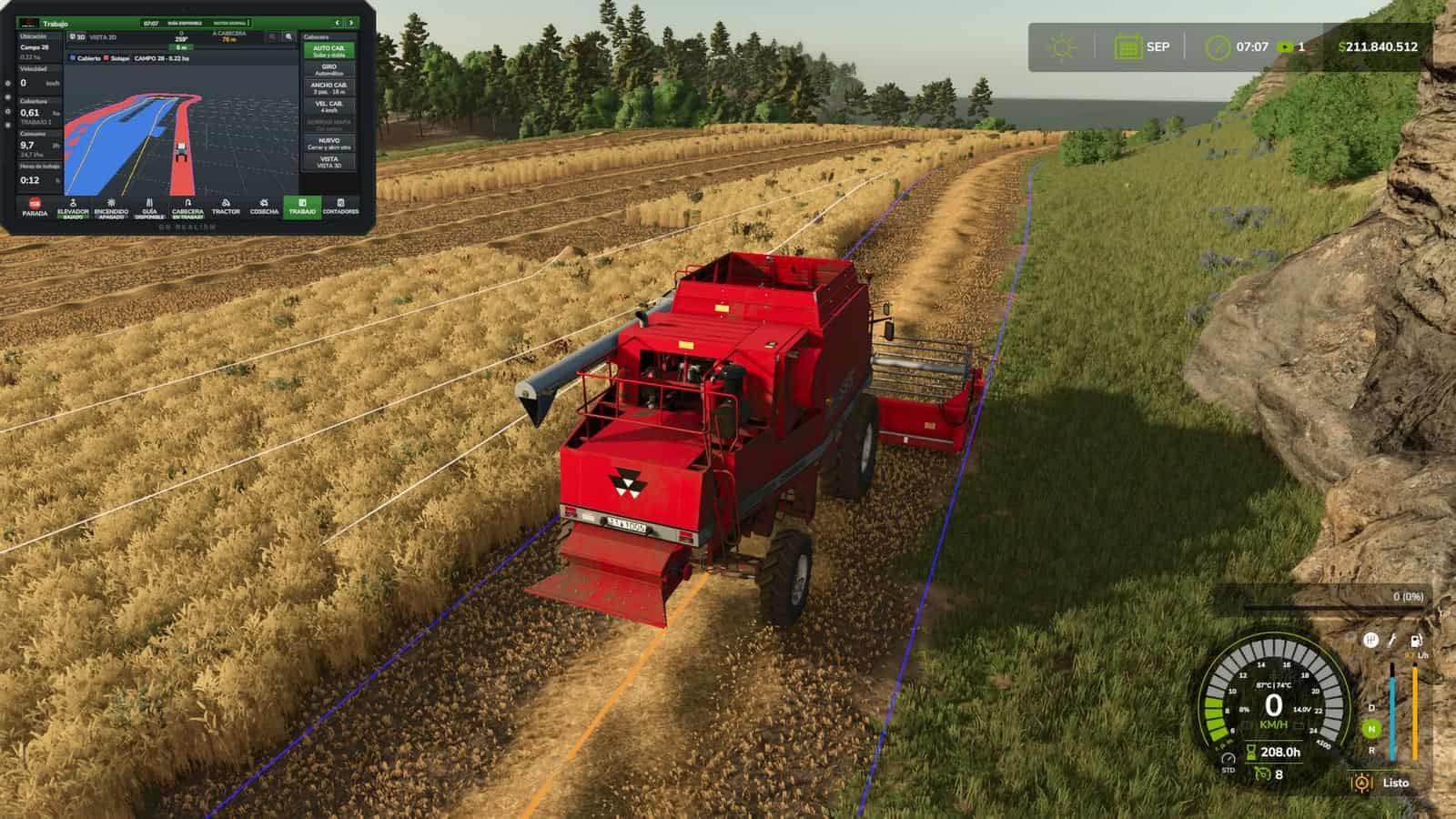
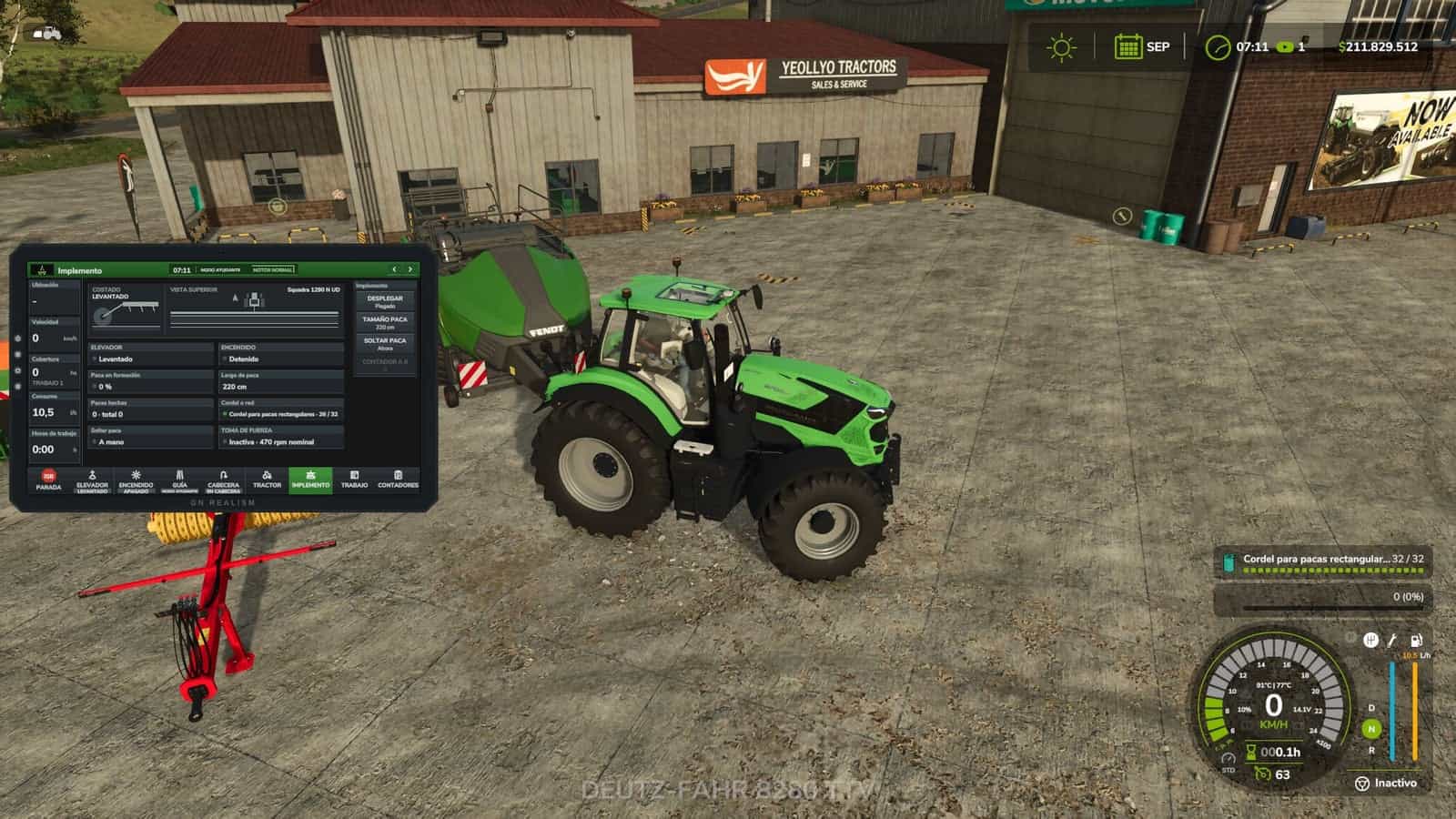
This onboard terminal provides machine guidance, headland automation, section control, coverage mapping, harvesting data, and machine-system monitoring using actual in-game data.
Specifications
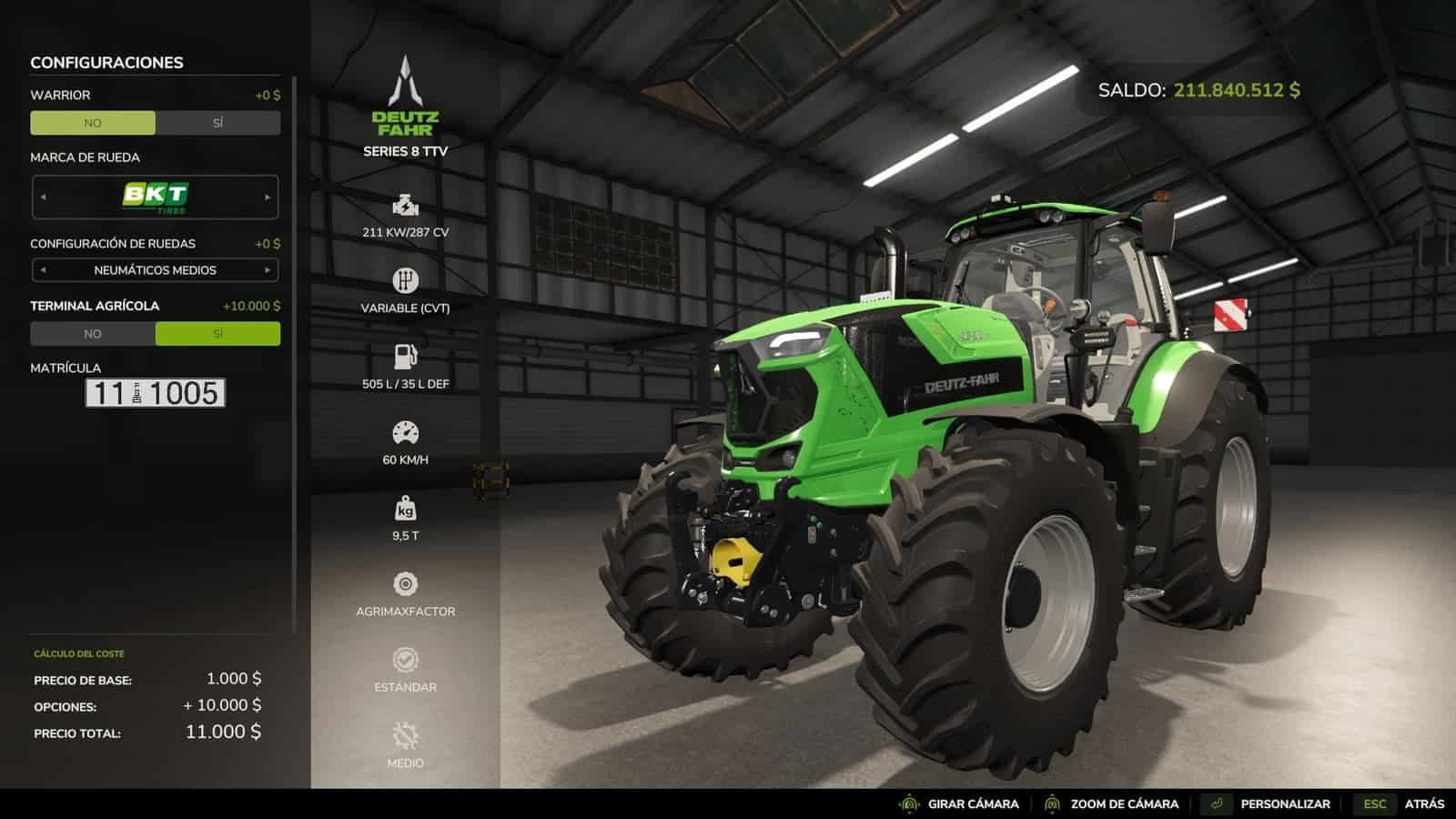
- Purchase price: $10,000
- Annual license: $2,000 per machine
- Monthly license cost: $166.67 per machine
Setup
- Purchase it from the shop as another piece of equipment. When buying or customizing a tractor, combine harvester, or self-propelled machine, select “Agricultural Terminal: Yes” ($10,000).
- The annual license costs $2,000 per machine, charged monthly ($166.67) as an operating cost, like real guidance and section-control licenses.
- Existing machines start without a terminal. Add one at the dealership through the customization menu.
Features
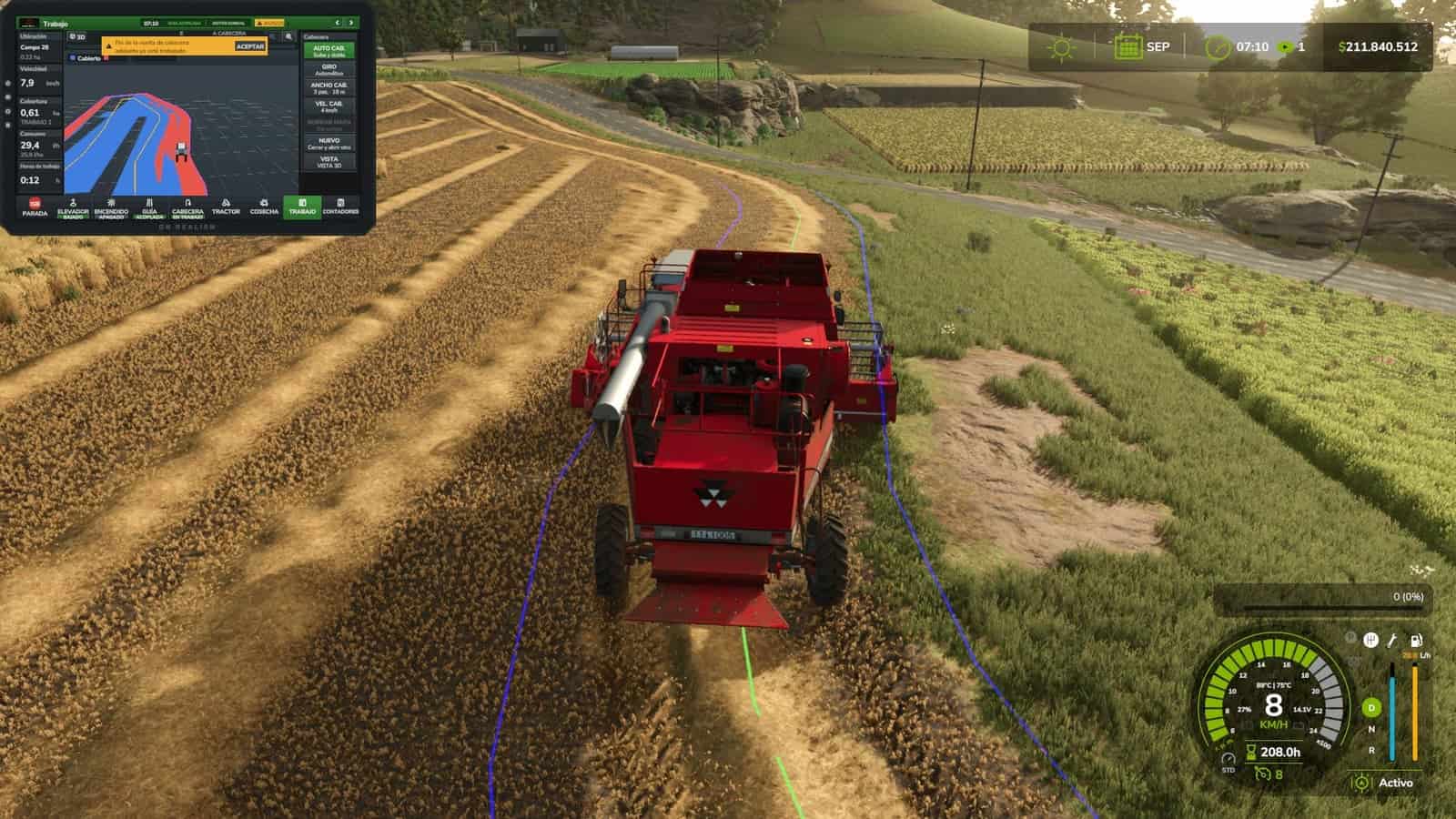
- Automatic headland turns: At the amber line, the terminal raises and switches off implements, reduces speed to the headland setting, turns toward the next pass using a U-turn or bulb turn, lowers the implements again, and restores working speed when the guidance system locks onto the new line. If you touch the steering wheel, control returns to you.
- Headland navigation: The guidance system follows the corners automatically, slows down at each one, and stops the cruise control while displaying an alert when the headland loop closes over an area that has already been worked.
- Field coverage map: Displays the coverage map for each field, with overlaps highlighted in red. Includes a 3D view, heading-up or north-up orientation, and zoom controls. Maps are saved with your game save.
- Automatic section control: Uses the coverage map, with 0%, 50%, or 100% overlap settings and adjustable look-ahead. Displays the applied rate in L/ha or kg/ha.
- Harvesting: Displays grain tank fill level, yield, grain flow, header load, and estimated time until the grain tank is full. With REQUEST UNLOADING, the tractor pulling the grain cart receives an alert with an alarm, showing each combine’s fill level and distance, similar to Machine Sync.
- Tractor systems: Engine, fuel level and remaining range, AdBlue, traction and wheel slip, differential lock, automatic PTO, and hydraulics, including lowering and raising speed, maximum lift height, and valve flow rate.
- Implement controls: Side view showing the actual lift position and top view showing the sections. Includes raise, activate, fold, markers, reversing, covers, working depth, and baler controls.
- Work counters and history: Area covered, working time, fuel consumption, L/ha, ha/h, distance, and average speed.
- Alert center with ACKNOWLEDGE: Fuel reserve, AdBlue and battery warnings, full grain tank, parking brake, malfunctions, excessive wheel slip, low product levels, and more.
- Works on any map with base-game and modded machinery, without editing any
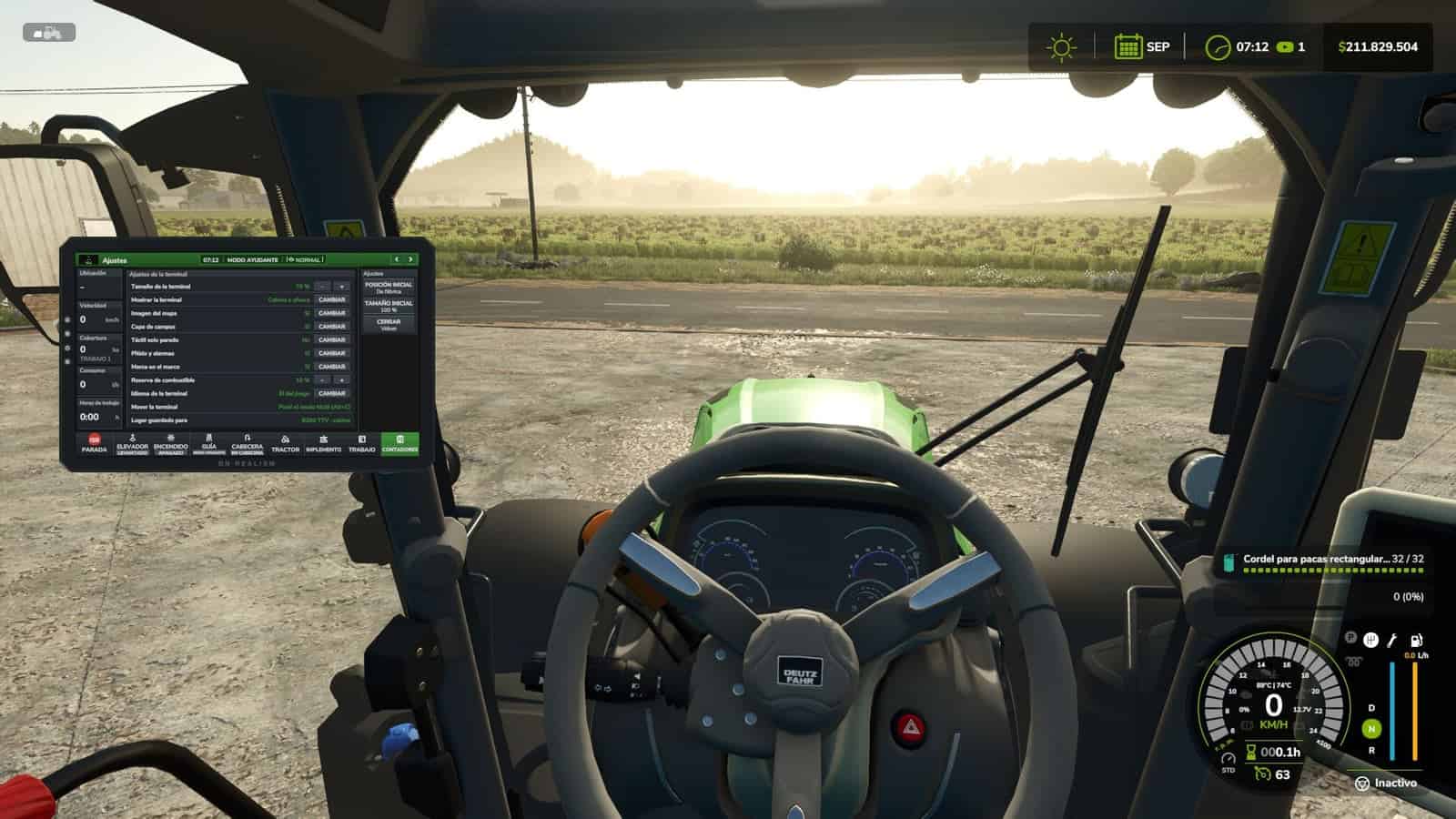
XMLfiles. - Everything can be configured directly from the terminal: size and position for each machine, inside the cab or outside, map appearance, touch controls available only while stationary, beeps, and alarms.
- Terminal language: English, Español, Deutsch, Français.
- Compatible with multiplayer and dedicated servers. Work records, maps, and unloading requests are shared with all players. A grain cart belonging to another farm can receive unloading requests if contractor permissions are enabled.
- If you use Real Fuel Consumption, Realistic Diesel Start, Realistic Brakes, or Variable Working Depth, the terminal can display their data. These mods are optional.
Default key bindings
Left Alt + T: Open/close the terminalLeft Alt + C: Touch mode, mouse cursorLeft Alt + P: Next pageLeft Alt + H: Headland sequenceLeft Alt + X: ISB – implement stop
Guidance setup
The guidance system uses the game’s built-in Steering Assist, so create your guidance line in the field first. Then set AUTO HEADLAND to “Raise and Turn” and let the terminal handle the headlands.