FS25 InterFarm Market — Inter-farm market
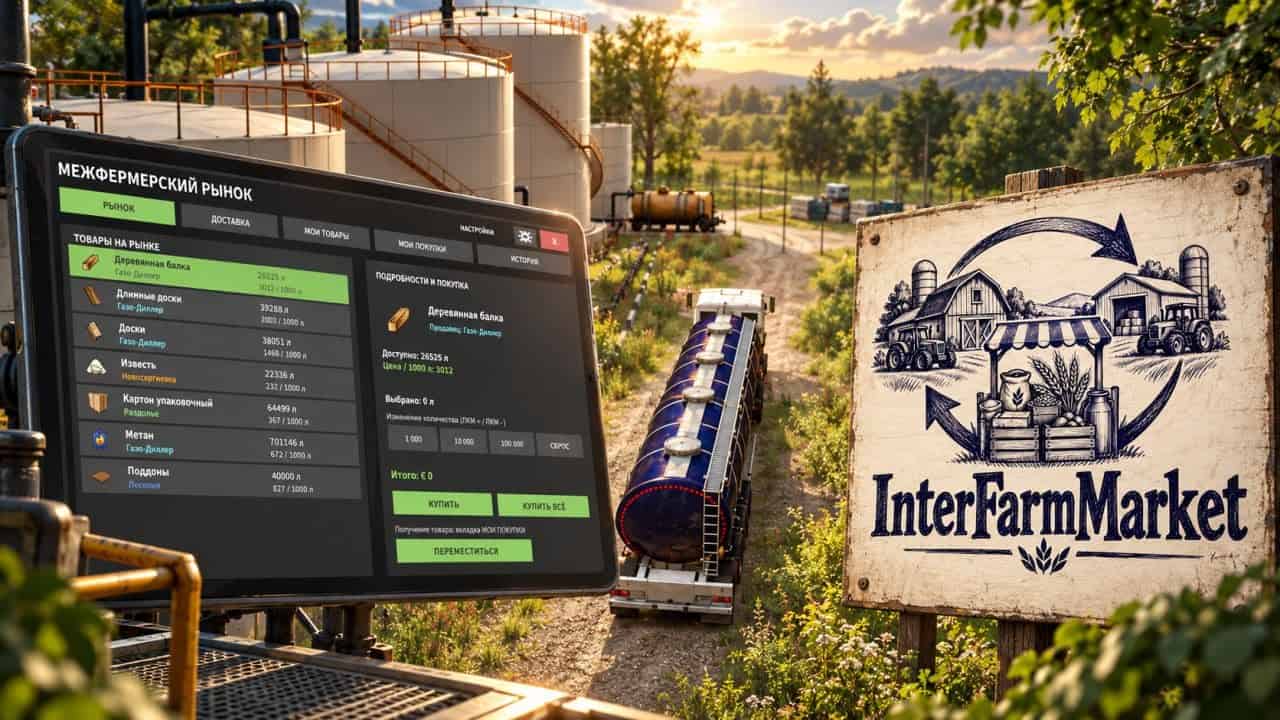
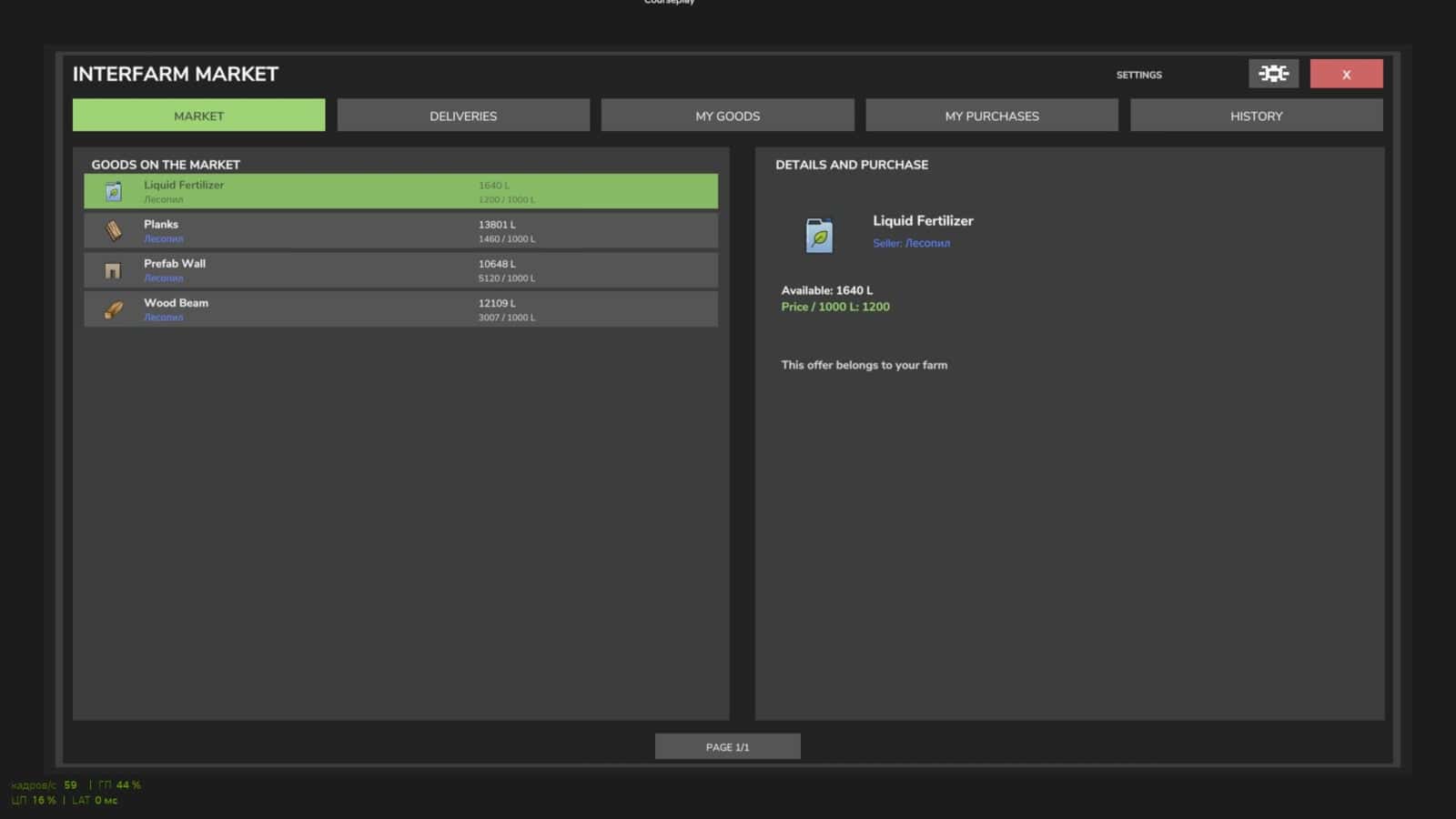
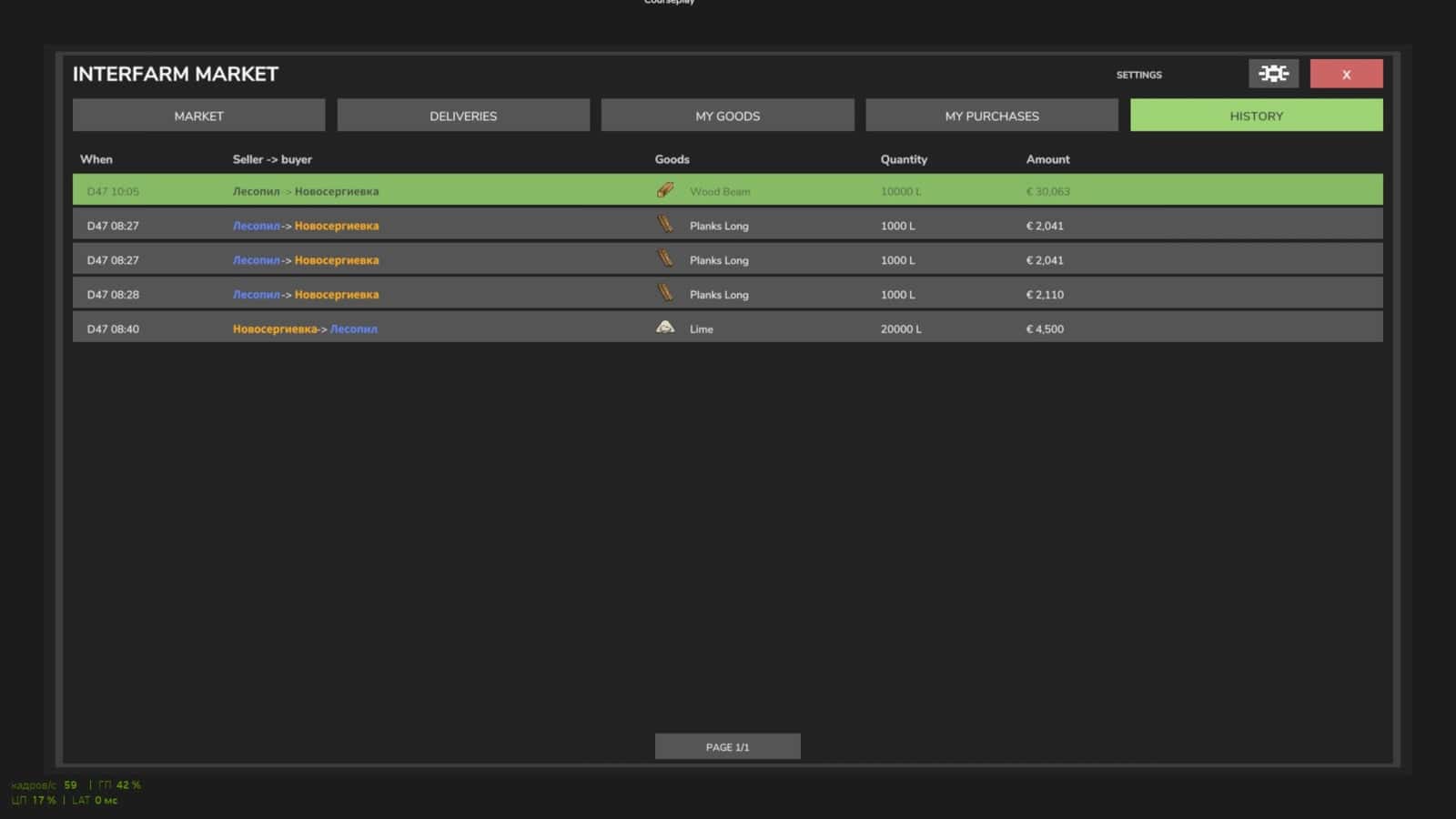
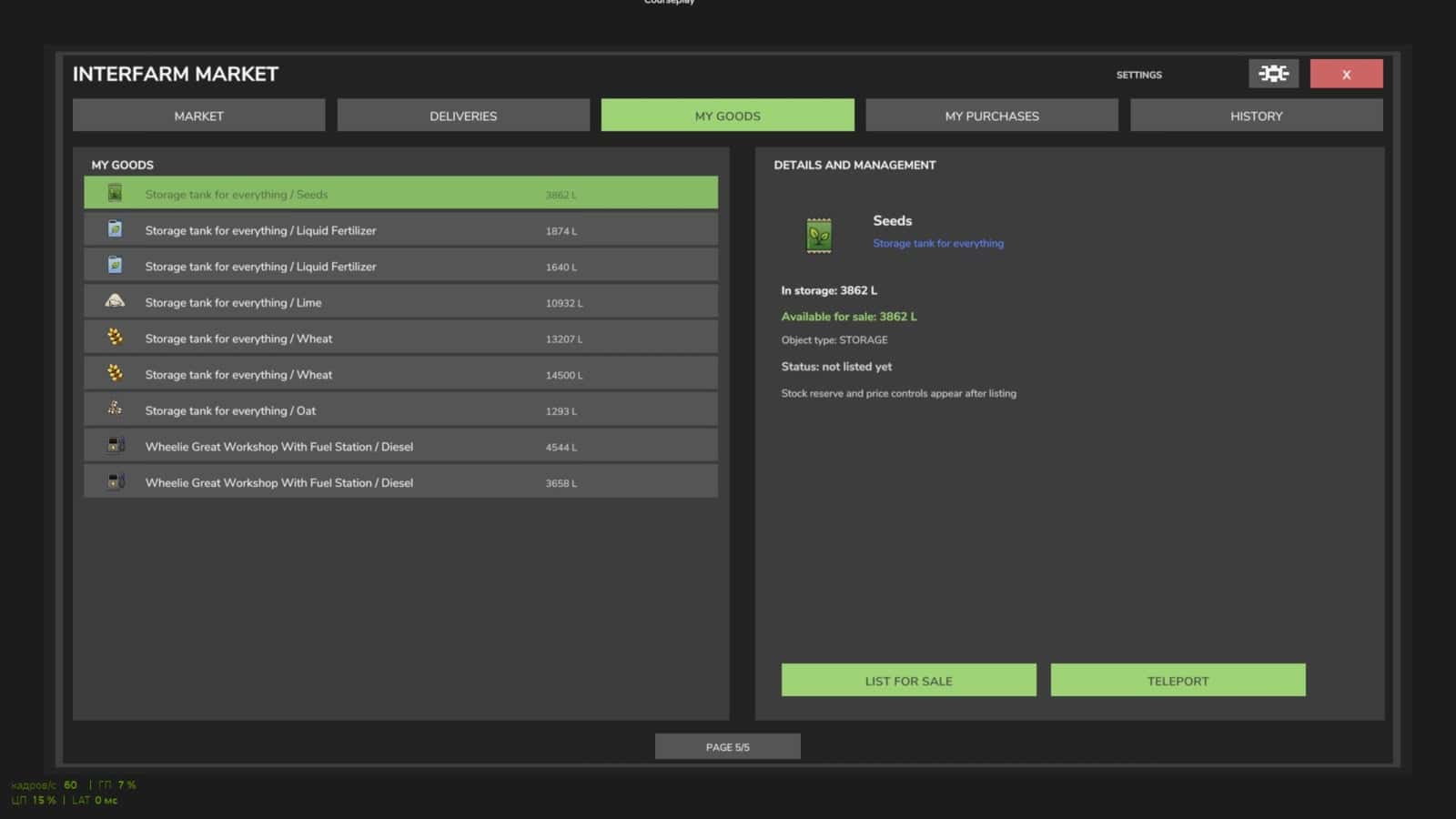
InterFarm Market enables trading between farms while their owners are offline. Open the market menu with Right Ctrl + M.
Features
- List products from factories, silos, and warehouses for sale and set your own prices.
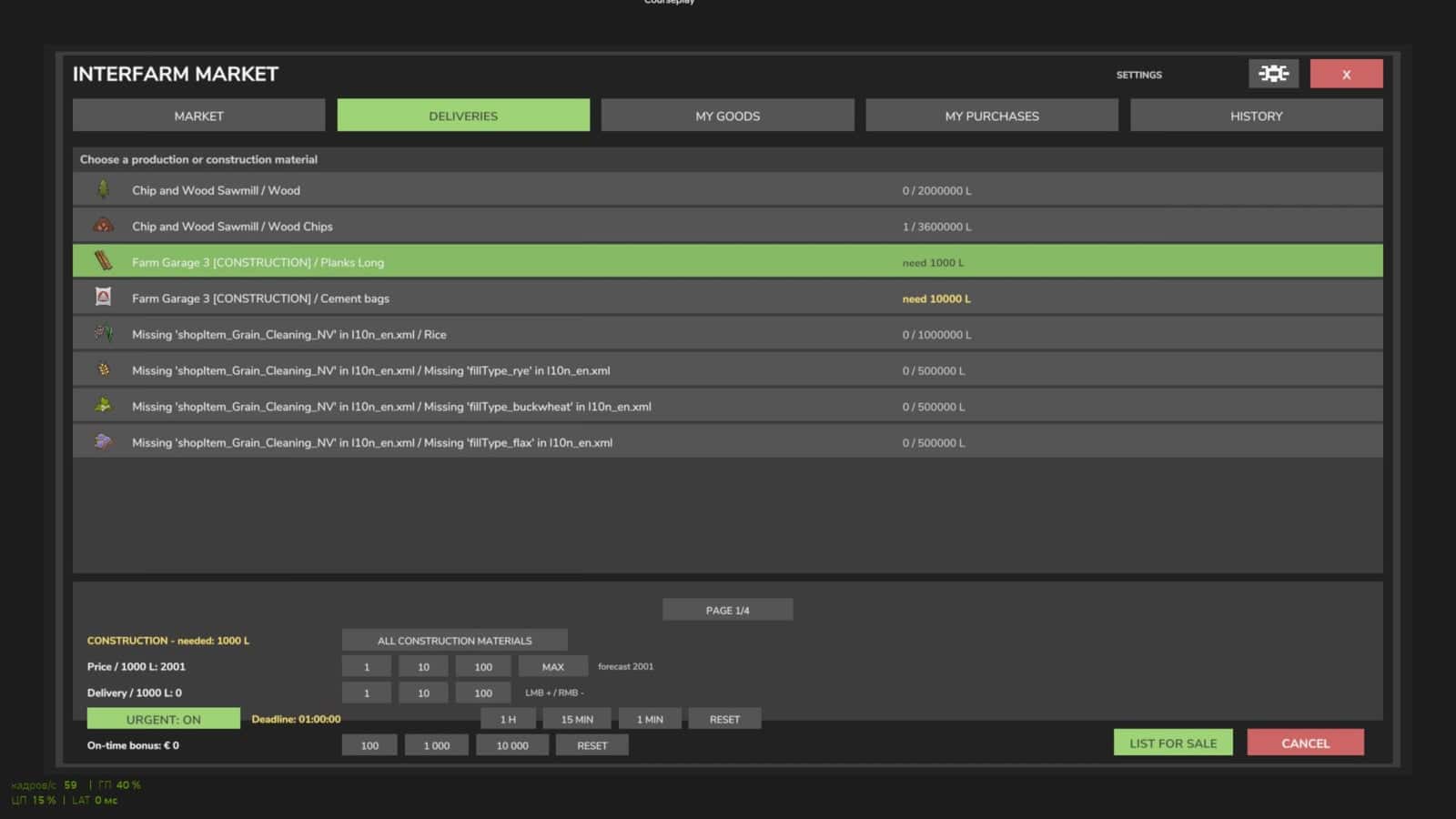
- Place requests for necessary materials and pay other farmers for the products and their delivery.
- Maintain standing orders to keep production facilities supplied without creating a new order after every delivery.
- Order materials for bridges, houses, factories, and other projects on your farm.
- Automatic order creation is available for subsequent construction stages.
- Set urgent order deadlines and extra rewards. A player accepting such an order enters into a contract; completing it on time earns a bonus, while cancellation or late delivery incurs a financial penalty.
- Other farmers can deliver materials directly to construction sites and get paid for both the goods and the transport.
- The market can automatically list materials needed for upcoming construction stages.
- Designated pickup areas are highlighted with a circle.
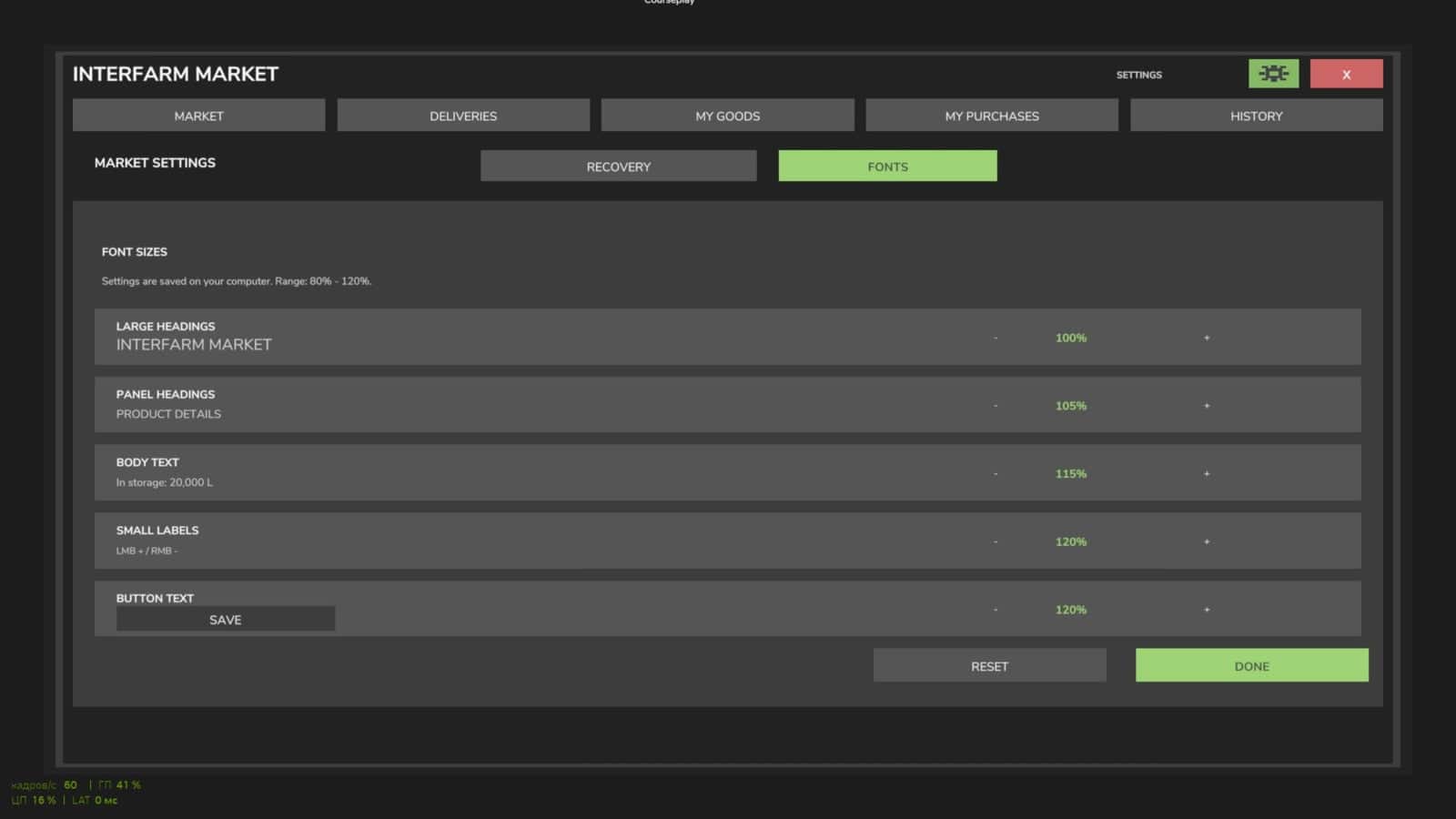
- Administrators or server hosts can use the special Recovery function to check transaction status and, where applicable, issue a refund for undelivered goods.
- The language is selected automatically based on each player’s game settings.
- Supported languages: Russian, English, German.
- Multiplayer is supported.
- Dedicated Server is supported.
Open Market: Right Ctrl + M
For trading to occur while farm owners are offline, the server must remain running. Production processes depend on the progression of in-game time, the availability of materials, and production settings.
Specifications
- Version: 1.0.1.0 (Beta)
- Game: Farming Simulator 25
Changelog
InterFarm Market is currently in open beta testing. The mod may still contain errors, flaws, or unexpected issues, especially in multiplayer or when interacting with other mods.
When reporting a problem, include:
- What exactly happened versus what was supposed to happen.
- The circumstances under which the problem occurred and the actions that led to it.
- Whether you are playing in single-player mode or on a dedicated server.
- If possible, screenshots or relevant excerpts from the game log.
Messages such as “it doesn’t work,” “it’s broken,” or “fix the bug” without a detailed description of the situation will not be considered. Without specific details and the ability to reproduce the issue, it is virtually impossible to determine the cause.