FS25 Silage Compaction Monitor V1.2.0.0
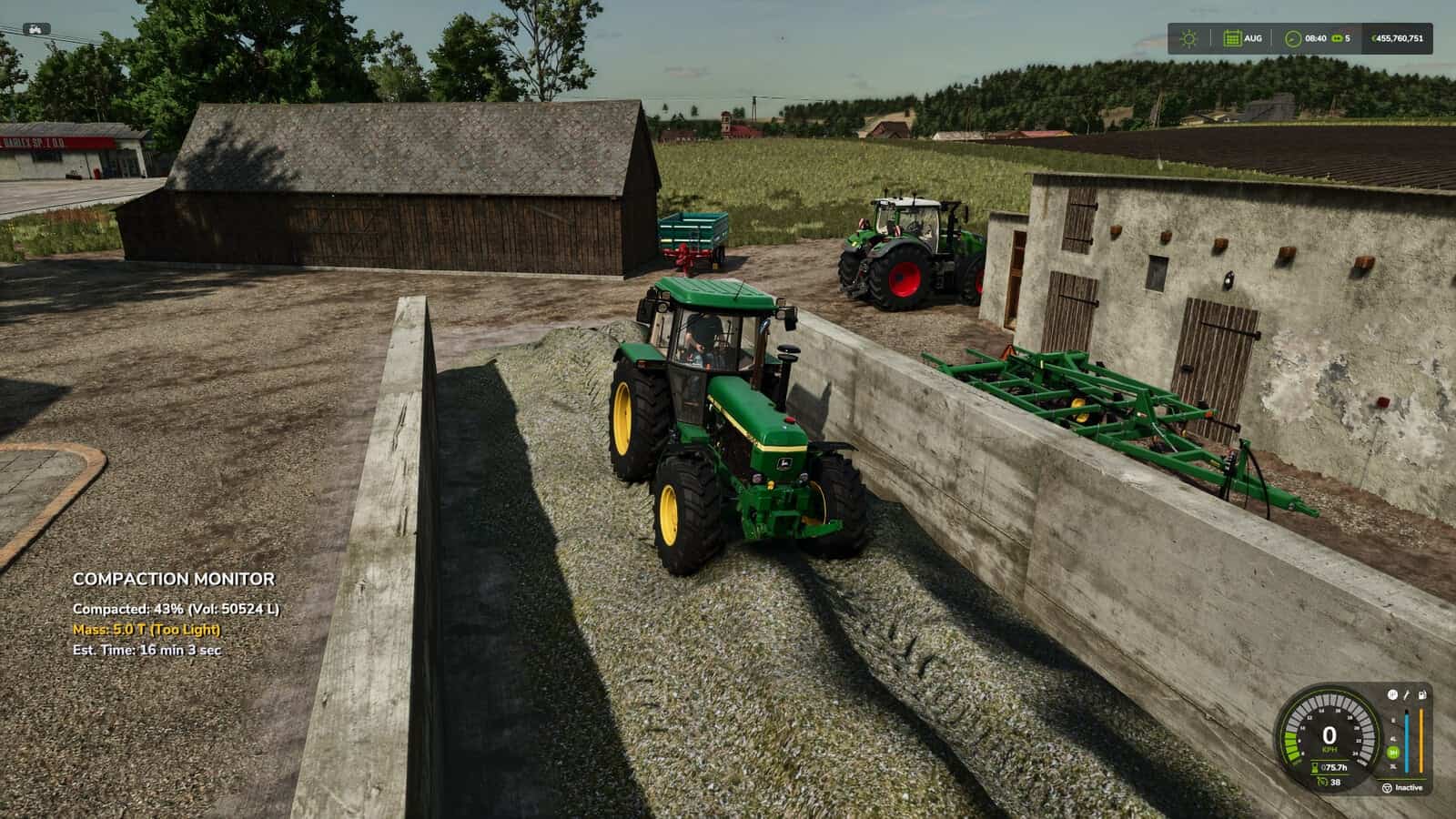
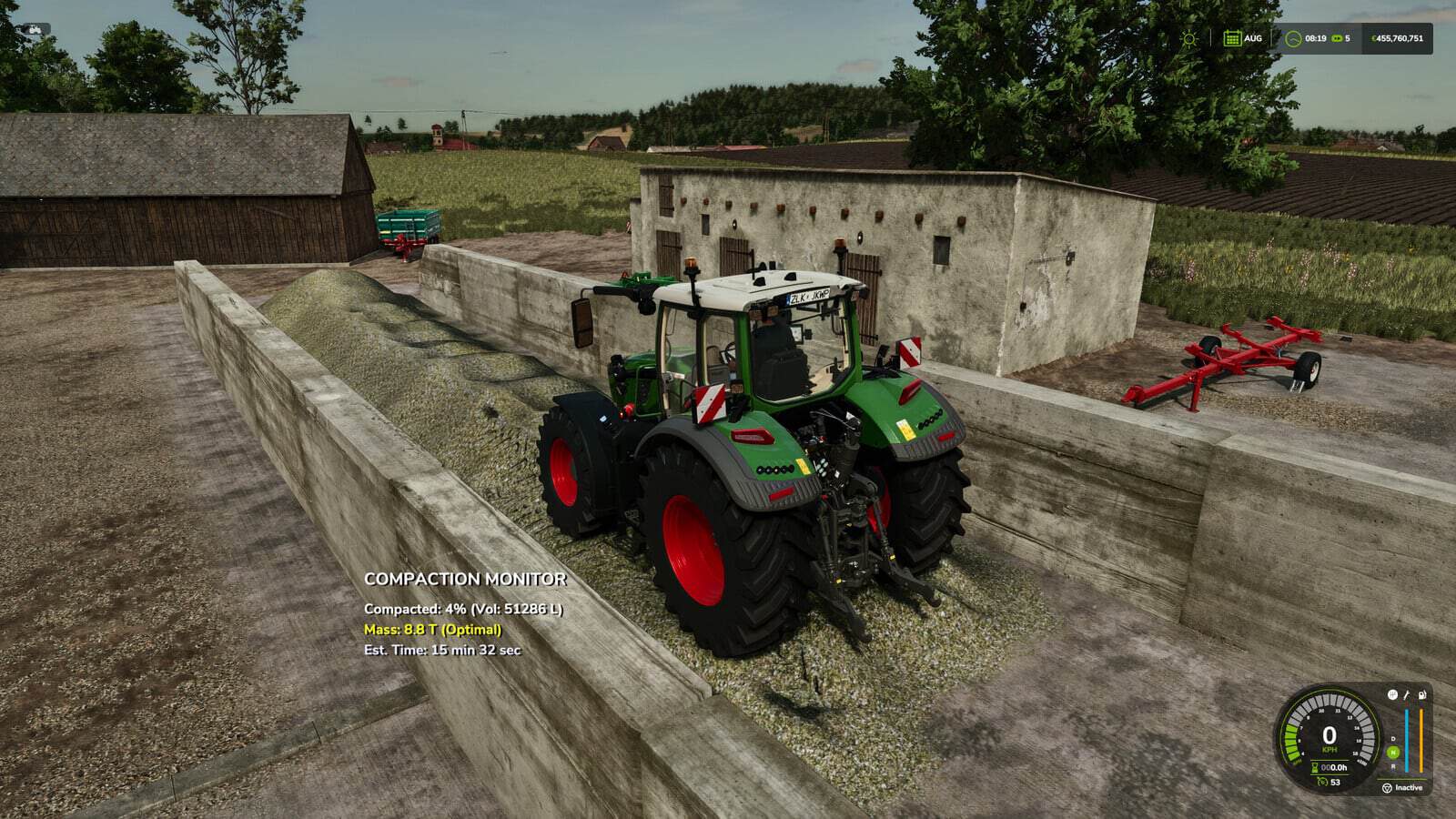
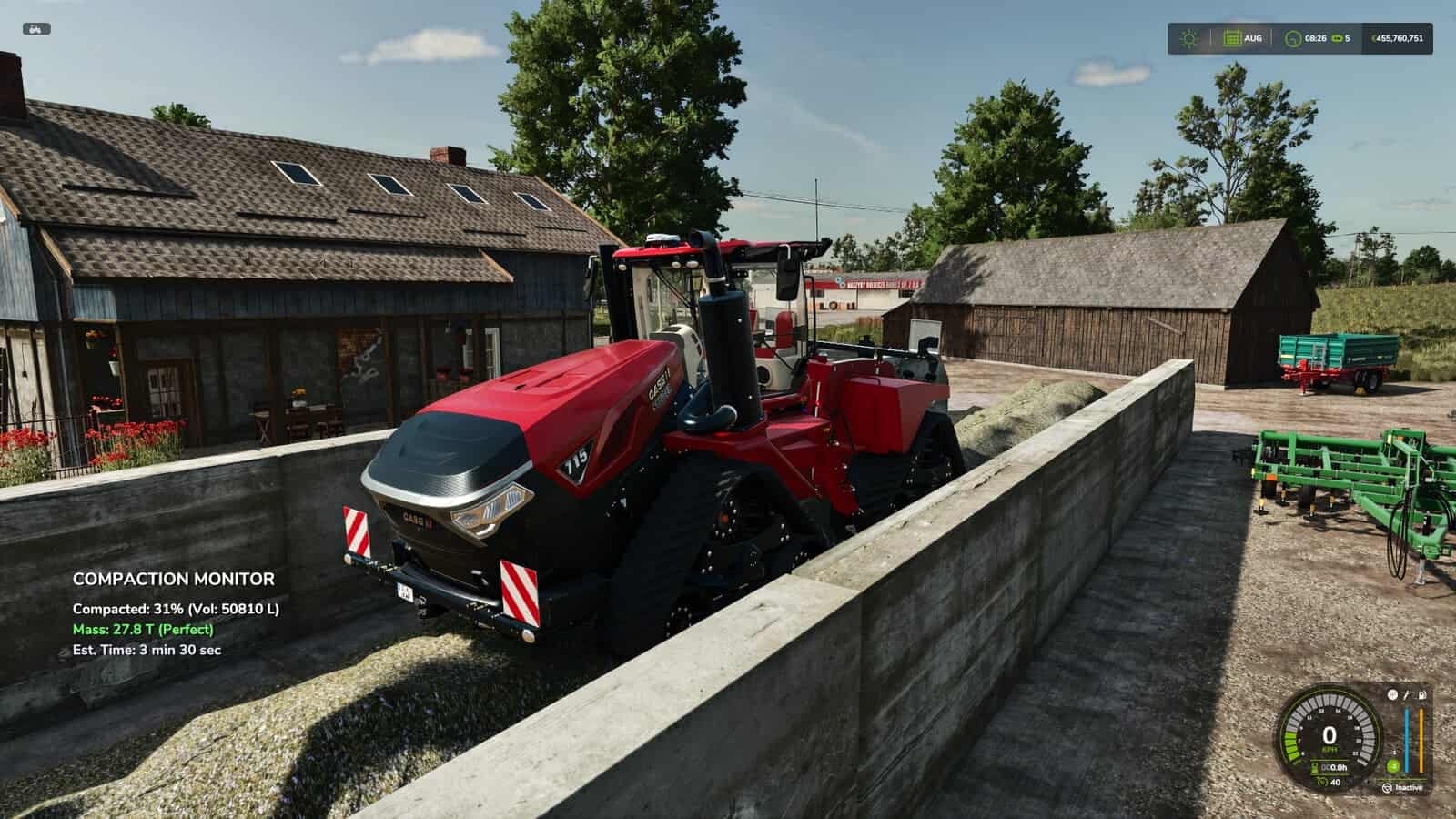
The Silage Compaction Monitor adds a real-time information HUD whenever you are working in a bunker silo. It displays vehicle mass, compaction efficiency, estimated time remaining, compaction progress, and total silage volume.
Features
- Real-Time HUD: Automatically appears when you enter an active bunker silo while inside a vehicle.
- Total Vehicle Mass: Accurately displays the combined weight of your tractor, weights, and attached implements in Tons.
- Efficiency Indicator: The mass display is color-coded to show if your setup is too light (Red/Orange), good (Yellow), or perfect for the job (Green).
- Time Estimation: Provides a dynamic estimated time remaining until 100% compaction, based on your current vehicle’s weight.
- Progress Tracking: Clearly shows current compaction percentage and total silage volume.
- Smart Detection: Warns you if you are on foot and need to enter a vehicle.
Changelog
v1.1.0.0
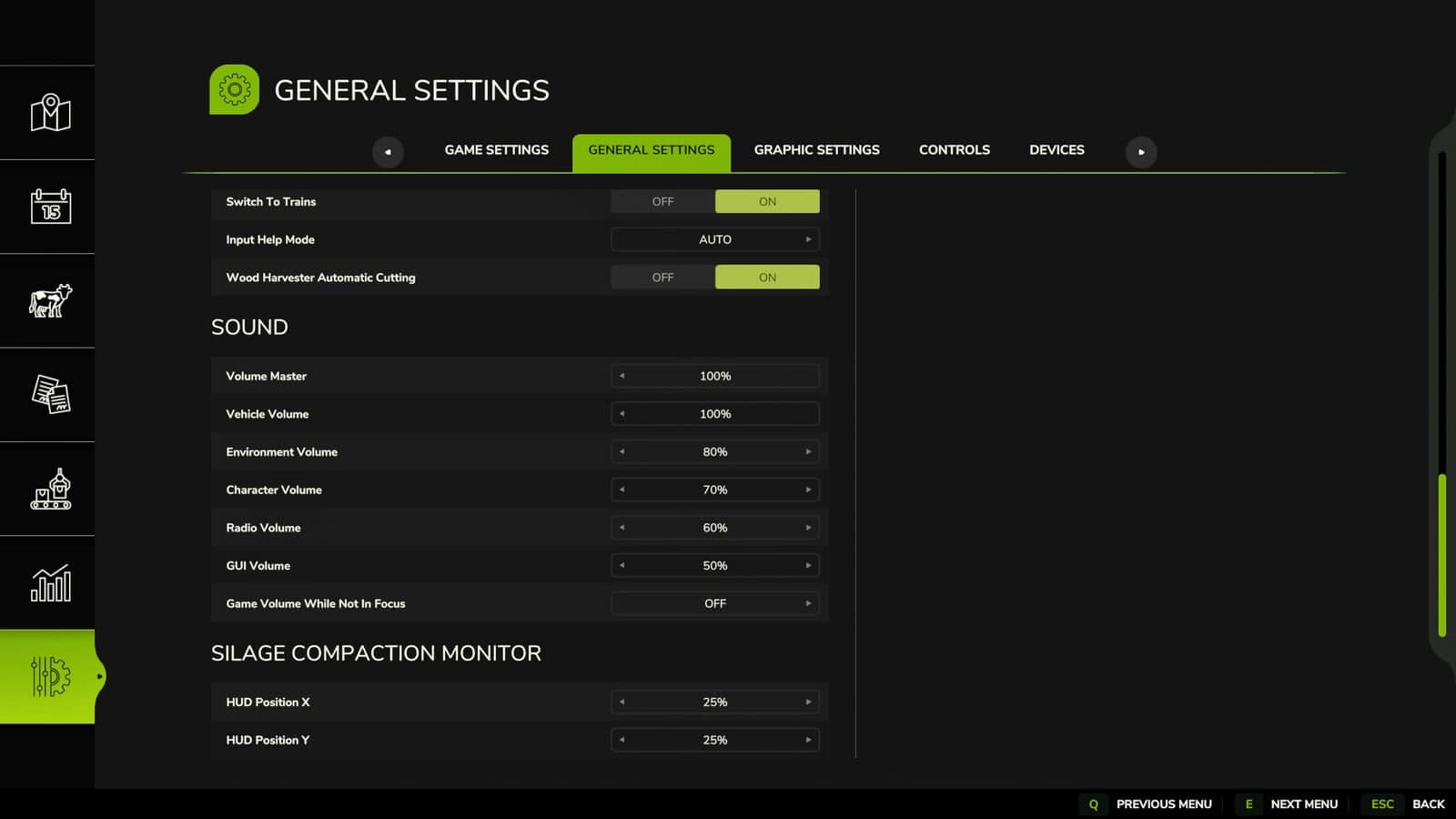
- Added a new option in the in-game settings menu. You can now freely move and adjust the position of the monitor on your screen to suit your playstyle.
- Resolved an issue with the weight count. The monitor now accurately tracks and displays the correct weight data for flawless compaction tracking.
v1.2.0.0
- Fixed HUD visibility in adjacent covered bunker silos.