FS25 Kirikouano Menu HUD v1.4
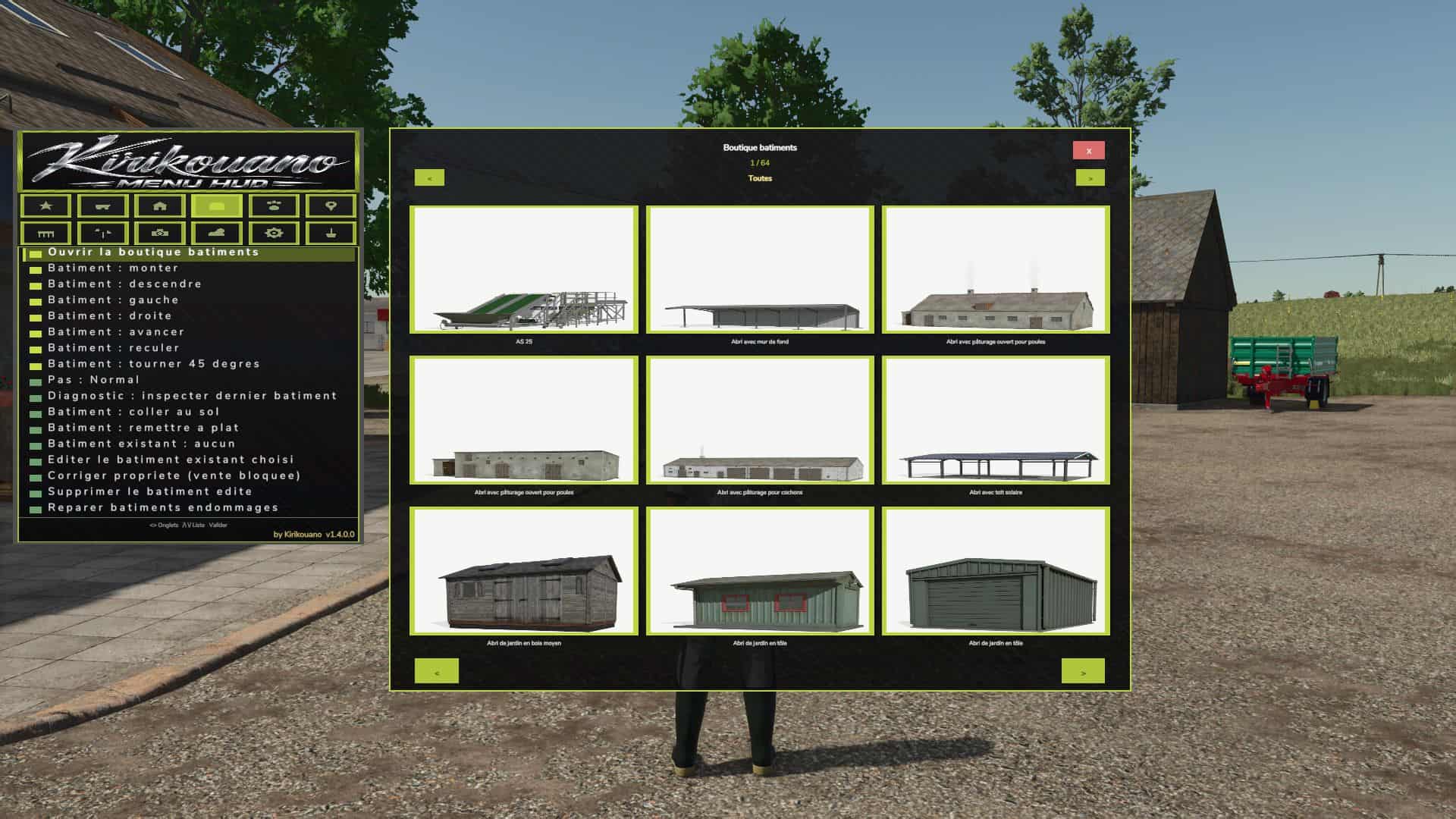
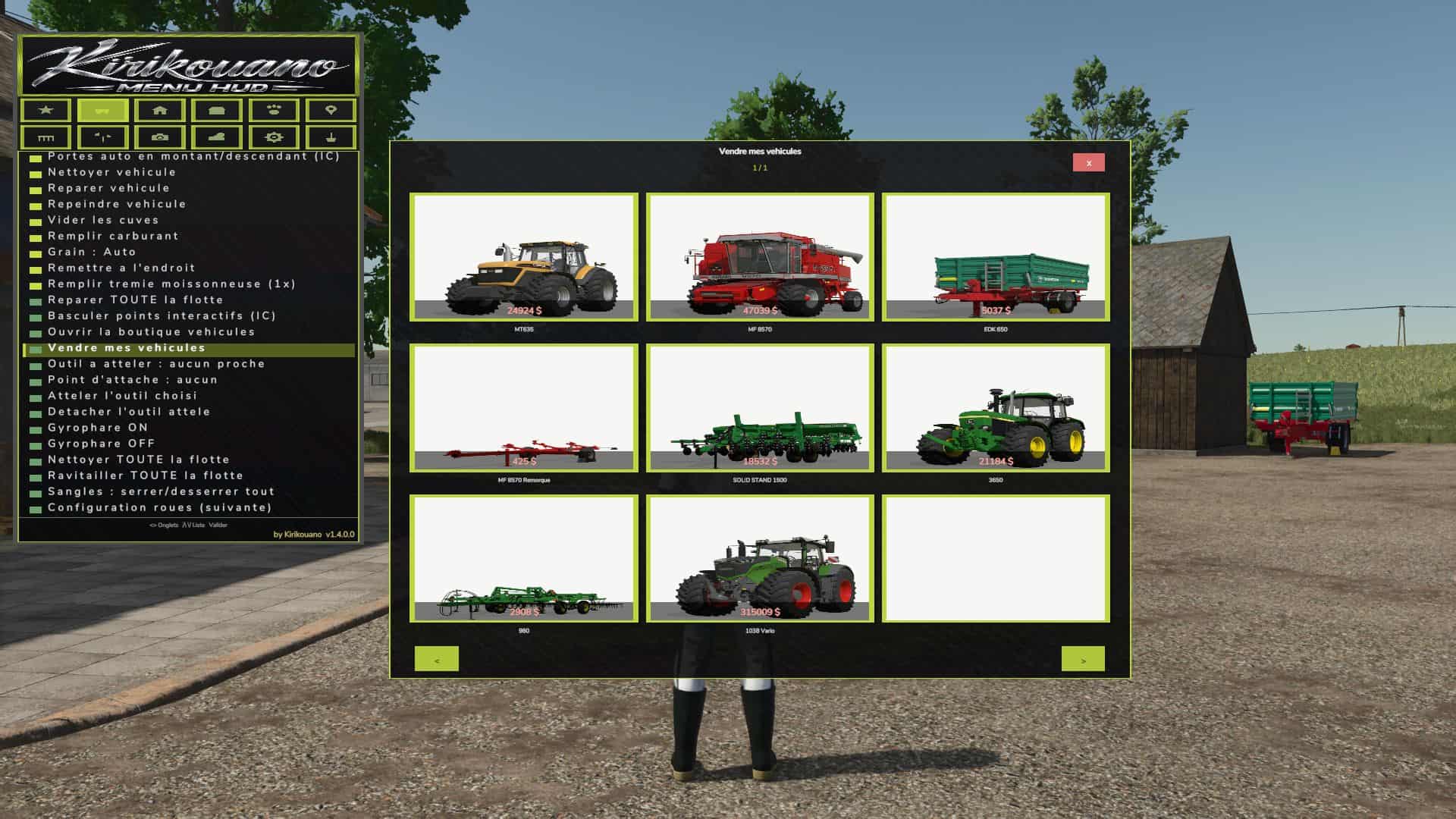
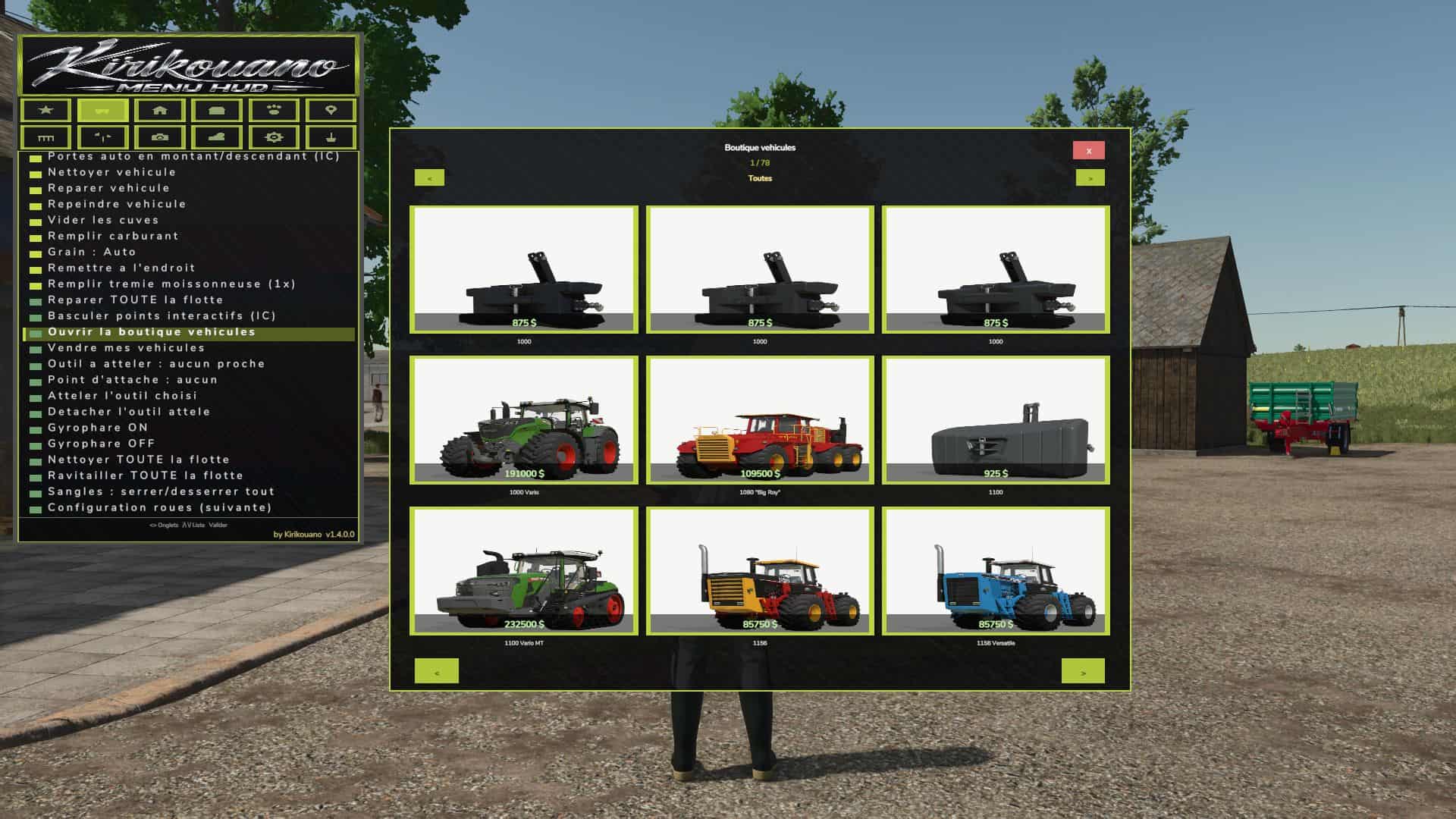
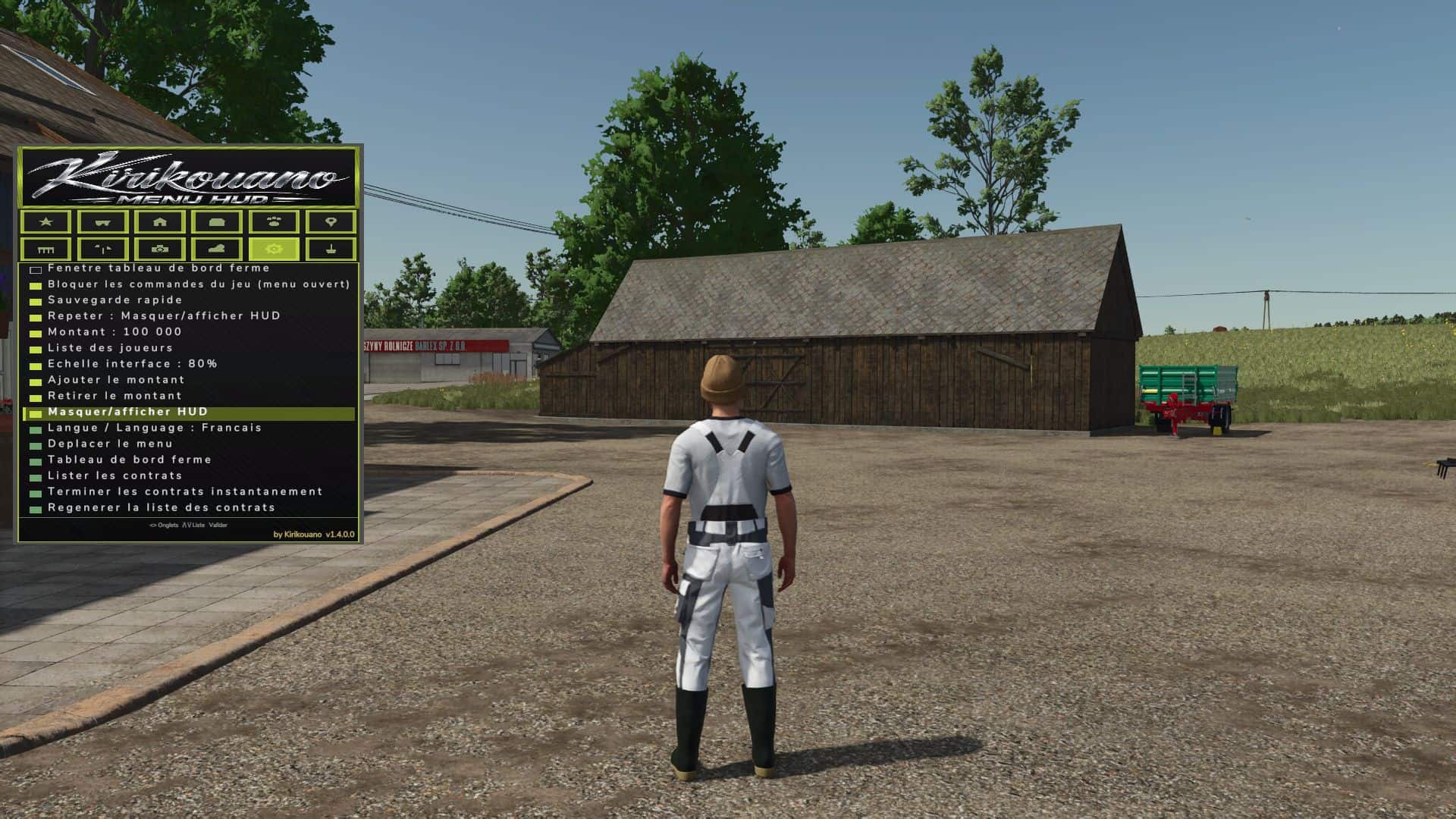
Kirikouano menu: F12 opens/closes a modular and compact panel. Includes silver, full fill, no wear, flight, fast speed, strength, automatic doors/barriers and free terraforming (toggles); clean/repair/empty vats, choose grain, spawn pallets/bales, buy all terrain, field status editor, right overturned vehicle, quick save, movable and recolorable panel. Keyboard navigation (wheel/click or Up/Down/Enter) by default. Controller: no buttons automatically assigned (to avoid any conflict with your own settings) — assign the “KM_MENU_*” actions yourself in Options > Controls > Controller if necessary. The panel moves with the dedicated I/J/K/L keys (not the arrows, to avoid conflicts with the camera). Note: Time and Weather actions use game developer console commands and require the “-cheats” launch option; all other features work without it.
V1.4.0.0
– New: cargo straps, tighten/loosen all with one click (VEHICLE tab)
– Pallet/bale loading: completely redesigned custom system (physics disabled during transport, no more objects flying away)
– Loading: stacking up to 3 levels high (instead of 2)
– Loading: automatic positioning according to the actual dimensions of each attached trailer
– Loading: filter All / Pallets only / Bales only
– Loading: fixed the positioning of round and square bales (they no longer touched the ground or protruded)
– Loading: reduced empty spaces between pallets, tighter loading
– Loading: fixed overhangs at the front and rear of the trailer
– Unloading: completely redesigned, clean stacking like “farm storage”
– Unloading: choose the unloading direction (front/rear/left/right)
– Removed an old duplicate loading system that caused inconsistencies
– Vehicle teleportation: fixed articulated vehicles (tractors), which could fly away after teleportation
– Manual tool attachment: fixed several coupling bugs
– Shops (purchase/sale/pallets): double-click protection to prevent duplicate purchases/sales
– Multiplayer stability fixes and various internal adjustments
– Complete interface redesign: new dark theme, decorative border, revised banner and icons
– You can also make the dog move, make the dog return to its kennel, and feed it
– Vehicle teleportation