FS25 Paint & Decal Studio v3.6
PHANTOMAS Paint & Decal Studio paints EVERY paintable material on a vehicle – not just the handful of colour slots the vehicle maker exposed.even not paintable vehicles.
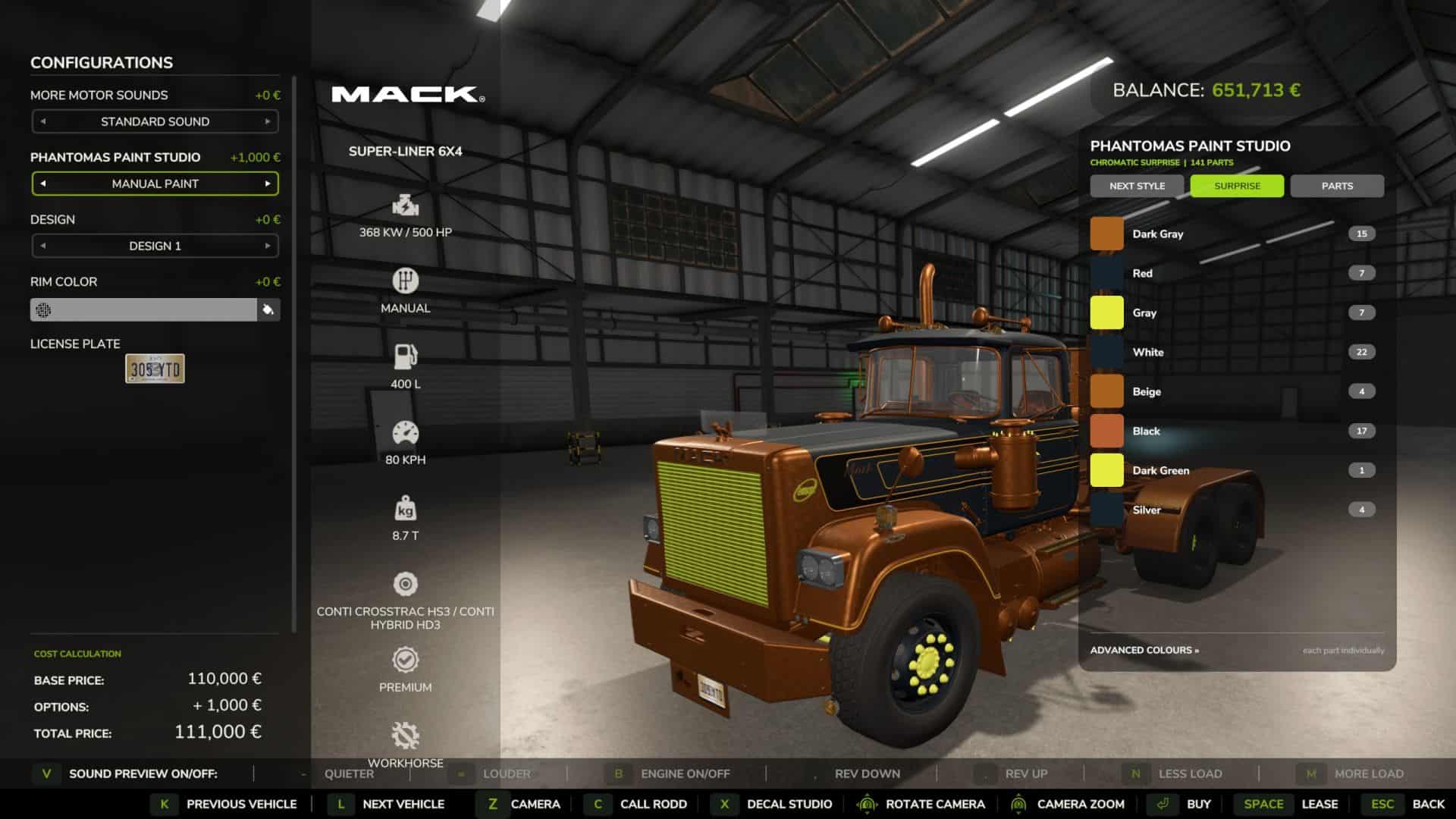
Enable “PHANTOMAS Paint Studio” in the shop or workshop to open the studio. The LIST contains full paint presets: every curated shade is available in Glossy, Metallic and Matte, with additional Pearl, Candy, Chrome and Galvanized selections. Use any RGB colour, premium finishes and more than twenty original patterns. Switch to the per-part tree for independent left/right material-slot control.
Cycle an extensive collection of curated whole-vehicle themes with STYLE PRESET or generate a four-role chromatic combination with SURPRISE. Applying paint costs an adjustable fee, and every design survives buying, saving, workshop changes and multiplayer.
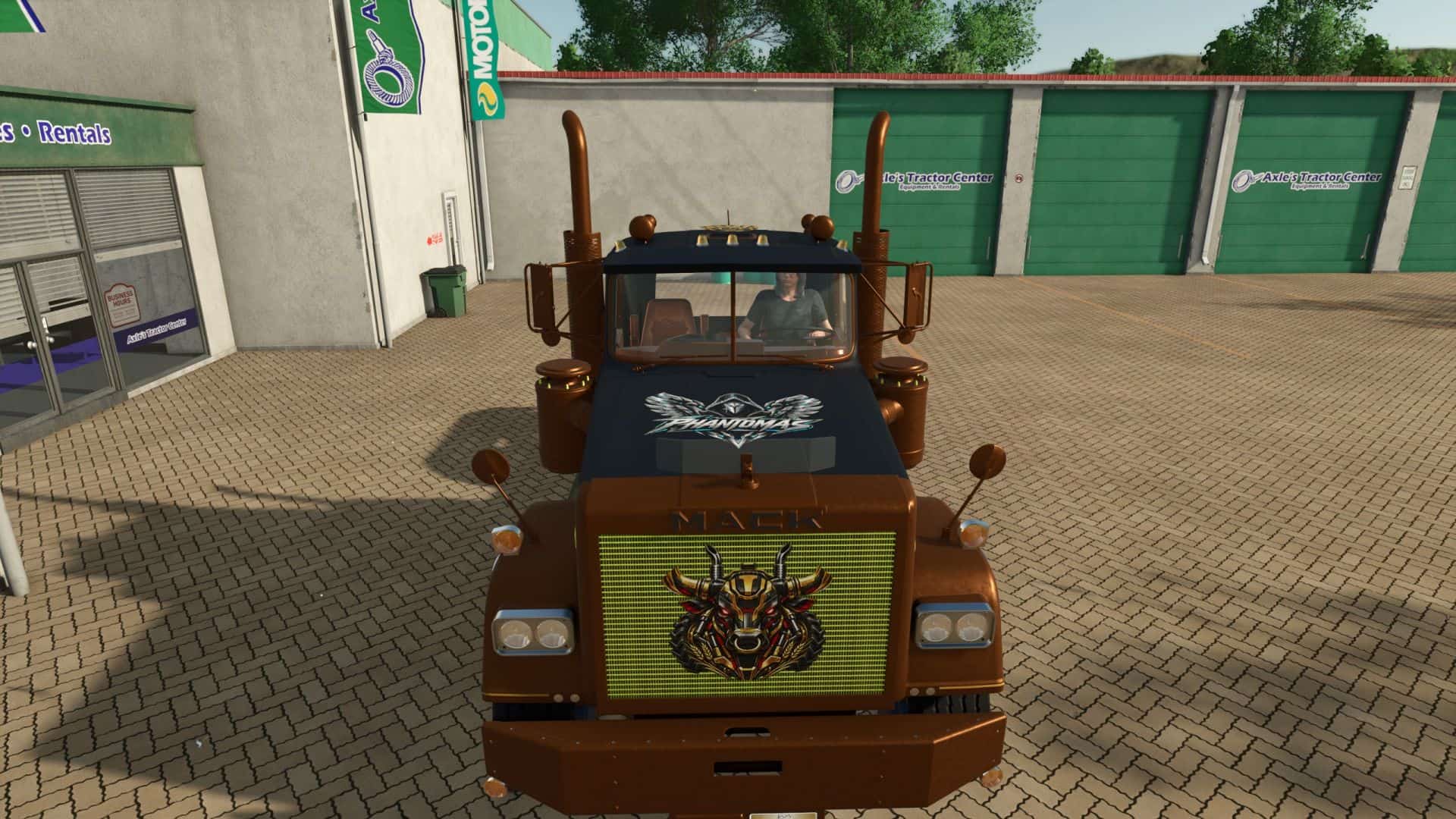
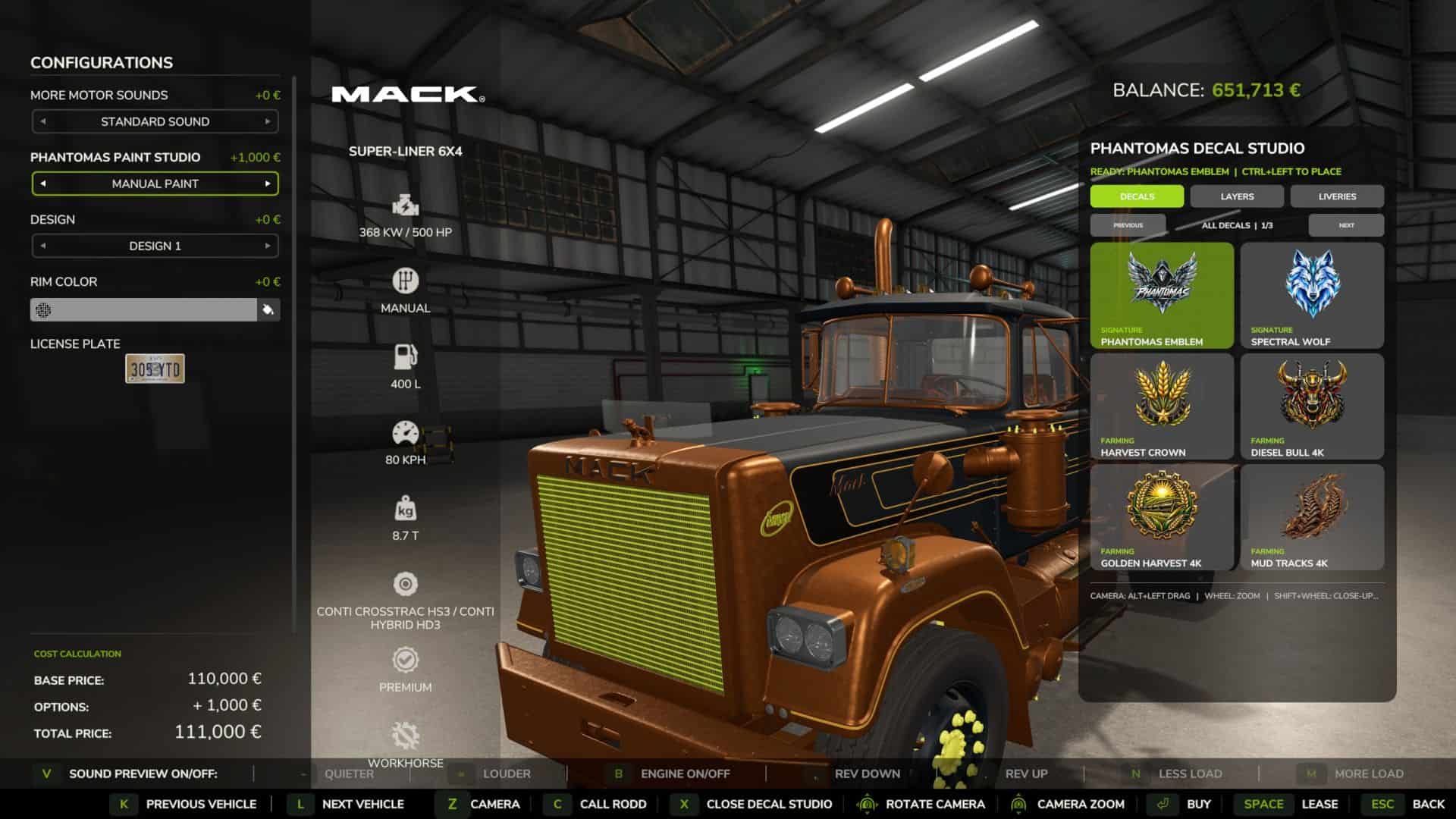
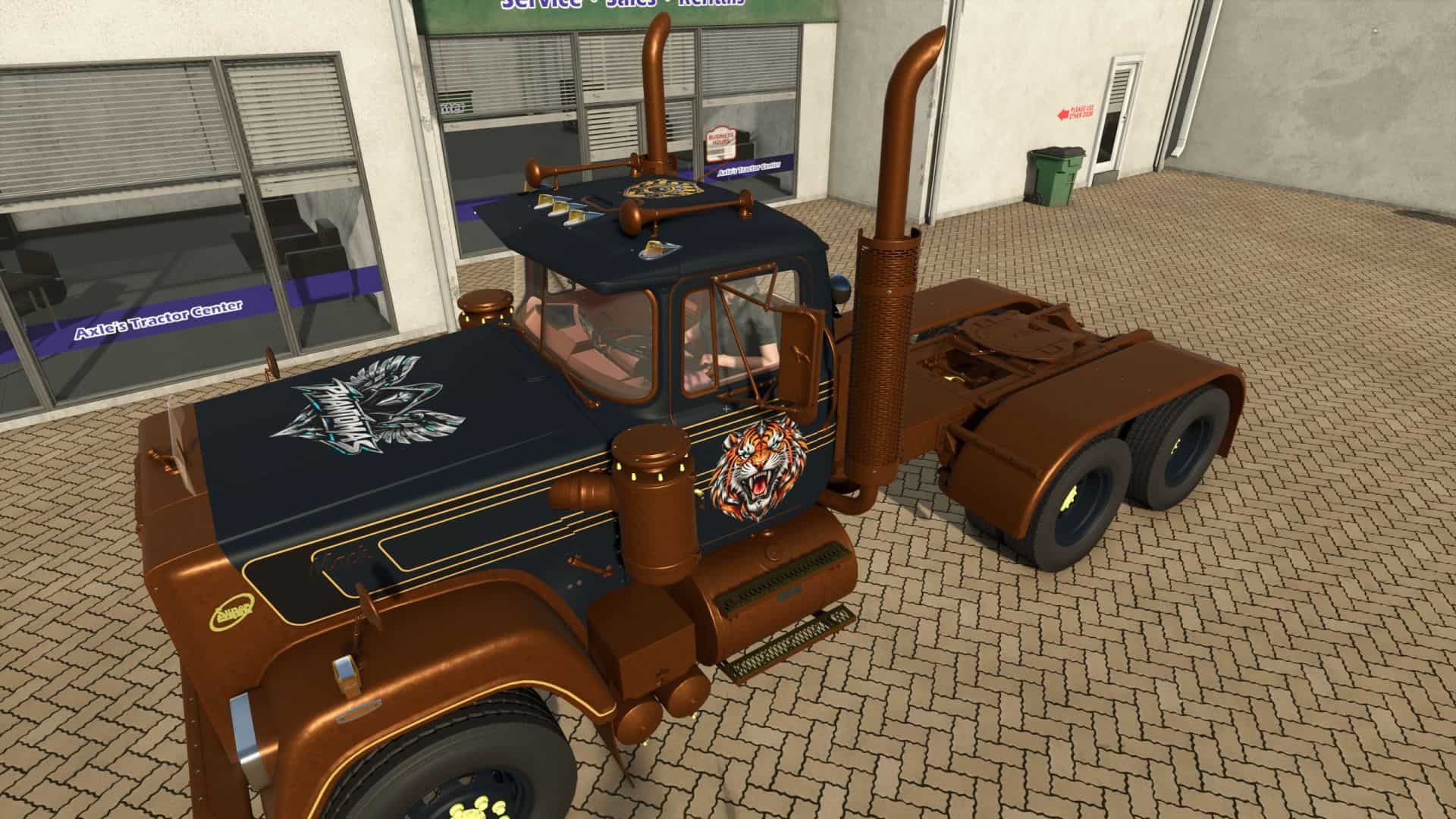
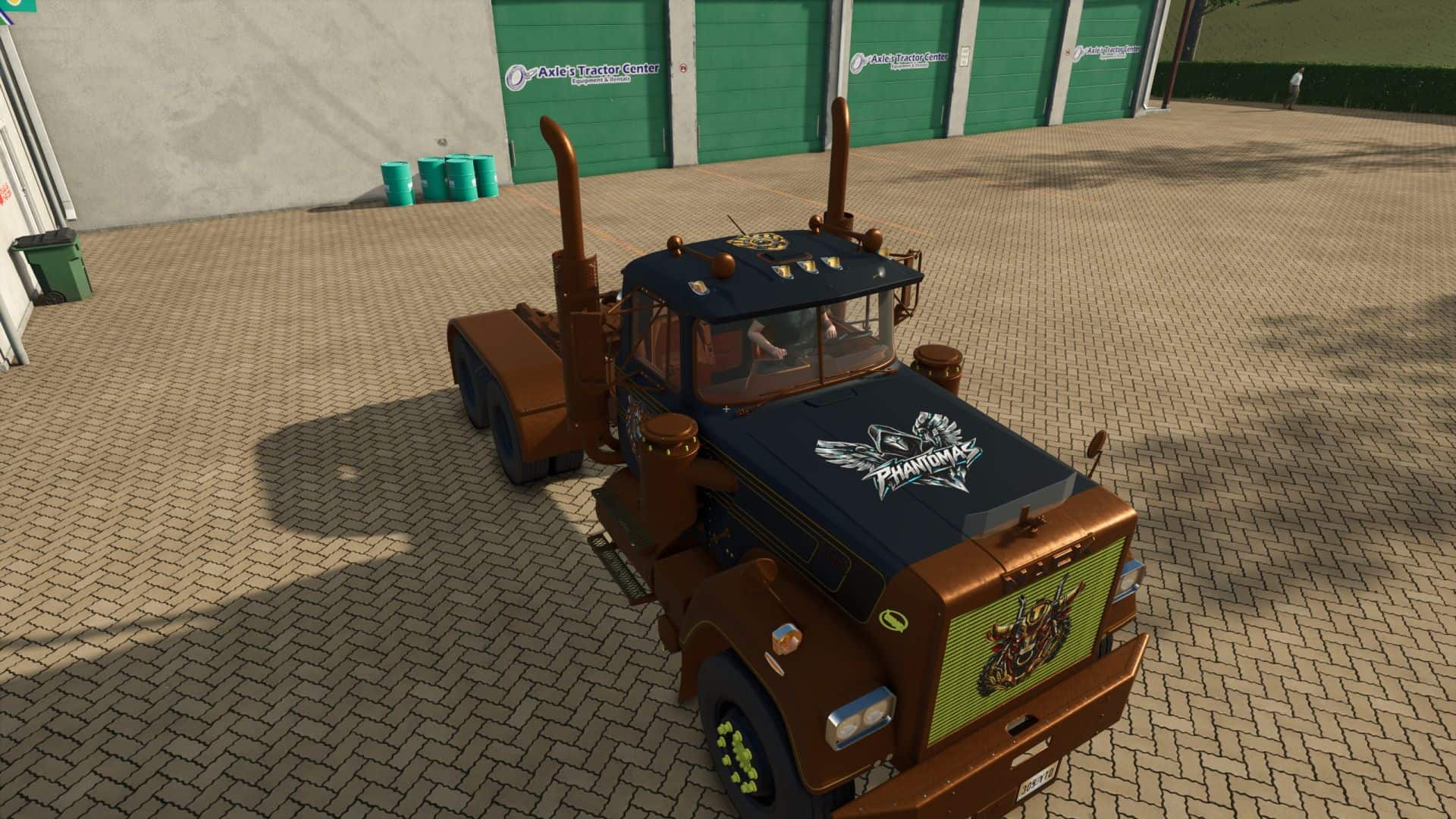
Version 3.1 adds the first visual Decal Library. Open DECAL STUDIO to replace the paint rail with a clean thumbnail catalog and choose PHANTOMAS Emblem, Spectral Wolf, Mechanical Raven or Harvest Crown. The shop camera stays completely native while browsing: Alt + left drag rotates it and plain mouse wheel zooms. Shift + mouse wheel adds a precision close-up range for detailed decal placement and returns cleanly to the native field of view when the studio closes. Decal commands are armed only while Left Ctrl is held. Ctrl + left-click places the chosen design; Ctrl + right-click selects an existing decal for editing. Middle-mouse drag uses Surface Snap and follows detected vehicle panels; large false jumps through render-only panels are rejected. Ctrl + middle-mouse drag provides Free Move without raycasting or changing decal orientation, allowing positioning over aluminium boxes and other visual-only body panels. Shift + middle-mouse drag tilts freely on two axes. Placement rays ignore existing PHANTOMAS decals and showroom geometry. Ctrl + wheel resizes, Ctrl + Shift + wheel rotates on the surface, Ctrl + Alt + wheel adjusts depth, and Ctrl + Shift + right-click deletes. Rotation and both tilt angles are shown live in the library and persist through buying, saving and multiplayer. Decals are rendered double-sided so glass-mounted designs remain visible from both outside and inside the cab. Clicking a catalog thumbnail exits the current edit and prepares that design for placement. No vehicle I3D edit is required. Every design follows the selected vehicle component.
Version 3.2 introduces the Layer Manager. Every applied decal appears in a paged visual list and can be selected without clicking the vehicle, reordered for clean overlap, hidden, locked against accidental edits, duplicated or deleted. Layer visibility, protection and order persist with purchased vehicles, savegames and multiplayer.
Version 3.2.1 keeps Cyber Phoenix as a premium 4K decal and adds one-click MIRROR in Layer Manager. MIRROR creates a matching copy across the vehicle’s central left/right axis while preserving design, size, rotation and tilt. The mirrored copy is selected immediately for final surface adjustment.
Version 3.3 adds Livery Presets. Six model-specific slots store and restore the complete current design in one action: every custom colour, finish, material pattern and decal layer. Presets are kept in the current savegame and can be overwritten or deleted directly from the new LIVERIES tab.
Version 3.4 introduces Decal Packs. The DECALS tab now browses named packs and pages without crowding the studio. Its catalog is loaded from decals/decalPacks.xml, so future decals require only their DDS, thumbnail, I3D and one catalog entry; rendering and GUI scripts remain untouched. Existing decal IDs and saved vehicles remain fully compatible.
Version 3.5 fills the studio with ten new original 4K decals: Diesel Bull, Golden Harvest, Mud Tracks, Twin Turbo, Cyber Tiger, Cyber Stallion, Mech Eagle, Gear Shield, Reactor Skull and Wheat Pinstripe. The collection is organised into Farming, Racing, Animals, Industrial and Ornaments packs. Every new asset includes a lightweight thumbnail and loads its full-resolution texture only when used on a vehicle.
Version 3.6 rebuilds Paint Studio with a premium header and permanent STYLE, SURPRISE and PARTS controls. Whole-vehicle styles now reach every safe paintable part instead of inheriting the Advanced-list visibility filter, use a fourth semantic detail role and report their coverage live. Eight new chromatic templates and twenty-one exotic Pearl, Candy, Satin and coloured-Chrome finishes expand the palette.