FS25 Log Error Extractor v1.2
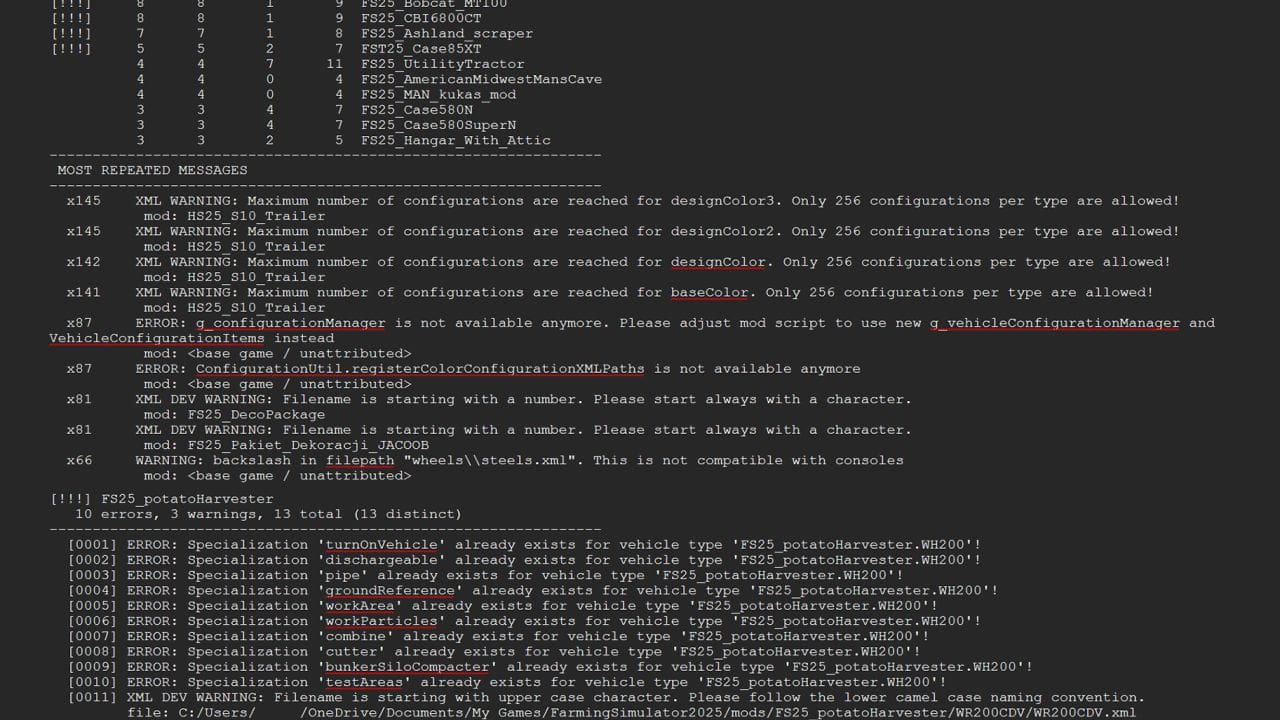
Stop scrolling through thousands of lines of log file trying to work out which mod broke your game. Log Error Extractor captures every error and warning your game produces and writes them to a clean, readable report — errors and warnings only, nothing else. It then ranks every mod in your folder by how many distinct problems it’s causing, so the culprit is sitting at the top of the list instead of buried somewhere in a 6,000-line log.
What it does
– Writes a report containing only errors and warnings, saved as log_errors.txt next to your normal log
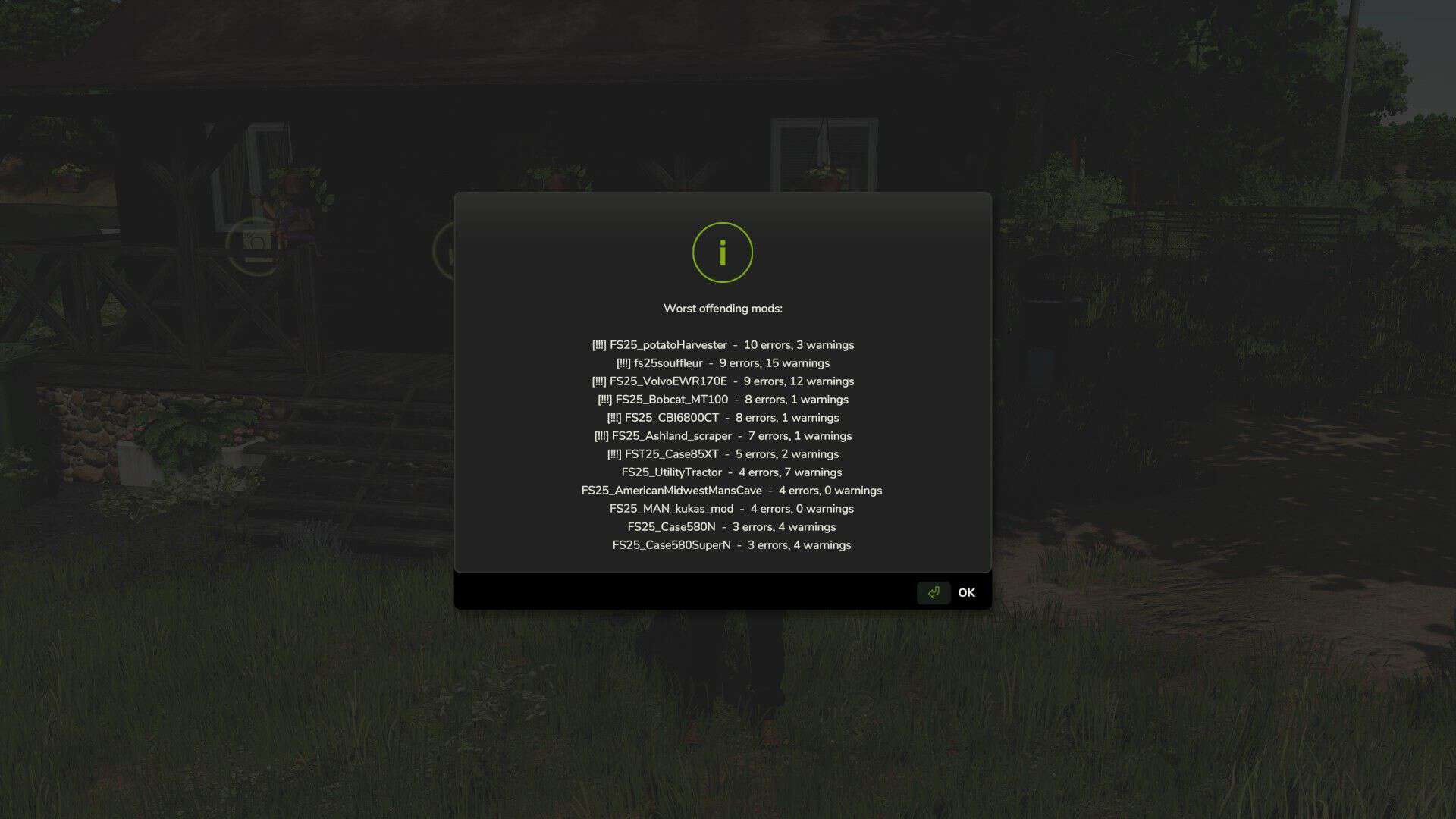
– Ranks your mods worst to best by distinct error count, with flags on the serious offenders
– Collapses repeated messages — one mod throwing the same warning 500 times shows once with a count, not 500 lines
– Breaks the report down mod by mod so you can see exactly what each one is throwing
– Console commands are there for anyone who prefers them: dumpLogErrors, topLogErrors, countLogErrors, clearLogErrors
– Getting started
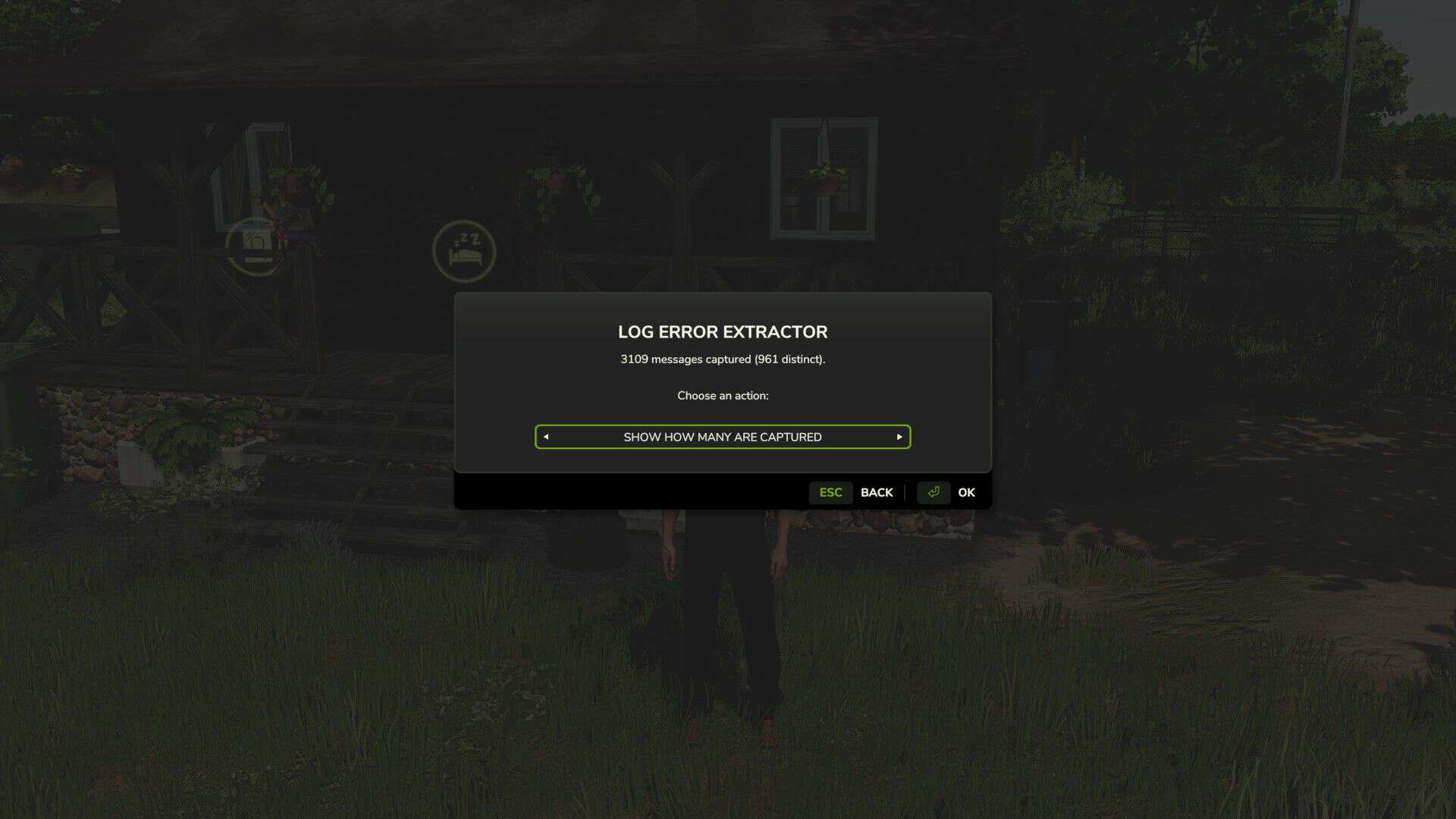
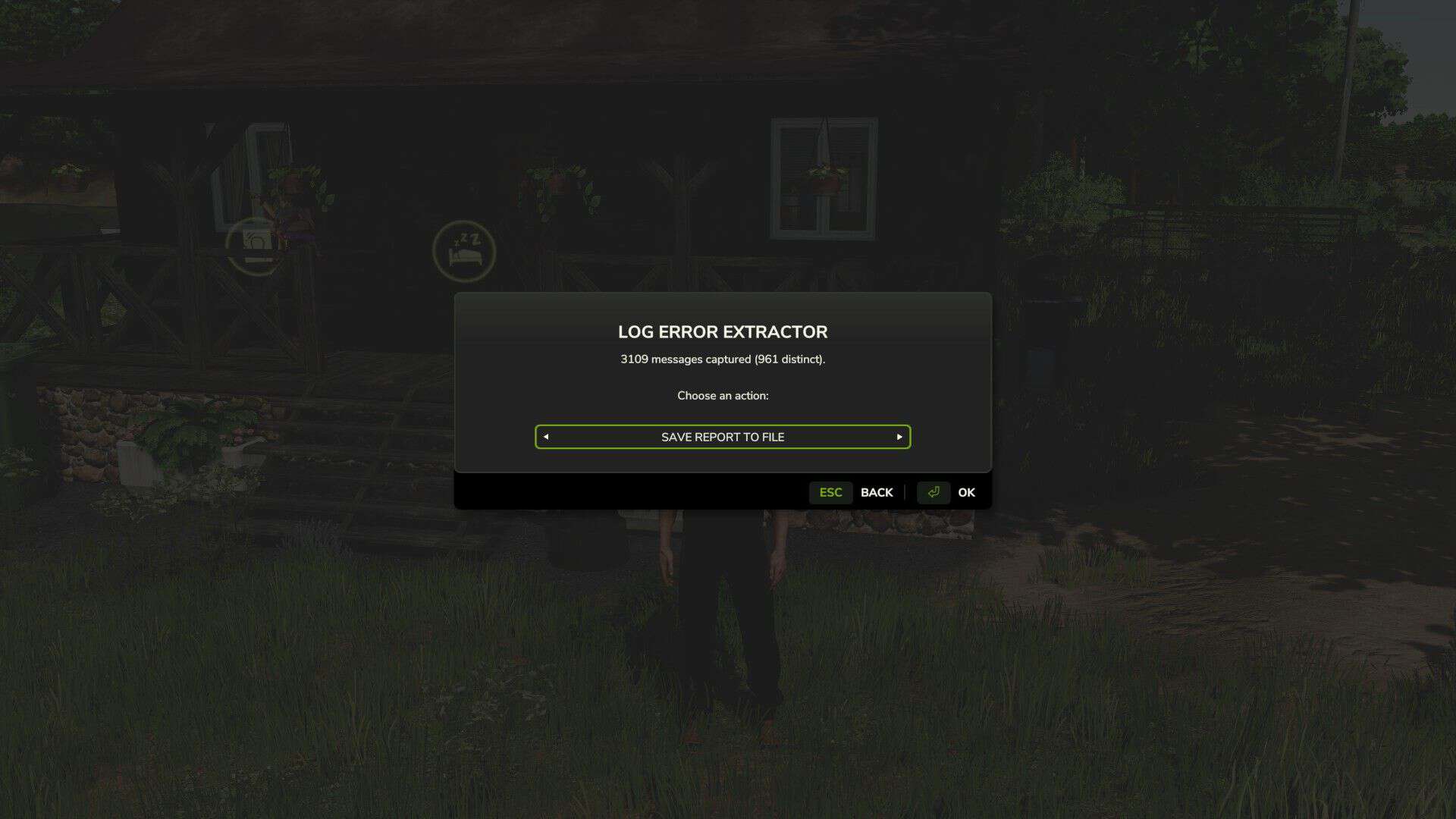
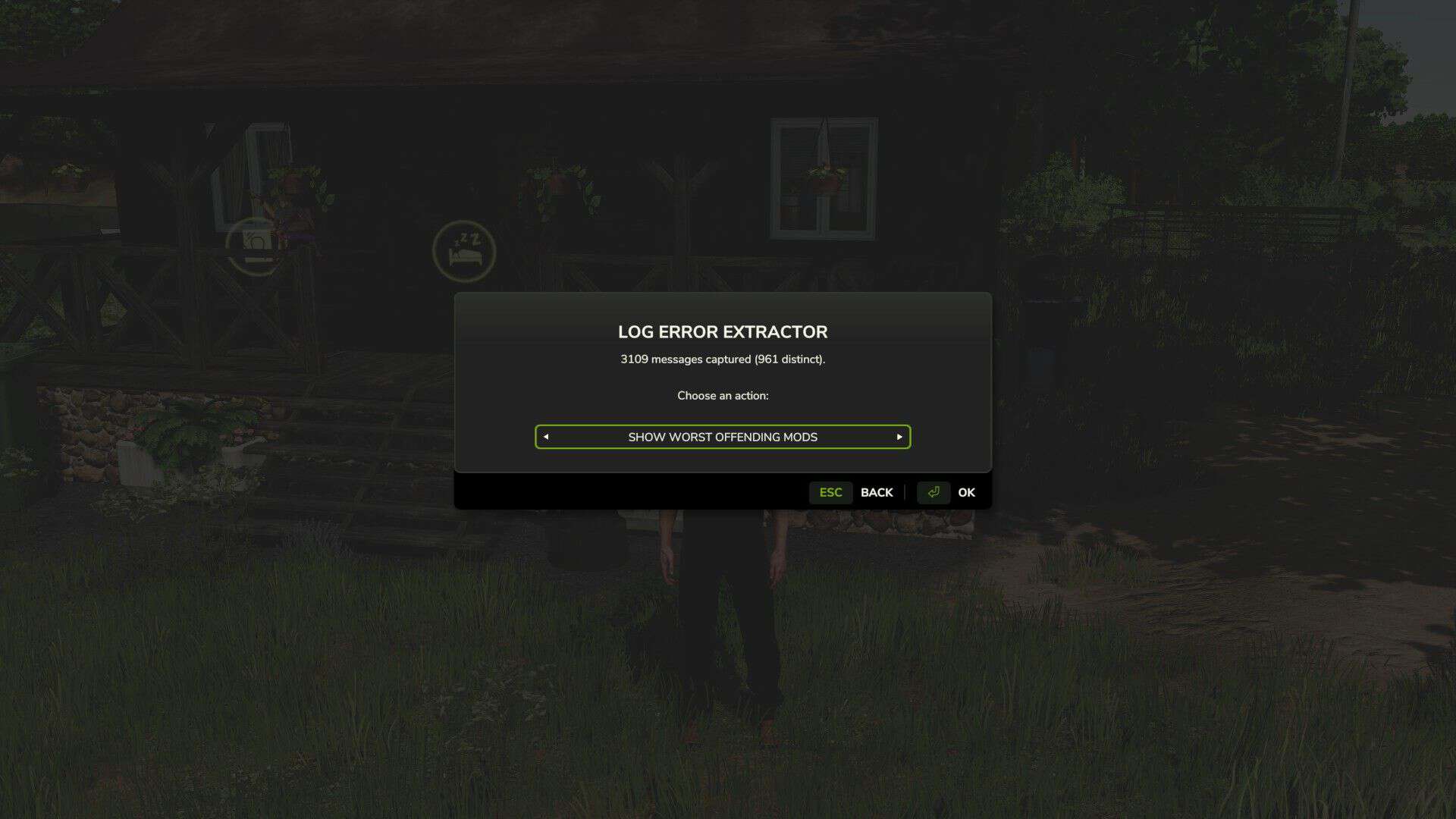
Bind a key under Options → Controls → Log Error Extractor, load your save, and press it. The menu opens anywhere — on foot, in a vehicle, doesn’t matter. Cycle the options with the arrows and hit OK.
– Save Report To File — writes the full report to log_errors.txt in your Farming Simulator 2025 folder.
– Show Worst Mods — puts your top offenders straight on screen, no file needed.
– Show Count — tells you how many errors and warnings have been captured so far.
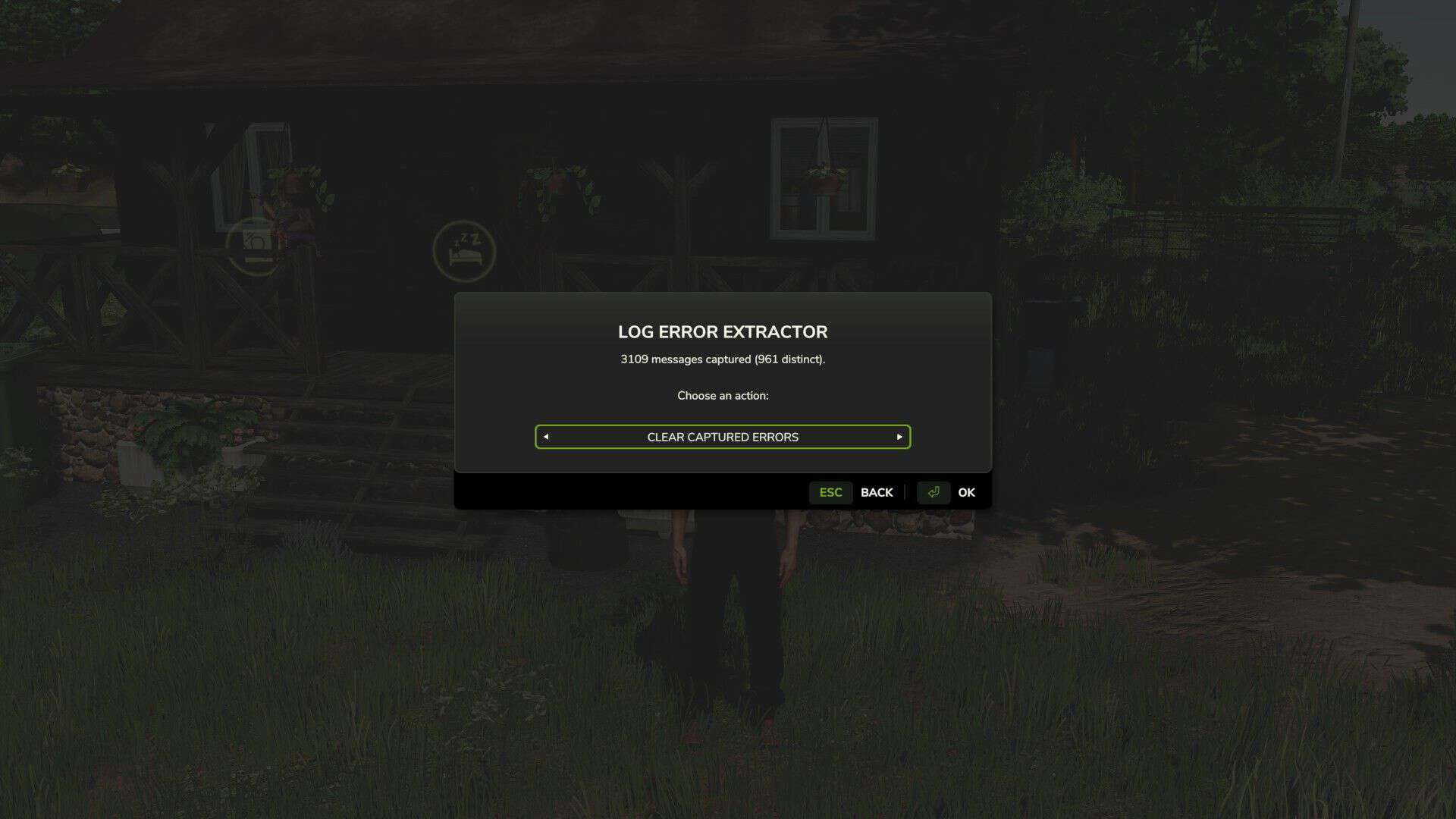
– Clear — wipes everything collected up to now so your next report starts clean.
– That last one is the most useful when you’re hunting a specific conflict. Clear the buffer, recreate whatever broke, then save the report — and it’ll contain nothing but what happened in between.
Important — do not rename the mod. The folder is called FS25_AAA_LogErrorExtractor on purpose. Farming Simulator loads mods alphabetically, and the AAA forces this one to load first so it can capture errors from everything that loads after it. Rename it and it drops down the list, and anything loading before it goes uncaptured.
Requirements and limitations
– PC only. This is a script mod, and script mods are not supported on PlayStation or Xbox.
– Singleplayer only for now. Multiplayer is untested rather than known-broken — it’s declared unsupported so it won’t load in an MP save. If you’d like to help, flip in the modDesc, test it, and let me know what happens.
– It cannot capture errors that occur before it loads, so base game startup and engine-level messages won’t appear. Check the game’s own log.txt for those.
Reporting problems
The mod writes a small health check file, log_status.txt, every time you load a save. If something isn’t working, open it — and please attach it if you’re reporting an issue.
V1.2.0.0
Unneeded files removed from the zip.
I know I said not to rename the zip in both my posting and the video showing how to use. But a caveat I had not thought about was brought up in the comments.
The FS25_ prefix is a GIANTS ModHub submission rule, not something the game engine requires. The game only cares that the name is letters, digits and underscores, and doesn’t start with a digit. Renaming the zip to AAA_LogErrorExtractor.zip works fine.
So go ahead and Right click the mod, choose rename and then delete the FS25_ prefix if you are finding you have mods not being found.
Check your console or basegame log and see a texture warning showed up in `log.txt` — a raw-format PNG that should have been a DDS and The Log Error Extractor didn’t capture it. The report came back clean. That looked like a bug in the extractor. It isn’t. It’s a boundary of how the mod works, and it’s worth writing down.
How the extractor actually works
It can’t read `log.txt`. That was settled early on: the Lua sandbox only allows `io.open` in write mode, and the game holds the log file open exclusively anyway. Nothing in a script mod can open it and scrape it. So instead of reading the log, the extractor sits in front of the functions that *write* to it. At load time it wraps `printError`, `printWarning`, the whole `Logging` family, and a filtered `print`, buffers everything they’re handed, and dumps that buffer on command. That works well. On a 1,200-mod load order it captured 3,182 messages.
Why this one slipped through
The hooks aren’t failing. If this warning had passed through any of those functions, it would have been sitting in the dump with the other three thousand. It wasn’t. So it never went through Lua at all. Texture loading happens in the engine’s C++ layer, which writes to `log.txt` directly. There’s no Lua function in the path, so there’s nothing to wrap. Combine that with not being able to read the log back, and the message is genuinely unreachable. Not “hard to catch” unreachable by this design.
What else is in that category
– anything the engine handles itself rather than routing through script:
– texture format and loading problems
– i3d loading failures
– shader compilation messages
Anything a mod’s Lua code reports is still caught normally, which is the large majority of what actually matters when you’re chasing a broken mod.
The practical takeaway
“0 errors” from the extractor means “0 errors that Lua reported.” It does not mean the log is clean. That distinction belongs in the README, because a tester who reads it the wrong way will report a mod as healthy when it isn’t.
Possible future work
Covering this class would need a completely different mechanism scanning the mods folder for raw format textures directly, rather than waiting for the engine to complain. That sidesteps the log entirely. It depends on directory listing being available in the sandbox, which hasn’t been verified. Worth a look, but it’s a new feature rather than a fix.