FS25 Forest Converter v1.0
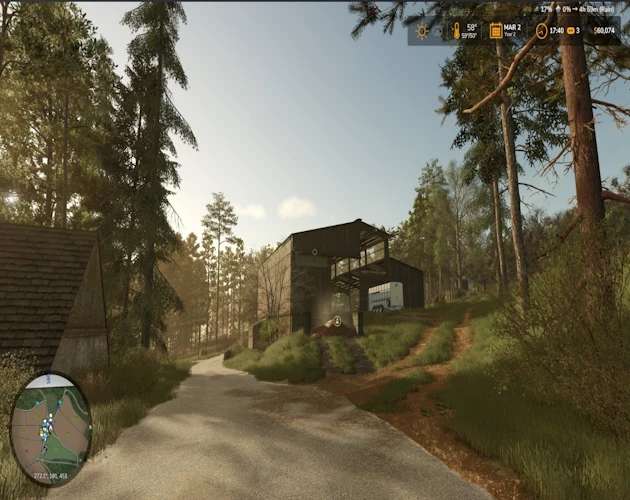
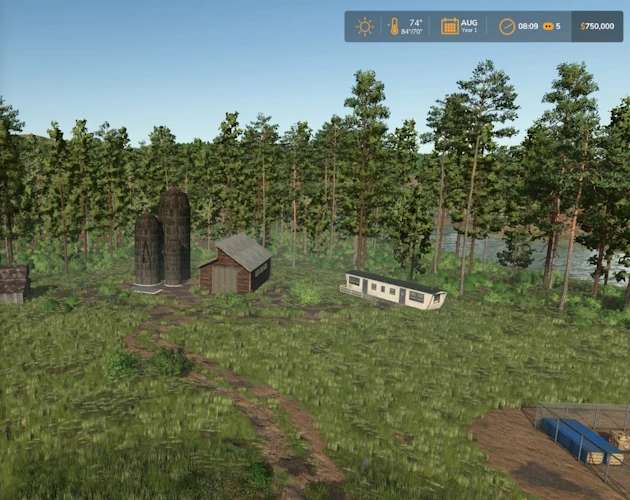
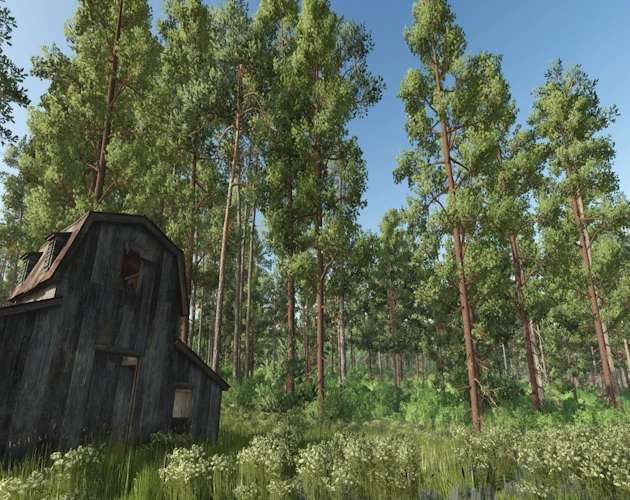
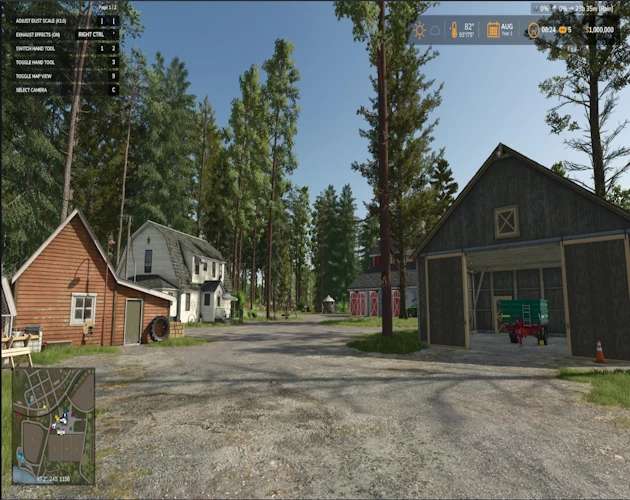
Forest Converter is a universal tree-conversion script mod for Farming Simulator 25 on PC and Mac. It replaces safely isolated standing map trees with a configurable mix of verified mature forestry trees.
Unlike a small radius-based replacement tool, Forest Converter can scan:
– The entire map
– All farmlands owned by the current farm
– Only the farmland where the player is currently standing
Every conversion starts with a protected preview. You can review the number of eligible trees, skipped-tree safety information, and normalized species mix before confirming any changes.
The default mix is:
– 50% Silverrun Pine
– 50% Silverrun Ponderosa Pine
Lodgepole Pine, Giant Sequoia, the bundled Pine and Spruce mature variants trees, and other compatible species remain optional at 0% until you choose to include them.
Important: Back up an existing savegame before converting trees. Conversion changes the savegame-managed tree population and is not intended to be an undo tool.
Main features
– Dedicated Settings > Forest Converter tab
– Works on fresh starts and existing savegames
– All Map Trees, Owned Farmlands, and Current Farmland scopes
– Configurable weighted tree-species mix
– Weights are normalized automatically; they do not need to total 100
– Protected preview and confirmation before conversion
– Trees are processed gradually to reduce frame spikes
– Mature replacement models are created immediately
– Compatible map and enabled tree-pack registrations are detected automatically
– Only verified mature forestry targets are offered by the converter
– Cut trees, logs, stumps, protected objects, and unsafe tree hierarchies are skipped
– Automatic circuit breaker disables conversion safely when an unsupported condition or excessive failure rate is detected
– Thirteen bundled mature forestry trees are also individually placeable from the Construction menu
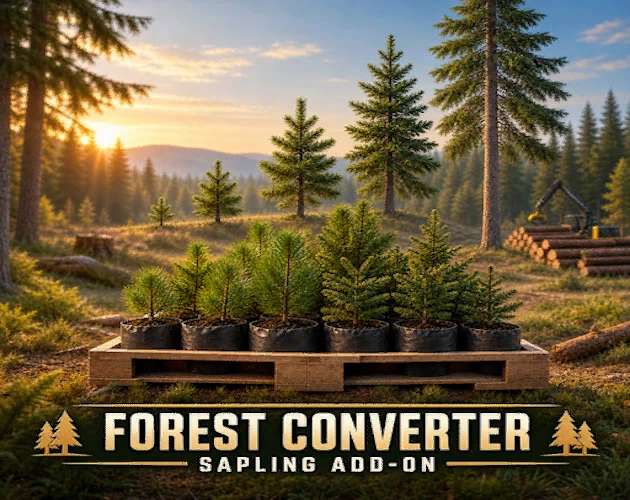
– Optional Forest Converter Sapling Add-On with eight pallet sizes and dynamic species selection
Bundled Forest Converter trees
The following 13 credited mature tree models are registered under unique Forest Converter species names:
– Spruce Variant 1
– Spruce Variant 2
– Spruce
– Scottish Spruce Variant 1
– Scottish Spruce Variant 2
– Scottish Spruce Variant 3 — repaired distant LOD
– Pine Variant 1
– Pine Variant 2
– Old Pine
– Scotch Pine
– Riverside Birch
– Cypress
– Eucalyptus
They are available as optional conversion targets and under:
– Construction > Landscaping > Forest Converter Trees
– Construction placement creates a mature, registered tree without converting or changing any nearby trees.
– Optional Sapling Add-On
FS25_ForestConverterSaplingAddon.zip is an optional companion download.
It adds liftable pallets containing:
– 6 saplings
– 24 saplings
– 40 saplings
– 60 saplings
– 120 saplings
– 175 saplings
– 240 saplings
– 300 saplings
The Tree Type selector is built from FS25’s active plantable-tree registry, allowing all 13 Forest Converter registrations—and other compatible active species—to appear without relying on a fixed hard-coded list.
The pallet displays the selected supported species name, and the label color can be changed in the shop. Forest Converter saplings use a compatible young stage and grow into the selected mature model.
Giant Sequoia remains an explicit oversized option. It should be treated as a chainsaw tree because its mature trunk is generally too large for a normal wood harvester.
The Sapling Add-On has its own technical mod identity and does not replace the original Tree Sapling Pack. Both can remain installed, although this will add similar pallet products to the shop.
– Requirements
– Forest Converter
– Farming Simulator 25 for PC or Mac
– FS25_ForestConverter.zip
– FS25_SilverrunTrees.zip by Jos — required separately and not included
– Optional Sapling Add-On
– FS25_ForestConverterSaplingAddon.zip
– Forest Converter version 1.1.0.0 or newer
– Silverrun Trees by Jos
– Multiplayer is not currently supported.
Installation
– Delete older copies of Forest Converter and the Forest Converter Sapling Add-On from your mods folder. Do not keep renamed duplicates.
– Place FS25_ForestConverter.zip in: Documents/My Games/FarmingSimulator2025/mods
– Place FS25_SilverrunTrees.zip in the same folder.
– If wanted, place FS25_ForestConverterSaplingAddon.zip in the same folder.
– Do not unzip the mod files.
– Enable Forest Converter and Silverrun Trees when loading the save.
– Enable the Sapling Add-On as well if you installed it.
– Fully restart the game after replacing an older version.
Using Forest Converter on an existing savegame
– Back up the savegame.
– Load the save with Forest Converter and Silverrun Trees enabled.
– Open Settings > Forest Converter.
– Check the Universal Compatibility Status.
– Select a conversion scope.
– Set the desired species weights.
– Select Preview & Apply.
– Review the eligible-tree count, skipped-tree summary, and normalized mix.
– Confirm the conversion.
– Wait for processing to finish before saving the game.
I recommend testing Current Farmland first. This affects eligible trees across the entire parcel where the player is standing—not merely the trees immediately around the player. Using Forest Converter on a fresh save
Forest Converter can offer a protected preview after the new save finishes loading. You may confirm the current settings or decline, open Settings > Forest Converter, adjust the scope and species mix, and then select Preview & Apply.
No trees are changed until a preview succeeds and you confirm it. Why some trees may not change.
Forest Converter intentionally does not force every visible tree through conversion.
A tree may be skipped when it is:
– Already cut, split, or lying on the ground
– A stump or loose log
– Player-planted or managed by the savegame tree system
– Attached to a vehicle, placeable, mission object, or protected scene object
– A deliberately excluded mission tree
– Decorative geometry that is not registered as a usable tree by the map
– Part of a tree hierarchy that cannot be isolated safely
– Located outside the chosen farmland scope
Skipping these trees is a safety feature, not necessarily an error. Some maps construct forests in unusual ways, so universal compatibility cannot be guaranteed for every decorative tree on every map.
Conversion safety
Forest Converter fails closed when it cannot verify that conversion is safe. Its circuit breaker can disable conversion for the current session if required managers are unavailable, tree hierarchies cannot be isolated, an unexpected exception occurs, restoration fails, or replacement failures exceed safe limits.
If the circuit breaker activates after conversion has started, do not save the game. Exit and reload the backed-up save, then retain the complete log.txt for diagnosis.
Species weights
– Weights are relative and normalized automatically.
Examples:
– 50 Pine / 50 Ponderosa = 50% / 50%
– 25 Pine / 25 Ponderosa / 50 Lodgepole = 25% / 25% / 50%
– 30 Spruce / 30 Pine / 40 Ponderosa = 30% / 30% / 40%
A species set to 0% will not be selected during conversion.
Advanced console fallback
The settings interface is the recommended method, but the following console commands are available for testing and troubleshooting:
fcmPreview [map|owned|current] fcmConvert
Compatibility and limitations
– PC and Mac only
– Single-player only
– Requires Silverrun Trees
– Designed for both new and existing savegames
– Map compatibility depends on how each map registers and structures its trees
– Player-planted trees and trees produced by an earlier conversion are protected from later map-tree scans
– Decorative and unsupported tree geometry may remain unchanged
– Giant Sequoia is oversized and is not intended for a normal wood harvester
– Always test on a backed-up save before converting a large area or the entire map
Forest Converter 1.1.0.0
– Adds 13 bundled mature tree registrations
– Adds all 13 trees to Construction > Landscaping > Forest Converter Trees
– Exposes the bundled registrations to compatible dynamic sapling pallets
– Uses localized names for the added species
– Retains protected map, owned-land, and current-farmland conversion modes
Forest Converter Sapling Add-On 2.2.0.0
– Generates every pallet’s species selector from the live plantable-tree registry
– Adds all 13 Forest Converter species
– Adds runtime pallet-label selection for the new species
– Preserves the corrected label color configuration
– Includes 6, 24, 40, 60, 120, 175, 240, and 300-sapling pallet options
Forest Converter development
Mod author, scripting, settings interface, safety systems, tree integration, custom registrations, label artwork, and release packaging: SecondChanceGaming3709
Silverrun Trees
– Jos
– Silverrun Trees remains a separate required mod.
– Its assets are not redistributed in Forest Converter.
Bundled mature tree assets
– Selected mature tree models, required textures, and shape data originate from New Trees Types + New Tree Limit.
– Source-package credits: BMProd (BMP), LP, and Prefab Inf Modding.
– Redistribution and modification of the selected assets inside Forest Converter were granted by the source package creator.
– The original written permission record is retained by the publisher.
– No ownership is claimed over credited third-party assets.
Sapling Add-On pallet assets
– Original Tree Sapling Pack pallet design, I3D model, shape data, supporting textures, store images, and original label/configuration system: Macktrucker921.
– Forest Converter integration, dynamic species support, expanded label artwork, and add-on packaging: SecondChanceGaming3709.