FS25 Fliegl Timber Runner Limited Edition v1.0
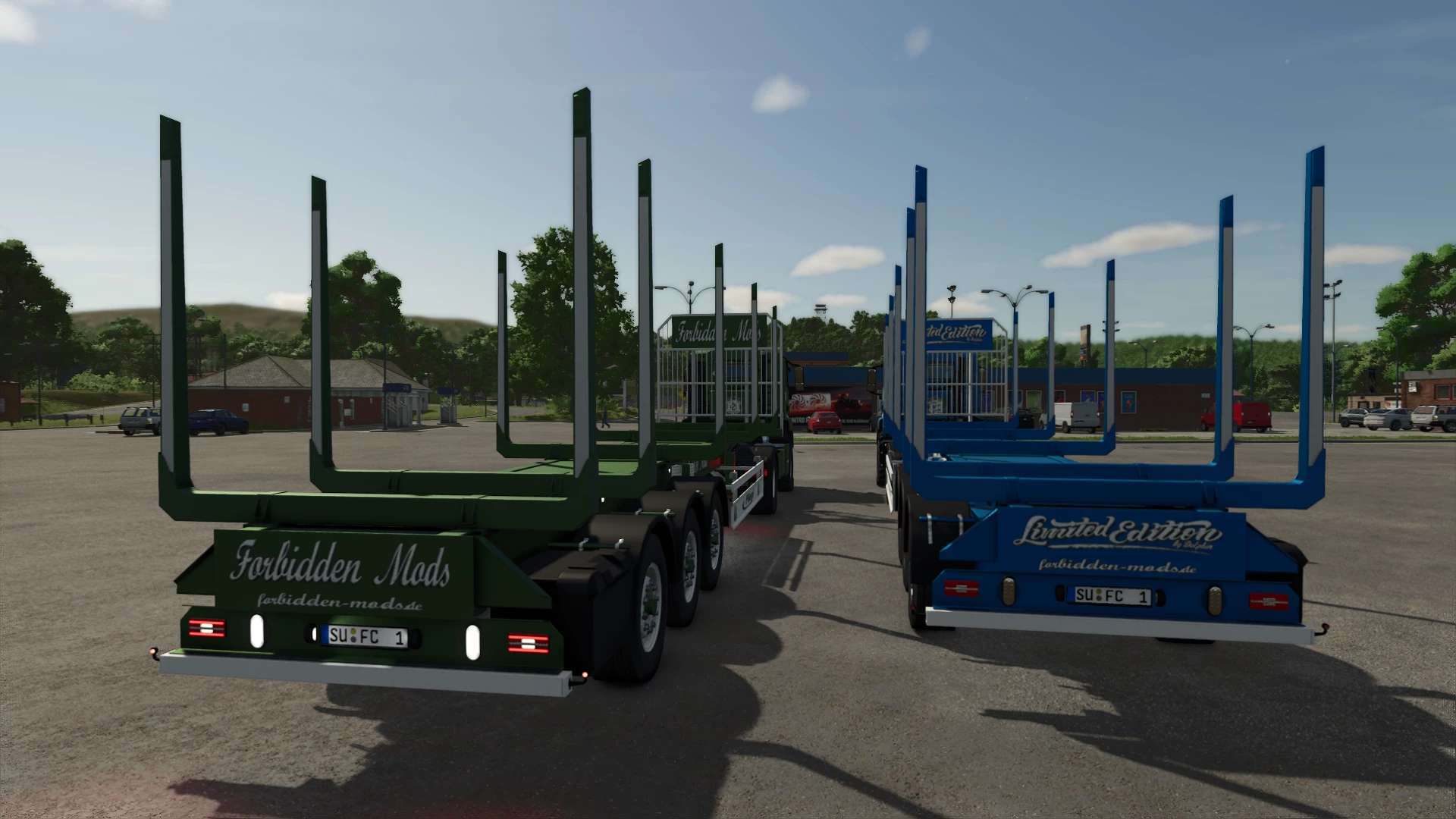
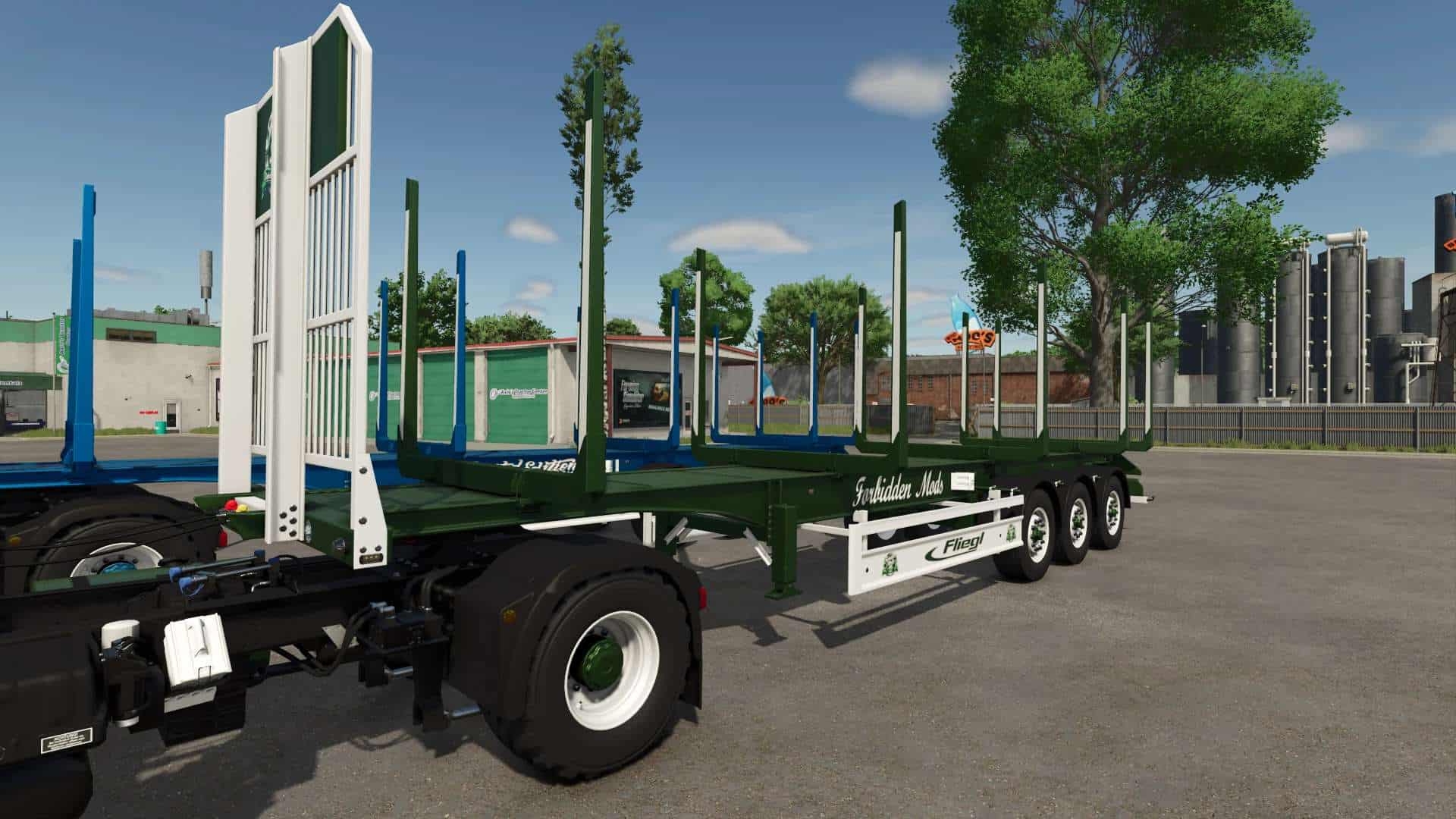
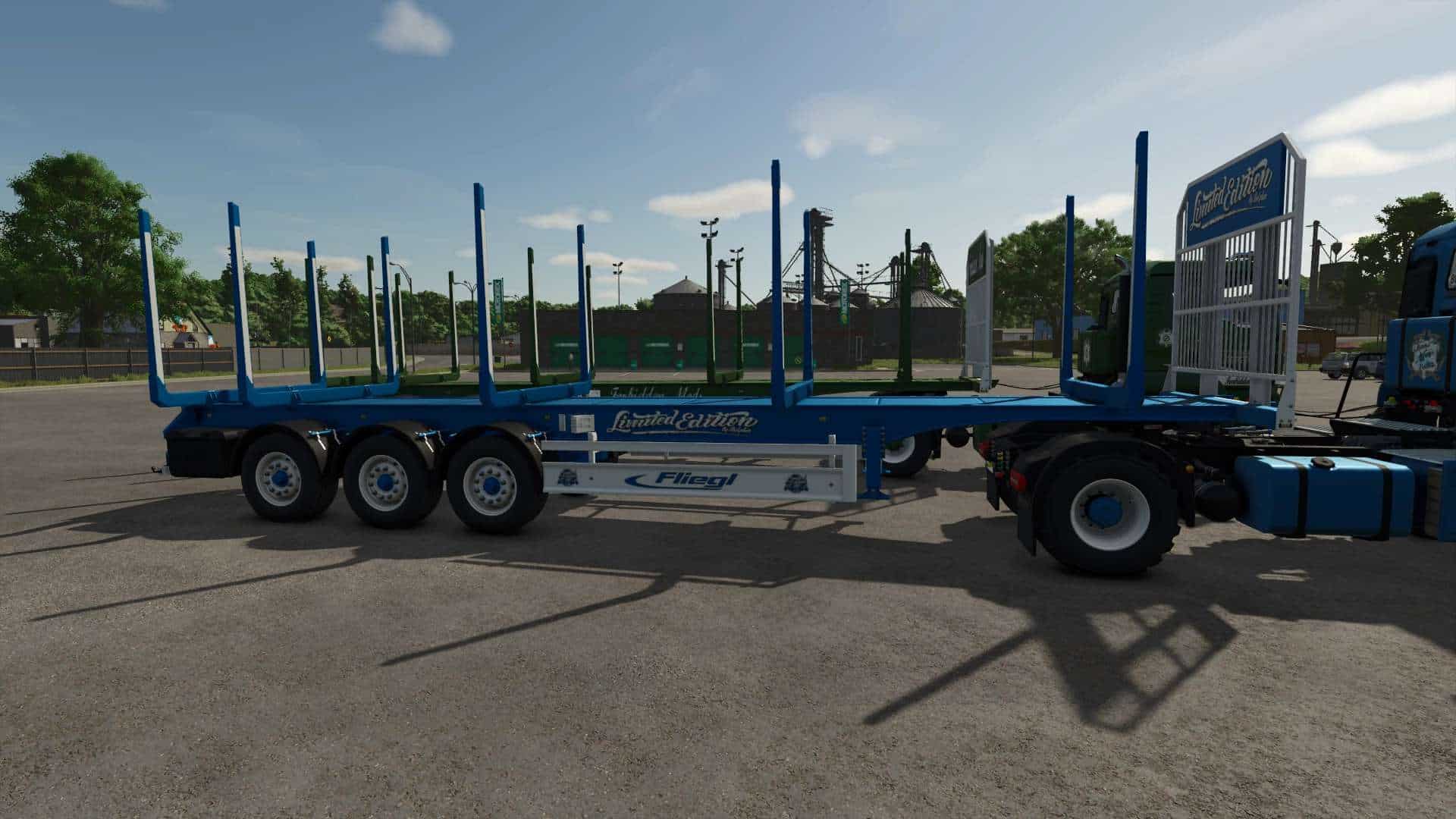
– Since I received permission from kenny456 today, I can now offer you the Timber Runner 12 Limited Edition.
– This is the Timber Runner from kenny456’s pack with autoload.
– Configurations are free.
– TestRunner public 0.9.18 checked
– Shop category: Timber Transport
– Price: 35000
– Lights replaced
– Side lettering selection
– Underride guard logo selection
– Grid wall lettering and logo selection
– Rear lettering selection
– Color selection for main color, design color, underride guard with grid wall, stakes, stake reflector, Fliegl decal, lettering color, and rim color
– Increased repair interval
Description from kenny456:
– Additional stakes that can be folded in and out when loading short logs onto 3 or 4 stacks (15- and 20-meter trailers).
– Tow hitch for trailers and bottom hitch on all trailers
– Autoload script edited (logs are now sorted into stacks)
– You can change the number of log stacks on your trailer from 1 to 4
– You can manually switch between stacks
– You can display the unloading area to see where the logs will be unloaded
– You can show the loading area to see the current stack
– The unloading area can be moved, resized, and rotated
– The number and total weight of the loaded logs are now displayed in the F1 menu
– All controls can be set in your input bindings
– You can enable/disable F1 help It is stored as a global file in the XML configuration file.
12m trailer: 1 stack up to 12m, 2 stacks up to 6m, or 3 stacks up to 4m
Default controls:
– KEY_X – Fold/unfold additional stakes (15m and 20m trailers)
– KEY_B – Start autoload
– KEY_Y – Start unloading
– KEY_O – Switch side (left/right)
– KEY_KP_enter – Change the number of stakes
– KEY_KP_period – Switch to the next stack
– KEY_lctrl KEY_KP_minus – Move unloading position
– KEY_lctrl KEY_KP_plus – Change the size of the unloading position
– KEY_KP_0 – Rotate the unloading position
– KEY_KP_multiply – Show/hide the loading position (current stack)
– KEY_KP_divide – Show/hide the unloading position
– KEY_lctrl KEY_t – Show/hide F1 help controls (in XML configuration file) (Saved)
Important Notes
– No alternative or direct links are permitted.
– Uploading or redistributing this mod on other websites or file-sharing services is prohibited.