FS25 Tax Mod V1.1.4.1
What’s New 1.1.4.1
– HUD edit mode now entered via dedicated key binding only (TM_HUD_DRAG, configurable in controls)
– RMB exits edit mode when active — never consumed during normal play
– Fixes TaxMod silently stealing all RMB events (was breaking CoursePlay, AutoDrive, NPCFavor, and other mods)
V1.1.4
– Tax HUD no longer responds to mouse events already consumed by other listeners — the handler now properly checks eventUsed before processing
– Other mods now receive the correct eventUsed flag when the Tax HUD consumes a right-click (edit mode toggle) or a drag/resize event
No save migration needed.
V1.1.3.1
– Corrected `nRows` count so the background panel fully contains all rendered rows including Recent Activity and the hint at the bottom
V1.1.3.0
– Taxes now work annually instead of per-transaction — more realistic farm business behaviour
– Tax accumulates throughout the year; the full bill is deducted each March
– In December you get an advisory notification showing your estimated tax bill, what % of your balance it is, and how much has accumulated — so you can plan your spending before year-end
– HUD now shows an estimated March payment row and a countdown to your next tax event
– New setting: Annual Tax Rate — choose Low (2%), Medium (5%), or High (10%)
– New console command: taxAnnualRate — accepts low/medium/high or a custom value (e.g. 0.08 for 8%)
– Bug fix: total taxes paid was being counted twice; now only the actual March deduction counts
v1.1.2.0 — HUD Persistence Fix
The Tax HUD position, scale, and visibility were not being saved when you saved your game — only when you manually exited edit mode (right-click). This meant the HUD would reset to its default position and become visible again on every reload.
What’s Fixed
– HUD position and scale now save on every game save and on mod unload
– HUD visibility (T-key toggle) now persists across reloads
No save migration needed — existing saves work as-is.
V1.1.0.0
This updates includes a complete rewrite of all code
– Changed from 1 single file to multiple files
– Settings have been rewritten to match correct FS25 behaviour
– Added a HUD overlay (same as Income Mod)
(Converted from FS22_TaxMod)
Adds realistic tax system to your farm.
Features:
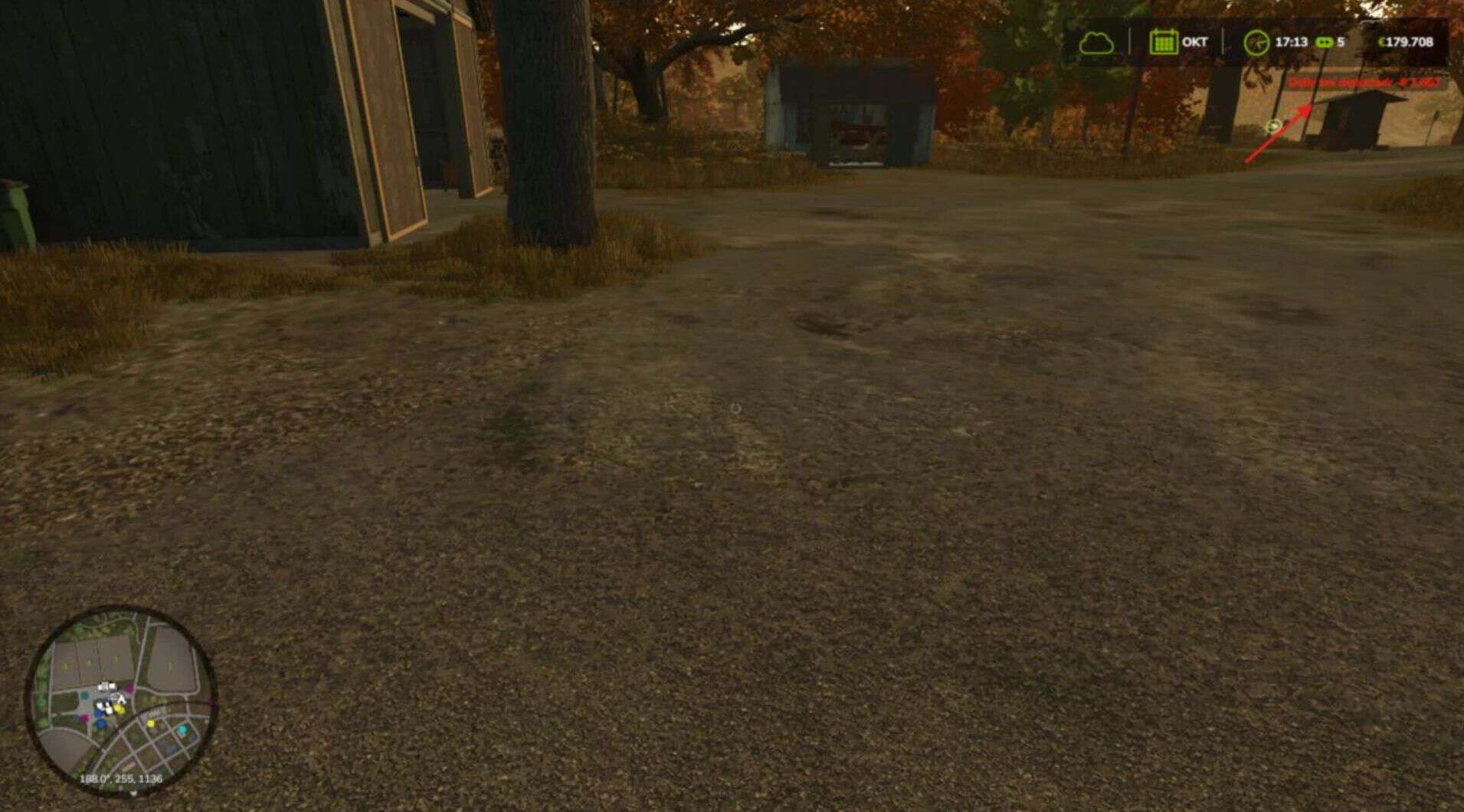
– Daily tax deductions based on farm balance
– Monthly tax returns (percentage of taxes paid)
– Three tax rate levels: Low (1%), Medium (2%), High (3%)
– Configurable minimum balance threshold
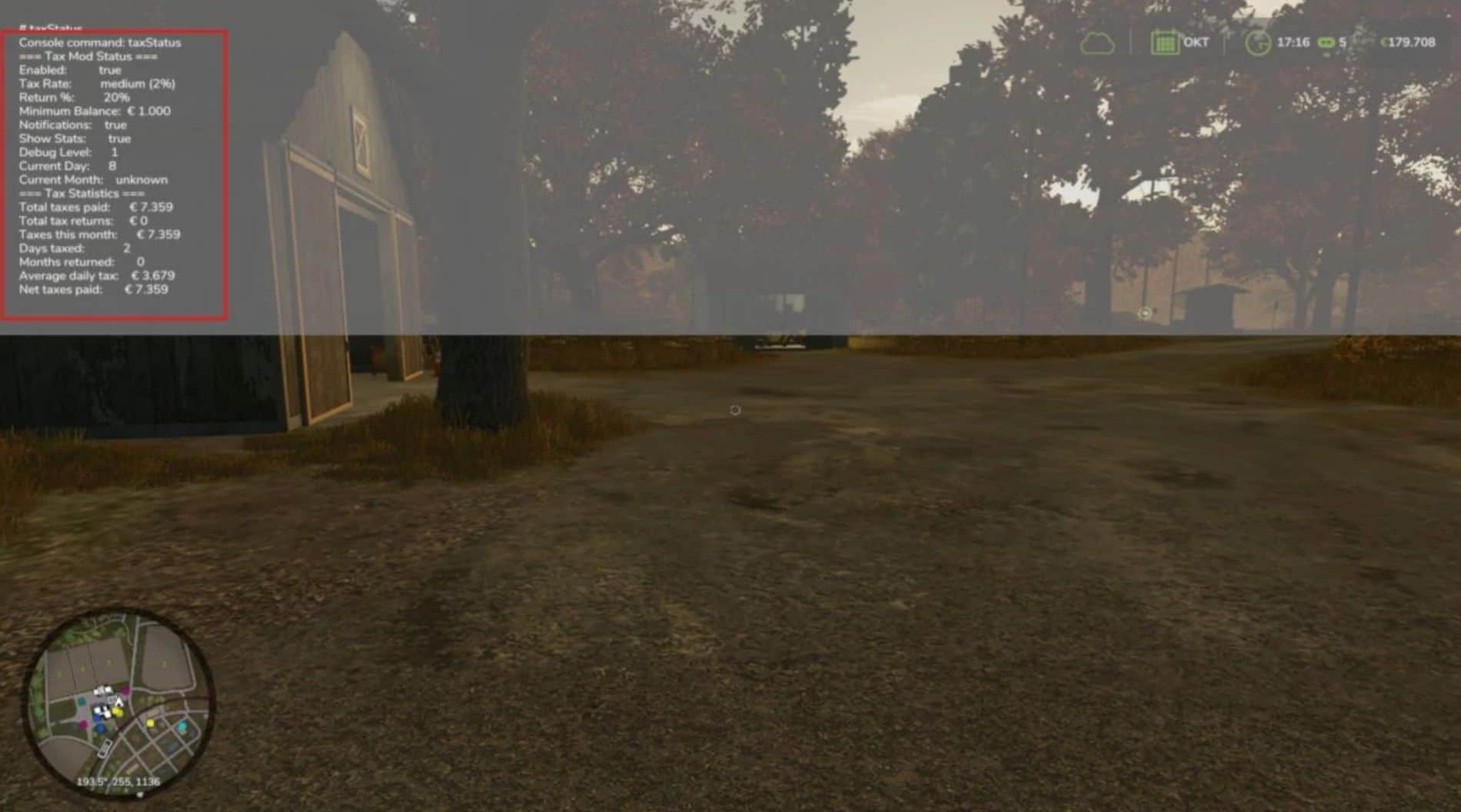
– Tax history and statistics tracking
– Professional in-game notifications
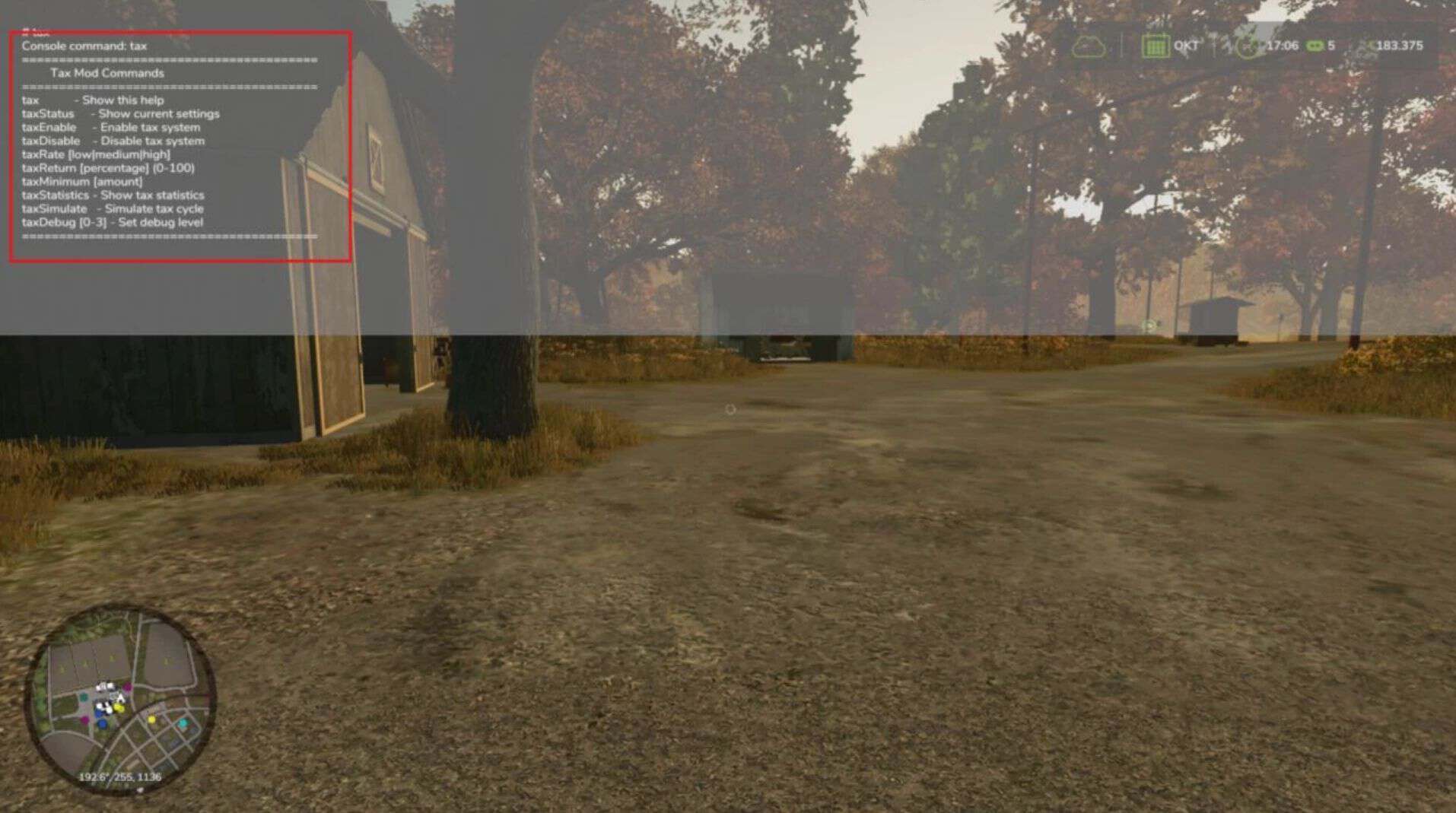
– Fully configurable via console commands
– Multiplayer compatible
– Settings saved per savegame
– Type ‘tax’ in console for commands
Please be aware:
– You need to have developer mode enabled in order for you to open the console.
– This can be done in your FS game folder, then look for the “game.xml”.
– Change to “true”