FS25Circular Menu Of Hand Tools v1.0.1.0
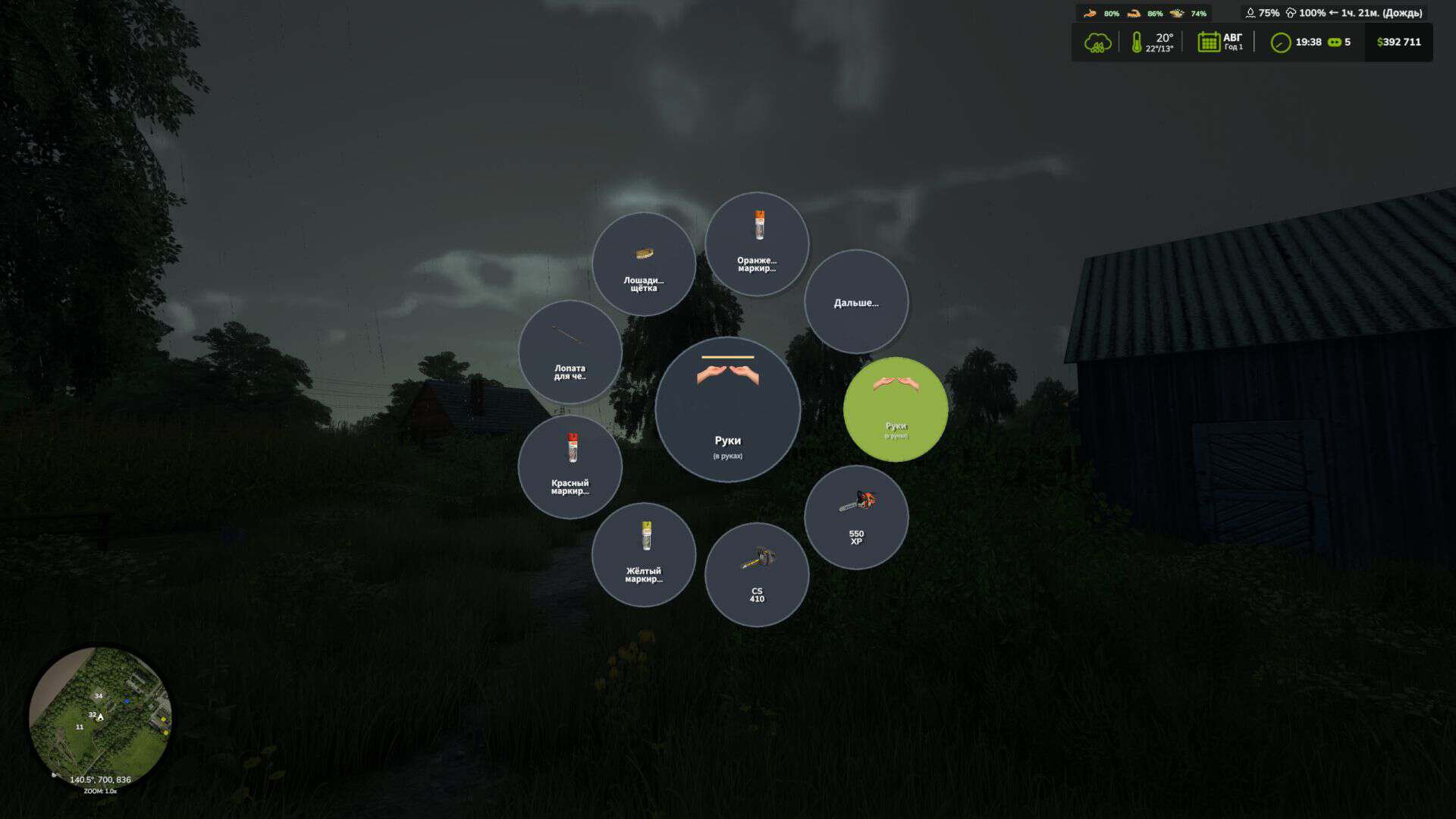
Convenient radial menu for quick selection of portable hand tools. You no longer need to switch tools one by one, going through your entire inventory. Open the radial menu, move the cursor over the desired item, click on it with LMB and immediately pick it up.
Management:
– H – open the radial menu of hand tools.
– Select the Hands slot to remove the tool.
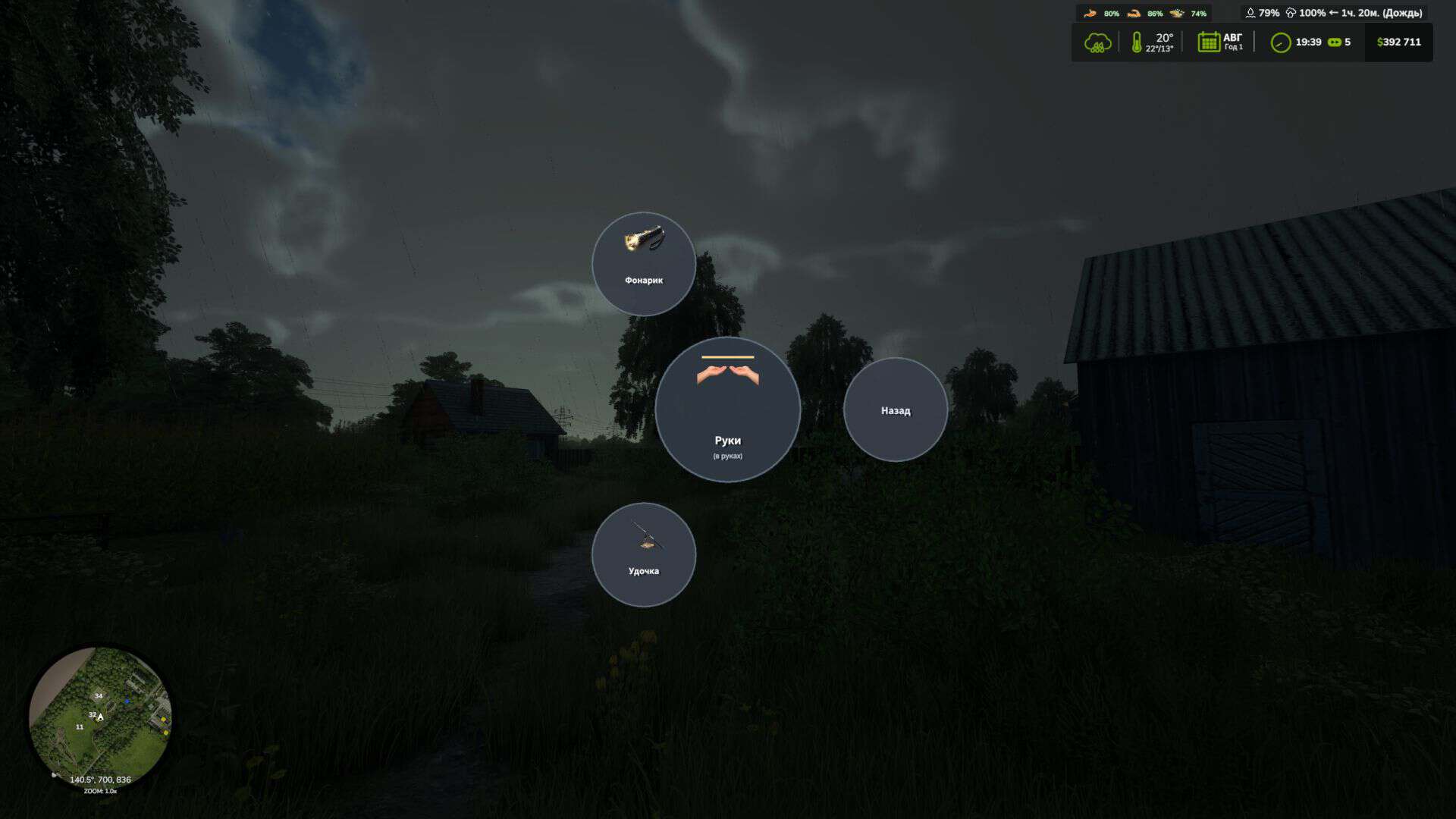
– If there are many tools, use the “Next…” and “Back” sectors to switch pages.
V1.0.1.0
– Fixed a bug when going to the second page by pressing the back button, the menu closed and did not return to the previous page.